How to install AIO liquid cooler?
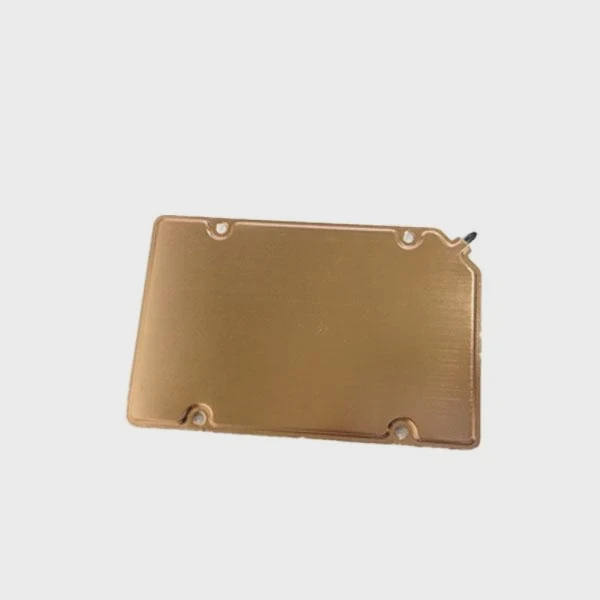
I know many builders feel stressed when they install an AIO for the first time because every screw and every cable seems important.
You can install an AIO liquid cooler by preparing the right tools, mounting the radiator, securing the CPU block, connecting the pump header, and setting fan direction for stable cooling.
I want to walk you through each step so the process feels clear and safe.
What tools are required for installation?
I see many new builders feel stuck because they do not know what tools they really need for a clean and safe AIO installation.
You need a Philips screwdriver, thermal paste if not pre-applied, mounting brackets, long screws for the radiator, and clean space to install an AIO without stress.
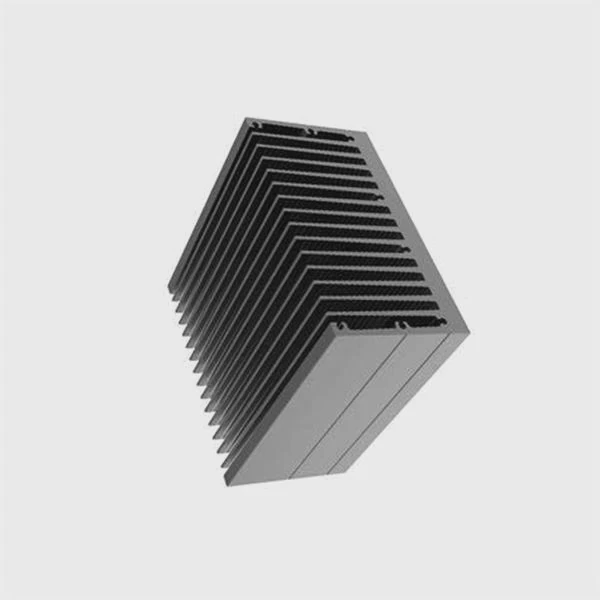
When I install an AIO, I always start by gathering tools in one place. This makes the process smooth. Most AIO units come with all brackets needed for Intel and AMD sockets. Some come with thermal paste pre-applied. If not, I apply a small drop in the center. The only real tool you must provide is a good Philips screwdriver.
Basic tools checklist
| Item | Purpose |
|---|---|
| Philips screwdriver | Mount radiator and block |
| Thermal paste | Help heat transfer |
| Mounting brackets | Match CPU socket |
| Long radiator screws | Fix the radiator |
| Clean cloth | Wipe dust |
| Flashlight | Help check alignment |
Why simple tools matter
AIO installation looks hard but becomes easy with basic tools. A good screwdriver prevents slipping. A clean cloth keeps dust off the radiator and block. Small mistakes usually come from rushing, not from missing special tools.
Step-by-step start
1. Prepare the case
I remove the side panels. I clean the radiator area. I check space for tubes so they do not bend too hard.
2. Check CPU socket brackets
Each AIO includes brackets for Intel and AMD. I look at the manual and pick the right set. Matching the wrong bracket causes bad pressure and bad cooling.
3. Protect the block surface
If the block has no pre-applied paste, I keep the surface clean. I never touch it with fingers.
Why a checklist helps new builders
I use a simple checklist because it lowers stress. It also keeps mistakes away. Many first-time builders forget screws or mix bracket types. AIO installation becomes easy once all parts sit in front of you neatly.
Why is pump header connection important?
I often see new builders plug the pump into the wrong header, and this causes noise, heat issues, or even shutdowns.
The pump header connection is important because the pump must run at full speed to move coolant through the loop, keep temperatures stable, and prevent overheating during long workloads.
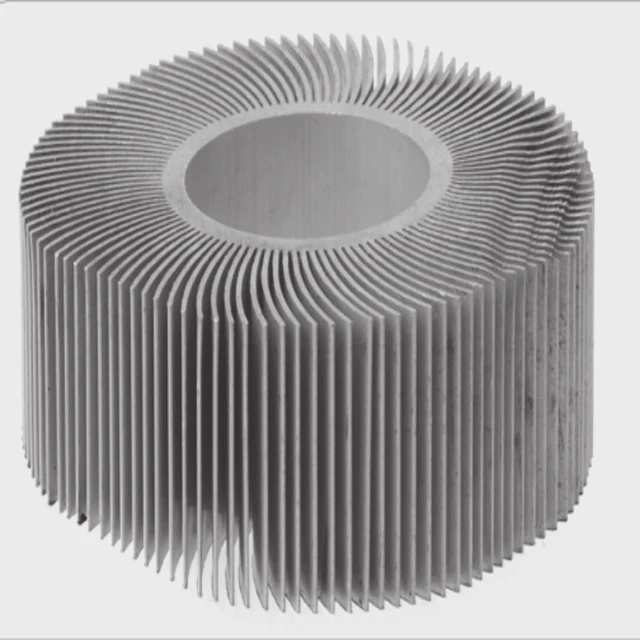
The pump is the heart of the AIO. It moves coolant from the block to the radiator and back. If the pump slows down, coolant stops flowing. Heat stays near the CPU. The temperature climbs fast. Many mainboards have a special header marked “PUMP” or “AIO_PUMP” for this reason.
Why the correct header matters
1. Full-speed operation
The pump must run at 100% speed. A CPU fan header may try to slow it down by PWM control. This hurts performance.
2. Stable coolant flow
Coolant must keep moving. A slow pump means heat stays trapped inside the block.
3. Lower risk of thermal spikes
If the pump stops or runs slow, CPU temperature jumps fast. Correct header avoids this.
4. Safer long-term use
Correct pump power reduces wear on the pump motor and keeps coolant flow steady.
Fan vs pump header differences table
| Header Type | Default Behavior | Best Use |
|---|---|---|
| CPU_FAN | PWM control | Fans only |
| CHA_FAN | Case fan control | Case fans |
| AIO_PUMP | Full speed always | Pump |
| W_PUMP | Full speed always | Custom pumps |
How I connect pumps in real builds
I always plug the pump into AIO_PUMP or W_PUMP. If the board misses these, I use CPU_OPT and then set that header to “Full Speed” in BIOS. This keeps the pump at full power.
What happens if you connect it wrong
The CPU cooler may look fine at first. Then under load, the CPU temperature spikes. I have seen systems throttle or shut down. After moving the pump cable, the problem disappears.
Where should radiator fans be oriented?
Fan direction often confuses new builders because the arrows on the frame look small and hard to see.
Radiator fans should be oriented so that they push or pull air through the radiator in a clean airflow path, with intake fans at the front or bottom and exhaust fans at the top or rear.
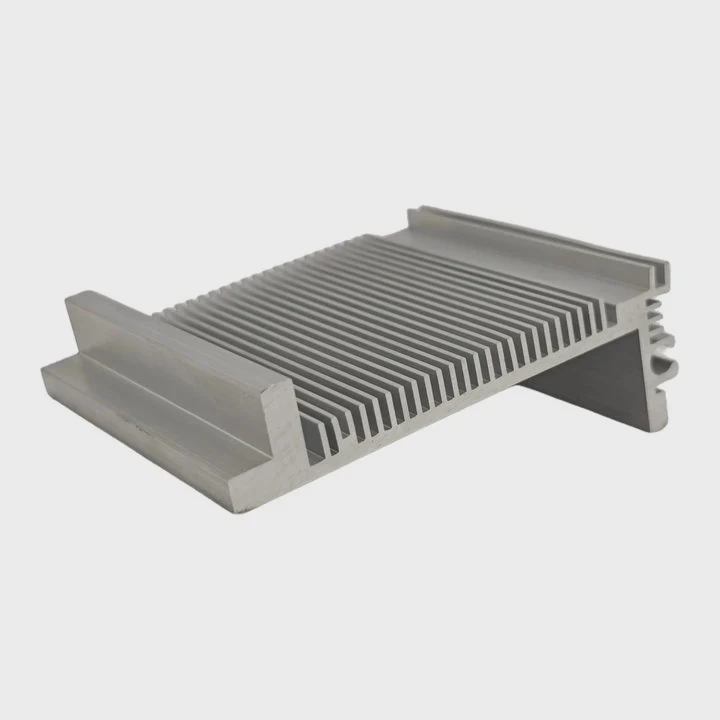
Fan direction changes how fast the radiator removes heat. Radiators work best with fresh cool air, but each case layout changes the correct choice. I look at the case airflow before mounting the fans.
How to read fan direction
Fans have two small arrows. One arrow shows airflow direction. The other shows blade rotation. Air always blows out from the open side where you see the fan frame supports.
Common radiator positions table
| Radiator Position | Best Fan Direction | Reason |
|---|---|---|
| Front mount | Intake | Cool air for best CPU temps |
| Top mount | Exhaust | Remove warm air rising inside case |
| Rear mount | Exhaust | Push heat out of case |
Why orientation matters
1. Better CPU temps with cool intake
A front-mounted radiator pulls fresh air from outside. This gives the lowest CPU temps.
2. Better system balance with top exhaust
A top radiator works best as exhaust because hot air rises. This keeps the whole system stable.
3. Avoid hot spots
Wrong fan direction causes warm air to sit inside the case. This hurts GPU and VRM temps.
How I choose fan direction in real builds
If the case has strong front intake, I mount the radiator on top as exhaust. If the case front is open and airflow is strong, I mount the radiator at the front as intake. Both setups work well when airflow stays balanced.
A simple airflow rule
Air in from front or bottom.
Air out from top or rear.
This rule keeps the system cool.
Can mounting pressure affect cooling results?
Many builders think once the block is mounted, the pressure does not matter, but pressure changes performance more than you may expect.
Mounting pressure affects cooling because uneven or weak pressure creates gaps in thermal paste, reduces contact with the CPU, and raises temperature under load.
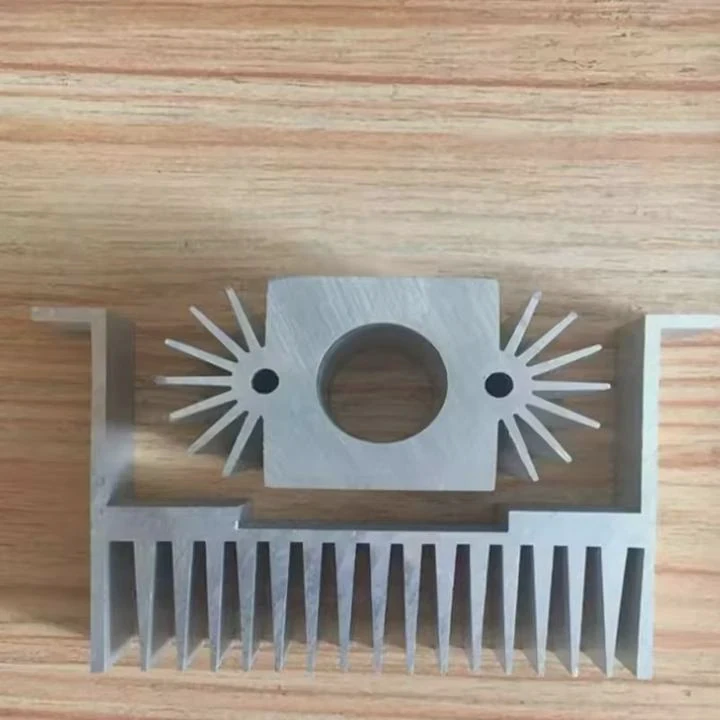
When I tighten the block, I always follow a cross pattern. This keeps pressure even across the CPU. If I tighten one side fully first, the block tilts. This creates air pockets in the thermal paste. These pockets act like insulation.
Why pressure matters
1. Better contact
Strong and even pressure presses the block flat against the CPU. More contact means better heat transfer.
2. Correct paste spread
Thermal paste spreads evenly only when pressure is balanced. Bad spread creates hot spots.
3. Stable long-term results
Weak screws can loosen from vibration or heat cycles. Good pressure stays stable.
4. Lower chance of pump noise
A block that tilts can make the pump vibrate or hum.
Signs of bad mounting pressure
| Symptom | Possible Cause |
|---|---|
| High idle temps | Block not seated evenly |
| Big temp spikes | Air gaps in paste |
| Uneven core temps | Uneven pressure |
| Strange pump sounds | Block tilt |
How I apply pressure correctly
1. Place the block gently
I lower the block straight down without sliding.
2. Start screws by hand
I turn each screw just a little, one by one.
3. Tighten in cross pattern
Top left → bottom right → top right → bottom left.
4. Do not overtighten
I tighten until I feel firm resistance. I never force it.
Why good pressure gives better results
I tested this many times. A properly mounted block gives 3–7°C lower load temperatures compared with a rushed or uneven mount. Temperature drops are clear, even without changing paste or fans.
Conclusion
AIO installation becomes simple once you gather tools, set the pump header correctly, choose fan direction carefully, and apply even pressure on the block. These steps help your cooler work at full power and keep your system stable.
TAGS
Latest Articles

Volume discount levels for heat sink orders?
Buyers often ask when heat sink prices start to drop with volume. Many worry they’re overpaying for small orders. This guide explains how B2B volume pricing works for thermal components. Heat sink
21 Dec,2025
Heat sink long-term supply contract options?
Many buyers want stable pricing and reliable delivery for heat sinks. But without a clear contract, risks grow over time. This article explores how to secure better long-term supply deals. Long-term
21 Dec,2025
Tooling cost for new heat sink profiles?
Many engineers struggle to understand why tooling for custom heat sinks costs so much. They worry about budgeting and production timelines. This article breaks down the cost drivers behind tooling.
21 Dec,2025
Heat sink custom sample process steps?
Sometimes, starting a custom heat sink project feels overwhelming—too many steps, too many unknowns, and too many risks. You want a sample, but not endless delays. The process for requesting and
20 Dec,2025
Standard B2B terms for heat sink payments?
When buyers and sellers in B2B heat sink markets talk about payment, many don’t fully understand what’s standard. This can lead to delayed orders, miscommunication, and even lost business
20 Dec,2025
Heat sink pricing factors for large orders?
Heat sinks are vital for many systems. When prices rise, projects stall and budgets break. This problem can hit teams hard without warning. Large order heat sink pricing depends on many factors. You
20 Dec,2025Related Articles
- Where to install liquid CPU cooler?
- Does liquid cooler need water?
- Which Is Better Air Cooled or Liquid?
- How to Set Up Liquid Cooler?
- what is a liquid cooled engine?
- which is better air cooled or liquid cooled generators?
- what is better air cooled or liquid cooled?
- How to mount liquid cooler?
- Heat Sink Manufacturer in Seychelles
- Heat Sink Manufacturer in Slovakia
- Heat Sink Manufacturer in Slovenia
- Heat Sink Manufacturer in Solomon Islands
Author
Dr. Emily Chen
Chief AI Researcher
Leading expert in thermal dynamics and AI optimization with over 15 years of experience in data center efficiency research.
Categories
Latest Products






Recommend Categories
- Liquid cooling plate Manufacturer
- Industrial Heat Sink Manufacturer
- Standard Heat Sink Manufacturer
- Aluminum Heat Sink Manufacturer
- Copper Heat Sink Manufacturer
- Anodized Heatsink Manufacturer
- Stamping heat sink Manufacturer
- Die Casting Heatsink Manufacturer
- Soldering heat sink Manufacturer
- CNC Parts Manufacturer
Latest Products
- Wholesale Aluminum Radiator
- Water Cooling Plate Kit
- Water Cooling Heat Sink
- Water Cooling Heat Sink Kit
- Stainless Steel Water Distributor
- Server Water Cooling Plate Kit
- Server Liquid Cooling System
- Server Aluminum Cooling Kit
- S19 Full Cover Cooling Plate
- S19 Cooling Plate Kit
- S19 Aluminum Cooling Plate
Contact Expert
Have questions about this article? Reach out to our experts directly.