Where to install liquid CPU cooler?
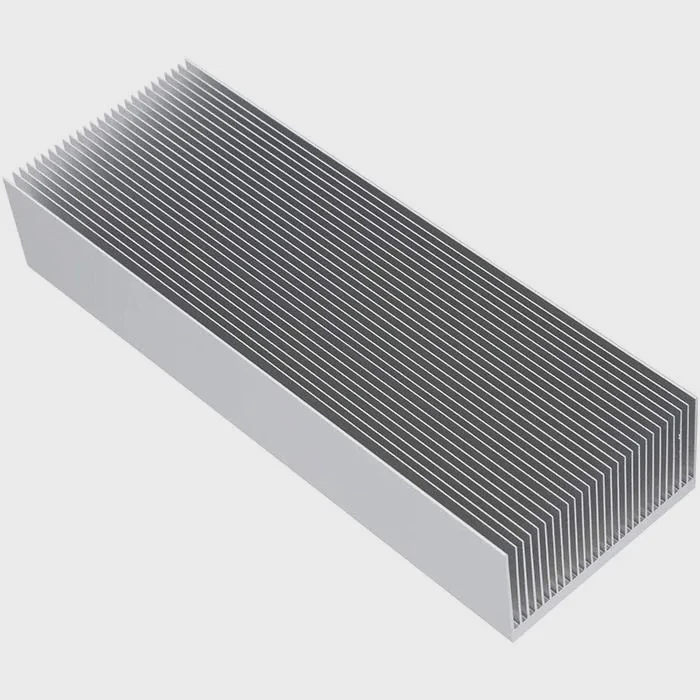
Many people feel unsure when they try to choose the best place for a liquid CPU cooler. I remember the same feeling when I built my first system and worried that wrong placement might hurt the temperatures.
The best place to install a liquid CPU cooler depends on airflow direction, radiator size, and case layout. Most setups work best with the radiator at the top or front, as long as the pump stays lower than the highest point of the loop.
I want to explain each part in simple steps so beginners can avoid mistakes and feel more confident.
How does airflow affect radiator placement?
Many users think placement is only about space. But the true key is airflow. I learned this after testing many builds and seeing how airflow changes temperature by a large amount.
Airflow affects radiator placement because the radiator must sit where fresh air or strong case airflow can move through it. Better airflow means lower coolant temperature and better CPU performance.
What airflow means in a PC case
Airflow is the movement of air from intake fans to exhaust fans. This movement clears warm air from the parts. When the airflow is strong, heat leaves the case faster.
Key airflow paths
- Front → Back
- Bottom → Top
- Front → Top
These paths shape how cool or warm your radiator becomes.
Why airflow matters for radiators
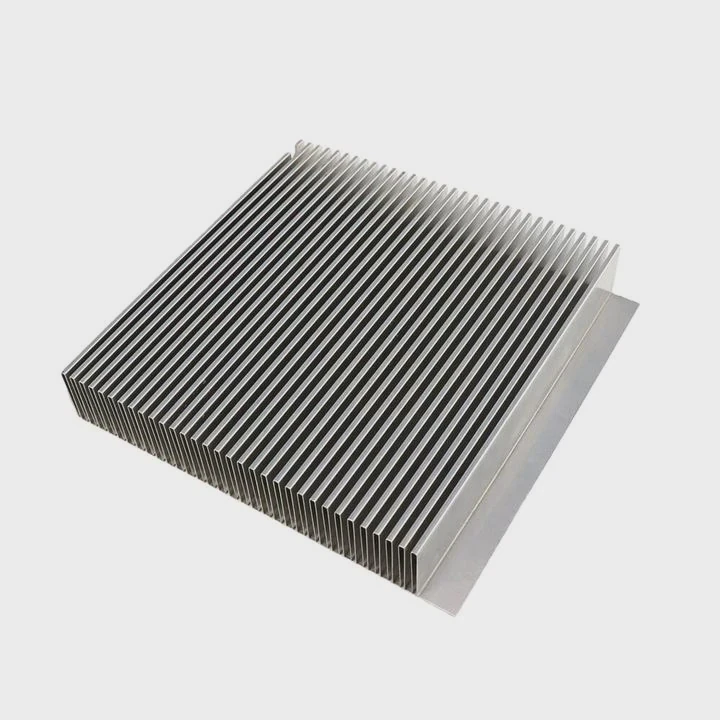
Radiators remove heat by passing air through thin metal fins. If the air is warm, the radiator cannot cool the coolant well. If the air is fresh and cool, the radiator can drop the coolant temperature more. This change affects the CPU temperature directly.
Ideal airflow directions for radiators
| Radiator Position | Best Airflow Path | Result |
|---|---|---|
| Top | Bottom → Top | Warm air rises and leaves fast |
| Front | Front → Back | Fresh intake air boosts cooling |
| Side | Depends on case | Mixed results |
How poor airflow harms cooling
When airflow slows down, warm air stays around the radiator. This makes coolant temperature rise. When coolant gets hot, the CPU temperature also rises. I saw this in one build where the front fans could not pull enough fresh air. The CPU ran 10°C warmer until I fixed the fan layout.
My simple takeaway
Airflow decides how much heat the radiator can remove. Good airflow means strong cooling. Poor airflow cancels the power of a liquid cooler. This is why airflow planning is more important than brand or size in many cases.
Why mount the radiator at the top or front?
Many people wonder why most guides recommend the top or front. I used to wonder the same. But after years of building, I learned why these two places work best.
People mount the radiator at the top or front because these locations give the best airflow, stable temperatures, and safe pump position. These spots also reduce the chance of trapped air reaching the pump.
Why top mounting works well
Top mounting takes advantage of natural heat movement. Warm air rises. When you mount the radiator at the top, the airflow path moves warm air out fast.
Benefits of top mounting
- Heat leaves the case quickly
- Pump stays lower than the radiator
- Good airflow path
- Quiet operation because fans spin at lower speeds
Top mounting feels stable for long-running systems because warm air does not gather inside the case.
Why front mounting works well
Front mounting gives the radiator the coolest possible air. This is because front fans pull fresh air directly from outside the room.
Benefits of front mounting
- Best cooling performance
- Fresh air flows straight through the radiator
- Good for high-power CPUs
- Works even in small cases
Front mounting often gives the lowest temperatures, especially for hot processors.
Comparing top vs front
I want to show a simple table to make the idea clear:
| Factor | Top Mount | Front Mount |
|---|---|---|
| Air temperature | Warm air | Fresh air |
| CPU temps | Good | Best |
| Pump safety | Very safe | Safe if pump is lower |
| Dust | Low | Higher |
| Noise | Lower | Medium |
Why people avoid bottom mounting
Bottom mounting can work, but in many setups, the pump ends up being higher than the radiator. This increases the chance that air bubbles reach the pump. When this happens, the pump can make noise or lose cooling power.
My own experience
I often choose top mounting for quiet builds and front mounting for high-performance builds. Both work very well when airflow is strong and the pump sits in a safe position.
Can wrong placement trap air inside the loop?
This is one of the most important questions. Air inside a liquid cooler is normal. Every cooler has a small air pocket. But where that air sits inside the system matters a lot.
Wrong radiator placement can trap air inside the loop and send it toward the pump. When air reaches the pump, the cooling becomes weak, noisy, and unstable.
Why trapped air is dangerous for pumps
Air does not move heat well. When air enters the pump, it reduces coolant contact with the pump chamber. This makes the pump spin harder and run less smoothly.
What happens when air reaches the pump
- Gurgling noise
- Pump vibration
- Reduced coolant flow
- Higher CPU temperature
- Long-term pump wear
I once tested a system where trapped air reached the pump after 20 minutes of gaming. The CPU temperature jumped by 12°C. When I changed the radiator position, the temperature returned to normal.
How placement controls air movement
Air always rises to the highest point in the loop. If the radiator is higher than the pump, the air stays inside the radiator. This is safe. But if the pump is higher, air can slide down toward it.
Safe vs unsafe positions
| Radiator Position | Pump Higher? | Air Risk | Notes |
|---|---|---|---|
| Top | No | Very low | Best for air control |
| Front (radiator above pump) | Yes | High | Must avoid this |
| Front (radiator below pump) | No | Low | Safe configuration |
| Side | Maybe | Medium | Depends on case layout |
| Bottom | Often yes | High | Not recommended |
How to prevent trapped air issues
1. Keep the pump lower than the highest point
This is the single biggest rule.
2. Avoid placing tubes at the top of a front-mounted radiator
This can move air toward the pump during normal use.
3. Check for noise after installation
If you hear bubbling, air might be inside the pump.
4. Tilt the case gently during early use
This helps move air into the radiator where it belongs.
My simple rule
Radiator high, pump low. When I follow this rule, I get stable cooling with no noise and no temperature spikes.
Is side-mounting ideal for all PC cases?
Many modern cases include a side bracket. This makes many people think side-mounting is always good. But side-mounting depends on case airflow, radiator size, and tube direction.
Side-mounting is not ideal for all PC cases because airflow patterns vary. Some cases push fresh air across the side panel well, while others leave the side area warm and stagnant. Tube orientation also affects pump safety.
Why side-mounting is popular
Side-mounting looks clean. It saves space. It often offers more room for large radiators. Some high-end cases use side brackets to create strong vertical airflow.
When side-mounting works well
1. When the case has strong side intake
If the case uses fast intake fans or a full mesh panel, the radiator gets fresh air.
2. When the GPU sits low
This prevents GPU heat from blowing into the side radiator.
3. When the pump sits lower than the side radiator
This keeps air away from the pump.
When side-mounting does not work well
1. Weak side airflow
Some cases have a side mount but little airflow. The radiator gets warm air and loses cooling power.
2. Radiators placed higher than the pump
Air slides toward the pump, causing noise and wear.
3. Hot GPUs
Large GPUs can push heat straight into a side radiator. This reduces cooling performance by a large amount.
Table: When side-mounting is a good idea
| Case Condition | Side-Mount Result |
|---|---|
| Strong intake | Good |
| Weak intake | Poor |
| Mesh panel | Good |
| Solid panel | Poor |
| Pump lower than rad | Safe |
| Pump higher than rad | Not safe |
Real example from my work
I tested a side-mounted cooler inside a case with a weak side vent. The GPU sat close to the radiator. During gaming, GPU heat pushed into the radiator and raised CPU temperature by 8°C. When I switched to a top mount, the temperature dropped again. This showed me that side-mounting depends heavily on case design.
My simple advice
Side-mounting can be great, but only when airflow is strong. It is not universal. I always check the case airflow diagram before choosing this setup.
Conclusion
Liquid CPU cooler placement shapes cooling strength, pump safety, and system noise. Good airflow improves radiator performance. Top and front mounting work best for most systems. Wrong placement can trap air and stress the pump. Side-mounting can be strong but depends on airflow and tube direction. Planning ahead gives smoother, safer cooling in any build.
TAGS
Latest Articles

Volume discount levels for heat sink orders?
Buyers often ask when heat sink prices start to drop with volume. Many worry they’re overpaying for small orders. This guide explains how B2B volume pricing works for thermal components. Heat sink
21 Dec,2025
Heat sink long-term supply contract options?
Many buyers want stable pricing and reliable delivery for heat sinks. But without a clear contract, risks grow over time. This article explores how to secure better long-term supply deals. Long-term
21 Dec,2025
Tooling cost for new heat sink profiles?
Many engineers struggle to understand why tooling for custom heat sinks costs so much. They worry about budgeting and production timelines. This article breaks down the cost drivers behind tooling.
21 Dec,2025
Heat sink custom sample process steps?
Sometimes, starting a custom heat sink project feels overwhelming—too many steps, too many unknowns, and too many risks. You want a sample, but not endless delays. The process for requesting and
20 Dec,2025
Standard B2B terms for heat sink payments?
When buyers and sellers in B2B heat sink markets talk about payment, many don’t fully understand what’s standard. This can lead to delayed orders, miscommunication, and even lost business
20 Dec,2025
Heat sink pricing factors for large orders?
Heat sinks are vital for many systems. When prices rise, projects stall and budgets break. This problem can hit teams hard without warning. Large order heat sink pricing depends on many factors. You
20 Dec,2025Related Articles
- Does liquid cooler need water?
- Which Is Better Air Cooled or Liquid?
- How to Set Up Liquid Cooler?
- what is a liquid cooled engine?
- which is better air cooled or liquid cooled generators?
- How does CPU liquid cooler work?
- How to install AIO liquid cooler?
- what is better air cooled or liquid cooled?
- How to mount liquid cooler?
- Heat Sink Manufacturer in Seychelles
- Heat Sink Manufacturer in Slovakia
- Heat Sink Manufacturer in Slovenia
Author
Dr. Emily Chen
Chief AI Researcher
Leading expert in thermal dynamics and AI optimization with over 15 years of experience in data center efficiency research.
Categories
Latest Products






Recommend Categories
- Liquid cooling plate Manufacturer
- Industrial Heat Sink Manufacturer
- Standard Heat Sink Manufacturer
- Aluminum Heat Sink Manufacturer
- Copper Heat Sink Manufacturer
- Anodized Heatsink Manufacturer
- Stamping heat sink Manufacturer
- Die Casting Heatsink Manufacturer
- Soldering heat sink Manufacturer
- CNC Parts Manufacturer
Latest Products
- Wholesale Aluminum Radiator
- Water Cooling Plate Kit
- Water Cooling Heat Sink
- Water Cooling Heat Sink Kit
- Stainless Steel Water Distributor
- Server Water Cooling Plate Kit
- Server Liquid Cooling System
- Server Aluminum Cooling Kit
- S19 Full Cover Cooling Plate
- S19 Cooling Plate Kit
- S19 Aluminum Cooling Plate
Contact Expert
Have questions about this article? Reach out to our experts directly.