how to install an amd 3700x heatsink?
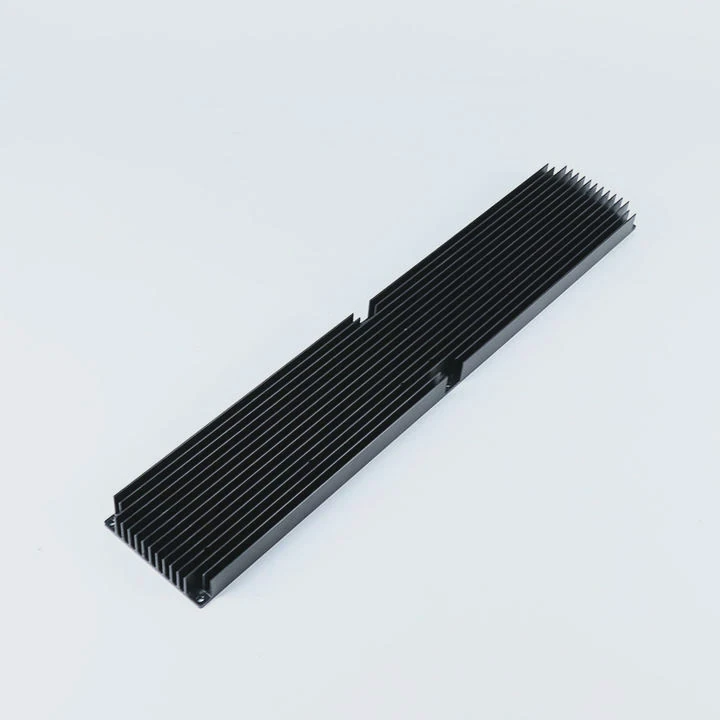
Many people feel nervous when installing a heatsink on an AMD Ryzen 7 3700X. The CPU is powerful, and proper mounting makes a big difference in cooling.
To install a 3700X heatsink, align the mounting brackets, apply thermal paste, place the cooler carefully, tighten the screws in a cross pattern, and ensure the fan faces the right airflow direction. Correct alignment gives even pressure and stable cooling.
Some users rush the installation and later see rising temperatures. Small errors make a big impact. This guide explains each step clearly and simply.
Why align brackets correctly?
The AMD AM4 mounting system uses fixed brackets and latch points. If the brackets or tabs are not aligned, the cooler cannot sit flat on the CPU heat spreader.
Correct bracket alignment ensures the heatsink sits level on the CPU surface, giving full contact and even pressure. Misalignment raises temperatures and increases thermal resistance.
Why the bracket shape matters
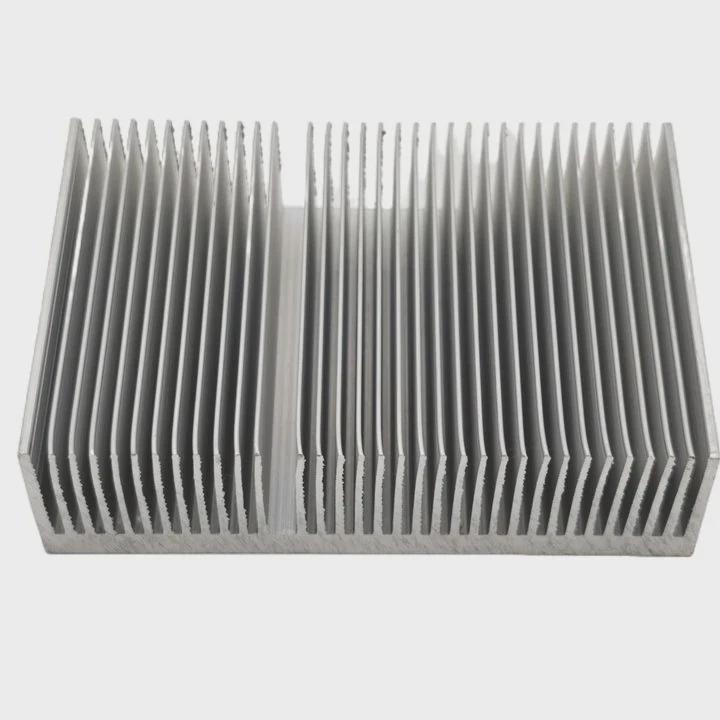
The AM4 socket uses two plastic brackets on the motherboard. Many coolers use a clip-style latch that hooks onto these brackets. If the cooler is tilted, the contact between the base and the CPU becomes uneven. Even a small tilt creates air gaps.
Heatsink base must meet the CPU evenly
The 3700X has a flat heat spreader. The cooler base must match its full surface. When the bracket sits off-center or the latch attaches on only one side first, the base does not land flat. This creates hot spots and leads to thermal throttling.
Common mistakes during alignment
Some users press too hard on one side. Others slide the cooler while trying to hook the latch. Sliding smears the thermal paste and leaves thin areas. Any tilt reduces cooling.
### What proper alignment looks like
- Brackets sit straight on both sides
- Clip connects evenly to both hooks
- Cooler base touches the CPU with no visible gaps
- Pressure spreads across the entire heat spreader
Table: Alignment results
| Alignment condition | Contact quality | Expected cooling |
|---|---|---|
| Perfect alignment | Full contact | Best cooling |
| Slight tilt | Partial contact | Medium cooling |
| Major misalignment | Poor contact | Overheating risk |
Correct alignment is the foundation of a stable cooler installation.
Which screws tighten the cooler?
Many AMD coolers use a screw-based mounting system rather than clips. These screws must tighten in the correct order to keep pressure even. The screw type depends on the cooler model.
The correct screws are the spring-loaded mounting screws included with the cooler. Tighten them in a cross pattern so the cooler applies even pressure across the CPU.
Spring screws prevent uneven pressure
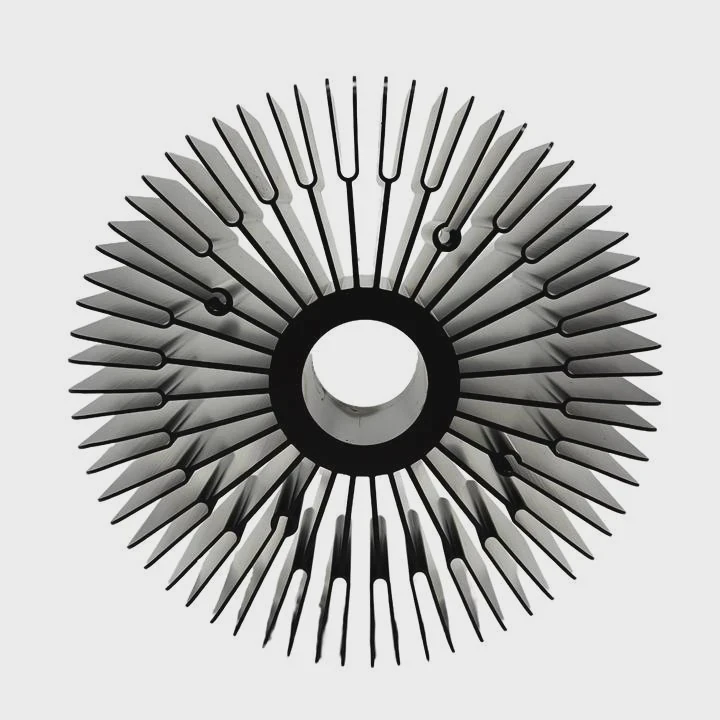
Most tower coolers and many low-profile coolers use spring-loaded screws. The springs allow the screws to compress evenly. This prevents the user from overtightening one corner and bending the cooler base.
Why the cross pattern matters
Tightening screws in a straight line lifts one side while pressing the other. It creates uneven thermal paste spread. A cross pattern lowers each corner slowly and evenly. This helps the paste settle in a balanced layer.
Clip-on vs screw-on mounts
Some stock coolers use a clip latch, while others use screws. Screw mounts are safer for beginners because they guide pressure more evenly. Clip systems work well but need careful hand control.
### How to tighten screws correctly
- Place the cooler on the CPU
- Turn each screw two or three turns
- Move to the opposite screw
- Repeat until all screws stop turning gently
Table: Screw types and their purpose
| Screw type | Used on | Purpose |
|---|---|---|
| Spring-loaded screws | Tower and premium coolers | Even pressure and safe torque |
| Short fixed screws | Some low-profile coolers | Firm hold with compact mount |
| Backplate screws | AM4 motherboards | Base support for mounting kits |
The right screws and the right tightening pattern ensure safe installation and stable pressure.
Can paste spread unevenly?
Thermal paste fills tiny gaps between the CPU and the cooler. But the paste must spread in a thin, even layer. Poor application causes high temperatures.
Thermal paste can spread unevenly if too much paste is used, if the cooler slides during mounting, or if pressure lands unevenly. A small pea-sized dot gives the best spread for a 3700X.
Why uneven paste harms cooling
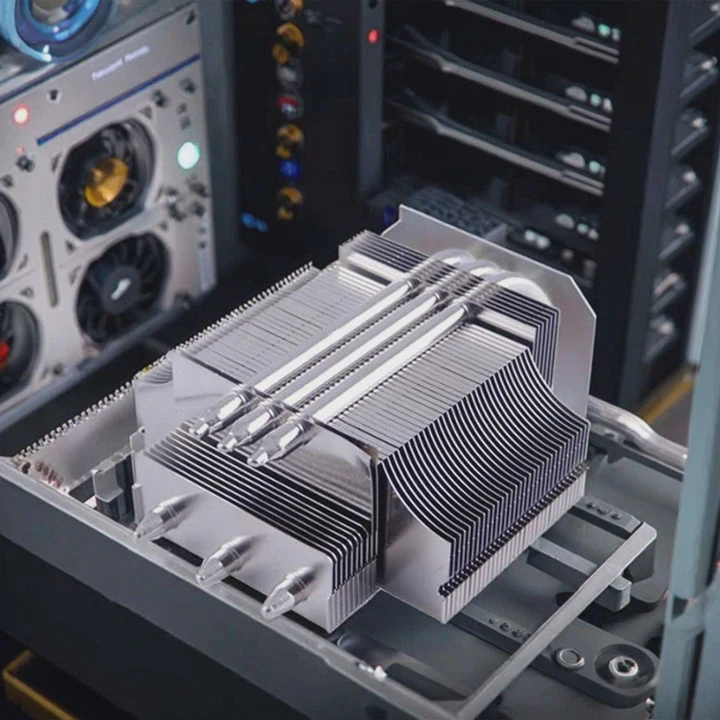
Paste only fills gaps. It does not cool on its own. Too much paste creates a thick barrier that slows heat transfer. Too little paste leaves dry areas. Uneven paste makes some spots run hot, and the CPU has to throttle.
Sliding the cooler ruins the spread
A common mistake is pushing or twisting the cooler after placing it on the CPU. This motion smears the paste into streaks. Air pockets appear. The cooler must drop straight down with no sideways moves.
Signs of uneven paste after installation
You may see higher idle temperatures, sudden temperature jumps, or faster thermal throttling in tools like stress tests. These are common signs the paste did not spread well.
### How to apply paste correctly
- Clean the CPU and cooler base
- Apply a single pea-sized dot in the center
- Do not spread it by hand
- Lower the cooler straight down
- Tighten screws in a cross pattern
### Common paste problems
- Using too much paste
- Using dry or expired paste
- Touching paste with fingers
- Removing cooler after applying paste
Table: Paste amount guide
| Amount | Result | Cooling quality |
|---|---|---|
| Very thin | Bare spots | Poor |
| Pea-sized | Even pressure spread | Best |
| Too much | Thick layer | Medium–poor |
Proper paste ensures direct heat transfer between the cooler and the AMD 3700X heat spreader.
Should fan face exhaust direction?
A cooler fan needs to move air in the right direction. If it faces the wrong way, hot air stays inside the case, and the CPU runs hotter.
The fan should face the case exhaust direction so it pushes cool air through the heatsink and toward the rear or top of the case. Proper airflow removes heat faster.
How airflow works inside a case
A typical case pulls cool air from the front and pushes hot air out the back or top. The CPU cooler should follow this same flow. The fan should push air toward the closest exhaust path.
What happens if the fan faces backward?
If the cooler blows air forward or upward into the wrong zone, heat loops around and stays near the CPU. The motherboard warms up. VRMs heat up. Even the RAM temperature rises. The whole system runs hotter.
Tower coolers and airflow direction
Tower coolers usually blow air horizontally toward the rear exhaust. The fan mounts on the side facing the RAM and pushes air through the fins. If mounted backward, the whole airflow cycle breaks.
### How to identify fan direction
- Airflow arrow printed on fan frame
- Brand label side often blows air out
- Open side of fan pulls air in
### When top exhaust works better
Some cases have a strong top exhaust fan. In this setup, pointing the cooler upward helps. But this works only if the case has open vents and strong airflow.
Table: Fan direction impact
| Fan orientation | Airflow effect | CPU temperature |
|---|---|---|
| Toward rear exhaust | Best airflow | Lowest |
| Toward top exhaust | Good airflow | Low–medium |
| Toward front intake | Reverse airflow | Higher |
| Downward or upward in closed case | Trapped heat | Highest |
Correct fan direction makes a big difference in cooling performance.
Conclusion
Installing a heatsink on an AMD Ryzen 7 3700X requires careful alignment, proper screws, correct paste application, and good airflow direction. When each step is done right, the CPU stays cool, stable, and ready for heavy workloads.
TAGS
Latest Articles

Volume discount levels for heat sink orders?
Buyers often ask when heat sink prices start to drop with volume. Many worry they’re overpaying for small orders. This guide explains how B2B volume pricing works for thermal components. Heat sink
21 Dec,2025
Heat sink long-term supply contract options?
Many buyers want stable pricing and reliable delivery for heat sinks. But without a clear contract, risks grow over time. This article explores how to secure better long-term supply deals. Long-term
21 Dec,2025
Tooling cost for new heat sink profiles?
Many engineers struggle to understand why tooling for custom heat sinks costs so much. They worry about budgeting and production timelines. This article breaks down the cost drivers behind tooling.
21 Dec,2025
Heat sink custom sample process steps?
Sometimes, starting a custom heat sink project feels overwhelming—too many steps, too many unknowns, and too many risks. You want a sample, but not endless delays. The process for requesting and
20 Dec,2025
Standard B2B terms for heat sink payments?
When buyers and sellers in B2B heat sink markets talk about payment, many don’t fully understand what’s standard. This can lead to delayed orders, miscommunication, and even lost business
20 Dec,2025
Heat sink pricing factors for large orders?
Heat sinks are vital for many systems. When prices rise, projects stall and budgets break. This problem can hit teams hard without warning. Large order heat sink pricing depends on many factors. You
20 Dec,2025Related Articles
- how to install raspberry pi 4 heatsink?
- can a cpu run without a heatsink?
- do you need a heatsink for m 2?
- does the ssd need a heatsink?
- what heatsinks fit evga z390 dark?
- how to install chipset heatsink?
- where to get legendary sandevistan heatsink?
- how to fire heatsinks in elite dangerous?
- what should heatsinks be made of?
- do you need a heatsink for m.2 ssd for pc?
- how to make a water cooling heatsink?
- how to stick heatsink to chip?
Author
Dr. Emily Chen
Chief AI Researcher
Leading expert in thermal dynamics and AI optimization with over 15 years of experience in data center efficiency research.
Categories
Latest Products

M.2 Heatpipe Heatsink With Dual Fans For Pc Case
19 Mar,2026

Heavy-Duty Aluminum Heat Sink Custom
19 Mar,2026

Oem Skived Fin Heatsink Aluminum Radiator For Plants
19 Mar,2026

Water Cooled Cnc Aluminum Heat Sink For Medical
19 Mar,2026

High Density 6000 Series Aluminum Heat Sink Profile
19 Mar,2026

High-Density Extruded Aluminum & Bonded-Fin Heat Sink Profile
19 Mar,2026
Recommend Categories
- Liquid cooling plate Manufacturer
- Industrial Heat Sink Manufacturer
- Standard Heat Sink Manufacturer
- Aluminum Heat Sink Manufacturer
- Copper Heat Sink Manufacturer
- Anodized Heatsink Manufacturer
- Stamping heat sink Manufacturer
- Die Casting Heatsink Manufacturer
- Soldering heat sink Manufacturer
- CNC Parts Manufacturer
Latest Products
- M.2 Heatpipe Heatsink With Dual Fans For Pc Case
- Heavy-Duty Aluminum Heat Sink Custom
- Oem Skived Fin Heatsink Aluminum Radiator For Plants
- Water Cooled Cnc Aluminum Heat Sink For Medical
- High Density 6000 Series Aluminum Heat Sink Profile
- High-Density Extruded Aluminum & Bonded-Fin Heat Sink Profile
- Dongguan Cnc Aluminum Heat Sink For Led & Brass Parts
- Wholesale Cnc Aluminum Heat Sink - Custom Extruded
- Led Cnc Round Heat Sink With Screw Holes
- Copper Pin-Fin Heat-Sink Large-Area For Photoled Cooling
- Telecom Heatsink Zipper Fin Wcopper Tubes Oem
Contact Expert
Have questions about this article? Reach out to our experts directly.