can a cpu run without a heatsink?
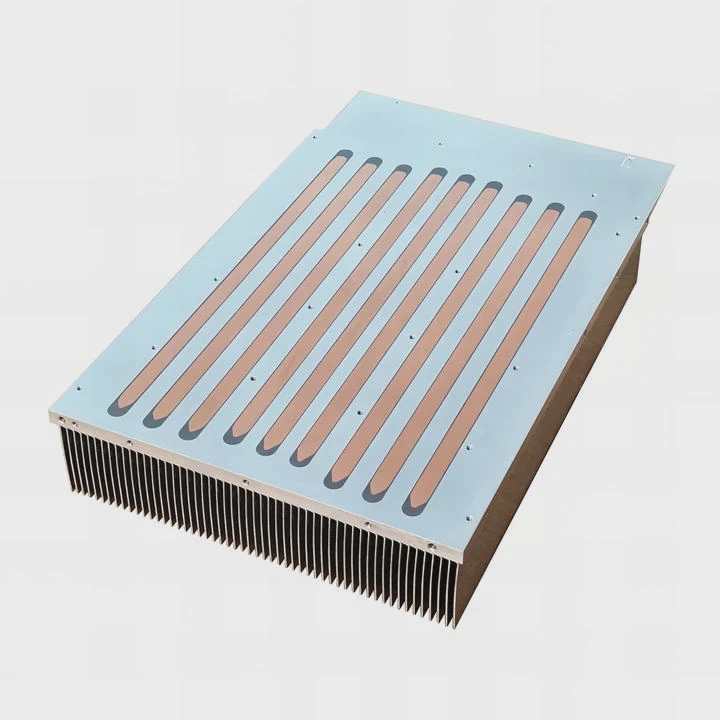
Many people wonder if a CPU can run for even a moment without a heatsink. The idea feels simple, but the real thermal behavior is much more brutal.
A CPU can technically turn on without a heatsink, but it overheats almost instantly and forces an emergency shutdown. It is never safe and not recommended for any normal use.
Some people think a few seconds will not hurt. But modern CPUs run at high density, and the heat spike happens faster than most expect. This article explains why.
Why CPUs overheat instantly?
Modern processors handle billions of operations in tiny areas. This density creates extreme heat in a very short time. When there is no heatsink, nothing spreads this heat out.
CPUs overheat instantly because the heat builds faster than bare silicon can release it. Without a heatsink, the temperature rises in milliseconds and pushes the chip to emergency limits.
Heat density inside the CPU
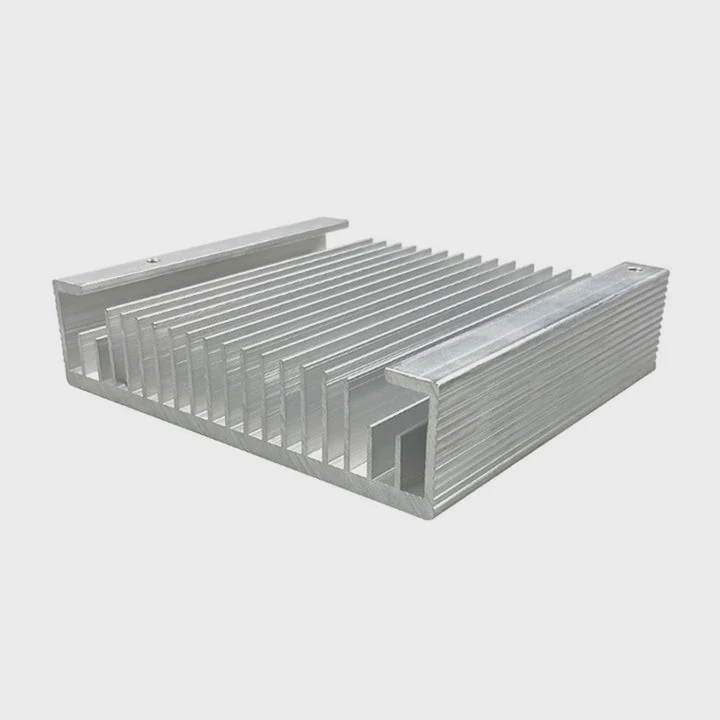
The CPU concentrates switching power in a tiny piece of silicon. Even low power levels create intense heat when there is no metal block to absorb it. The heat stays inside the die because air cannot carry it away fast enough.
The IHS cannot cool alone
The integrated heat spreader covers the silicon, but it does not act as a real heatsink. It has almost no mass. It warms up rapidly and reaches unsafe levels almost as fast as the die.
Power bursts are huge
Even during boot, the CPU draws short bursts of power. These bursts push the temperature up before the system can respond. Thermal protection attempts to react, but heat moves faster than control loops can read.
Table: Why bare CPUs heat up fast
| Reason | What happens | Result |
|---|---|---|
| High heat density | Heat stays inside silicon | Rapid temperature spikes |
| No heat spread | No mass to absorb heat | Instant rise to unsafe levels |
| Power bursts | Boot power peaks quickly | Overheating during startup |
| Air cooling limits | Air cannot pull heat fast | CPU reaches shutdown temp |
Heat is the natural output of computing. Without a heatsink, the CPU has no path to release it.
Can safety shutdown protect system?
Many modern CPUs include several layers of protection. They can throttle, cut power, or shut down. Some people assume this makes brief no-heatsink operation harmless. The real situation is more complex.
Safety shutdown can protect the CPU from burning, but it cannot guarantee long-term safety. Extreme heat even for a moment can stress the silicon, cause micro cracks, or damage surrounding parts.
How throttling works
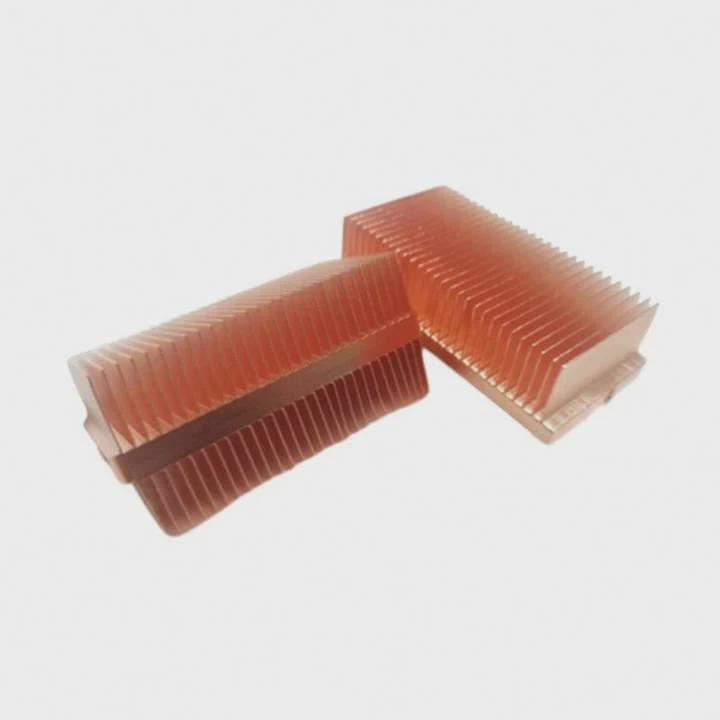
Throttling lowers speed to reduce heat. But throttling still expects a heatsink to help. Without one, heat continues to rise. The CPU can only drop to zero performance before it shuts off.
Shutdown triggers are fast but not instant
Protection tries to act in milliseconds, but heat buildup happens in microseconds. For some CPUs, the shutdown still occurs after a brief overshoot. This overshoot may harm bonding wires or nearby VRMs.
Motherboard risk
VRM components also experience stress when the CPU draws sudden power and then shuts down. Power spikes hit the board, and repeated tests can weaken small components or stress traces.
Socket and pins can suffer
Extreme heat at the IHS surface spreads outward. The socket material is plastic-based. It softens or warps if the temperature rises too high.
### Does protection always save the chip?
Protection usually prevents total destruction. But “saved” does not always mean “undamaged.” Thermal stress can shorten lifespan or create hidden faults that appear later.
Does low-power boot help briefly?
Some people think booting in a low-power mode can give a few safe seconds. They assume idle load equals low heat. But even idle conditions do not mean safe temperatures without a heatsink.
Low-power boot does not offer safe time. Even idle CPUs create enough heat to rise past safe limits in under a second. The system cannot maintain stability without a heatsink.
Idle is not zero heat
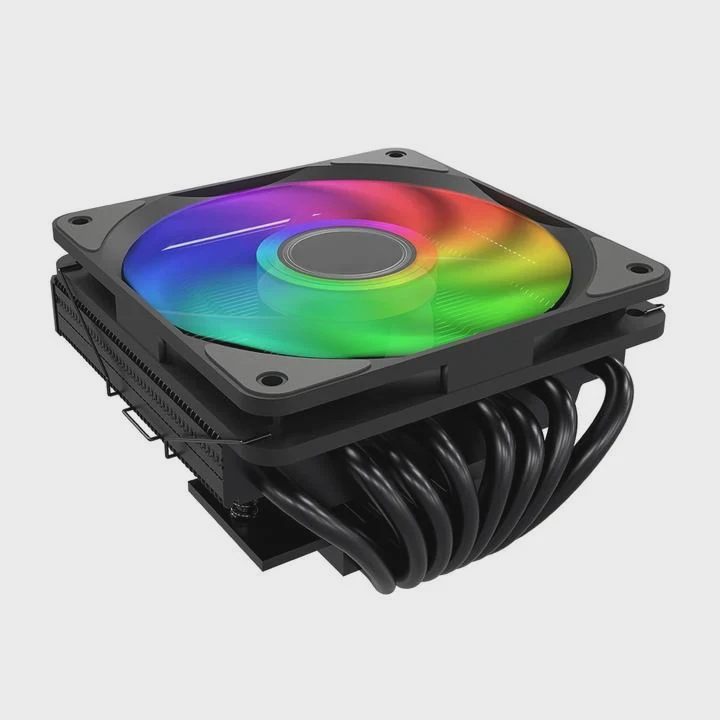
Even at idle, background tasks run. Voltage regulators keep the CPU active. The silicon remains powered and produces constant heat. Without a heatsink, this heat has nowhere to go.
Boot sequences spike power
Before the system is truly idle, start-up routines run microcode checks and hardware detection. These steps push the CPU harder than most users realize.
Air cannot cool bare metal
The IHS has far too little area to radiate heat. Air cooling requires surface area and mass. Without these, even low power levels create runaway temperature increase.
### Why low-power modes cannot save the CPU
Low-power modes depend on proper cooling. A bare CPU cannot dissipate even tiny heat loads. So low-power operation does not prevent damage.
Should tests be extremely short?
Some users remove heatsinks during troubleshooting or cleaning. They hope a “very quick” test will be safe. This is a risky assumption.
Tests without a heatsink must be extremely short, ideally less than one second, and even then remain unsafe. There is no reliable safe window for bare CPU operation.
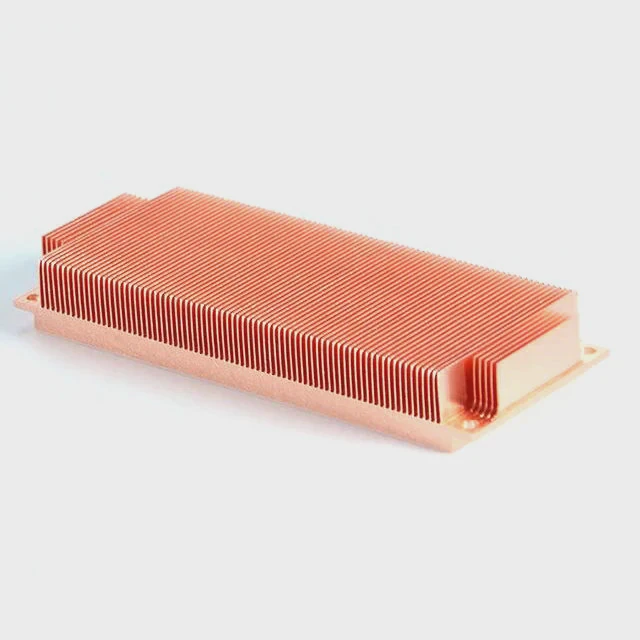
Why fast tests still fail
A CPU heats so quickly that the temperature hits dangerous levels before you even check the screen. By the time the system displays anything, the chip may already be far too hot.
Thermal inertia is tiny
The silicon die has almost no thermal buffer. There is no heatsink mass to absorb the spike. As soon as power flows, the die jumps upward in temperature.
### Safer ways to test hardware
- Test with a heatsink loosely placed on top
- Test using a small spare cooler if available
- Test without fan only if heatsink remains mounted
- Avoid open-die power tests entirely
Table: Safe vs unsafe troubleshooting choices
| Method | Safe? | Reason |
|---|---|---|
| Powering CPU with heatsink attached | Yes | Heat spreads into metal |
| Powering CPU with heatsink but no fan | Mostly safe for short tests | Mass absorbs heat |
| Powering CPU with no heatsink | No | Instant thermal spike |
| Running long tests with no fan | No | Heat saturates heatsink |
### Why extremely short tests still risk damage
Even fast shutdowns cannot prevent all harm. Heat rises too fast. Protection cannot stop the initial overshoot. So the chip may degrade even if it survives.
Conclusion
A CPU can turn on without a heatsink, but it heats up instantly and forces emergency shutdown. Safety systems try to help, but heat spikes happen too fast. Low-power modes do not protect the chip, and even short tests can cause harm. A heatsink is always necessary for safe operation.
TAGS
Latest Articles

Volume discount levels for heat sink orders?
Buyers often ask when heat sink prices start to drop with volume. Many worry they’re overpaying for small orders. This guide explains how B2B volume pricing works for thermal components. Heat sink
21 Dec,2025
Heat sink long-term supply contract options?
Many buyers want stable pricing and reliable delivery for heat sinks. But without a clear contract, risks grow over time. This article explores how to secure better long-term supply deals. Long-term
21 Dec,2025
Tooling cost for new heat sink profiles?
Many engineers struggle to understand why tooling for custom heat sinks costs so much. They worry about budgeting and production timelines. This article breaks down the cost drivers behind tooling.
21 Dec,2025
Heat sink custom sample process steps?
Sometimes, starting a custom heat sink project feels overwhelming—too many steps, too many unknowns, and too many risks. You want a sample, but not endless delays. The process for requesting and
20 Dec,2025
Standard B2B terms for heat sink payments?
When buyers and sellers in B2B heat sink markets talk about payment, many don’t fully understand what’s standard. This can lead to delayed orders, miscommunication, and even lost business
20 Dec,2025
Heat sink pricing factors for large orders?
Heat sinks are vital for many systems. When prices rise, projects stall and budgets break. This problem can hit teams hard without warning. Large order heat sink pricing depends on many factors. You
20 Dec,2025Related Articles
- do you need a heatsink for m 2?
- does the ssd need a heatsink?
- what heatsinks fit evga z390 dark?
- how to install chipset heatsink?
- do you need to put thermal past when changing heatsinks?
- how to remove a processor and heatsink from motherboard?
- how to install raspberry pi 4 heatsink?
- how to install an amd 3700x heatsink?
- where to get legendary sandevistan heatsink?
- how to fire heatsinks in elite dangerous?
- what should heatsinks be made of?
- do you need a heatsink for m.2 ssd for pc?
Author
Dr. Emily Chen
Chief AI Researcher
Leading expert in thermal dynamics and AI optimization with over 15 years of experience in data center efficiency research.
Categories
Latest Products

M.2 Heatpipe Heatsink With Dual Fans For Pc Case
19 Mar,2026

Heavy-Duty Aluminum Heat Sink Custom
19 Mar,2026

Oem Skived Fin Heatsink Aluminum Radiator For Plants
19 Mar,2026

Water Cooled Cnc Aluminum Heat Sink For Medical
19 Mar,2026

High Density 6000 Series Aluminum Heat Sink Profile
19 Mar,2026

High-Density Extruded Aluminum & Bonded-Fin Heat Sink Profile
19 Mar,2026
Recommend Categories
- Liquid cooling plate Manufacturer
- Industrial Heat Sink Manufacturer
- Standard Heat Sink Manufacturer
- Aluminum Heat Sink Manufacturer
- Copper Heat Sink Manufacturer
- Anodized Heatsink Manufacturer
- Stamping heat sink Manufacturer
- Die Casting Heatsink Manufacturer
- Soldering heat sink Manufacturer
- CNC Parts Manufacturer
Latest Products
- M.2 Heatpipe Heatsink With Dual Fans For Pc Case
- Heavy-Duty Aluminum Heat Sink Custom
- Oem Skived Fin Heatsink Aluminum Radiator For Plants
- Water Cooled Cnc Aluminum Heat Sink For Medical
- High Density 6000 Series Aluminum Heat Sink Profile
- High-Density Extruded Aluminum & Bonded-Fin Heat Sink Profile
- Dongguan Cnc Aluminum Heat Sink For Led & Brass Parts
- Wholesale Cnc Aluminum Heat Sink - Custom Extruded
- Led Cnc Round Heat Sink With Screw Holes
- Copper Pin-Fin Heat-Sink Large-Area For Photoled Cooling
- Telecom Heatsink Zipper Fin Wcopper Tubes Oem
Contact Expert
Have questions about this article? Reach out to our experts directly.