does the ssd need a heatsink?
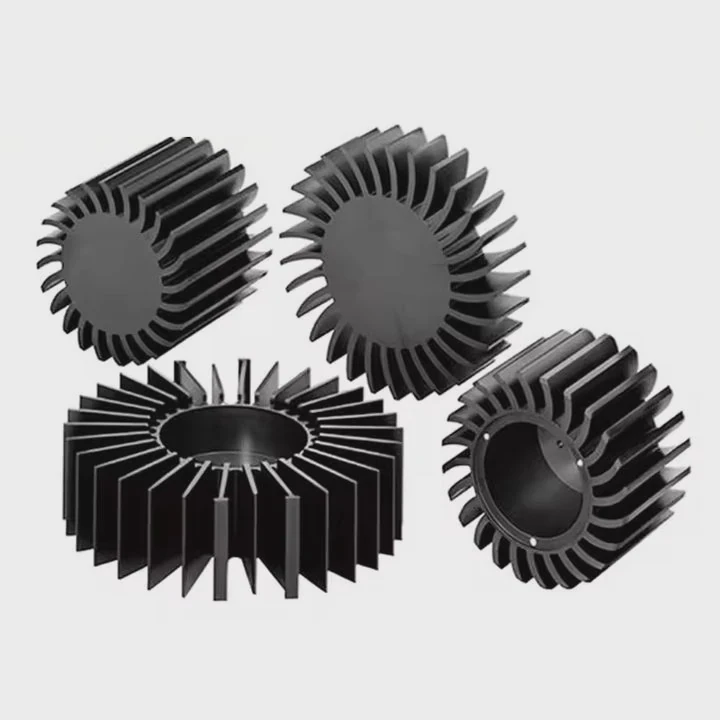
A hot SSD can slow a whole system because the controller heats fast and airflow is often weak. Many users only notice it after speed drops.
An SSD needs a heatsink when temperature rises near the thermal limit. A small aluminum heatsink helps keep stable speed, protects long-term endurance, and prevents sudden throttling during heavy work.
Heat appears before performance loss. A stable cooling setup keeps the drive smooth in every workload.
Why NVMe drives heat quickly?
Many NVMe drives run in tight spaces near the CPU and GPU. Heat gathers fast and has no place to go once the controller turns busy.
NVMe drives heat quickly because the controller handles high data loads inside a small space. It works like a tiny CPU and warms up fast when the drive runs at full speed.
Why small space matters
The NVMe slot sits close to heat sources. Airflow is weak. When data starts to move, the controller builds heat in seconds.
NAND chips also warm up, but most heat comes from the controller. It manages queues, corrects data, and handles wear.
The controller is always the first part to reach the limit.
How PCIe speed affects temperature
Higher PCIe speed means more data per second. More data means more operations inside the controller.
| PCIe Type | Max Speed | Heat Behavior |
|---|---|---|
| PCIe 3.0 | ~3.5GB/s | Moderate heat |
| PCIe 4.0 | ~7GB/s | High heat and fast rise |
| PCIe 5.0 | 10–12GB/s+ | Very high heat and near-instant throttling |
Many PCIe 5.0 drives cannot run at full speed without a proper heatsink.
Why throttling always happens
Thermal throttling is a built-in safety action. When temperature reaches around 70°C–80°C, the controller slows down.
This protects data and prevents long-term damage.
The slowdown can be dramatic. Some drives drop from 7000MB/s to under 1500MB/s.
Ambient temperature effect
Warm rooms make the SSD start at a higher baseline.
Small cases have less air movement and keep heat locked inside.
This is why many users notice random slowdowns in summer. The drive is fine; the room is warm.
Which use cases throttle first?
Some workloads reach the thermal limit fast because they keep the drive busy without rest.
The use cases that throttle first include large file transfers, 4K video editing, game installs, virtual machines, and benchmark tools. These tasks push constant data loads that warm the controller fast.
Workloads with nonstop pressure
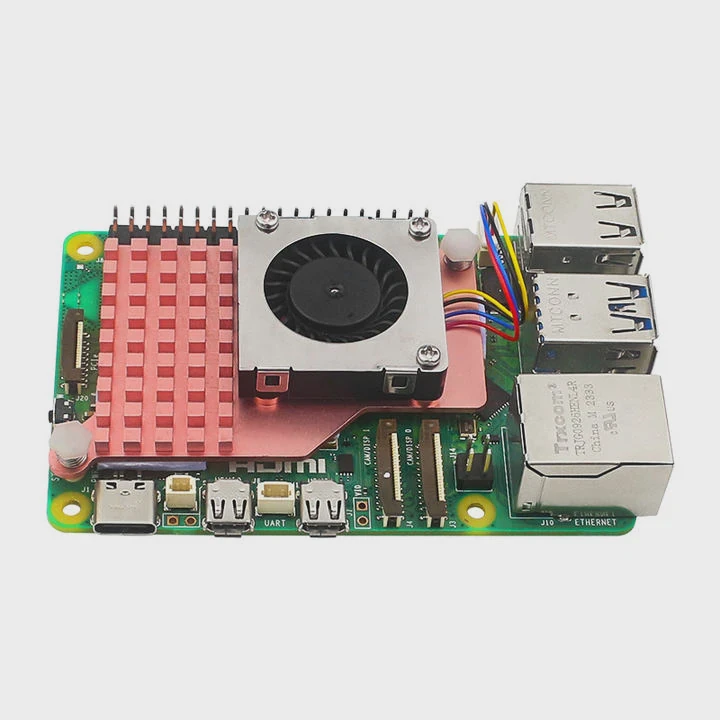
Some tasks keep read and write operations going without pause.
These workloads cause fast heat buildup.
| Workload | Heat Level | Why It Heats Fast |
|---|---|---|
| Large file copies | Very High | Unbroken write flow |
| Video editing | High | Continuous preview and export |
| VM operations | High | Random access and multiple I/O layers |
| AI datasets | Very High | Heavy sequential and random reads |
| Game installs | Medium-High | Many small writes and file checks |
Why benchmarks always cause throttling
Benchmark programs push the drive at full speed.
They ignore real-world use patterns and hit the controller with maximum load.
Almost every NVMe drive will throttle in a long benchmark test.
This is expected. It does not mean the drive is failing.
Consumer tasks vs. pro tasks
Casual tasks like browsing or watching videos do not heat the SSD.
Even gaming only reads data during loading screens.
Pro tasks like 3D assets, large code builds, or video edits push the SSD for long periods.
These tasks run hot and often need a heatsink for stable output.
A simple project lesson
During a project, I stored raw 4K clips on a fast NVMe without a heatsink.
Even though the case had open airflow, the drive reached its thermal cap in minutes.
After adding a small heatsink, the speed stayed stable through all exports.
This showed how fast heat rises even in ideal space.
Can motherboard shields replace sinks?
Many motherboards come with M.2 “shields”. They look like heatsinks, but their cooling performance varies.
Motherboard shields provide basic cooling, but they cannot always replace dedicated heatsinks. High-speed NVMe drives often need thicker heatsinks with larger surface area.
What motherboard shields really do
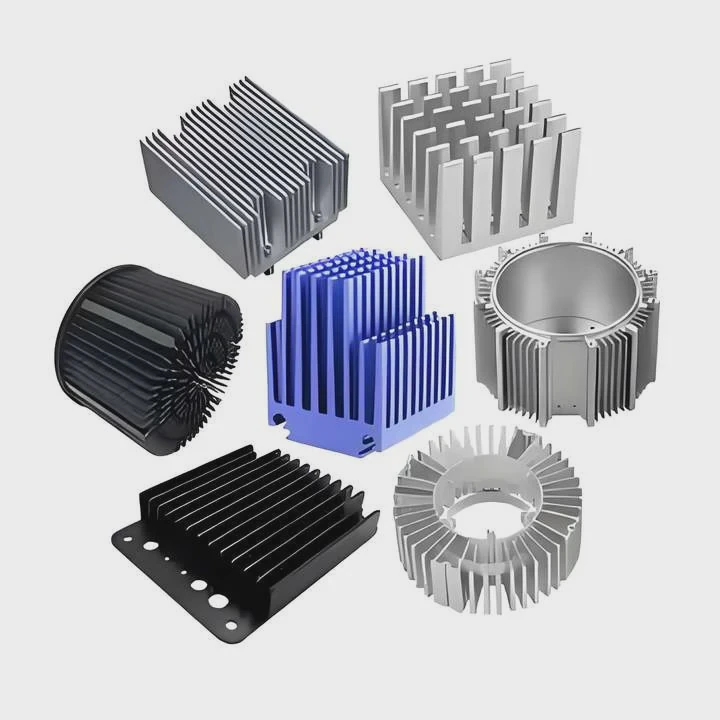
A shield is usually a thin aluminum plate with a soft thermal pad.
It spreads heat across a flat surface and helps stop short spikes.
But it has limits.
Thin plates cannot absorb or store much heat.
During long workloads, heat builds faster than the shield can remove it.
Why thermal pad contact matters
Some shields ship with pads that are too thick, too soft, or do not press well on the controller.
If the pad fails to make firm contact, heat stays trapped.
Good thermal pressure matters more than shape or color.
A shield without solid contact acts more like decoration than cooling.
Shield size and airflow limits
Small ITX boards have smaller shields.
They often sit under a GPU backplate where heat is intense.
Larger ATX boards offer bigger shields, but even these cannot match a dedicated heatsink with fins.
Fins increase the surface area and help heat leave faster.
When a real heatsink performs better
A dedicated heatsink is better when:
- The NVMe drive is PCIe 4.0 or PCIe 5.0
- The PC handles AI, video edits, or heavy workloads
- The case airflow is weak
- The SSD sits under a GPU
- The room temperature is high
A full-size heatsink keeps temperature stable even when the drive runs at full speed for long periods.
Do heavy writes demand better cooling?
Heavy writes create constant heat because the controller stays busy.
The controller has no time to cool between operations.
Heavy writes demand better cooling because they push long, steady workloads. These workloads heat the controller fast and often cross the thermal limit without a proper heatsink.
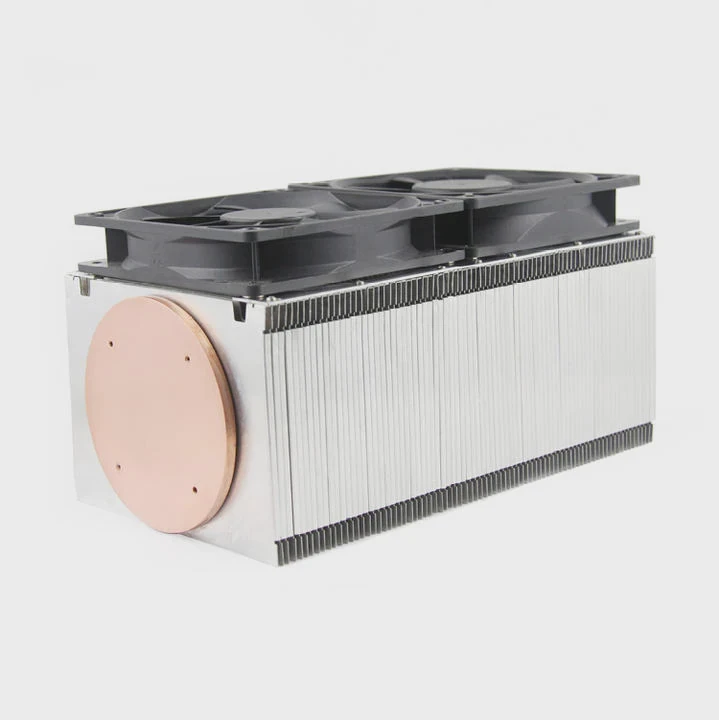
How different writes affect heat
Different write patterns produce different heat levels.
Small random writes heat faster because the controller handles many complex steps.
Large sequential writes heat slower but last longer, so the final temperature can still be high.
Why long writes are the biggest problem
Short bursts cool down quickly.
Long writes keep the drive under pressure with no rest.
This happens in tasks like:
- Full backups
- Video exports
- Software builds
- Large game file unpacking
- Long cloning operations
- Large AI dataset creation
During these tasks many drives hit 70°C or more.
Without a heatsink, speed drops to protect the drive.
How heat affects long-term endurance
Heat lowers data stability over time.
NAND cells lose charge accuracy when they stay hot for long periods.
Modern SSDs use smart correction systems, but heat still reduces long-term endurance.
A cooled SSD keeps voltage margins safe and helps maintain steady performance.
Example endurance impact
Below is a simple view of how heat harms stability:
| Temperature | Endurance Hit | Stability |
|---|---|---|
| Under 60°C | Normal | Stable |
| 60–70°C | Medium | Minor slowdowns |
| 70–80°C | High | Frequent throttling |
| 80°C+ | Very High | Risk of shutdown |
The drop becomes sharp once the SSD crosses 70°C.
Why even slower drives benefit from cooling
Many users think only fast NVMe drives need cooling.
This is not true.
Even slower SATA or PCIe 3.0 NVMe drives heat up during long writes in tight spaces.
Small PCs, fanless systems, and industrial machines trap heat easily.
A simple heatsink keeps these drives stable and helps prevent slowdowns.
A simple real-world test
In one build, I placed a drive without a heatsink inside a small case with rear exhaust only.
Long writes caused throttling in minutes.
After adding a small aluminum heatsink, the drive completed the same workload with zero slowdown.
This showed how small changes in cooling can fix major stability issues.
Conclusion
A heatsink helps an SSD run fast and stable under any workload. Most NVMe drives gain clear benefits from one, especially in small spaces or heavy tasks. Better cooling prevents throttling and protects long-term performance.
TAGS
Latest Articles

Volume discount levels for heat sink orders?
Buyers often ask when heat sink prices start to drop with volume. Many worry they’re overpaying for small orders. This guide explains how B2B volume pricing works for thermal components. Heat sink
21 Dec,2025
Heat sink long-term supply contract options?
Many buyers want stable pricing and reliable delivery for heat sinks. But without a clear contract, risks grow over time. This article explores how to secure better long-term supply deals. Long-term
21 Dec,2025
Tooling cost for new heat sink profiles?
Many engineers struggle to understand why tooling for custom heat sinks costs so much. They worry about budgeting and production timelines. This article breaks down the cost drivers behind tooling.
21 Dec,2025
Heat sink custom sample process steps?
Sometimes, starting a custom heat sink project feels overwhelming—too many steps, too many unknowns, and too many risks. You want a sample, but not endless delays. The process for requesting and
20 Dec,2025
Standard B2B terms for heat sink payments?
When buyers and sellers in B2B heat sink markets talk about payment, many don’t fully understand what’s standard. This can lead to delayed orders, miscommunication, and even lost business
20 Dec,2025
Heat sink pricing factors for large orders?
Heat sinks are vital for many systems. When prices rise, projects stall and budgets break. This problem can hit teams hard without warning. Large order heat sink pricing depends on many factors. You
20 Dec,2025Related Articles
- what heatsinks fit evga z390 dark?
- how to install chipset heatsink?
- do you need to put thermal past when changing heatsinks?
- how to remove a processor and heatsink from motherboard?
- should you replace stock heatsink?
- How to reapply Intel heatsink Ivy Bridge?
- do you need a heatsink for m 2?
- can a cpu run without a heatsink?
- how to install raspberry pi 4 heatsink?
- how to install an amd 3700x heatsink?
- where to get legendary sandevistan heatsink?
- how to fire heatsinks in elite dangerous?
Author
Dr. Emily Chen
Chief AI Researcher
Leading expert in thermal dynamics and AI optimization with over 15 years of experience in data center efficiency research.
Categories
Latest Products

M.2 Heatpipe Heatsink With Dual Fans For Pc Case
19 Mar,2026

Heavy-Duty Aluminum Heat Sink Custom
19 Mar,2026

Oem Skived Fin Heatsink Aluminum Radiator For Plants
19 Mar,2026

Water Cooled Cnc Aluminum Heat Sink For Medical
19 Mar,2026

High Density 6000 Series Aluminum Heat Sink Profile
19 Mar,2026

High-Density Extruded Aluminum & Bonded-Fin Heat Sink Profile
19 Mar,2026
Recommend Categories
- Liquid cooling plate Manufacturer
- Industrial Heat Sink Manufacturer
- Standard Heat Sink Manufacturer
- Aluminum Heat Sink Manufacturer
- Copper Heat Sink Manufacturer
- Anodized Heatsink Manufacturer
- Stamping heat sink Manufacturer
- Die Casting Heatsink Manufacturer
- Soldering heat sink Manufacturer
- CNC Parts Manufacturer
Latest Products
- M.2 Heatpipe Heatsink With Dual Fans For Pc Case
- Heavy-Duty Aluminum Heat Sink Custom
- Oem Skived Fin Heatsink Aluminum Radiator For Plants
- Water Cooled Cnc Aluminum Heat Sink For Medical
- High Density 6000 Series Aluminum Heat Sink Profile
- High-Density Extruded Aluminum & Bonded-Fin Heat Sink Profile
- Dongguan Cnc Aluminum Heat Sink For Led & Brass Parts
- Wholesale Cnc Aluminum Heat Sink - Custom Extruded
- Led Cnc Round Heat Sink With Screw Holes
- Copper Pin-Fin Heat-Sink Large-Area For Photoled Cooling
- Telecom Heatsink Zipper Fin Wcopper Tubes Oem
Contact Expert
Have questions about this article? Reach out to our experts directly.