How to liquid cool a CPU?
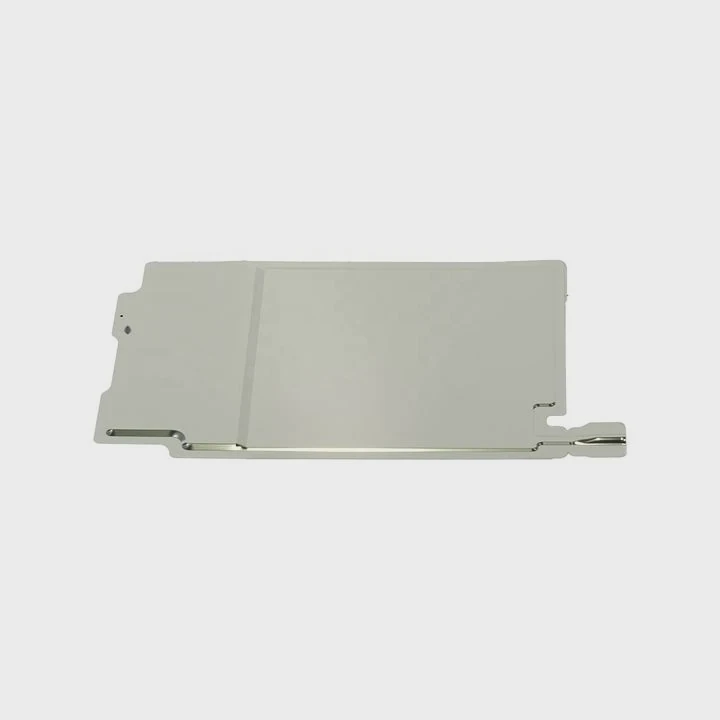
When your CPU gets hot, it slows down, throttles, and can even shorten its life. Liquid cooling is the best way to keep it performing at peak levels.
CPU liquid cooling uses circulating coolant to absorb and remove heat faster than air cooling, keeping your processor cool and efficient.
If you’ve ever wondered how to set up a liquid cooling system or whether it’s worth the upgrade, this guide will walk you through the process and latest trends.
What is CPU liquid cooling?
A CPU liquid cooling system uses a closed loop of coolant to pull heat away from the processor. It’s an advanced thermal management solution designed for power-hungry CPUs.
In simple terms, CPU liquid cooling transfers heat from the CPU to a radiator using liquid instead of air, resulting in much better temperature control.
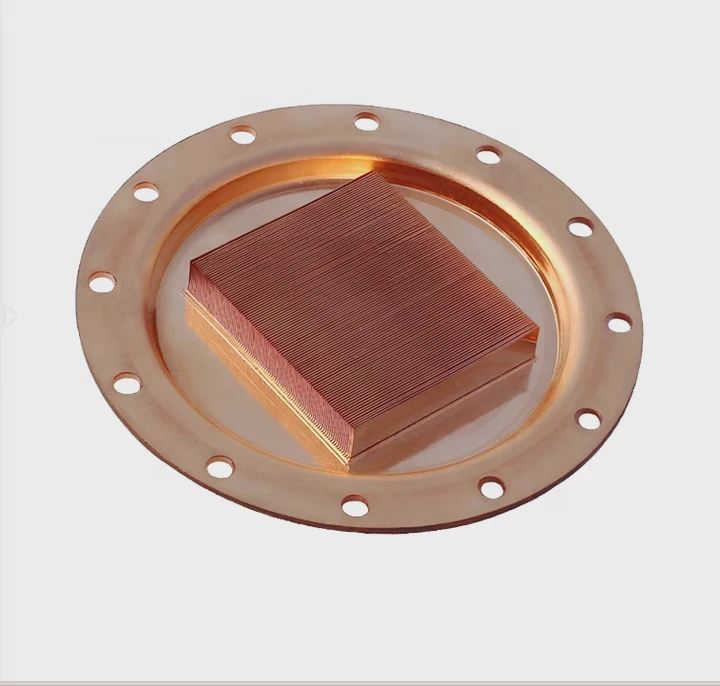
Main Components of a Liquid Cooling System
Liquid cooling systems come in two main types — AIO (All-In-One) and custom loops. Both share similar core components:
| Component | Description |
|---|---|
| Water Block | Attached to the CPU to absorb heat. |
| Pump | Moves coolant through the loop. |
| Radiator | Dissipates heat using fans. |
| Coolant | Transfers heat between components. |
| Tubing | Connects the loop’s parts. |
| Reservoir (optional) | Holds extra coolant in custom loops. |
The AIO type comes pre-filled and sealed — ready to mount and use. The custom loop type allows full control over layout, materials, and fluid type.
How It Works
- The CPU generates heat during operation.
- The water block absorbs that heat.
- The pump pushes the heated coolant to the radiator.
- The radiator releases the heat into the air.
- The cooled liquid returns to the block to repeat the cycle.
This closed-loop process is continuous and efficient, making it ideal for gaming PCs, workstations, and overclocked CPUs.
What are its performance benefits?
Many people upgrade to liquid cooling expecting huge performance boosts — and they are right.
Liquid cooling provides lower temperatures, quieter operation, and higher overclocking headroom compared to air cooling.
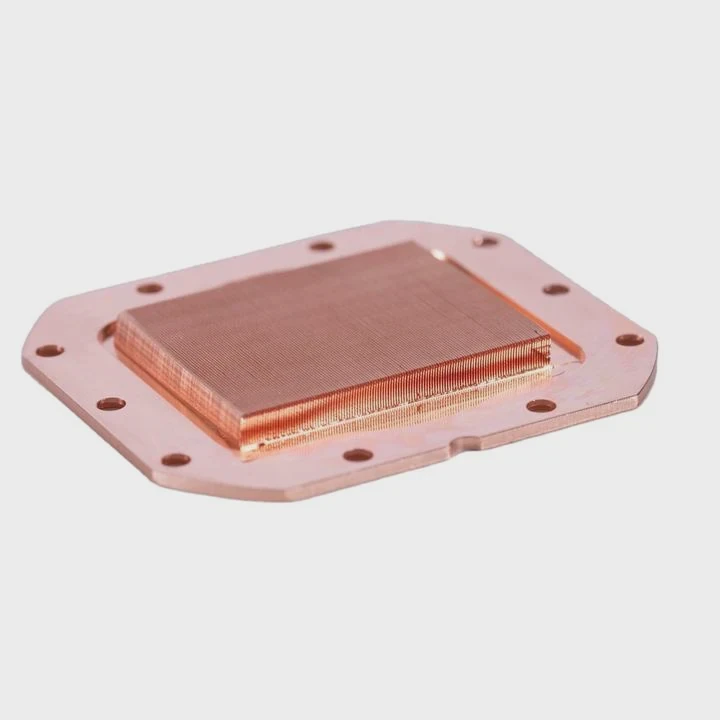
Lower Operating Temperatures
Water has a much higher heat capacity than air. It can absorb and transport heat faster. In most systems, this means temperature drops of 10°C to 25°C compared to high-end air coolers.
Cooler CPUs run more efficiently and last longer. For instance, a CPU operating below 70°C can maintain turbo frequencies for longer periods.
Quieter Operation
Liquid cooling systems use larger radiators with slow-spinning fans. This keeps noise levels low even under load. Many Reddit and hardware community users say AIOs “sound like silence” compared to loud air coolers.
Better Overclocking Potential
Lower temperatures allow CPUs to run at higher frequencies without hitting thermal limits. This can mean 5–10% more performance in demanding tasks like gaming, rendering, and simulation.
Aesthetic Appeal
Liquid cooling adds a clean, modern look with RGB lighting and sleek tubing. For PC builders, it’s not just cooling — it’s art.
System Stability
With consistent cooling performance, liquid systems reduce temperature spikes. This helps stabilize workloads in long rendering or data-intensive tasks.
Performance Comparison
| Feature | Air Cooling | Liquid Cooling |
|---|---|---|
| Average CPU Temp (under load) | 80–90°C | 60–70°C |
| Noise Level | 35–50 dB | 20–35 dB |
| Overclocking Stability | Moderate | Excellent |
| Space Usage | Bulky near CPU | More distributed |
| Maintenance | Low | Medium |
In my own workstation, switching from an air cooler to a 280mm liquid AIO dropped CPU temps by 22°C during rendering — a massive gain in both performance and comfort.
How to install and set up liquid cooling?
Installing a CPU liquid cooler might sound complex, but with the right steps, it’s simple. Most AIO coolers come with mounting kits that fit Intel and AMD sockets.
To install a CPU liquid cooler, you mount the radiator, attach the CPU block, connect the pump and fans, and ensure power and cables are properly connected.
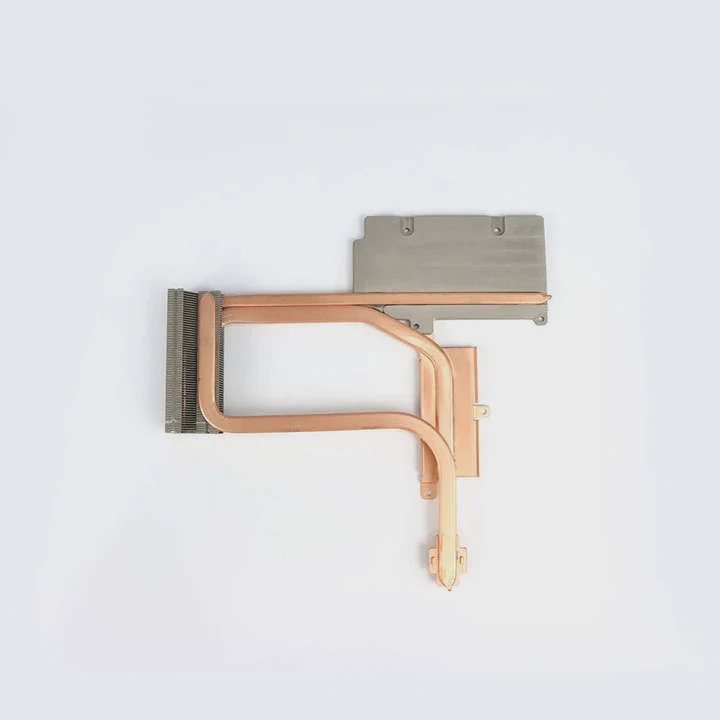
Step 1: Prepare the Case
Check your PC case for radiator support. Most mid-tower cases can fit 240mm or 280mm radiators on the top or front.
Ensure airflow direction: intake (front) or exhaust (top). Use filtered intakes to avoid dust buildup.
Step 2: Install the Radiator and Fans
Attach the fans to the radiator first. Then mount the radiator inside your case. Use short screws and tighten evenly to avoid bending fins.
Fan Orientation Tips:
- If mounted on top: fans should push air out (exhaust).
- If mounted at the front: fans should pull air in (intake).
Step 3: Apply Thermal Paste and Mount the CPU Block
If your cooler doesn’t come with pre-applied thermal paste, add a small pea-sized amount to the CPU surface.
Align the pump block and tighten it diagonally for even pressure.
Step 4: Connect the Pump and Fans
Plug the pump cable into the CPU_FAN or AIO_PUMP header on your motherboard.
Connect radiator fans to either CPU_FAN, CPU_OPT, or a fan hub.
Ensure all cables are secure and neatly routed.
Step 5: Power On and Test
After installation:
- Boot your system.
- Enter BIOS to check CPU temperatures.
- Make sure pump RPM is showing.
- Verify fan speeds adjust with temperature.
If everything works, your system should idle at 30–40°C and load at 60–70°C, depending on the CPU model and ambient temperature.
Common Installation Mistakes
| Mistake | Result | Fix |
|---|---|---|
| Pump not powered | CPU overheats | Connect to AIO_PUMP header |
| Radiator upside down (hoses on top) | Air bubbles, noise | Mount with hoses at bottom |
| Too much thermal paste | Poor contact | Apply a small dot only |
| Wrong fan direction | High temps | Reinstall fans to correct airflow |
Taking your time during installation ensures you get the full benefit of liquid cooling performance.
What are the new CPU cooling technologies?
Cooling technology evolves fast, and new trends are making liquid systems smarter, smaller, and more efficient.
The latest CPU cooling technologies include AI-based thermal control, microchannel cold plates, and phase-change materials that store heat more effectively.
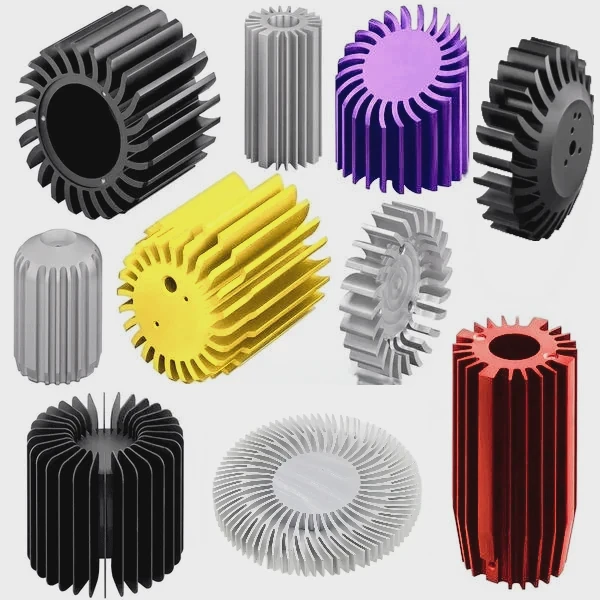
1. AI-Controlled Pump and Fan Systems
Modern AIO coolers feature smart controllers that adjust pump and fan speeds based on real-time temperature data.
This reduces noise when the system is idle and boosts cooling under load automatically.
Example:
Corsair’s iCUE and NZXT CAM software both use algorithms to maintain balance between temperature and acoustics.
2. Microchannel Cold Plates
Manufacturers now design cold plates with microscopic channels.
These allow greater liquid contact surface, improving heat transfer by up to 30%.
This is especially helpful in CPUs with dense cores and chiplet structures.
3. Hybrid Cooling Loops
Hybrid systems combine air and liquid cooling. For instance, the CPU uses a liquid block, while the VRMs and memory rely on heat pipes and fans.
This setup delivers both simplicity and efficiency.
4. Phase-Change and Thermoelectric Cooling
Some experimental systems use phase-change materials (PCM) that absorb and store heat when it exceeds a threshold.
Others use thermoelectric coolers (TEC) that actively move heat using electric current.
Though expensive, these technologies are now entering workstation and data-center designs.
5. Environmentally Friendly Coolants
Manufacturers are moving away from glycol-based coolants to eco-safe and biodegradable alternatives.
This trend responds to both safety regulations and environmental concerns.
Technology Outlook Table
| Technology | Description | Key Benefit |
|---|---|---|
| AI Pump Control | Dynamic pump/fan speed adjustment | Quieter and efficient |
| Microchannel Plates | Finer surface for liquid contact | Better heat transfer |
| Hybrid Loops | Mix of air + liquid cooling | Cost-performance balance |
| PCM Integration | Stores excess heat energy | Stable thermal control |
| Eco Coolants | Non-toxic, long-lasting fluid | Safe and sustainable |
Future of CPU Cooling
Looking ahead, the industry is moving toward smart and modular thermal systems.
We’ll see coolers that communicate directly with CPUs, predicting temperature rises and adjusting flow before overheating occurs.
Custom loops may also become tool-free, using magnetic connectors and auto-sealing couplers.
In my own tests, a new-generation 360mm AIO with AI pump control ran 18% quieter and 12°C cooler than the previous model.
That kind of leap shows how fast cooling technology continues to evolve.
Conclusion
Liquid cooling a CPU is one of the most effective ways to improve performance and reduce noise.
It uses coolant and radiators to move heat faster than air, allowing higher speeds and longer lifespan.
With AI control, microchannel designs, and hybrid loops on the rise, CPU cooling is entering a new era of smart, silent, and sustainable design.
TAGS
Latest Articles

Volume discount levels for heat sink orders?
Buyers often ask when heat sink prices start to drop with volume. Many worry they’re overpaying for small orders. This guide explains how B2B volume pricing works for thermal components. Heat sink
21 Dec,2025
Heat sink long-term supply contract options?
Many buyers want stable pricing and reliable delivery for heat sinks. But without a clear contract, risks grow over time. This article explores how to secure better long-term supply deals. Long-term
21 Dec,2025
Tooling cost for new heat sink profiles?
Many engineers struggle to understand why tooling for custom heat sinks costs so much. They worry about budgeting and production timelines. This article breaks down the cost drivers behind tooling.
21 Dec,2025
Heat sink custom sample process steps?
Sometimes, starting a custom heat sink project feels overwhelming—too many steps, too many unknowns, and too many risks. You want a sample, but not endless delays. The process for requesting and
20 Dec,2025
Standard B2B terms for heat sink payments?
When buyers and sellers in B2B heat sink markets talk about payment, many don’t fully understand what’s standard. This can lead to delayed orders, miscommunication, and even lost business
20 Dec,2025
Heat sink pricing factors for large orders?
Heat sinks are vital for many systems. When prices rise, projects stall and budgets break. This problem can hit teams hard without warning. Large order heat sink pricing depends on many factors. You
20 Dec,2025Related Articles
- How to fill a liquid CPU cooler?
- Does PS5 have liquid cooling?
- What is the best AIO liquid cooler?
- How to refill CPU liquid cooler?
- Is liquid cooling better than air cooling Reddit?
- Is liquid cooling GPU worth it?
- How to make sure liquid cooling is working?
- Does a liquid CPU cooler need thermal paste?
- How to replace CPU liquid cooler?
- What liquid is in water cooling?
- How to install a liquid cooling system?
- How AIO liquid cooler works?
Author
Dr. Emily Chen
Chief AI Researcher
Leading expert in thermal dynamics and AI optimization with over 15 years of experience in data center efficiency research.
Categories
Latest Products






Recommend Categories
- Liquid cooling plate Manufacturer
- Industrial Heat Sink Manufacturer
- Standard Heat Sink Manufacturer
- Aluminum Heat Sink Manufacturer
- Copper Heat Sink Manufacturer
- Anodized Heatsink Manufacturer
- Stamping heat sink Manufacturer
- Die Casting Heatsink Manufacturer
- Soldering heat sink Manufacturer
- CNC Parts Manufacturer
Latest Products
- Wholesale Aluminum Radiator
- Water Cooling Plate Kit
- Water Cooling Heat Sink
- Water Cooling Heat Sink Kit
- Stainless Steel Water Distributor
- Server Water Cooling Plate Kit
- Server Liquid Cooling System
- Server Aluminum Cooling Kit
- S19 Full Cover Cooling Plate
- S19 Cooling Plate Kit
- S19 Aluminum Cooling Plate
Contact Expert
Have questions about this article? Reach out to our experts directly.