How to replace CPU liquid cooler?
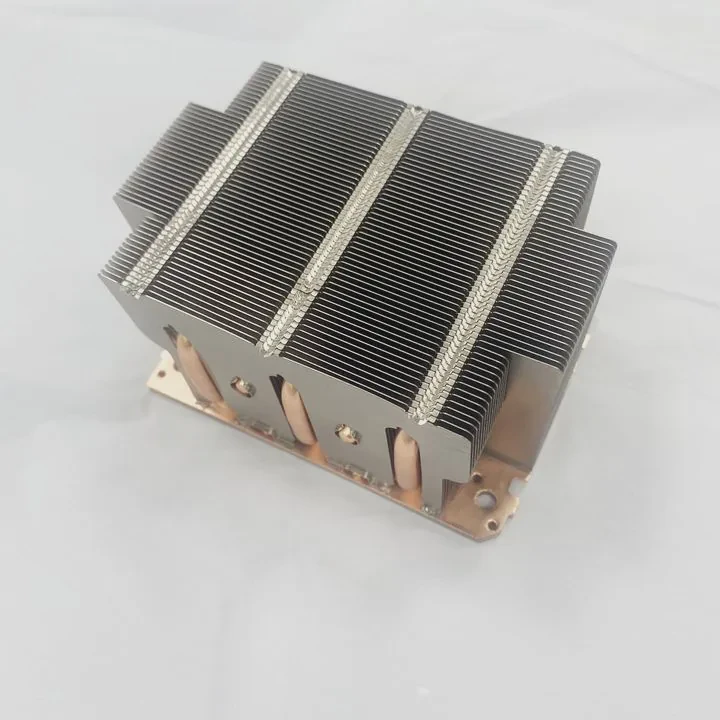
When your PC suddenly runs hotter or becomes noisier, your CPU cooler may be failing. Replacing it is easier than most people think if you follow the right steps.
Replacing a CPU liquid cooler involves removing the old unit, cleaning the CPU surface, installing the new cooler, and checking for leaks or power issues.
Doing it correctly improves performance and prevents overheating or damage to your system. Let’s go through the reasons, benefits, safety steps, and latest trends.
What are the reasons for replacement?
If your cooler still spins, you might wonder why bother replacing it at all. But even working coolers can lose performance over time.
Common reasons for replacing a CPU liquid cooler include pump failure, leaks, poor cooling efficiency, or noise caused by aging components.
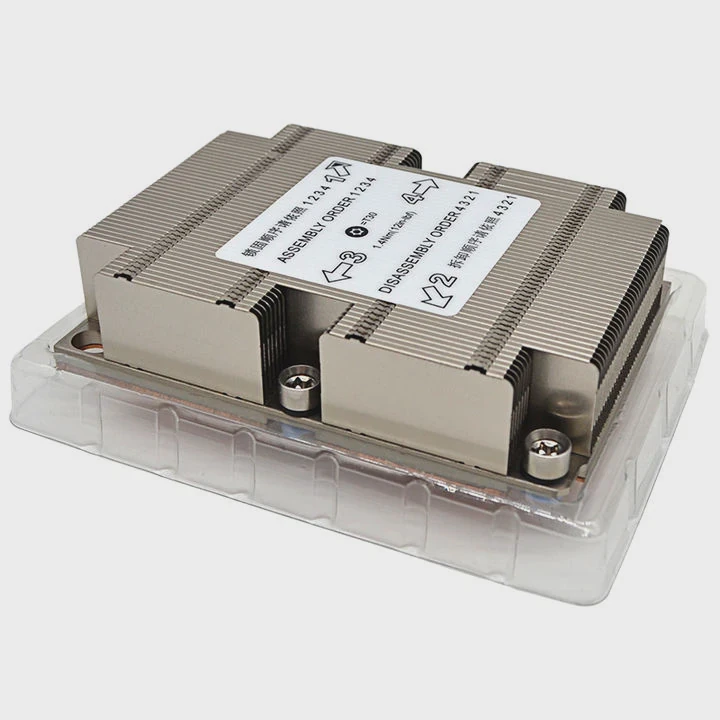
Common Signs That Replacement Is Needed
You can identify cooler problems early by checking a few key symptoms:
| Problem | Description |
|---|---|
| Rising CPU Temperatures | When idle or load temps increase by 10°C or more, coolant may have degraded. |
| Pump Noise or Failure | Grinding or rattling sounds indicate pump wear or air bubbles in the loop. |
| Fan Malfunction | Slower or noisy fans can’t move enough air through the radiator. |
| Coolant Leaks | Visible fluid marks or corrosion around fittings mean immediate replacement. |
| Dust and Corrosion | Dirt buildup can block airflow and reduce efficiency. |
| Aging Coolant (3–5 Years) | Over time, coolant can evaporate or lose thermal transfer ability. |
Why Replacing Early Matters
Waiting too long can cause CPU throttling, instability, or even permanent damage. A failed pump stops coolant flow, causing temperatures to spike within seconds. By replacing the cooler when symptoms appear, you protect both your CPU and motherboard.
I once ignored a noisy pump for weeks—until my system crashed during a video render. After replacing the cooler, temperatures dropped from 90°C to 55°C. Lesson learned: early maintenance saves money.
What are the benefits of upgrading a cooler?
Many users treat cooler replacement as maintenance only. But upgrading instead of just replacing brings better performance and quieter operation.
Upgrading your CPU liquid cooler improves cooling efficiency, lowers noise, extends hardware life, and allows higher CPU performance or overclocking stability.
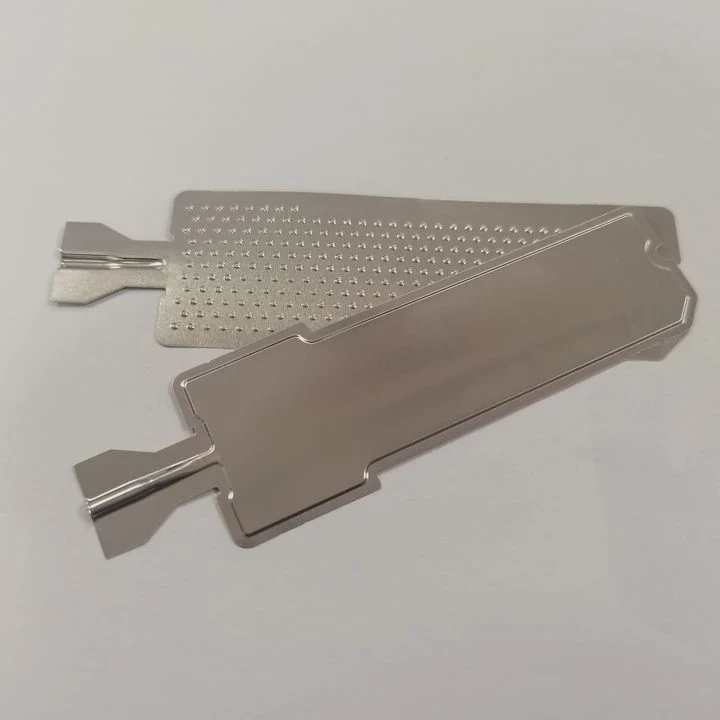
Key Upgrade Benefits
| Benefit | Explanation |
|---|---|
| Improved Cooling Capacity | Modern coolers use larger radiators and efficient pumps for faster heat transfer. |
| Lower Noise Levels | New fans feature fluid dynamic bearings and optimized blades. |
| Better Aesthetics | Upgraded coolers often include sleek designs and RGB lighting. |
| More Reliability | Quality components reduce risk of leaks or pump failure. |
| Higher Performance Potential | Cooler CPUs sustain boost clocks longer without throttling. |
Real-World Example
Upgrading from a 120mm to a 360mm AIO cooler can reduce load temperatures by up to 15°C. That margin lets you maintain full turbo boost speed even in demanding workloads like rendering or gaming.
Additional Functional Gains
Modern coolers now integrate USB controllers and software monitoring. This allows you to adjust fan curves, lighting, and pump speeds directly from your desktop. The upgrade is not just about looks or performance—it’s about control and reliability.
How to safely replace a CPU liquid cooler?
Replacing a CPU cooler might look technical, but you can do it easily if you move step by step. Safety and cleanliness are key.
To safely replace a CPU liquid cooler, power off the system, remove the old cooler, clean the CPU, mount the new unit evenly, and check for leaks before booting.
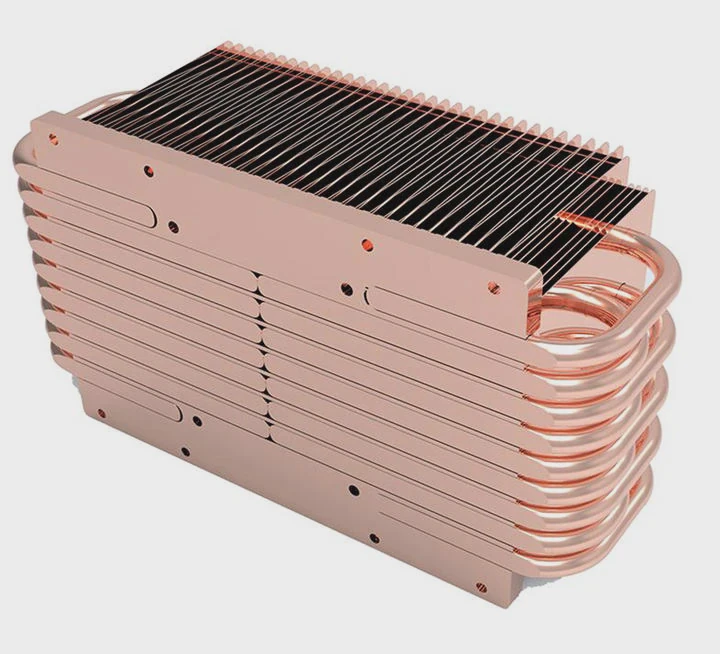
Step 1: Prepare Your Workspace
Shut down your computer and unplug all cables. Move your PC to a flat, clean surface. Have a soft cloth, screwdriver, paper towels, and isopropyl alcohol ready.
Step 2: Drain Static and Remove Old Cooler
Touch a grounded metal surface to remove static electricity. Then unscrew and remove the radiator and fans. Carefully twist the water block to break the seal before lifting it off the CPU.
If the cooler is an all-in-one (AIO) model, you can remove it completely. For custom loops, drain the coolant into a container before disconnecting tubes.
Step 3: Clean the CPU Surface
Use isopropyl alcohol (90% or higher) and a lint-free cloth to remove the old thermal paste. Make sure the CPU surface is clean and shiny. Any residue can block heat transfer.
Step 4: Install Mounting Hardware
Check your new cooler’s manual for socket compatibility. Attach the backplate and brackets to your motherboard. Tighten screws evenly but avoid over-tightening to prevent warping.
Step 5: Apply Thermal Paste
Apply a pea-sized drop of thermal paste to the CPU center. Most modern AIOs already have paste pre-applied, but if not, spread it evenly.
Step 6: Mount the New Cooler
Place the water block carefully on the CPU. Align the screws and tighten them in a diagonal pattern for even pressure. Then install the radiator and fans inside the case (top or front mount recommended).
Step 7: Connect Pump and Fan Cables
Plug the pump cable into the motherboard’s CPU_FAN or PUMP header. Connect the radiator fans to the fan controller or fan headers. Double-check that cables are not touching the fan blades.
Step 8: Test Before Closing the Case
Before reassembling everything, power on your PC. Listen for the pump running quietly. Check BIOS or monitoring software for CPU temperature. If temperatures stay under 40°C at idle, the installation is correct.
Safety Tips
- Never run the system without coolant in custom loops.
- Keep the pump powered directly from the motherboard to ensure constant operation.
- Do not tilt or shake a filled AIO cooler—it can create air bubbles.
- Always use the right screws to avoid puncturing the radiator.
Replacing your cooler carefully ensures long-term stability and peace of mind.
What are the trends in cooler replacement and upgrades?
Cooling technology evolves quickly. Modern designs focus on smarter control, quieter performance, and better environmental safety.
In 2025, cooler replacement trends include AI-based fan control, eco-friendly materials, modular mounting kits, and more efficient pump designs.
Trend 1: AI-Powered Cooling Optimization
Many new coolers feature smart controllers that use sensors and AI algorithms. These automatically adjust pump speed and fan curves based on CPU workload, ambient temperature, and system noise levels. It’s set-and-forget cooling.
Trend 2: Modular Compatibility Kits
Manufacturers now include multi-socket mounting systems that support Intel, AMD, and upcoming platforms without extra kits. This makes future replacements easier and reduces electronic waste.
Trend 3: Sustainable Coolant and Materials
Eco-friendly coolants are becoming standard. They are biodegradable, non-toxic, and less likely to evaporate. Aluminum and recycled plastic are replacing older, heavier materials for sustainability and lighter shipping.
Trend 4: Wireless Monitoring and Control
New AIOs connect to Wi-Fi or Bluetooth for real-time monitoring on mobile apps. Users can control lighting, pump speed, and fan performance remotely without opening the case.
Trend 5: Quieter, Longer-Lasting Pumps
Next-generation pumps use magnetic levitation bearings and redesigned impellers, cutting noise by 40% while lasting twice as long. Combined with advanced rubber mounts, vibrations are nearly eliminated.
Trend 6: Aesthetic Customization
RGB lighting has evolved beyond color effects. Many 2025 coolers feature small LCD screens on the pump head showing system stats or logos. Builders can personalize designs without compromising cooling efficiency.
Trend 7: Compact and Portable Systems
With the rise of small-form-factor PCs, compact 240mm and 280mm AIOs now outperform older 360mm models. These new systems are easier to install and replace while maintaining high cooling efficiency.
Trend 8: Standardization for Upgrades
Brands are moving toward universal connectors and mounting standards. This lets users swap parts between coolers easily, extending product life and reducing cost.
Looking Ahead
The next generation of liquid coolers will likely use smart self-diagnosis—detecting leaks, pump wear, and coolant levels automatically. Replacements will become simpler, faster, and more sustainable.
Conclusion
Replacing or upgrading a CPU liquid cooler is not just maintenance—it’s an opportunity to improve your PC’s performance, silence, and reliability. Understanding when and how to replace it safely ensures your system stays cool and stable. With smart, eco-friendly trends emerging in 2025, cooler replacement is easier and smarter than ever.
TAGS
Latest Articles

Volume discount levels for heat sink orders?
Buyers often ask when heat sink prices start to drop with volume. Many worry they’re overpaying for small orders. This guide explains how B2B volume pricing works for thermal components. Heat sink
21 Dec,2025
Heat sink long-term supply contract options?
Many buyers want stable pricing and reliable delivery for heat sinks. But without a clear contract, risks grow over time. This article explores how to secure better long-term supply deals. Long-term
21 Dec,2025
Tooling cost for new heat sink profiles?
Many engineers struggle to understand why tooling for custom heat sinks costs so much. They worry about budgeting and production timelines. This article breaks down the cost drivers behind tooling.
21 Dec,2025
Heat sink custom sample process steps?
Sometimes, starting a custom heat sink project feels overwhelming—too many steps, too many unknowns, and too many risks. You want a sample, but not endless delays. The process for requesting and
20 Dec,2025
Standard B2B terms for heat sink payments?
When buyers and sellers in B2B heat sink markets talk about payment, many don’t fully understand what’s standard. This can lead to delayed orders, miscommunication, and even lost business
20 Dec,2025
Heat sink pricing factors for large orders?
Heat sinks are vital for many systems. When prices rise, projects stall and budgets break. This problem can hit teams hard without warning. Large order heat sink pricing depends on many factors. You
20 Dec,2025Related Articles
- Does a liquid CPU cooler need thermal paste?
- How to make sure liquid cooling is working?
- How to liquid cool a CPU?
- How to fill a liquid CPU cooler?
- Does PS5 have liquid cooling?
- What is the best AIO liquid cooler?
- What liquid is in water cooling?
- How to install a liquid cooling system?
- How AIO liquid cooler works?
- Does a liquid cooler need water?
- Is a liquid cooler worth it?
- Which electric cars have liquid-cooled batteries?
Author
Dr. Emily Chen
Chief AI Researcher
Leading expert in thermal dynamics and AI optimization with over 15 years of experience in data center efficiency research.
Categories
Latest Products






Recommend Categories
- Liquid cooling plate Manufacturer
- Industrial Heat Sink Manufacturer
- Standard Heat Sink Manufacturer
- Aluminum Heat Sink Manufacturer
- Copper Heat Sink Manufacturer
- Anodized Heatsink Manufacturer
- Stamping heat sink Manufacturer
- Die Casting Heatsink Manufacturer
- Soldering heat sink Manufacturer
- CNC Parts Manufacturer
Latest Products
- Wholesale Aluminum Radiator
- Water Cooling Plate Kit
- Water Cooling Heat Sink
- Water Cooling Heat Sink Kit
- Stainless Steel Water Distributor
- Server Water Cooling Plate Kit
- Server Liquid Cooling System
- Server Aluminum Cooling Kit
- S19 Full Cover Cooling Plate
- S19 Cooling Plate Kit
- S19 Aluminum Cooling Plate
Contact Expert
Have questions about this article? Reach out to our experts directly.