How to refill CPU liquid cooler?
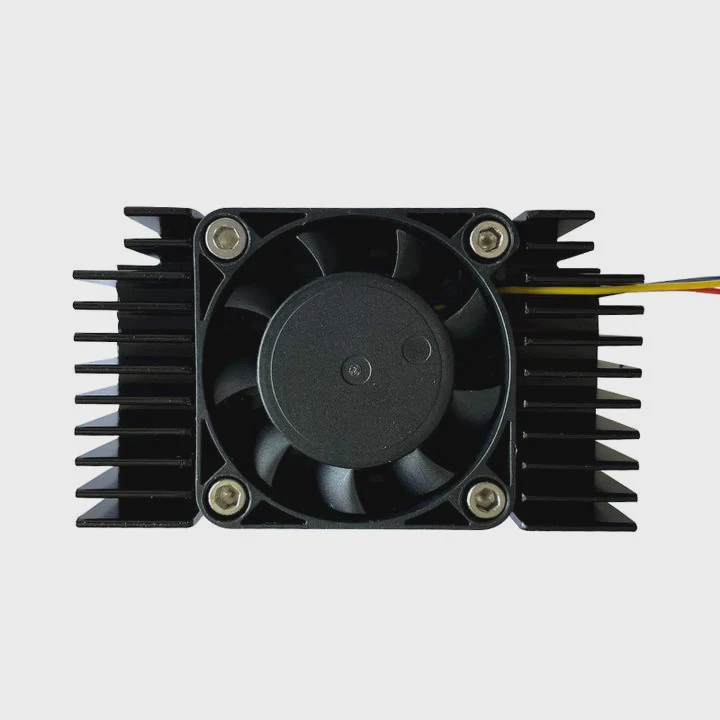
When your CPU starts running hotter than usual, the problem might not be dust or fans—it could be low coolant inside the liquid cooler.
Refilling a CPU liquid cooler involves draining the old fluid, cleaning the system, and adding new coolant to restore optimal heat transfer and prevent hardware damage.
This process can extend the life of your cooling system and improve your computer’s stability and performance.
What is the coolant used in CPU coolers?
Over time, coolant evaporates or breaks down under heat. Many users wonder what exactly goes inside these sealed systems.
CPU coolers use a mix of distilled water and special additives—such as propylene glycol or anti-corrosive agents—to balance cooling performance, longevity, and safety.
The coolant’s job is to absorb heat from the CPU block and carry it to the radiator, where fans release it into the air. The type of coolant used depends on system design and desired maintenance cycle.
Common coolant components
| Component | Purpose | Example |
|---|---|---|
| Distilled water | Primary heat carrier | Base liquid |
| Propylene glycol | Prevents freezing and corrosion | Used in AIO coolers |
| Biocides | Stops algae and microbial growth | Silver or copper ions |
| Dye or colorant | Aesthetic customization | UV-reactive coolants |
Each brand uses its own formula. Some coolants are clear, while others include colors or UV-reactive elements for visual appeal. The key factor is thermal conductivity—coolants must transfer heat quickly without damaging components.
Coolant types comparison
| Type | Conductivity | Lifespan | Risk level |
|---|---|---|---|
| Water-based | High | 1–2 years | Low |
| Glycol mix | Moderate | 2–4 years | Low |
| Mineral oil | Low | Long | Medium |
| Specialty fluids | High | 3–5 years | Low |
Choosing the right coolant keeps your cooler efficient and reduces long-term maintenance.
Why is refilling important?
Even sealed CPU coolers slowly lose coolant through evaporation or micro leaks. Ignoring this leads to poor cooling and system instability.
Refilling a CPU cooler restores its thermal capacity, prevents pump damage, and keeps your CPU at a safe operating temperature.
A low coolant level means less liquid to absorb and move heat. This causes temperature spikes, noise from the pump, and even thermal throttling. Refilling also flushes out any debris, oxidized metal, or algae that might form inside.
Signs you need to refill
| Symptom | Possible cause |
|---|---|
| High CPU temperature | Low coolant volume |
| Gurgling noise | Air trapped in loop |
| Reduced flow rate | Pump wear or clogging |
| Visible bubbles | Evaporation or leak |
If these signs appear, it’s time to check the coolant level. While some all-in-one (AIO) coolers are sealed and cannot be refilled easily, custom loops are designed for maintenance and fluid replacement.
Keeping your cooler topped up ensures consistent performance and prolongs component life.
How to safely refill a CPU cooler?
Working with coolant requires precision and care. A small mistake can cause leaks or electrical damage.
To safely refill a CPU cooler, shut down the system, drain the old fluid, clean the loop, and refill it slowly with new coolant while removing all trapped air.
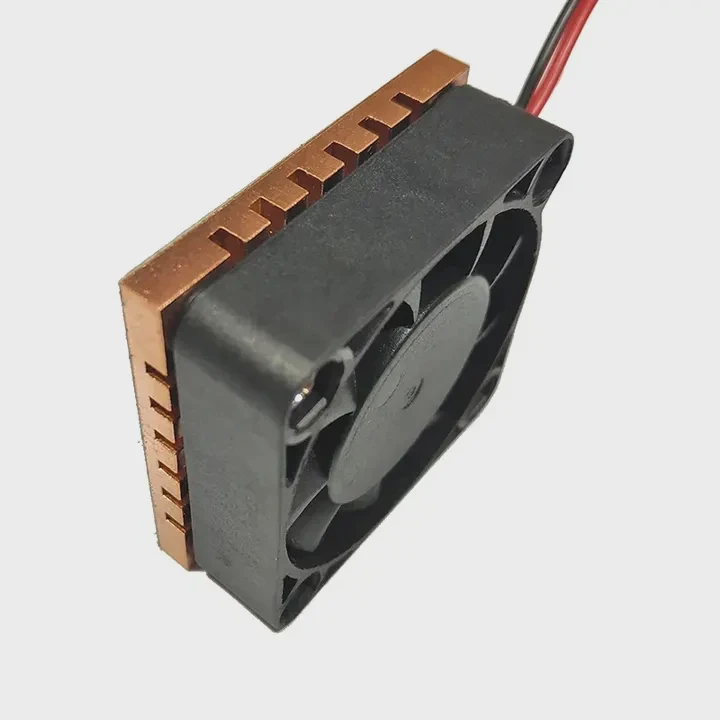
Step-by-step process
- Power off and unplug your PC completely.
- Open the case and locate the fill port or reservoir.
- Drain the old coolant into a clean container. Dispose of it properly.
- Clean the tubing and blocks using distilled water or a cleaning agent.
- Inspect all fittings and seals for cracks or corrosion.
- Refill with new coolant slowly through the fill port.
- Tilt the case to help air bubbles escape.
- Run the pump briefly (without powering the full system) to circulate fluid.
- Top up if needed and seal the reservoir tightly.
Safety precautions
| Step | Safety measure | Reason |
|---|---|---|
| Wear gloves | Prevent skin contact | Some coolants are irritants |
| Avoid mixing brands | Chemical reactions | May cause deposits |
| Keep electronics dry | Prevent short circuits | Fluid damage risk |
| Dispose responsibly | Follow local rules | Environmental protection |
It’s best to refill your cooler on a non-conductive surface with paper towels underneath. Always check for leaks before running your system for long periods.
What are the trends in refillable cooling systems?
Liquid cooling is moving fast. Modern designs are becoming more modular, automated, and eco-friendly.
Refillable cooling systems are trending toward modular loops, long-life fluids, and smart monitoring features that simplify maintenance and improve reliability.
1. Modular designs
Manufacturers now build coolers with quick-release fittings and detachable tubes. Users can swap components or refill fluids without disassembling the whole system.
2. Smart sensors and monitoring
New systems integrate temperature and flow sensors that alert users when coolant levels drop or flow slows. Some connect directly to PC software dashboards.
3. Long-life coolants
Next-generation fluids are designed to last 5–7 years. They resist oxidation, inhibit corrosion, and maintain consistent thermal conductivity over time.
4. Environment-friendly coolants
Green coolants avoid toxic chemicals and use biodegradable materials. They reduce waste and make fluid disposal safer for home users.
5. Integration with AI thermal control
High-end setups now use AI algorithms to adjust pump speed, fan curves, and coolant temperature dynamically. This maintains optimal performance with minimal noise.
These innovations make liquid cooling more user-friendly and sustainable. Refilling, once a tedious process, is now a key part of maintaining cutting-edge systems that balance performance and environmental care.
Conclusion
Refilling a CPU liquid cooler is a simple yet powerful way to maintain system health. It improves cooling efficiency, extends equipment life, and keeps modern computers performing at their best.
TAGS
Latest Articles

Volume discount levels for heat sink orders?
Buyers often ask when heat sink prices start to drop with volume. Many worry they’re overpaying for small orders. This guide explains how B2B volume pricing works for thermal components. Heat sink
21 Dec,2025
Heat sink long-term supply contract options?
Many buyers want stable pricing and reliable delivery for heat sinks. But without a clear contract, risks grow over time. This article explores how to secure better long-term supply deals. Long-term
21 Dec,2025
Tooling cost for new heat sink profiles?
Many engineers struggle to understand why tooling for custom heat sinks costs so much. They worry about budgeting and production timelines. This article breaks down the cost drivers behind tooling.
21 Dec,2025
Heat sink custom sample process steps?
Sometimes, starting a custom heat sink project feels overwhelming—too many steps, too many unknowns, and too many risks. You want a sample, but not endless delays. The process for requesting and
20 Dec,2025
Standard B2B terms for heat sink payments?
When buyers and sellers in B2B heat sink markets talk about payment, many don’t fully understand what’s standard. This can lead to delayed orders, miscommunication, and even lost business
20 Dec,2025
Heat sink pricing factors for large orders?
Heat sinks are vital for many systems. When prices rise, projects stall and budgets break. This problem can hit teams hard without warning. Large order heat sink pricing depends on many factors. You
20 Dec,2025Related Articles
- Is liquid cooling better than air cooling Reddit?
- Is liquid cooling GPU worth it?
- How to install liquid CPU cooling system?
- How does a CPU liquid cooler work?
- How does liquid metal cooling work?
- Which is better, air-cooled or liquid?
- What is the best AIO liquid cooler?
- Does PS5 have liquid cooling?
- How to fill a liquid CPU cooler?
- How to liquid cool a CPU?
- How to make sure liquid cooling is working?
- Does a liquid CPU cooler need thermal paste?
Author
Dr. Emily Chen
Chief AI Researcher
Leading expert in thermal dynamics and AI optimization with over 15 years of experience in data center efficiency research.
Categories
Latest Products






Recommend Categories
- Liquid cooling plate Manufacturer
- Industrial Heat Sink Manufacturer
- Standard Heat Sink Manufacturer
- Aluminum Heat Sink Manufacturer
- Copper Heat Sink Manufacturer
- Anodized Heatsink Manufacturer
- Stamping heat sink Manufacturer
- Die Casting Heatsink Manufacturer
- Soldering heat sink Manufacturer
- CNC Parts Manufacturer
Latest Products
- Wholesale Aluminum Radiator
- Water Cooling Plate Kit
- Water Cooling Heat Sink
- Water Cooling Heat Sink Kit
- Stainless Steel Water Distributor
- Server Water Cooling Plate Kit
- Server Liquid Cooling System
- Server Aluminum Cooling Kit
- S19 Full Cover Cooling Plate
- S19 Cooling Plate Kit
- S19 Aluminum Cooling Plate
Contact Expert
Have questions about this article? Reach out to our experts directly.