Is liquid cooling GPU worth it?
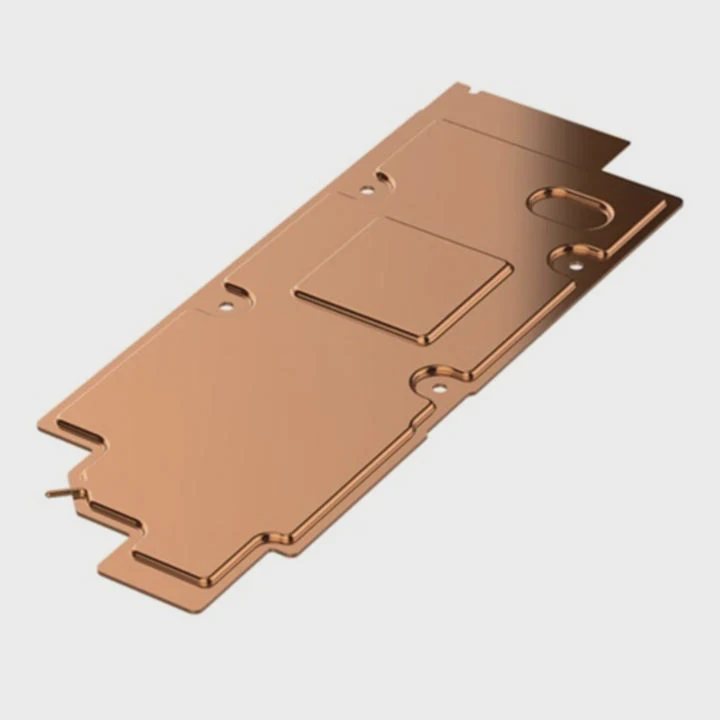
When your graphics card overheats, performance drops sharply, and fans start to roar like a jet engine.
Liquid cooling your GPU is worth it if you need better thermal control, quieter operation, and higher performance for gaming or rendering.
Let’s go deeper and see when GPU liquid cooling makes sense, and how it compares to traditional air cooling.
What is GPU liquid cooling?
If you have seen a PC with clear tubes and glowing coolant, you have already seen liquid cooling in action.
GPU liquid cooling uses a liquid-based system to transfer heat from the graphics card to a radiator, keeping the GPU at lower temperatures than fan-based coolers.
How it works
A GPU block is installed directly on the graphics processor. It has small channels where the coolant flows, carrying heat away to the radiator. The radiator fans then push the heat out of the system. This process is more efficient because liquid can absorb and move heat faster than air.
Main components
Here are the basic parts of a GPU liquid cooling setup:
| Component | Function |
|---|---|
| Water Block | Directly absorbs heat from the GPU |
| Pump | Circulates coolant through the system |
| Radiator | Releases heat into the air |
| Coolant | Transfers heat through the loop |
| Tubes | Connects all parts together |
Unlike fan coolers that rely on airflow, this system uses thermodynamics to keep the GPU stable even during long gaming or rendering sessions.
What are its benefits for gaming or rendering?
When games or design projects push your GPU to the limit, you need a way to keep it cool without sounding like a wind tunnel.
GPU liquid cooling improves thermal performance, reduces noise, and maintains consistent frame rates during heavy workloads.
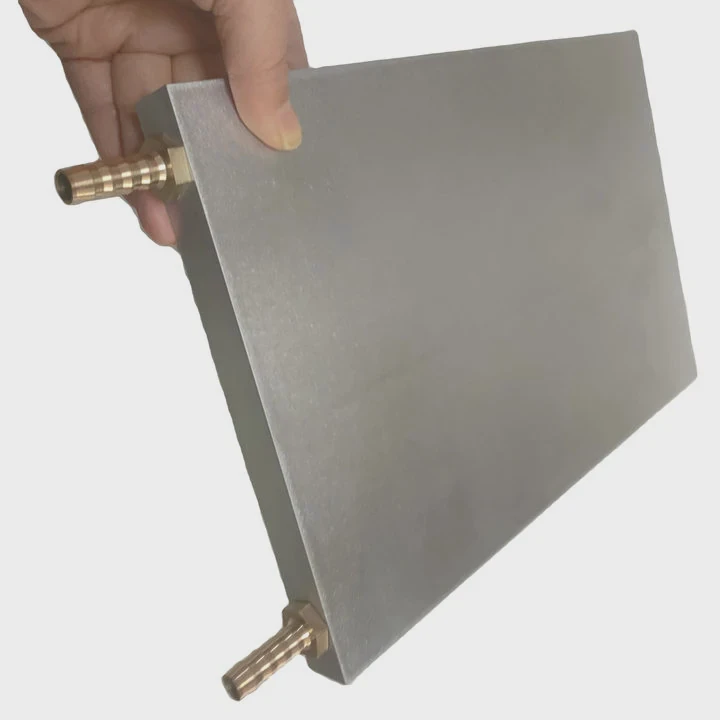
Better temperature control
Air cooling often struggles when the GPU runs at full load for hours. Liquid systems can drop temperatures by 15–25°C, which prevents thermal throttling. This means higher and more stable FPS for gamers and faster rendering for creators.
Quieter operation
When fans don’t need to spin as fast, your setup becomes almost silent. This is a major benefit if you stream, record, or work in a shared space.
Longer lifespan
Lower temperatures reduce stress on electronic components. This extends GPU life and reduces the chance of failure.
Overclocking potential
Lower heat means more room for overclocking. Many enthusiasts push their GPUs 10–15% beyond factory limits safely with liquid cooling.
Cleaner build design
With custom loops or all-in-one kits, you can make your PC look clean and professional. Many builders use colored coolant or RGB lighting for a modern aesthetic.
Performance summary table
| Parameter | Air Cooling | Liquid Cooling |
|---|---|---|
| GPU Temp under Load | 80–85°C | 55–65°C |
| Noise Level | 40–50 dB | 20–35 dB |
| Stability under Load | Medium | High |
| Overclocking Potential | Limited | Excellent |
| Lifespan | Standard | Longer |
For gamers and creators, these differences are easy to feel. Games stay smoother. Renders finish faster. The system runs cooler and quieter.
How to install GPU liquid cooling effectively?
Installing a GPU liquid cooler sounds complex, but with the right tools and steps, it’s easier than most people think.
To install GPU liquid cooling effectively, ensure compatibility, plan the loop layout, and test for leaks before powering on the system.
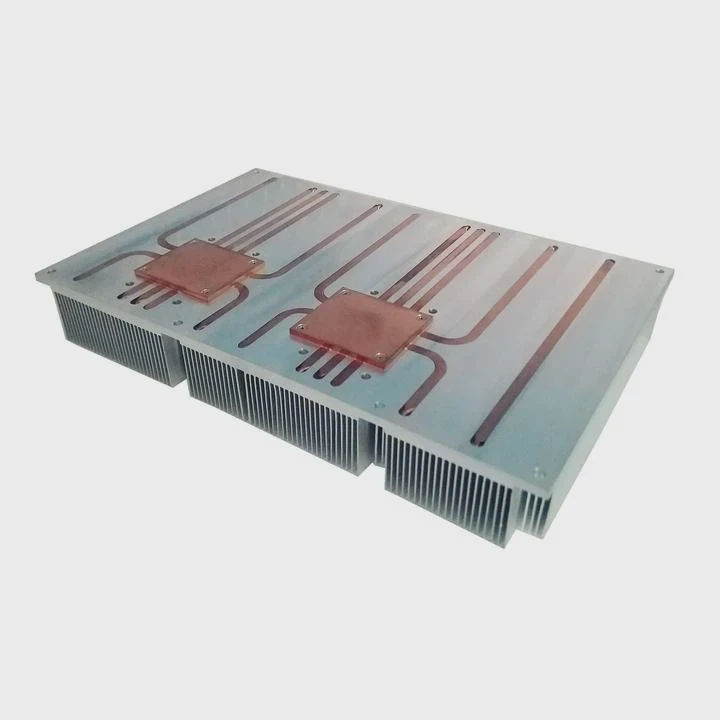
Step 1: Check compatibility
Make sure the cooling block fits your GPU model. Most brands list supported graphics cards on their websites. Also, confirm your case has enough space for the radiator.
Step 2: Gather tools and materials
You’ll need a screwdriver set, thermal paste, coolant, and tubing. For a custom loop, you’ll also need fittings, a pump, and clamps.
Step 3: Prepare the GPU
Remove the factory air cooler. Clean old thermal paste off the GPU chip with isopropyl alcohol. Apply a thin, even layer of new thermal paste.
Step 4: Mount the water block
Attach the block carefully, making sure the contact is even. Tighten screws in a cross pattern to ensure pressure balance.
Step 5: Build the loop
Plan the shortest and cleanest path for your tubes. Connect the pump, block, and radiator. Make sure each connection is tight.
Step 6: Fill and test
Fill the loop with coolant. Before connecting power, run a leak test using a separate pump power source. Let it run for at least 12 hours.
Step 7: Power up and monitor
Once you confirm no leaks, start your PC. Use software like MSI Afterburner or HWMonitor to check temperatures and fan speeds.
Installation tips
| Tip | Description |
|---|---|
| Avoid tight bends | Prevent kinks in tubing |
| Use quality fittings | Reduces chance of leaks |
| Bleed air bubbles | Ensures steady coolant flow |
| Keep radiator fans outward | Better airflow and heat exhaust |
| Clean loop every 6–12 months | Maintains performance and safety |
After proper installation, you will notice an immediate drop in temperature and noise.
What are the trends in GPU cooling solutions?
Cooling technology continues to evolve as GPUs become more powerful and compact.
The latest trends show a shift toward hybrid, modular, and AI-assisted GPU cooling systems for better performance and maintenance control.
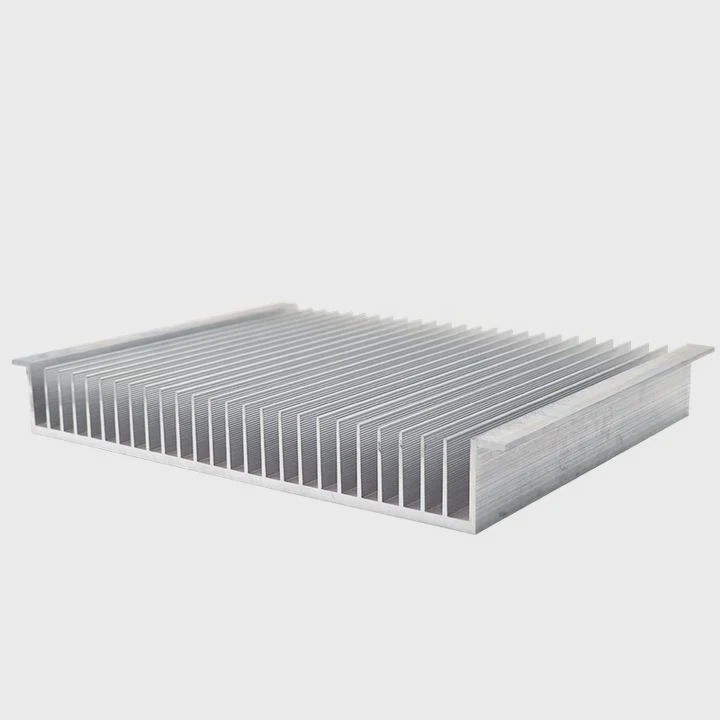
Hybrid cooling systems
Manufacturers now combine liquid and fan cooling. For example, the GPU core uses liquid, while VRAM and power modules rely on air cooling. This balances efficiency and cost.
All-in-one (AIO) GPU coolers
AIO systems are pre-filled, sealed, and easy to install. They don’t require maintenance and have become popular among gamers who want high performance without custom loops.
Advanced materials
Coolers now use vapor chambers, graphene-coated plates, and nano-fluid coolants. These materials improve heat transfer while keeping systems lighter.
Smart temperature management
Some modern GPUs come with built-in sensors that communicate with the cooler. The cooler then adjusts pump and fan speed dynamically to maintain perfect balance between cooling and noise.
Eco-friendly innovation
Brands are starting to develop coolants that are biodegradable and recyclable. This reduces the environmental impact of custom cooling systems.
Future direction
In the near future, we may see modular cooling blocks that can be replaced or upgraded like storage drives. This will make GPU cooling more accessible to everyone.
Conclusion
Liquid cooling for GPUs is worth it if you care about performance, silence, and system longevity. For gamers, streamers, and creators who push their hardware hard, the benefits are clear. Cooling technology will keep advancing, bringing smarter, quieter, and more sustainable solutions to every user.
TAGS
Latest Articles

Volume discount levels for heat sink orders?
Buyers often ask when heat sink prices start to drop with volume. Many worry they’re overpaying for small orders. This guide explains how B2B volume pricing works for thermal components. Heat sink
21 Dec,2025
Heat sink long-term supply contract options?
Many buyers want stable pricing and reliable delivery for heat sinks. But without a clear contract, risks grow over time. This article explores how to secure better long-term supply deals. Long-term
21 Dec,2025
Tooling cost for new heat sink profiles?
Many engineers struggle to understand why tooling for custom heat sinks costs so much. They worry about budgeting and production timelines. This article breaks down the cost drivers behind tooling.
21 Dec,2025
Heat sink custom sample process steps?
Sometimes, starting a custom heat sink project feels overwhelming—too many steps, too many unknowns, and too many risks. You want a sample, but not endless delays. The process for requesting and
20 Dec,2025
Standard B2B terms for heat sink payments?
When buyers and sellers in B2B heat sink markets talk about payment, many don’t fully understand what’s standard. This can lead to delayed orders, miscommunication, and even lost business
20 Dec,2025
Heat sink pricing factors for large orders?
Heat sinks are vital for many systems. When prices rise, projects stall and budgets break. This problem can hit teams hard without warning. Large order heat sink pricing depends on many factors. You
20 Dec,2025Related Articles
- How to install liquid CPU cooling system?
- How does a CPU liquid cooler work?
- How does liquid metal cooling work?
- Which is better, air-cooled or liquid?
- Is liquid cooling better than fan cooling?
- How much is liquid cooling?
- Is liquid cooling better than air cooling Reddit?
- How to refill CPU liquid cooler?
- What is the best AIO liquid cooler?
- Does PS5 have liquid cooling?
- How to fill a liquid CPU cooler?
- How to liquid cool a CPU?
Author
Dr. Emily Chen
Chief AI Researcher
Leading expert in thermal dynamics and AI optimization with over 15 years of experience in data center efficiency research.
Categories
Latest Products






Recommend Categories
- Liquid cooling plate Manufacturer
- Industrial Heat Sink Manufacturer
- Standard Heat Sink Manufacturer
- Aluminum Heat Sink Manufacturer
- Copper Heat Sink Manufacturer
- Anodized Heatsink Manufacturer
- Stamping heat sink Manufacturer
- Die Casting Heatsink Manufacturer
- Soldering heat sink Manufacturer
- CNC Parts Manufacturer
Latest Products
- Wholesale Aluminum Radiator
- Water Cooling Plate Kit
- Water Cooling Heat Sink
- Water Cooling Heat Sink Kit
- Stainless Steel Water Distributor
- Server Water Cooling Plate Kit
- Server Liquid Cooling System
- Server Aluminum Cooling Kit
- S19 Full Cover Cooling Plate
- S19 Cooling Plate Kit
- S19 Aluminum Cooling Plate
Contact Expert
Have questions about this article? Reach out to our experts directly.