How AIO liquid cooler works?
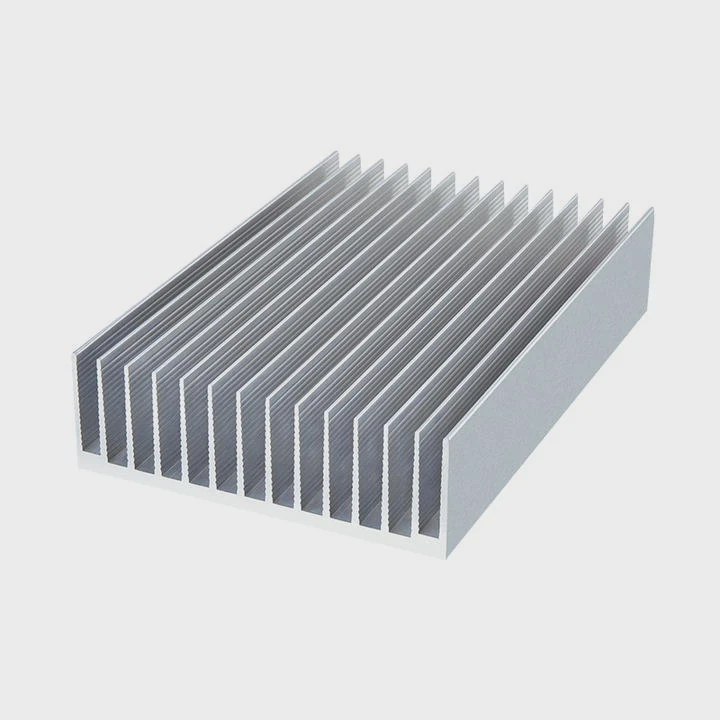
When high-performance processors push thermal limits, an AIO liquid cooler becomes one of the most reliable and efficient solutions for keeping temperatures under control.
An AIO (All-In-One) liquid cooler works by circulating coolant through a closed loop between the CPU and a radiator, transferring heat away efficiently using a pump, tubes, and fans.
It combines simplicity and performance, offering users plug-and-play cooling with minimal maintenance and consistent thermal stability.
What is an AIO liquid cooling system?
Air cooling alone cannot always keep modern CPUs within safe temperature limits, especially under heavy workloads or overclocking.
An AIO liquid cooling system is a pre-assembled, sealed loop that uses liquid to move heat from the CPU to a radiator, where fans release it into the air.
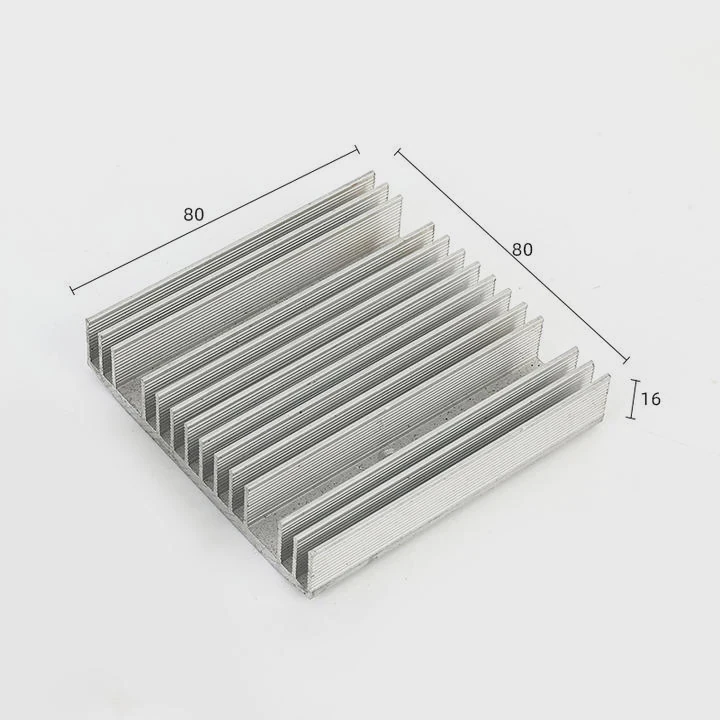
An AIO cooler integrates four main components that work together to maintain temperature balance:
| Component | Function | Description |
|---|---|---|
| Pump | Moves coolant through loop | Built into CPU block |
| Cold plate | Transfers heat from CPU | Usually copper or nickel |
| Tubes | Carry coolant | Flexible and sealed |
| Radiator with fans | Releases heat | Converts liquid heat to air cooling |
When the CPU generates heat, the cold plate absorbs it. The liquid inside carries that heat through tubes to the radiator. The fans then push cool air through the fins, releasing energy into the environment. The liquid returns to the block, repeating the cycle continuously.
Why AIO systems are popular
- Simple to install
- Maintenance-free for years
- Clean design with fewer cables
- Quiet and consistent operation
This compact closed-loop system is a balance between air cooling’s convenience and custom loop performance.
What are its main advantages?
Compared to traditional air coolers, AIO systems deliver better cooling density and quieter operation while taking up less space around the CPU socket.
The main advantages of AIO coolers include higher thermal efficiency, reduced noise, compact design, and lower maintenance requirements.
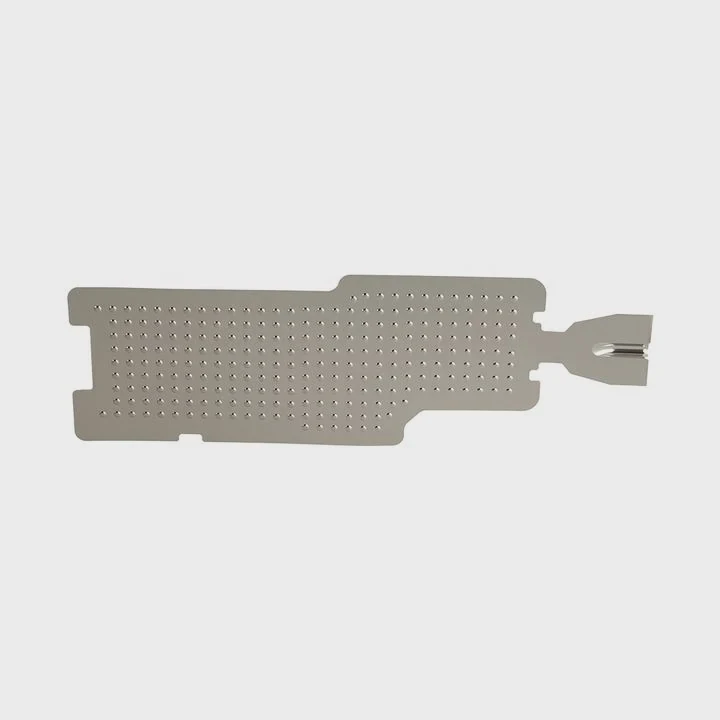
AIO coolers use liquid to absorb and spread heat faster than air. The result is more stable CPU performance, especially during heavy gaming or rendering sessions.
Key advantages overview
| Advantage | Description |
|---|---|
| High cooling performance | Keeps CPU under lower temps under load |
| Low noise level | Fans and pump run quieter than large air coolers |
| Compact design | Fits smaller cases with better clearance |
| Easy installation | Pre-filled and sealed units |
| Aesthetic appeal | Clean, modern look with RGB options |
Performance consistency
Because AIO coolers are sealed systems, they avoid dust buildup that often affects air coolers. The consistent liquid flow ensures uniform temperature distribution, reducing thermal spikes.
Durability
Modern pumps are rated for tens of thousands of operating hours, ensuring stable performance over several years without frequent refills or part replacement.
These advantages make AIO coolers ideal for users who want high performance without the complexity of custom water cooling setups.
How to maintain and monitor its performance?
Even though AIO coolers are mostly maintenance-free, periodic checks ensure long-term efficiency and prevent potential issues.
To maintain an AIO cooler, inspect for leaks, clean the radiator fins, monitor pump and fan speeds, and track CPU temperatures through software tools.
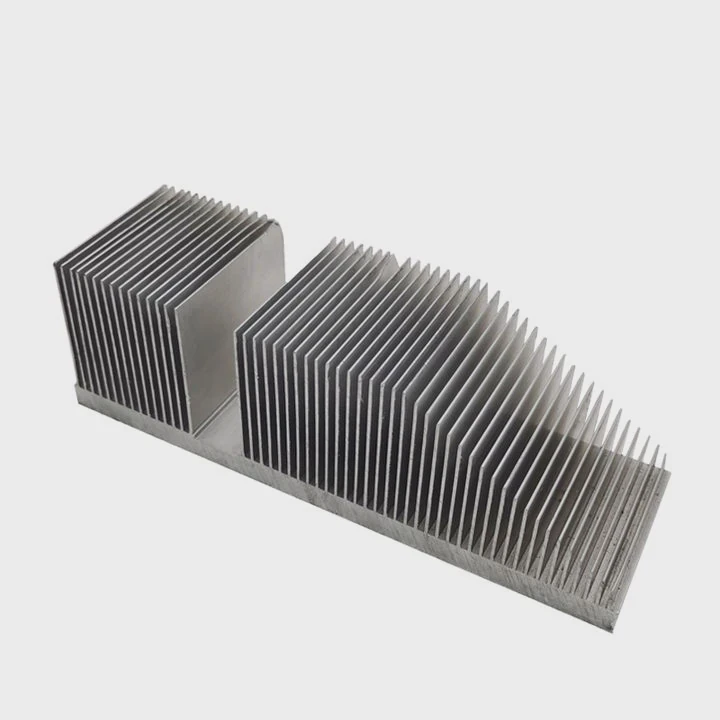
Maintenance checklist
| Step | Action | Frequency |
|---|---|---|
| Check for leaks | Inspect tubing and fittings | Every 3 months |
| Clean radiator | Remove dust with air | Monthly |
| Monitor temps | Use software like HWMonitor | Weekly |
| Verify pump speed | Check RPM in BIOS or app | Regularly |
| Ensure airflow | Maintain clear fan paths | Always |
Monitoring tools
Most AIOs today integrate sensors that let users check performance directly from their system interface. Tools like NZXT CAM, Corsair iCUE, or motherboard software provide real-time data for pump RPM, coolant temperature, and fan speed.
If CPU temperatures rise unexpectedly or you hear new noises from the pump, it could signal trapped air or wear. Slight tilting of the case can help remove bubbles. However, if the pump fails or leaks occur, replacement is recommended since AIO units are sealed.
Tips for better performance
- Mount the radiator so the pump is not the highest point in the loop.
- Keep intake and exhaust airflow balanced.
- Avoid over-tightening mounting screws.
- Update firmware or control software periodically.
Consistent monitoring and light cleaning keep your AIO running efficiently for years.
What are the developments in AIO technology?
Technology behind AIO coolers is advancing quickly, blending mechanical innovation with smart digital control.
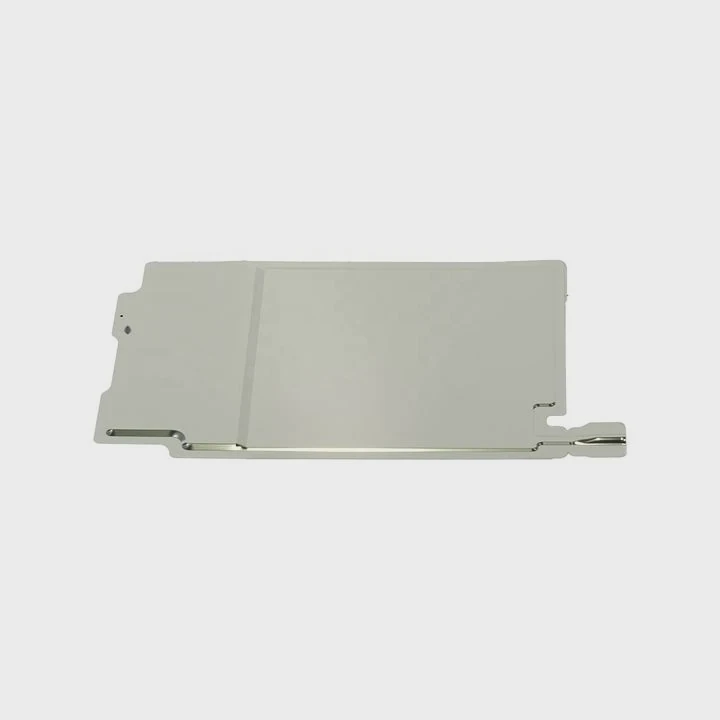
Recent developments in AIO technology include magnetic pumps, AI-assisted cooling control, improved micro-channel cold plates, and advanced noise-reduction systems.
1. Magnetic-levitation pumps
Modern pumps now use magnetic bearings that reduce friction and extend lifespan. These also minimize noise and vibration during operation.
2. Micro-channel cold plates
Newer cold plates feature fine-etched copper channels that increase the surface area for heat absorption, improving efficiency without increasing size.
3. Dual-chamber design
Some manufacturers separate the pump chamber from the motor area. This design improves fluid pressure control and helps reduce air bubble formation.
4. Smart control integration
Software algorithms now automatically balance fan and pump speeds based on workload. AI-driven thermal profiles learn user habits to keep temperatures steady while minimizing noise.
5. Enhanced materials and coatings
Corrosion-resistant coatings and upgraded tubing materials prevent leaks and oxidation, extending cooler life even in high-temperature environments.
6. Visual and diagnostic feedback
Many AIOs now include small LCD screens that display CPU temperatures, logos, or animations. This feature also provides instant feedback about pump health and system status.
Looking ahead
AIO coolers are evolving into intelligent, self-regulated thermal systems. With long-lasting fluids, sensor feedback, and digital management, future AIOs will require less maintenance and deliver even quieter, smarter cooling solutions.
Conclusion
An AIO liquid cooler offers an elegant, efficient, and low-maintenance solution for keeping CPUs cool. With smart control, advanced materials, and future-ready designs, AIO systems continue to lead the way in modern thermal management.
TAGS
Latest Articles

Volume discount levels for heat sink orders?
Buyers often ask when heat sink prices start to drop with volume. Many worry they’re overpaying for small orders. This guide explains how B2B volume pricing works for thermal components. Heat sink
21 Dec,2025
Heat sink long-term supply contract options?
Many buyers want stable pricing and reliable delivery for heat sinks. But without a clear contract, risks grow over time. This article explores how to secure better long-term supply deals. Long-term
21 Dec,2025
Tooling cost for new heat sink profiles?
Many engineers struggle to understand why tooling for custom heat sinks costs so much. They worry about budgeting and production timelines. This article breaks down the cost drivers behind tooling.
21 Dec,2025
Heat sink custom sample process steps?
Sometimes, starting a custom heat sink project feels overwhelming—too many steps, too many unknowns, and too many risks. You want a sample, but not endless delays. The process for requesting and
20 Dec,2025
Standard B2B terms for heat sink payments?
When buyers and sellers in B2B heat sink markets talk about payment, many don’t fully understand what’s standard. This can lead to delayed orders, miscommunication, and even lost business
20 Dec,2025
Heat sink pricing factors for large orders?
Heat sinks are vital for many systems. When prices rise, projects stall and budgets break. This problem can hit teams hard without warning. Large order heat sink pricing depends on many factors. You
20 Dec,2025Related Articles
- How to install a liquid cooling system?
- What liquid is in water cooling?
- How to replace CPU liquid cooler?
- Does a liquid CPU cooler need thermal paste?
- How to make sure liquid cooling is working?
- How to liquid cool a CPU?
- Does a liquid cooler need water?
- Is a liquid cooler worth it?
- Which electric cars have liquid-cooled batteries?
- Are liquid cooling systems worth it?
- Is liquid-cooled CPU worth it?
- What is the liquid in water cooling?
Author
Dr. Emily Chen
Chief AI Researcher
Leading expert in thermal dynamics and AI optimization with over 15 years of experience in data center efficiency research.
Categories
Latest Products






Recommend Categories
- Liquid cooling plate Manufacturer
- Industrial Heat Sink Manufacturer
- Standard Heat Sink Manufacturer
- Aluminum Heat Sink Manufacturer
- Copper Heat Sink Manufacturer
- Anodized Heatsink Manufacturer
- Stamping heat sink Manufacturer
- Die Casting Heatsink Manufacturer
- Soldering heat sink Manufacturer
- CNC Parts Manufacturer
Latest Products
- Wholesale Aluminum Radiator
- Water Cooling Plate Kit
- Water Cooling Heat Sink
- Water Cooling Heat Sink Kit
- Stainless Steel Water Distributor
- Server Water Cooling Plate Kit
- Server Liquid Cooling System
- Server Aluminum Cooling Kit
- S19 Full Cover Cooling Plate
- S19 Cooling Plate Kit
- S19 Aluminum Cooling Plate
Contact Expert
Have questions about this article? Reach out to our experts directly.