how to take heatsink of 3070 ti strix?
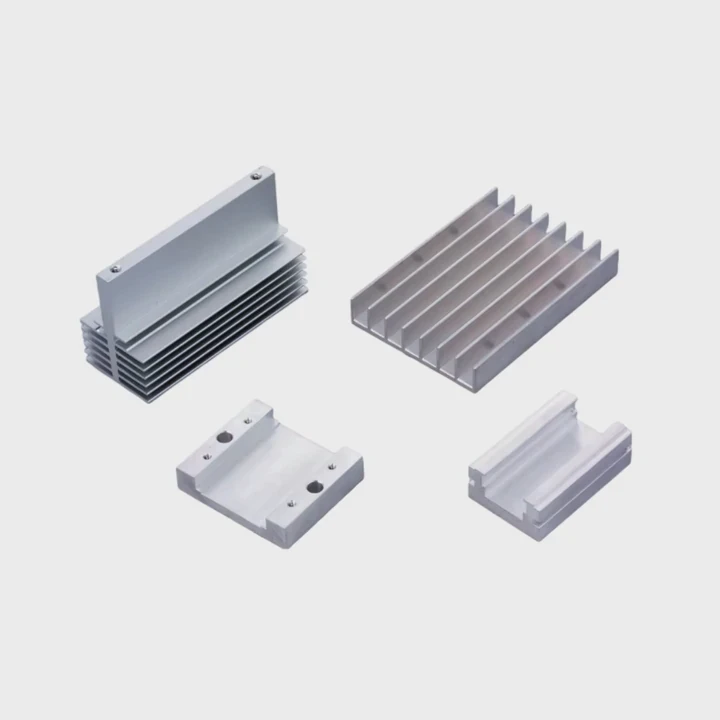
I remember the first time I opened a 3070 Ti Strix. I felt nervous because the card looked complex. The screws, the shroud, the fans, and the padding all made the job look harder than it was.
You remove the heatsink by taking off the shroud screws, unplugging the fan cables, and lifting the cooler in an even motion. The pads may hold the parts tight, so slow and steady movement is important.
I want to walk you through this with simple steps. I also want to show why each step matters. This will make your work easier and safer.
Why remove shroud screws first?
When I first opened a Strix card, I tried to lift the cooler before removing the shroud screws. I quickly learned this was a mistake because the shroud holds many parts together.
You remove the shroud screws first because the shroud locks the cooler, fans, and outer shell in place. These screws keep the heatsink from moving. Without removing them, the cooler will not separate safely.
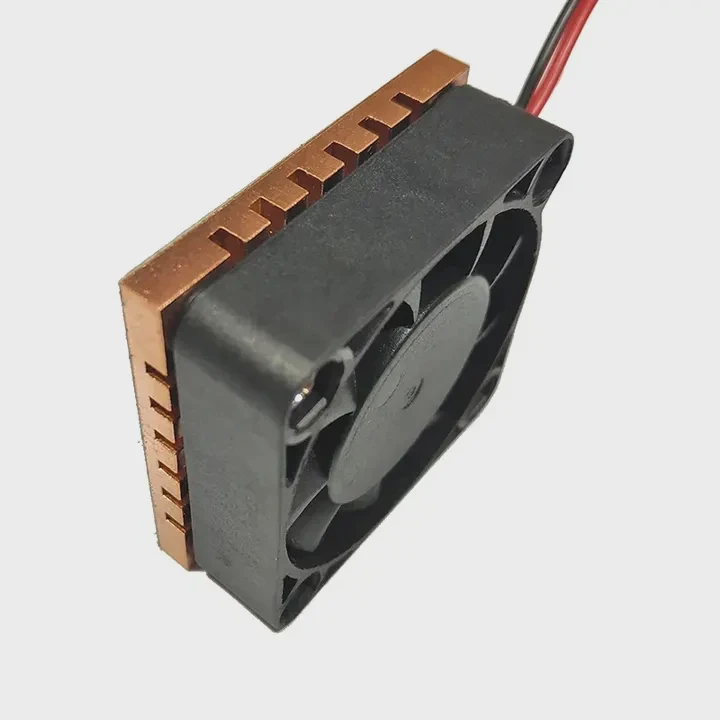
Why the shroud holds everything tight
The shroud is not only a cover. It supports the fans, stabilizes the frame, and keeps the cooler aligned. The screws connect the shroud to the heatsink and sometimes to the PCB. If you skip them, you will pull against locked parts.
What happens if you leave screws in place
I once forgot one screw near the edge. When I tried to lift the cooler, the card bent slightly. This is dangerous. It can warp the PCB. It can crack solder joints. It can pull pads sideways. This taught me to check every screw before lifting.
Common screw locations on the Strix card
| Screw Type | Location | Purpose |
|---|---|---|
| Outer shroud screws | Along edges | Hold frame and fan shell |
| Heatsink mounting screws | Around GPU bracket | Anchor cooler to GPU |
| Fan frame screws | Near fan housing | Keep fans stable |
How to remove screws safely
I use a small Phillips driver. I start from one edge and move around the card. I place screws in order on my table so I do not mix them. The Strix uses different screw lengths, so keeping them organized helps a lot.
Why removing the shroud first makes the job easier
Once the shroud screws are out, the cooler becomes free from the frame. This makes the lifting step smooth. The cooler will move without binding. This prevents pressure on the GPU and pads.
Why you should not rush this step
Rushing can damage the fan wires or warp the PCB. The shroud controls the card’s structure. Take your time here to make the next steps safe.
Which cables must be unplugged?
Fan cables are small. The RGB cable is small too. These cables can tear easily if you lift the cooler while they are still connected. I made this mistake once, and I do not want anyone to repeat it.
You must unplug the fan cables and the RGB cable before lifting the heatsink. These cables connect the cooler to the PCB. If you pull the cooler without unplugging them, you can tear them instantly.
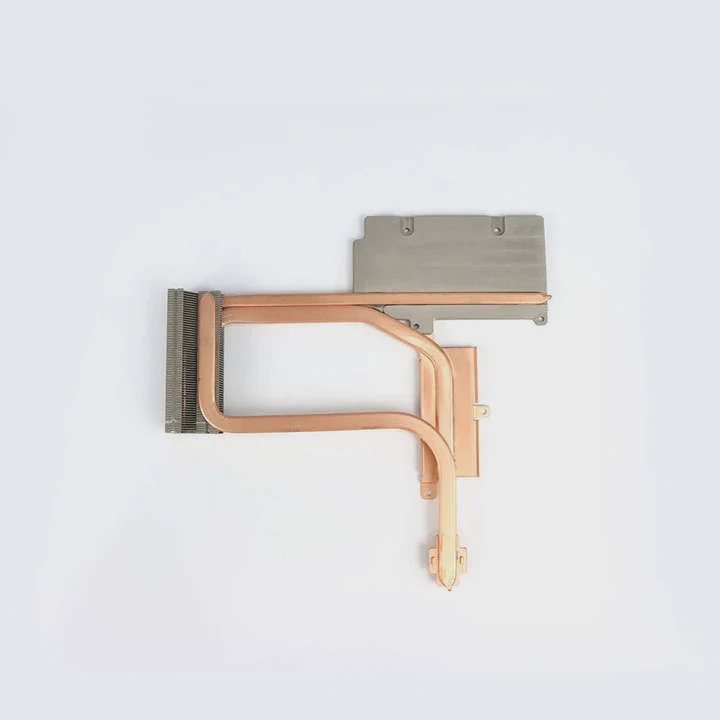
Why these cables matter
The Strix cooler has three fans and RGB lighting. All of them rely on tiny cables. These cables sit close to the PCB. When you pull the heatsink up, the wires stretch. They can break, or the connectors can tear from the board.
Where the cables are located
Here are the usual positions:
1. Fan power cables
They sit near the top right or center of the PCB. They look like small white or black connectors.
2. RGB cable
This cable is thinner. It often sits near the edge of the PCB under the cooler.
3. Fan hub cable
Some Strix models use a small hub cable that links the fans together.
A cable overview table
| Cable Type | Function | Risk if Not Unplugged |
|---|---|---|
| Fan cables | Power for each fan | Cable tear or connector break |
| RGB cable | Lighting control | Light failure or board damage |
| Hub cable | Links multiple fans | Hard-to-repair damage |
Why you should unplug before lifting
If you try to lift the cooler without unplugging, you will stretch the wires. The cooler is heavy, and the upward force becomes strong. The wires cannot handle that force. I once pulled a cable and had to replace the whole fan assembly.
How I unplug cables safely
I lift the cooler slightly, just enough to see the cables. Then I slide my hand under and press the tabs gently. I never pull the wires. I only pull the connector base. If the connector feels tight, I move it slowly from side to side.
Why cables are one of the easiest parts to damage
These connectors are small and fragile. They are made for low force. A small mistake can break them. Once they break, they are hard to replace. This is why cable removal is one of the most important parts of the process.
Can thermal pads stick strongly?
The first time I removed a GPU cooler with thick pads, I was shocked at how strong the pads held the cooler. The pads felt like glue. This can surprise new builders and make the job stressful.
Yes, thermal pads can stick very strongly. They grip the memory chips and VRMs. The pads create a soft but tight bond, and this bond can hold the heatsink firmly. You must move the cooler slowly to avoid tearing pads or bending the PCB.
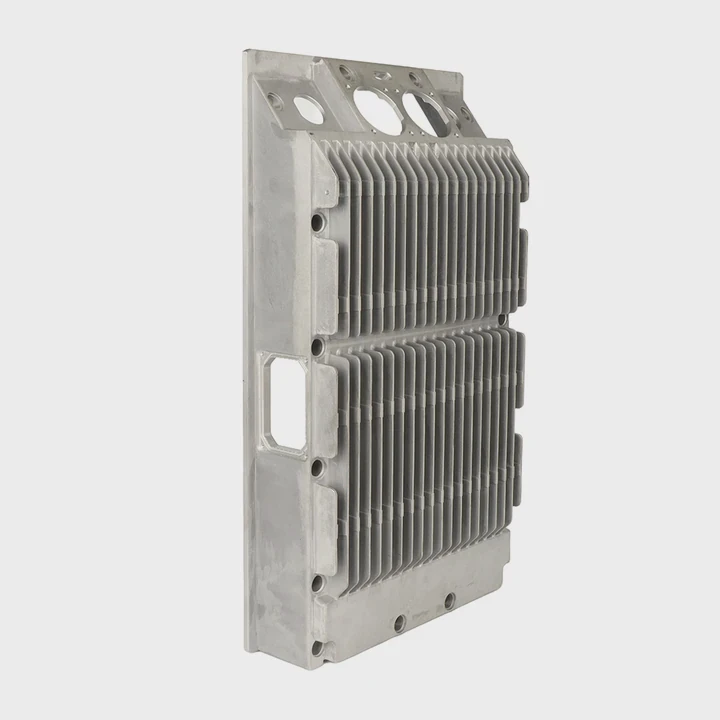
Why thermal pads stick so hard
Pads are soft. When they warm up, they become slightly tacky. This tackiness creates friction. When the pad covers a wide area, this friction becomes strong. Many Strix cards use thick pads on VRMs and memory, so the grip becomes even stronger.
Why this does not mean something is wrong
A strong grip is normal. Pads work like cushions. They must press tightly to transfer heat well. If the pads did not grip, the cooling would be weak. So a strong bond is expected.
Why pulling straight up is risky
If you pull the cooler upward too fast, the pads can stretch. They can tear. They can also pull VRM or memory chips. This is rare, but it can happen if you use force. The PCB can flex too. Flexing is dangerous for solder joints.
How to handle strong pads
Step 1: Wiggle gently
I move the cooler side to side. This breaks the pad grip slowly.
Step 2: Lift a little, then stop
I lift only a few millimeters. This reduces stress.
Step 3: Let pads release
As the pads release, the cooler will feel loose.
Why slow motions matter
Thermal pads release their grip better when you move slowly. Fast movement pulls them like gum. Slow movement lets them peel without stretching.
How pad thickness affects grip
Thicker pads grip more because they compress harder. Thin pads grip less. Many 3070 Ti Strix cards use medium to thick pads, so I always expect a strong hold.
Why pads may need replacement
If pads tear during removal, they must be replaced. A torn pad cannot make good contact. I always keep spare pads ready before opening the card.
Should heatsink be lifted evenly?
The last part of the job is lifting the heatsink. This is the part most people rush. But even lifting is important because an uneven lift can twist the board.
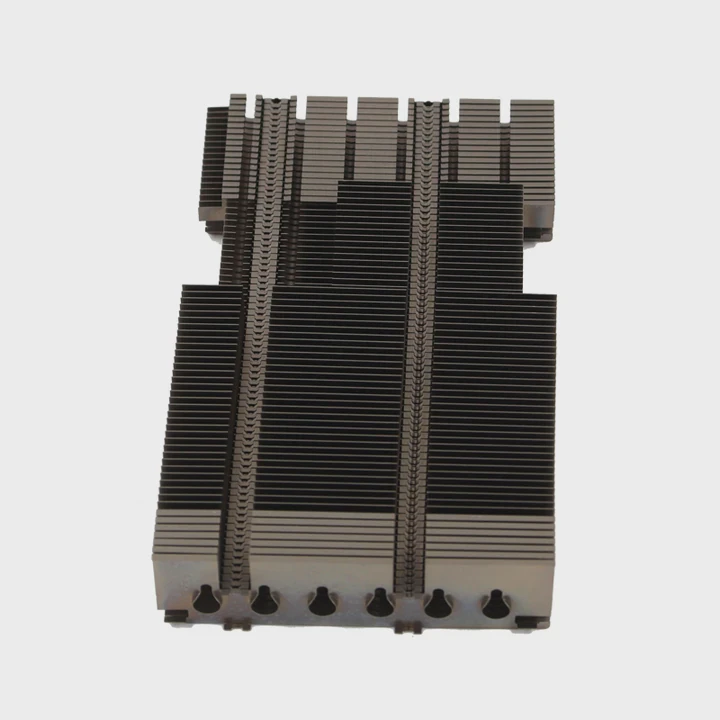
Yes, the heatsink should be lifted evenly. Even lift keeps the pressure balanced and stops the PCB from bending. It also helps the pads release in a clean way. This prevents damage to chips and connectors.
Why even lifting protects the PCB
The PCB is thin. The cooler is heavy. If you lift from one side only, the heavy side pulls down. This creates a twist. Twisting can stress the GPU solder balls. It can also damage small chips on the edge.
Why even lifting helps pads release
Pads release best when force spreads across the whole cooler. If you lift unevenly, one side pulls the pads while the other side stays stuck. This can tear pads. It can also leave pad pieces stuck in strange places.
How I lift the cooler in a safe way
Step 1: Hold both sides
I place one hand on each edge of the cooler.
Step 2: Move upward slowly
I lift a few millimeters at a time.
Step 3: Check if any area sticks
If one side sticks, I lower the cooler and wiggle gently.
Step 4: Lift again with both hands
I lift until the pads release.
Why uneven lifting can damage connectors
Sometimes fan wires sit close to the cooler edge. If you lift unevenly, the cooler can catch these wires. This pulls the connectors. Even lifting helps prevent this from happening.
A simple comparison table
| Lifting Style | Risk Level | What Happens |
|---|---|---|
| Even lift | Low | Pads release slowly, PCB stays safe |
| One-side lift | High | Twist, pad tearing, cable pulling |
Why even lifting helps beginners
When you lift evenly, the motion becomes stable. You can feel how the pads release. You can feel if something still holds the cooler down. This helps you avoid mistakes.
Why this step ends the process safely
Once the cooler lifts evenly, the hardest part is done. The card becomes fully open. You can replace pads or paste. You can inspect parts. You can clean the fins. The even lift protects the card for all future work.
Conclusion
You remove a Strix 3070 Ti heatsink by taking out the shroud screws, unplugging the small cables, letting the thermal pads release slowly, and lifting the cooler evenly. Each step protects the PCB and makes the whole process smooth and safe.
TAGS
Latest Articles

Volume discount levels for heat sink orders?
Buyers often ask when heat sink prices start to drop with volume. Many worry they’re overpaying for small orders. This guide explains how B2B volume pricing works for thermal components. Heat sink
21 Dec,2025
Heat sink long-term supply contract options?
Many buyers want stable pricing and reliable delivery for heat sinks. But without a clear contract, risks grow over time. This article explores how to secure better long-term supply deals. Long-term
21 Dec,2025
Tooling cost for new heat sink profiles?
Many engineers struggle to understand why tooling for custom heat sinks costs so much. They worry about budgeting and production timelines. This article breaks down the cost drivers behind tooling.
21 Dec,2025
Heat sink custom sample process steps?
Sometimes, starting a custom heat sink project feels overwhelming—too many steps, too many unknowns, and too many risks. You want a sample, but not endless delays. The process for requesting and
20 Dec,2025
Standard B2B terms for heat sink payments?
When buyers and sellers in B2B heat sink markets talk about payment, many don’t fully understand what’s standard. This can lead to delayed orders, miscommunication, and even lost business
20 Dec,2025
Heat sink pricing factors for large orders?
Heat sinks are vital for many systems. When prices rise, projects stall and budgets break. This problem can hit teams hard without warning. Large order heat sink pricing depends on many factors. You
20 Dec,2025Related Articles
- how much does intel stock heatsink cost?
- Do you need a heatsink for M.2 SSD?
- can extruded aluminum be a heatsink?
- what is a heatsink chipset?
- how to mount a 212 evo heatsink?
- how to put heatsink on cpu?
- how to install mosfet heatsinks?
- how to add heatsink to raspberry pi 3?
- How to clean a processor CPU heatsink?
- how to clean ps4 fan and heatsink?
- how to remove ram heatsink without heat gun?
- how to remove thermal compound from heatsink?
Author
Dr. Emily Chen
Chief AI Researcher
Leading expert in thermal dynamics and AI optimization with over 15 years of experience in data center efficiency research.
Categories
Latest Products

M.2 Heatpipe Heatsink With Dual Fans For Pc Case
19 Mar,2026

Heavy-Duty Aluminum Heat Sink Custom
19 Mar,2026

Oem Skived Fin Heatsink Aluminum Radiator For Plants
19 Mar,2026

Water Cooled Cnc Aluminum Heat Sink For Medical
19 Mar,2026

High Density 6000 Series Aluminum Heat Sink Profile
19 Mar,2026

High-Density Extruded Aluminum & Bonded-Fin Heat Sink Profile
19 Mar,2026
Recommend Categories
- Liquid cooling plate Manufacturer
- Industrial Heat Sink Manufacturer
- Standard Heat Sink Manufacturer
- Aluminum Heat Sink Manufacturer
- Copper Heat Sink Manufacturer
- Anodized Heatsink Manufacturer
- Stamping heat sink Manufacturer
- Die Casting Heatsink Manufacturer
- Soldering heat sink Manufacturer
- CNC Parts Manufacturer
Latest Products
- M.2 Heatpipe Heatsink With Dual Fans For Pc Case
- Heavy-Duty Aluminum Heat Sink Custom
- Oem Skived Fin Heatsink Aluminum Radiator For Plants
- Water Cooled Cnc Aluminum Heat Sink For Medical
- High Density 6000 Series Aluminum Heat Sink Profile
- High-Density Extruded Aluminum & Bonded-Fin Heat Sink Profile
- Dongguan Cnc Aluminum Heat Sink For Led & Brass Parts
- Wholesale Cnc Aluminum Heat Sink - Custom Extruded
- Led Cnc Round Heat Sink With Screw Holes
- Copper Pin-Fin Heat-Sink Large-Area For Photoled Cooling
- Telecom Heatsink Zipper Fin Wcopper Tubes Oem
Contact Expert
Have questions about this article? Reach out to our experts directly.