How does a CPU liquid cooler work?
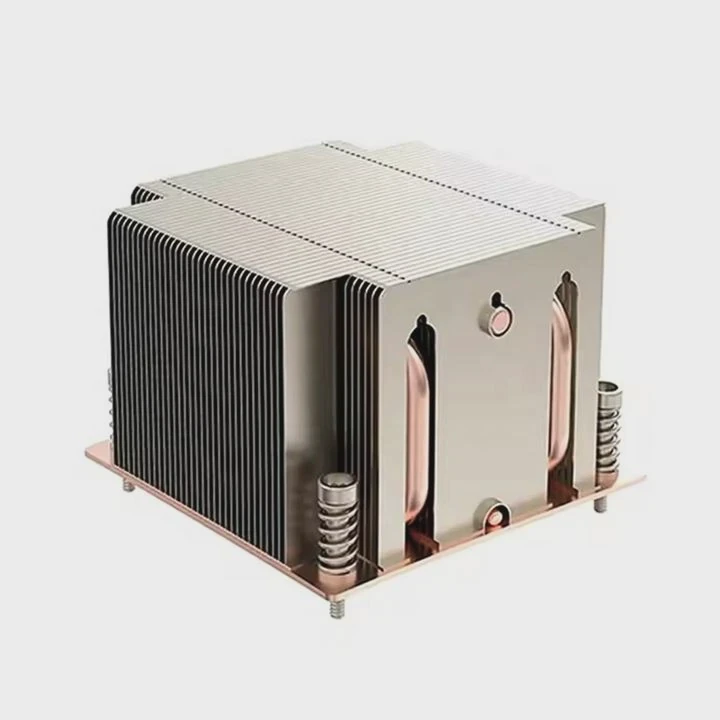
A noisy computer and a rising temperature can be scary for anyone building a PC. When fans spin at full speed but the system still runs hot, the problem feels serious.
A CPU liquid cooler uses a liquid—usually water or a special coolant—to transfer heat from the processor to a radiator, where fans expel it into the air. It replaces traditional air cooling for better temperature control and lower noise.
The design may seem complex, but once you understand how the system moves heat, it becomes simple and logical. Let’s explore every part of it and how to make the most of it.
What is a CPU liquid cooler?
When we think about cooling, we often imagine air flowing over metal fins. But liquid cooling goes further. It replaces air with a fluid that moves heat more efficiently.
A CPU liquid cooler is a closed-loop or custom system that circulates coolant between a cold plate and a radiator to remove heat from the processor. It works like a car radiator but on a smaller scale.
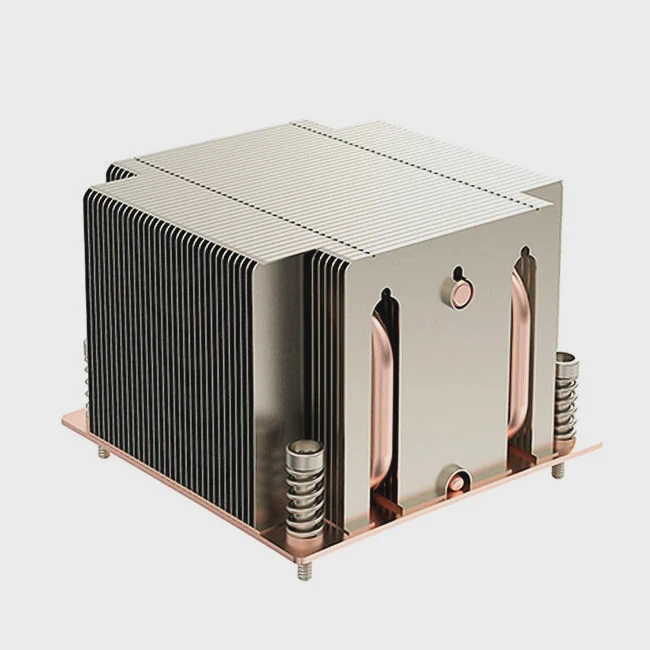
Inside the system
The system usually includes:
| Component | Function |
|---|---|
| Water block | Absorbs heat from the CPU surface |
| Pump | Moves coolant through the loop |
| Tubing | Connects all components |
| Radiator | Releases heat into the air |
| Fans | Push air through the radiator fins |
How it works step by step
- The CPU generates heat while processing tasks.
- The water block absorbs that heat through a metal plate.
- The pump drives warm coolant toward the radiator.
- The radiator exposes the coolant to airflow, cooling it down.
- The cooled liquid returns to the CPU block to repeat the cycle.
This process happens continuously and silently. Since liquid conducts heat much faster than air, it can maintain lower CPU temperatures under heavy loads.
What benefits does it bring?
People often ask: is it really worth switching from air cooling to liquid cooling? The answer depends on your goals, but the advantages are clear.
A liquid cooler provides better thermal performance, lower noise, and more stable CPU operation under stress. It also enhances system aesthetics and overclocking potential.
Main advantages explained
- Superior heat dissipation – Liquid transfers heat more efficiently than air, keeping CPU temperatures lower even under high workloads.
- Less noise – Since liquid coolers often require fewer or slower fans, the system runs quieter.
- Improved performance – Lower temperatures allow the CPU to maintain higher clock speeds longer.
- Aesthetic appeal – RGB lighting and clean tubing designs improve the look of modern builds.
- Longevity – A cooler CPU means longer component lifespan and stable operation over time.
Comparison table: Air vs. Liquid Cooling
| Feature | Air Cooler | Liquid Cooler |
|---|---|---|
| Cooling efficiency | Moderate | High |
| Noise level | Medium to high | Low |
| Maintenance | Very low | Occasional (check coolant and pump) |
| Aesthetics | Basic | Premium |
| Space requirement | Compact | Larger footprint |
In short, for gamers, engineers, or creators who run demanding workloads, a liquid cooling solution is not just a luxury—it’s a performance tool.
How to optimize its performance?
Even a good liquid cooler can perform poorly if not installed or maintained correctly. Small mistakes in setup or environment can reduce efficiency.
To optimize a CPU liquid cooler, ensure proper radiator placement, good airflow direction, clean coolant circulation, and regular system maintenance.
Key optimization practices
1. Radiator placement
Position the radiator where it can get the coolest air. Front intake is often best for most cases. Top exhaust can also work well if the pump remains below the radiator to avoid air bubbles.
2. Fan configuration
Use a push-pull setup if possible. Fans pushing and pulling air through the radiator improve thermal transfer. Always follow airflow direction arrows on the fans.
3. Pump speed control
Don’t set the pump speed too low. A stable, moderate speed keeps coolant flowing efficiently without excessive noise.
4. Clean airflow path
Make sure case fans support radiator fans, not fight against them. Keep dust filters and fins clean.
5. Thermal paste application
Apply the right amount of high-quality thermal paste between the CPU and cold plate. Too much or too little reduces heat transfer.
6. Periodic checkups
Inspect tubes for any discoloration or bubbles every few months. Listen for pump noise changes that may signal trapped air.
Example maintenance routine
| Task | Frequency | Tools Needed |
|---|---|---|
| Dust cleaning | Monthly | Compressed air |
| Coolant check (custom loop) | Every 6 months | Coolant refill kit |
| Thermal paste replacement | Once per year | Thermal compound |
| System temperature check | Continuous | Monitoring software |
A liquid cooler can last many years if maintained correctly. These simple habits keep performance consistent and prevent failures.
What are the latest trends in CPU cooling?
Technology evolves fast, and liquid coolers are no exception. Modern designs are smarter, quieter, and more efficient.
The latest trends include AI-controlled fan curves, ARGB synchronization, smaller pump units, and hybrid air-liquid systems for extreme cooling performance.
Notable innovations
1. AI and Smart Control
Manufacturers now integrate intelligent control chips that adjust pump and fan speeds dynamically based on workload and temperature. This improves both noise and power efficiency.
2. Aesthetic customization
ARGB lighting is now standard. Syncing cooler lights with the motherboard or GPU lighting makes system design seamless. Many builders now treat cooling systems as visual art.
3. Compact form factors
Slim radiators and pump-in-radiator designs fit even in small PC cases, expanding the usability of liquid cooling beyond high-end towers.
4. Hybrid systems
Some models combine vapor chambers or heat pipes with liquid loops, achieving faster heat transfer and higher reliability.
5. Sustainable materials
Brands are introducing biodegradable coolants and recyclable aluminum radiators to meet environmental standards without losing performance.
Looking ahead
Future coolers may use phase-change materials or microchannel heat exchangers. With CPUs becoming more powerful, the demand for precise and efficient cooling will keep growing. Liquid cooling will remain a key technology for balancing power and silence.
Conclusion
A CPU liquid cooler works by circulating coolant between the processor and a radiator to remove heat more effectively than air. It brings better performance, lower noise, and longer hardware life, making it a smart choice for anyone seeking stable and quiet computing.
TAGS
Latest Articles

Volume discount levels for heat sink orders?
Buyers often ask when heat sink prices start to drop with volume. Many worry they’re overpaying for small orders. This guide explains how B2B volume pricing works for thermal components. Heat sink
21 Dec,2025
Heat sink long-term supply contract options?
Many buyers want stable pricing and reliable delivery for heat sinks. But without a clear contract, risks grow over time. This article explores how to secure better long-term supply deals. Long-term
21 Dec,2025
Tooling cost for new heat sink profiles?
Many engineers struggle to understand why tooling for custom heat sinks costs so much. They worry about budgeting and production timelines. This article breaks down the cost drivers behind tooling.
21 Dec,2025
Heat sink custom sample process steps?
Sometimes, starting a custom heat sink project feels overwhelming—too many steps, too many unknowns, and too many risks. You want a sample, but not endless delays. The process for requesting and
20 Dec,2025
Standard B2B terms for heat sink payments?
When buyers and sellers in B2B heat sink markets talk about payment, many don’t fully understand what’s standard. This can lead to delayed orders, miscommunication, and even lost business
20 Dec,2025
Heat sink pricing factors for large orders?
Heat sinks are vital for many systems. When prices rise, projects stall and budgets break. This problem can hit teams hard without warning. Large order heat sink pricing depends on many factors. You
20 Dec,2025Related Articles
- How does liquid metal cooling work?
- Which is better, air-cooled or liquid?
- Is liquid cooling better than fan cooling?
- How much is liquid cooling?
- What liquid does liquid cooling use?
- How Much Does a Liquid Cooling System Cost?
- How to install liquid CPU cooling system?
- Is liquid cooling GPU worth it?
- Is liquid cooling better than air cooling Reddit?
- How to refill CPU liquid cooler?
- What is the best AIO liquid cooler?
- Does PS5 have liquid cooling?
Author
Dr. Emily Chen
Chief AI Researcher
Leading expert in thermal dynamics and AI optimization with over 15 years of experience in data center efficiency research.
Categories
Latest Products






Recommend Categories
- Liquid cooling plate Manufacturer
- Industrial Heat Sink Manufacturer
- Standard Heat Sink Manufacturer
- Aluminum Heat Sink Manufacturer
- Copper Heat Sink Manufacturer
- Anodized Heatsink Manufacturer
- Stamping heat sink Manufacturer
- Die Casting Heatsink Manufacturer
- Soldering heat sink Manufacturer
- CNC Parts Manufacturer
Latest Products
- Wholesale Aluminum Radiator
- Water Cooling Plate Kit
- Water Cooling Heat Sink
- Water Cooling Heat Sink Kit
- Stainless Steel Water Distributor
- Server Water Cooling Plate Kit
- Server Liquid Cooling System
- Server Aluminum Cooling Kit
- S19 Full Cover Cooling Plate
- S19 Cooling Plate Kit
- S19 Aluminum Cooling Plate
Contact Expert
Have questions about this article? Reach out to our experts directly.