is heatsink necessary for m.2?
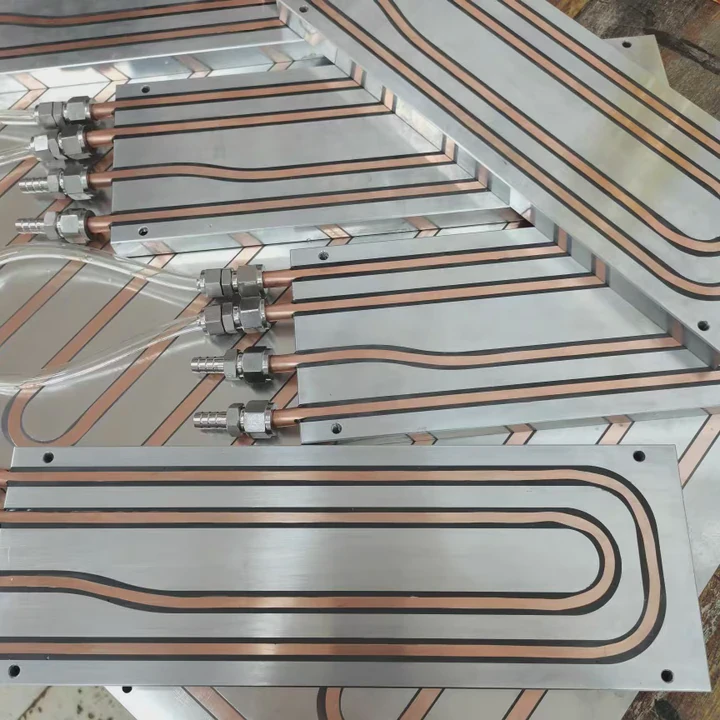
Many PC users wonder whether an M.2 NVMe SSD truly needs a heatsink. These drives are tiny, but they run at very high speeds and generate more heat than most people expect.
A heatsink is often necessary for an M.2 SSD, especially high-speed NVMe models, because heavy workloads, limited airflow, and compact slots can cause overheating and throttling. Proper cooling keeps the drive stable.
Some users think M.2 drives stay cool because they have no moving parts. But NVMe technology pushes the controller very hard, which makes heat management important.
Why NVMe drives heat under load?
M.2 NVMe SSDs rely on high transfer speeds, tiny components, and fast controllers. These parts generate heat quickly, especially during intense write or read activity.
NVMe drives heat under load because their controllers work at very high speeds, their NAND chips warm during long transfers, and their compact size prevents heat from spreading. This causes temperature spikes during heavy tasks.
Why the controller gets hottest
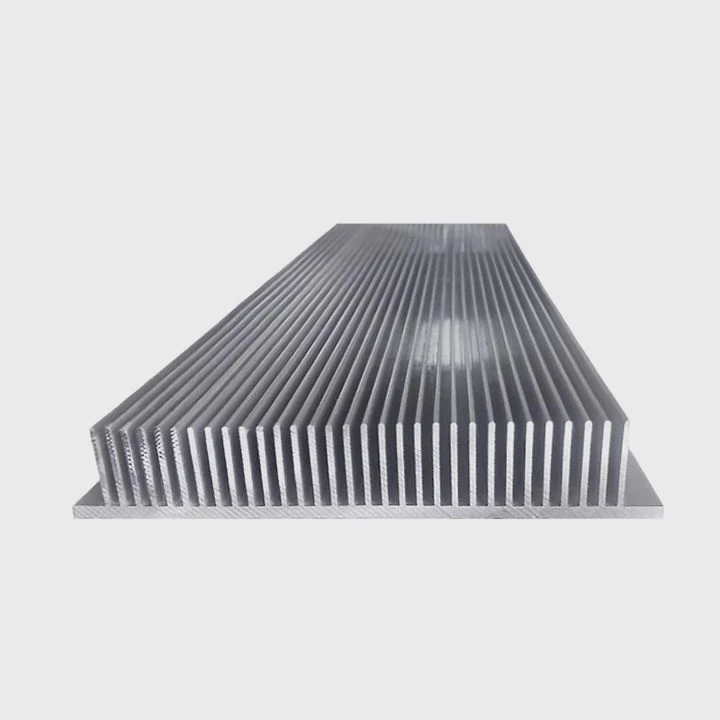
The controller acts like a miniature processor. It handles all data movement, encryption, and queue instructions. During heavy workloads, the controller becomes the hottest part of the drive and often reaches its thermal limits first.
NAND flash reacts to continuous writes
Long writes warm flash cells. Dealing with page programming, garbage collection, and SLC cache transitions increases heat output. NAND does not heat as fast as the controller, but it adds to the overall temperature rise.
Compact design limits heat dissipation
Unlike 2.5-inch SSDs with metal housings, M.2 drives have small PCBs with little surface area. Heat cannot spread effectively, so temperatures climb quicker.
High sequential speeds raise thermal load
PCIe 4.0 and PCIe 5.0 NVMe drives run extremely fast. Higher bandwidth means more active switching inside the controller, which naturally creates more heat.
### Why NVMe heat rises so quickly
- High bandwidth operations
- Tiny surface area
- Fast controller activity
- Heavy read/write cycles
- Thermal limits triggered easily
Table: Heat contributors in modern NVMe drives
| Component | Heat Behavior | Impact |
|---|---|---|
| Controller | Very fast heat rise | Highest |
| NAND flash | Steady heat during long writes | Medium |
| DRAM cache | Warm under load | Low–medium |
| PCB | Stores heat due to small area | Medium |
These factors explain why many NVMe drives rely on heatsinks during sustained workloads.
Which slots limit airflow most?
The location of an M.2 slot affects its temperature. Even the same SSD can run cooler or hotter depending on where it is mounted on the motherboard.
Slots placed under GPUs, near chipsets, or inside compact cases limit airflow the most. These zones trap heat, restrict air movement, and make the SSD run much hotter than expected.
Slots under the GPU trap warm air
Many motherboards place an M.2 slot under the graphics card. The GPU produces significant heat, and the warm air rises toward the M.2 drive. This creates a consistently hot environment.
Slots near the chipset run warm
Chipsets also produce solid heat. When an M.2 slot sits next to the chipset, baseline temperature rises. Even before the SSD begins heavy work, its environment is warm.
Top-mounted slots sometimes fare better
M.2 slots located above the GPU often receive more natural airflow. These stay cooler during gaming or workloads, especially in cases with strong front intake.
Small form factor cases worsen airflow
Mini-ITX and compact tower cases limit airflow. Even top-mounted M.2 slots may run hot inside tight spaces because air circulation is weaker.
### How airflow affects slot temperature
- More airflow → cooler baseline temperature
- Trapped air → quicker thermal ramp
- GPU proximity → high sustained heat
- Chipset proximity → moderate heat
Table: Slot positions and airflow quality
| Slot Position | Airflow Quality | Heat Risk |
|---|---|---|
| Under GPU | Very low | High |
| Next to chipset | Low–medium | Medium–high |
| Above GPU | Medium–high | Lower |
| Edge of board | Medium | Moderate |
Choosing the right slot helps maintain stable SSD temperatures even without extra cooling.
Can motherboard sinks be enough?
Motherboards increasingly include built-in M.2 heatsinks. These vary in size, thickness, and design. Many users want to know whether these built-in solutions are enough for high-speed drives.
Motherboard heatsinks are often enough for PCIe 3.0 and many PCIe 4.0 drives, but some PCIe 5.0 SSDs may require larger or active cooling due to higher heat output. Shield quality matters.
High-end boards include thick metal shields
Premium motherboards include large aluminum plates with thermal pads. These shields cover the entire drive, spread heat evenly, and perform nearly as well as aftermarket heatsinks.
Mid-range boards provide basic heatsinks
Many mid-tier boards offer thin metal plates. They help, but they may not handle the extreme temperatures of PCIe 5.0 drives during long writes.
Entry-level boards may offer no cooling
Some budget motherboards do not include M.2 heatsinks at all. Bare drives on these boards heat up quicker and may throttle more often.
Thermal pads must be aligned properly
If the thermal pad does not fully touch the controller, cooling efficiency drops. Proper installation is essential for the shield to work.
### When motherboard sinks are usually enough
- Good airflow cases
- PCIe 3.0 SSDs
- Moderate daily workloads
- Large shields with thick pads
Motherboard sinks are often sufficient but not a universal solution for all drives.
Do sustained writes require cooling?
Short bursts of activity do not always raise temperatures too much. But sustained writes or long-term workloads can heat NVMe drives far more aggressively.
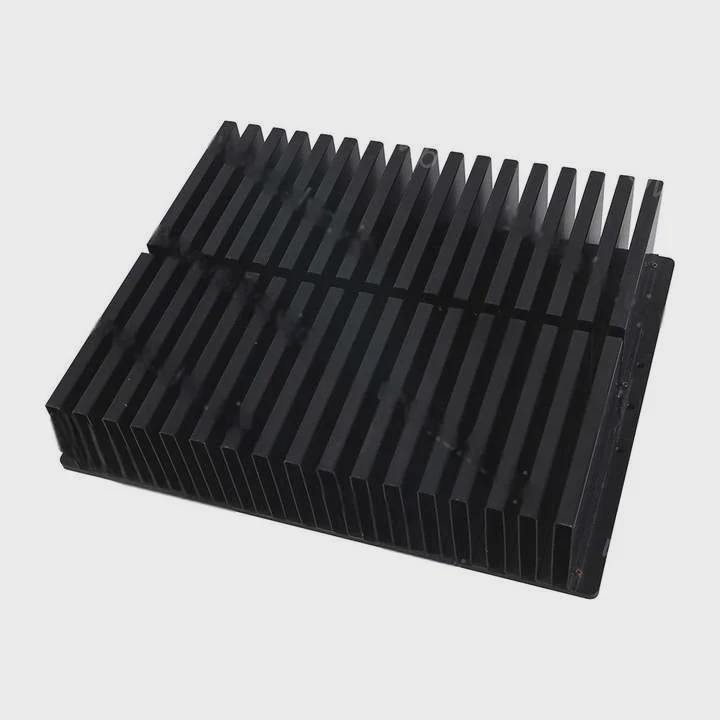
Sustained writes require cooling because continuous data flow stresses the controller, fills the cache, and warms the NAND, causing rapid temperature buildup and throttling without a heatsink.
Why long writes stress controllers
When writing large files, the controller remains active without breaks. It handles mapping, error correction, SLC cache transitions, and background cleanup. This constant activity heats the controller very fast.
SLC cache behavior increases heat
Most NVMe SSDs write data to an SLC cache first. Once the cache fills, the drive switches to slower TLC or QLC writes. These operations generate even more heat because the controller works harder.
Heavy workloads push drives to limits
Video editing, game installs, backups, database operations, and virtual machines all generate sustained writes. These workloads almost always need a heatsink, especially on PCIe 4.0 and PCIe 5.0 models.
Light workloads behave differently
Web browsing, office work, and casual gaming rarely generate sustained writes. For these tasks, a heatsink is helpful but not always strictly necessary.
### Why cooling matters for long workloads
- Prevents thermal throttling
- Protects drive longevity
- Maintains consistent speed
- Reduces controller stress
Sustained workloads make cooling a critical part of NVMe performance.
Conclusion
A heatsink is often necessary for an M.2 NVMe SSD, especially in high-speed systems with PCIe 4.0 or 5.0 drives. Heat rises quickly due to controller load, airflow limitations, and long write operations. Motherboard shields help, but heavy workloads still benefit from proper cooling to keep performance stable and avoid throttling.
TAGS
Latest Articles

Volume discount levels for heat sink orders?
Buyers often ask when heat sink prices start to drop with volume. Many worry they’re overpaying for small orders. This guide explains how B2B volume pricing works for thermal components. Heat sink
21 Dec,2025
Heat sink long-term supply contract options?
Many buyers want stable pricing and reliable delivery for heat sinks. But without a clear contract, risks grow over time. This article explores how to secure better long-term supply deals. Long-term
21 Dec,2025
Tooling cost for new heat sink profiles?
Many engineers struggle to understand why tooling for custom heat sinks costs so much. They worry about budgeting and production timelines. This article breaks down the cost drivers behind tooling.
21 Dec,2025
Heat sink custom sample process steps?
Sometimes, starting a custom heat sink project feels overwhelming—too many steps, too many unknowns, and too many risks. You want a sample, but not endless delays. The process for requesting and
20 Dec,2025
Standard B2B terms for heat sink payments?
When buyers and sellers in B2B heat sink markets talk about payment, many don’t fully understand what’s standard. This can lead to delayed orders, miscommunication, and even lost business
20 Dec,2025
Heat sink pricing factors for large orders?
Heat sinks are vital for many systems. When prices rise, projects stall and budgets break. This problem can hit teams hard without warning. Large order heat sink pricing depends on many factors. You
20 Dec,2025Related Articles
- how to stick heatsink to chip?
- how to make a water cooling heatsink?
- do you need a heatsink for m.2 ssd for pc?
- what should heatsinks be made of?
- how to fire heatsinks in elite dangerous?
- where to get legendary sandevistan heatsink?
- can't find sandevistan heatsink?
- what is a gpu heatsink?
- can you upgrade a laptop cpu heatsink?
- what heatsink fit amd epyc 7601?
- can you tightnen a heatsink to much?
- how to remove heatsink from ssd?
Author
Dr. Emily Chen
Chief AI Researcher
Leading expert in thermal dynamics and AI optimization with over 15 years of experience in data center efficiency research.
Categories
Latest Products

M.2 Heatpipe Heatsink With Dual Fans For Pc Case
19 Mar,2026

Heavy-Duty Aluminum Heat Sink Custom
19 Mar,2026

Oem Skived Fin Heatsink Aluminum Radiator For Plants
19 Mar,2026

Water Cooled Cnc Aluminum Heat Sink For Medical
19 Mar,2026

High Density 6000 Series Aluminum Heat Sink Profile
19 Mar,2026

High-Density Extruded Aluminum & Bonded-Fin Heat Sink Profile
19 Mar,2026
Recommend Categories
- Liquid cooling plate Manufacturer
- Industrial Heat Sink Manufacturer
- Standard Heat Sink Manufacturer
- Aluminum Heat Sink Manufacturer
- Copper Heat Sink Manufacturer
- Anodized Heatsink Manufacturer
- Stamping heat sink Manufacturer
- Die Casting Heatsink Manufacturer
- Soldering heat sink Manufacturer
- CNC Parts Manufacturer
Latest Products
- M.2 Heatpipe Heatsink With Dual Fans For Pc Case
- Heavy-Duty Aluminum Heat Sink Custom
- Oem Skived Fin Heatsink Aluminum Radiator For Plants
- Water Cooled Cnc Aluminum Heat Sink For Medical
- High Density 6000 Series Aluminum Heat Sink Profile
- High-Density Extruded Aluminum & Bonded-Fin Heat Sink Profile
- Dongguan Cnc Aluminum Heat Sink For Led & Brass Parts
- Wholesale Cnc Aluminum Heat Sink - Custom Extruded
- Led Cnc Round Heat Sink With Screw Holes
- Copper Pin-Fin Heat-Sink Large-Area For Photoled Cooling
- Telecom Heatsink Zipper Fin Wcopper Tubes Oem
Contact Expert
Have questions about this article? Reach out to our experts directly.