can you tightnen a heatsink to much?
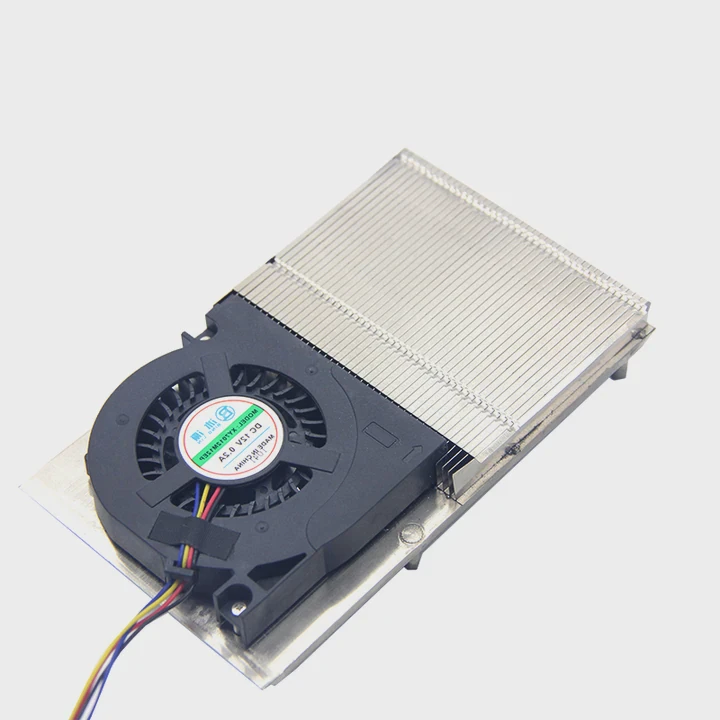
Many builders tighten a heatsink with confidence, but excessive force can harm components and reduce cooling performance.
You can tighten a heatsink too much, and doing so can bend the motherboard, crack the CPU socket, distort thermal paste spread, or damage threads. Proper mounting pressure ensures stable cooling without physical strain.
Some people believe tighter is always better, but balance matters for safe installation.
Why overtightening risks board damage?
Heatsinks press against the CPU through screws, brackets, or latches. Too much force puts stress on the motherboard and fragile electronic parts.
Overtightening risks board damage because excessive pressure bends the PCB, stresses solder joints, cracks mounting holes, and can warp the CPU socket or nearby components.
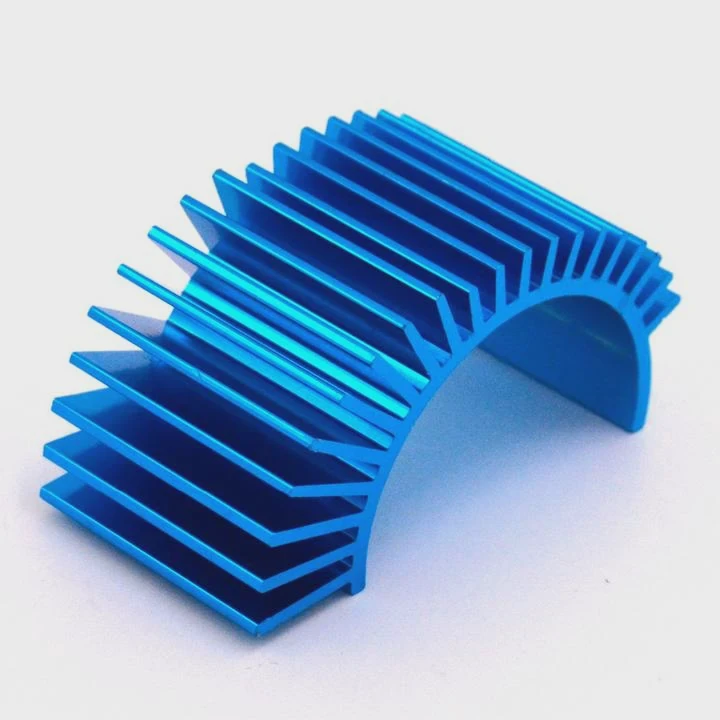
Bending the motherboard reduces stability
Motherboards are thin layered boards. When tightened too hard, the area around the socket bends downward. This bending weakens traces and solder joints, which may fail over time.
CPU socket stress creates micro-cracks
The CPU socket includes hundreds of small pins or contacts. Too much pressure pushes the socket plate into these contacts. This can create micro-cracks that break under heat cycles.
Standoffs cannot absorb infinite force
The metal standoffs under the motherboard support a safe amount of pressure. Extreme tightening exceeds that limit, causing long-term structural fatigue.
VRM and memory area flex
The heatsink force travels through the board, affecting surrounding areas like memory slots and VRMs. Excess flex reduces stability when the board heats up.
Why overtightening causes mechanical issues
- Excess downward force
- PCB layer deformation
- Socket plate strain
- Solder joint stress
- Bracket metal fatigue
Table: Damage caused by overtightening
| Type of Damage | Cause | Result |
|---|---|---|
| PCB bending | Too much downward force | Reduced lifespan |
| Socket cracking | Pressure on CPU area | Boot issues |
| Thread stripping | Screw over-torque | Loose mount |
| Component flex | Force across board | Unstable operation |
Controlling pressure keeps the motherboard safe.
How to check safe mounting pressure?
Because screws vary by heatsink, users need simple methods to check whether pressure is correct.
You can check safe mounting pressure by tightening screws evenly, watching for board flex, following manufacturer torque guidance, and testing cooler movement after installation.
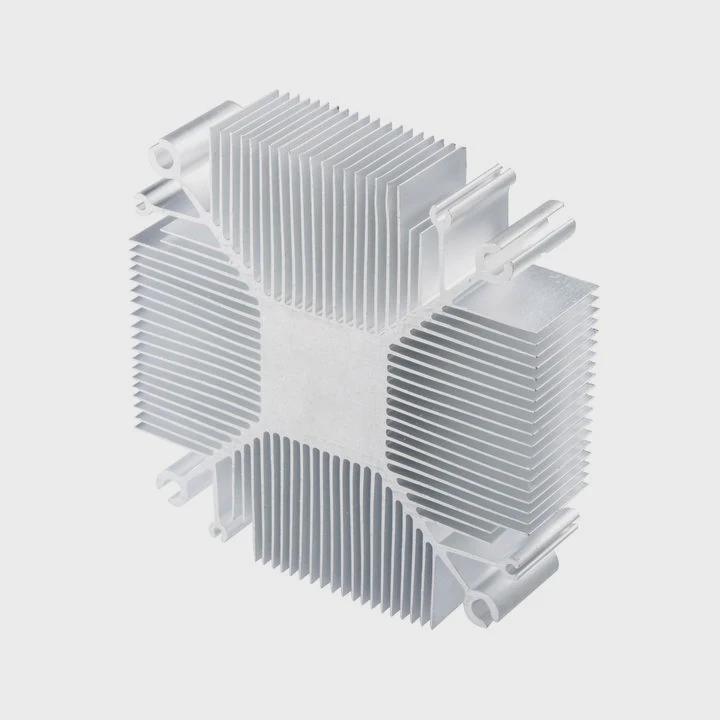
Tighten screws in a cross pattern
A cross pattern keeps pressure balanced. Tightening one corner fully before the others causes uneven stress that can twist the socket.
Observe motherboard flex
Look at the area around the socket as you tighten. If you see the board bending or dipping noticeably, the screws may be too tight.
Follow torque recommendations
Some coolers include torque screws that stop at a fixed level. If your cooler has no torque system, stop once the screw reaches firm resistance.
Minimal movement test
After the cooler is mounted, lightly push the heatsink. It should not slide, but it should not be locked so tightly it forces the board downward.
How to confirm correct pressure
- Balanced screw turns
- No visible bending
- Steady, firm resistance
- Even contact across CPU
- No lift on opposite corners
Safe mounting pressure protects both thermal performance and hardware integrity.
Can warped PCBs reduce cooling?
Board warping affects thermal performance because the heatsink and CPU require even contact to transfer heat properly.
Warped PCBs reduce cooling because uneven contact creates air gaps, disrupts thermal paste spread, and weakens heat transfer from the CPU to the heatsink.

Air gaps block heat flow
Even small gaps between the CPU heat spreader and heatsink reduce heat transfer. Warping creates these gaps, allowing heat to accumulate on the CPU.
Uneven pressure spreads paste poorly
Thermal paste must form a thin, even layer. PCB warping presses harder on one side and lighter on the other. This leads to poor coverage and temperature spikes.
CPU hotspot formation
Uneven contact leads to hotspots. These hotspots push the CPU into throttling sooner than normal, reducing performance during heavy loads.
Long-term warping worsens contact
As the board heats and cools, a warped PCB becomes harder to realign. This leads to unstable cooling and inconsistent temperatures.
Why warping hurts thermal performance
- Creates uneven pressure
- Causes paste separation
- Diminishes heatsink contact
- Creates high-temperature zones
- Reduces long-term reliability
Table: Effects of PCB warping on cooling
| Cooling Issue | Cause | Impact |
|---|---|---|
| Air pockets | Uneven contact | Higher CPU temps |
| Paste misalignment | Tilted heatsink | Hotspots |
| Poor base contact | Warped PCB | Throttling |
| Socket strain | Constant bending | Inconsistent cooling |
Preventing warping ensures stable cooling performance.
Should screws stop at firm resistance?
Many users wonder when to stop tightening. Because screws differ, “firm resistance” is a simple and reliable guideline.
Screws should stop at firm resistance because this ensures even pressure, proper seating, and safe contact without bending the board or stressing the socket.
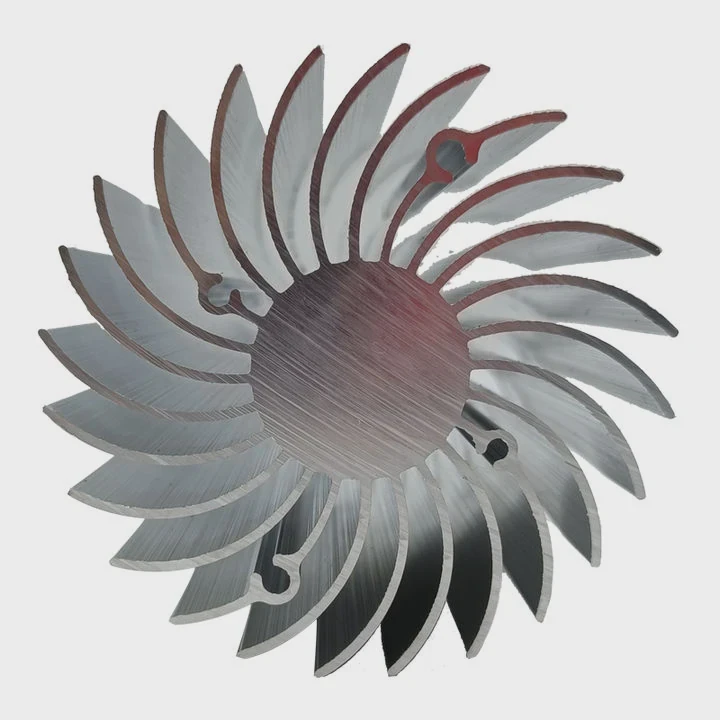
What “firm resistance” feels like
Firm resistance means the screw has reached its natural stopping point and no longer turns easily. The screw should not require force beyond light wrist pressure.
Avoid arm strength
Using full arm strength or heavy force almost always overtightens. Heatsink screws are designed for light, controlled tightening.
Check pressure on all sides
After reaching firm resistance on one screw, move to its opposite partner. If both stop at the same number of turns, pressure is even.
Re-check after slight pressure
After the first tightening round, lightly test each screw again. They should not turn much more. If one side still spins freely, tighten both sides evenly.
Why firm resistance prevents problems
- Avoids warped PCBs
- Protects screw threads
- Maintains even contact
- Prevents socket stress
- Ensures long-term stability
Stopping at firm resistance protects the cooler and the motherboard.
Conclusion
You can overtighten a heatsink, and doing so risks bending the motherboard, damaging the CPU socket, or reducing cooling efficiency. Safe mounting pressure comes from tightening evenly, stopping at firm resistance, and avoiding excessive force. Proper installation keeps the CPU cool and the system structurally safe.
TAGS
Latest Articles

Volume discount levels for heat sink orders?
Buyers often ask when heat sink prices start to drop with volume. Many worry they’re overpaying for small orders. This guide explains how B2B volume pricing works for thermal components. Heat sink
21 Dec,2025
Heat sink long-term supply contract options?
Many buyers want stable pricing and reliable delivery for heat sinks. But without a clear contract, risks grow over time. This article explores how to secure better long-term supply deals. Long-term
21 Dec,2025
Tooling cost for new heat sink profiles?
Many engineers struggle to understand why tooling for custom heat sinks costs so much. They worry about budgeting and production timelines. This article breaks down the cost drivers behind tooling.
21 Dec,2025
Heat sink custom sample process steps?
Sometimes, starting a custom heat sink project feels overwhelming—too many steps, too many unknowns, and too many risks. You want a sample, but not endless delays. The process for requesting and
20 Dec,2025
Standard B2B terms for heat sink payments?
When buyers and sellers in B2B heat sink markets talk about payment, many don’t fully understand what’s standard. This can lead to delayed orders, miscommunication, and even lost business
20 Dec,2025
Heat sink pricing factors for large orders?
Heat sinks are vital for many systems. When prices rise, projects stall and budgets break. This problem can hit teams hard without warning. Large order heat sink pricing depends on many factors. You
20 Dec,2025Related Articles
- what heatsink fit amd epyc 7601?
- can you upgrade a laptop cpu heatsink?
- what is a gpu heatsink?
- can't find sandevistan heatsink?
- is heatsink necessary for m.2?
- how to stick heatsink to chip?
- how to remove heatsink from ssd?
- does lg g2 have heatsink?
- how to apply heatsink to ssd?
- how to remove g skill trident z ddr heatsink?
- how to clean heatsink on ps4?
- what happens when you remove a cpu heatsink?
Author
Dr. Emily Chen
Chief AI Researcher
Leading expert in thermal dynamics and AI optimization with over 15 years of experience in data center efficiency research.
Categories
Latest Products

M.2 Heatpipe Heatsink With Dual Fans For Pc Case
19 Mar,2026

Heavy-Duty Aluminum Heat Sink Custom
19 Mar,2026

Oem Skived Fin Heatsink Aluminum Radiator For Plants
19 Mar,2026

Water Cooled Cnc Aluminum Heat Sink For Medical
19 Mar,2026

High Density 6000 Series Aluminum Heat Sink Profile
19 Mar,2026

High-Density Extruded Aluminum & Bonded-Fin Heat Sink Profile
19 Mar,2026
Recommend Categories
- Liquid cooling plate Manufacturer
- Industrial Heat Sink Manufacturer
- Standard Heat Sink Manufacturer
- Aluminum Heat Sink Manufacturer
- Copper Heat Sink Manufacturer
- Anodized Heatsink Manufacturer
- Stamping heat sink Manufacturer
- Die Casting Heatsink Manufacturer
- Soldering heat sink Manufacturer
- CNC Parts Manufacturer
Latest Products
- M.2 Heatpipe Heatsink With Dual Fans For Pc Case
- Heavy-Duty Aluminum Heat Sink Custom
- Oem Skived Fin Heatsink Aluminum Radiator For Plants
- Water Cooled Cnc Aluminum Heat Sink For Medical
- High Density 6000 Series Aluminum Heat Sink Profile
- High-Density Extruded Aluminum & Bonded-Fin Heat Sink Profile
- Dongguan Cnc Aluminum Heat Sink For Led & Brass Parts
- Wholesale Cnc Aluminum Heat Sink - Custom Extruded
- Led Cnc Round Heat Sink With Screw Holes
- Copper Pin-Fin Heat-Sink Large-Area For Photoled Cooling
- Telecom Heatsink Zipper Fin Wcopper Tubes Oem
Contact Expert
Have questions about this article? Reach out to our experts directly.