do you need to put thermal past when changing heatsinks?
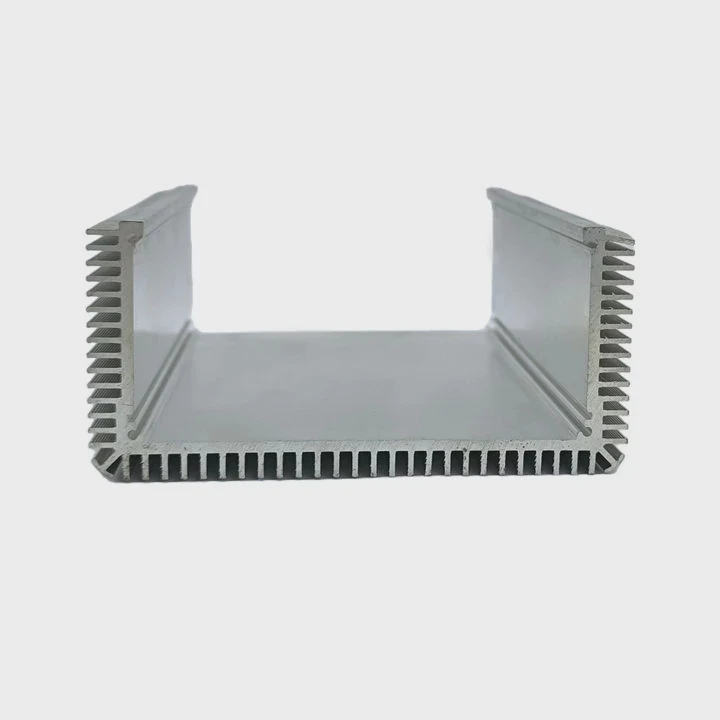
I still remember the first time I swapped a heatsink and wondered if the old thermal paste would still work. The system overheated, and that moment taught me why fresh paste matters.
You need to apply fresh thermal paste when changing heatsinks because the old layer breaks apart during removal and cannot seal microscopic gaps again.
I will walk you through the simple ideas that guide me every time I replace a cooler.
Why paste fills microscopic gaps?
I once tried running a CPU with barely any paste after a quick test. The temperature rose fast, and I saw how important that thin layer really is.
Thermal paste fills microscopic gaps because the CPU and heatsink surfaces are never perfectly flat, and paste fills the invisible valleys to help heat move smoothly into the cooler.
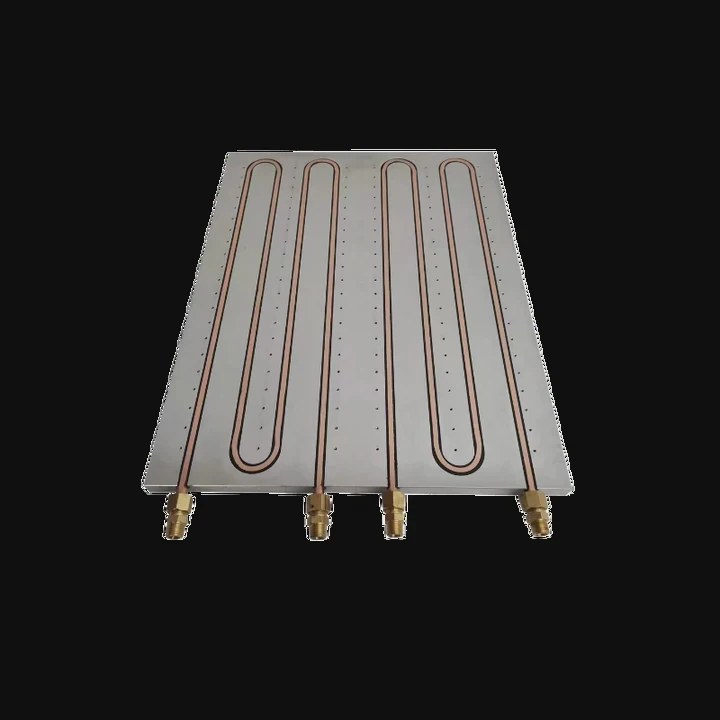
When I look at the CPU’s surface, it seems smooth. But under a microscope, it is full of tiny bumps and ridges. The heatsink base has the same uneven pattern. When these two metal surfaces touch, small air pockets form between them. Air blocks heat. Thermal paste fills those pockets. It spreads into every tiny gap so heat can travel from the CPU into the heatsink without slowing down.
Why microscopic gaps matter
| Surface Type | What Happens |
|---|---|
| Bare metal | Air gets trapped |
| With paste | Gaps fill and heat flows |
| Uneven surfaces | Need more paste coverage |
These gaps may look small, but they affect temperature more than people expect.
Why having no paste causes problems
Air is a poor conductor
Air slows down heat flow and causes hotspots.
Bare contact is uneven
Only a few spots of the CPU touch the heatsink directly.
Heat spreads poorly
The cooler cannot absorb heat fast enough.
This is why even a small layer of paste makes a big difference.
How I think about microscopic gaps
I imagine the paste as a thin blanket. It does not replace metal-to-metal contact. It fills the empty space. The metal still does most of the heat transfer. The paste smooths the path. When I apply fresh paste and mount the heatsink, I know the CPU will stay stable even during heavy workloads.
Can reused paste cause hotspots?
I once lifted a heatsink for a quick inspection and pressed it back down without reapplying paste. The temperature rose much higher than before. That mistake taught me why reused paste fails.
Reused paste can cause hotspots because the old layer dries out, forms cracks when the heatsink is removed, and cannot spread evenly again.
When I remove a heatsink, the paste tears apart. The smooth layer breaks into rough shapes. Even if the surface still looks covered, the microscopic structure is ruined. The paste forms lumps or thin patches. These patches create air gaps. Air gaps create hotspots. Hotspots lead to thermal throttling or even shutdowns.
Why reused paste performs poorly
| Paste Condition | Effect |
|---|---|
| Fresh paste | Smooth heat flow |
| Used paste | Uneven contact |
| Dry paste | Hotspots and instability |
The difference between fresh and reused paste becomes clear as soon as I check temperatures.
Why reusing paste risks temperature spikes
Cracked structure
The paste loses its smooth texture after removal.
Uneven coverage
It leaves thick and thin spots on the CPU.
Contaminated layer
Dust or fibers mix into old paste easily.
These issues create weak points where heat gets stuck.
What I have seen in real tests
I often test CPUs under load after switching coolers. When I reuse paste, temperatures rise by 10–20°C. When I apply fresh paste, the temperatures drop back to normal. This difference shows why I always clean the old layer and start over.
Why fresh paste matters every time
Fresh paste spreads evenly and fills gaps the right way. Reused paste cannot do this. Even when it looks wet, its internal texture is not the same. Applying new paste keeps the heat stable so the CPU stays safe.
Which patterns spread evenly?
I once tried drawing a big X on the CPU with paste, thinking more paste meant better cooling. Instead, paste spilled over the edges. After testing many patterns, I learned which ones spread well and which ones waste paste.
Even patterns include the pea-sized dot, the small line, and the thin cross, because these shapes spread evenly under pressure when the heatsink lowers straight down.

Different CPU sizes need different patterns. A small chip needs less paste. A large chip needs a slightly wider spread. The goal is always the same: use the smallest amount that creates full coverage without spilling over the edges.
Common application patterns
| Pattern | Result |
|---|---|
| Pea dot | Best for most CPUs |
| Center line | Good for rectangular chips |
| Thin cross | Good for large surfaces |
I rely on these patterns because they spread well without making a mess.
Why these patterns work
Pressure spreads the paste
When the heatsink lowers, it presses the paste outward.
Even distribution
Simple patterns avoid air gaps and cover the whole area.
No overflow
They use just the right amount of paste.
These patterns give me steady temperatures every time.
Patterns that cause problems
I avoid:
- Spreading paste with a finger
- Covering the whole surface manually
- Adding large blobs of paste
- Drawing thick shapes
These methods trap air and create uneven layers.
How I choose the right pattern
I follow a simple rule:
- For square CPU dies → pea dot
- For long rectangular chips → short line
- For larger IHS surfaces → thin cross
This keeps the application clean and predictable.
What happens when the paste spreads well
When the paste spreads correctly, I see:
- Lower temperatures
- Less fan noise
- Stable performance
- No leakage on the edges
A good spread keeps heat moving fast.
Should surfaces be cleaned with alcohol?
I used to wipe off old paste with a dry tissue and thought it was enough. But the CPU always felt slightly greasy, and the new paste did not bond well. When I switched to isopropyl alcohol, the surface became clean and ready for a fresh layer.
Surfaces should be cleaned with isopropyl alcohol because it removes old paste, oils, and dust so the new paste can bond smoothly to both the CPU and heatsink.
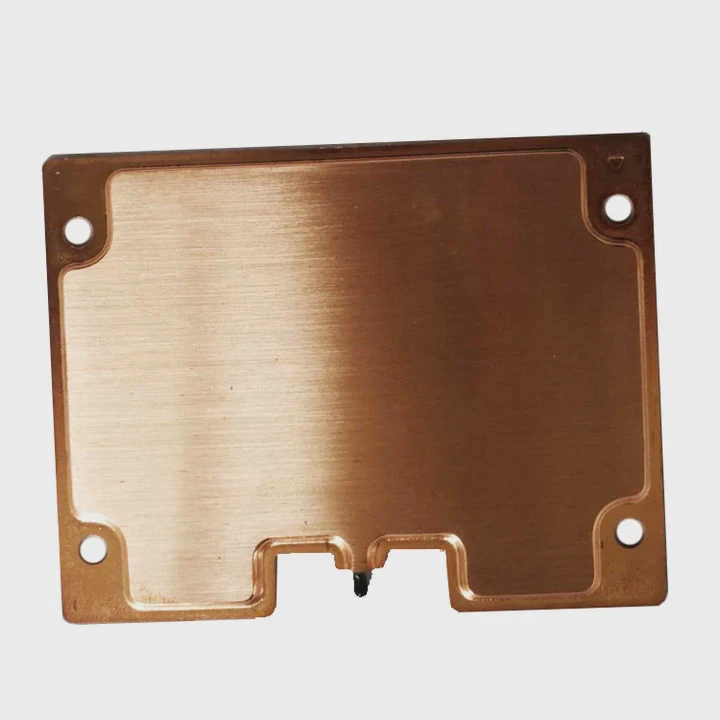
A clean surface improves heat transfer. Alcohol evaporates fast. It leaves no residue. It removes all leftover paste so the new layer stays smooth.
Why alcohol works best
Fast evaporation
It dries quickly without leaving marks.
Removes oils
Fingerprints or grease stop paste from bonding.
Clears old residues
Old paste becomes dry and sticky after long use.
These benefits help achieve clean contact.
Cleaning tools that help
Here are the tools I always use:
| Tool | Purpose |
|---|---|
| Isopropyl alcohol | Removes paste and oils |
| Microfiber cloth | Wipes surface gently |
| Cotton swabs | Cleans corners |
I avoid rough paper towels because they scratch surfaces.
Why cleaning improves cooling
A clean surface makes the paste spread evenly. This removes air gaps and strengthens the contact between surfaces. When the contact is good, temperatures stay steady even during heavy workloads.
How I clean safely
I follow these simple steps:
- I apply a few drops of alcohol to a cloth.
- I wipe the CPU gently until it shines.
- I clean the heatsink base the same way.
- I let both surfaces dry completely.
After this, I apply fresh paste. The system always feels cooler and smoother afterward.
Why cleaning before reapplying paste matters
If I skip cleaning, the new paste mixes with the old paste. This creates a thick, uneven texture. It traps heat instead of spreading it. Cleaning gives the new layer a fresh start.
Conclusion
Fresh thermal paste is essential whenever you change heatsinks. Paste fills microscopic gaps, reused paste creates hotspots, simple patterns spread evenly, and alcohol cleaning keeps surfaces ready for smooth thermal contact.
TAGS
Latest Articles

Volume discount levels for heat sink orders?
Buyers often ask when heat sink prices start to drop with volume. Many worry they’re overpaying for small orders. This guide explains how B2B volume pricing works for thermal components. Heat sink
21 Dec,2025
Heat sink long-term supply contract options?
Many buyers want stable pricing and reliable delivery for heat sinks. But without a clear contract, risks grow over time. This article explores how to secure better long-term supply deals. Long-term
21 Dec,2025
Tooling cost for new heat sink profiles?
Many engineers struggle to understand why tooling for custom heat sinks costs so much. They worry about budgeting and production timelines. This article breaks down the cost drivers behind tooling.
21 Dec,2025
Heat sink custom sample process steps?
Sometimes, starting a custom heat sink project feels overwhelming—too many steps, too many unknowns, and too many risks. You want a sample, but not endless delays. The process for requesting and
20 Dec,2025
Standard B2B terms for heat sink payments?
When buyers and sellers in B2B heat sink markets talk about payment, many don’t fully understand what’s standard. This can lead to delayed orders, miscommunication, and even lost business
20 Dec,2025
Heat sink pricing factors for large orders?
Heat sinks are vital for many systems. When prices rise, projects stall and budgets break. This problem can hit teams hard without warning. Large order heat sink pricing depends on many factors. You
20 Dec,2025Related Articles
- how to remove a processor and heatsink from motherboard?
- should you replace stock heatsink?
- How to reapply Intel heatsink Ivy Bridge?
- Does LED strip need heatsink?
- how long does heatsinks last on gaming pcs?
- how to make a heatsink more efficient?
- how to install chipset heatsink?
- what heatsinks fit evga z390 dark?
- does the ssd need a heatsink?
- do you need a heatsink for m 2?
- can a cpu run without a heatsink?
- how to install raspberry pi 4 heatsink?
Author
Dr. Emily Chen
Chief AI Researcher
Leading expert in thermal dynamics and AI optimization with over 15 years of experience in data center efficiency research.
Categories
Latest Products

M.2 Heatpipe Heatsink With Dual Fans For Pc Case
19 Mar,2026

Heavy-Duty Aluminum Heat Sink Custom
19 Mar,2026

Oem Skived Fin Heatsink Aluminum Radiator For Plants
19 Mar,2026

Water Cooled Cnc Aluminum Heat Sink For Medical
19 Mar,2026

High Density 6000 Series Aluminum Heat Sink Profile
19 Mar,2026

High-Density Extruded Aluminum & Bonded-Fin Heat Sink Profile
19 Mar,2026
Recommend Categories
- Liquid cooling plate Manufacturer
- Industrial Heat Sink Manufacturer
- Standard Heat Sink Manufacturer
- Aluminum Heat Sink Manufacturer
- Copper Heat Sink Manufacturer
- Anodized Heatsink Manufacturer
- Stamping heat sink Manufacturer
- Die Casting Heatsink Manufacturer
- Soldering heat sink Manufacturer
- CNC Parts Manufacturer
Latest Products
- M.2 Heatpipe Heatsink With Dual Fans For Pc Case
- Heavy-Duty Aluminum Heat Sink Custom
- Oem Skived Fin Heatsink Aluminum Radiator For Plants
- Water Cooled Cnc Aluminum Heat Sink For Medical
- High Density 6000 Series Aluminum Heat Sink Profile
- High-Density Extruded Aluminum & Bonded-Fin Heat Sink Profile
- Dongguan Cnc Aluminum Heat Sink For Led & Brass Parts
- Wholesale Cnc Aluminum Heat Sink - Custom Extruded
- Led Cnc Round Heat Sink With Screw Holes
- Copper Pin-Fin Heat-Sink Large-Area For Photoled Cooling
- Telecom Heatsink Zipper Fin Wcopper Tubes Oem
Contact Expert
Have questions about this article? Reach out to our experts directly.