how to apply heatsink to ssd?
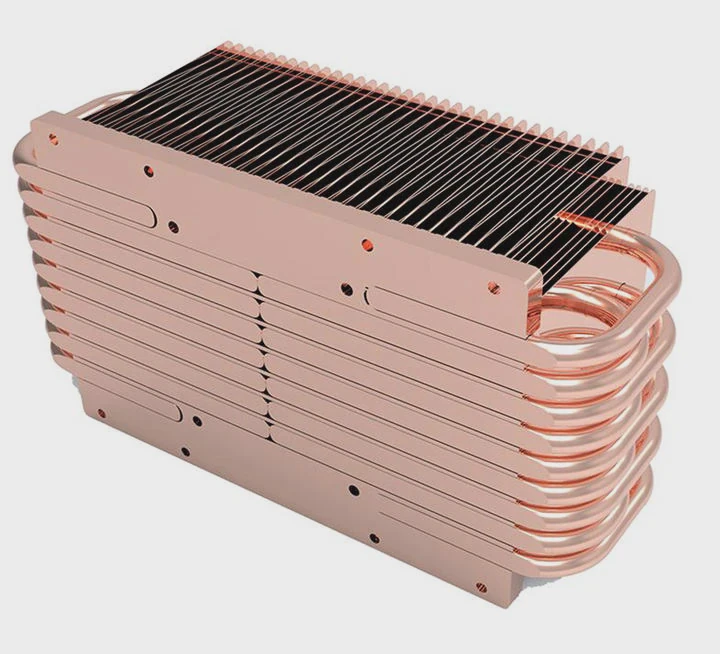
Many users want to mount a heatsink onto an SSD to prevent throttling, lower temperatures, and keep long-term performance stable.
To apply a heatsink to an SSD, you must clean the drive surface, choose proper thermal pads, ensure correct thickness, and mount the heatsink without pressing on nearby components. This protects both cooling performance and SSD safety.
Some users rush the installation and damage delicate parts. A careful process ensures strong cooling and safe operation.
Why clean surface before mounting?
SSD surfaces usually contain small amounts of oil, dust, or residue. These particles reduce thermal contact and trap heat between the pad and the SSD.
You must clean the SSD surface before mounting because any dirt or oil weakens thermal transfer, prevents full pad contact, and causes heat buildup that reduces cooling efficiency.
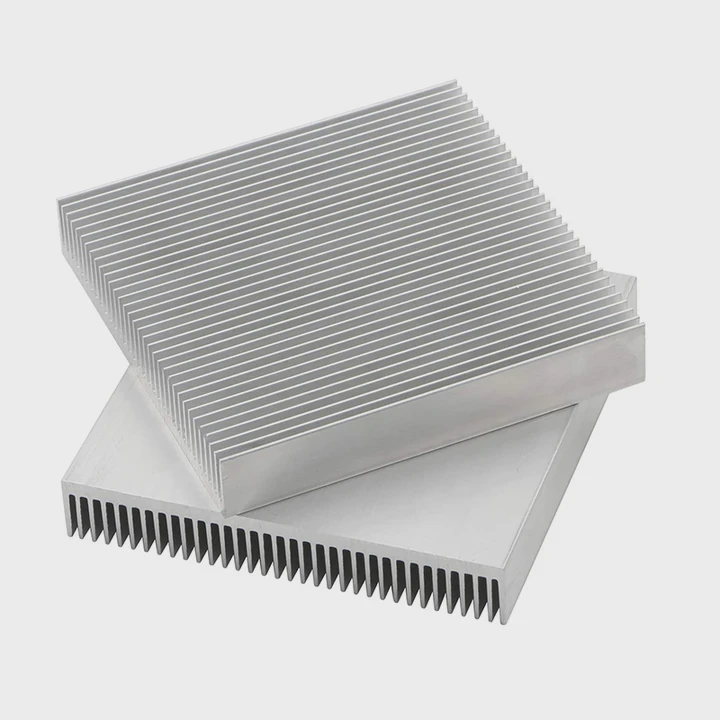
Dust blocks thermal pad adhesion
Dust creates uneven spots that stop thermal pads from sitting flat. Pads work best when they touch the metal surface fully. Even small dust particles reduce heat transfer.
Fingerprints contain oils
Handling the SSD leaves oils from your fingers. These oils act as a weak barrier between the pad and controller. A clean surface allows the pad to grip the metal and spread heat smoothly.
Alcohol wipes remove residue safely
Isopropyl alcohol removes oils and evaporates quickly. This prevents moisture from getting trapped under the pad. It is safe for SSD PCBs when applied gently.
Clean surfaces improve stability
A clean SSD surface ensures that the pad stays in place. If the surface is dirty, the pad may slide or peel when the system warms up.
Why cleaning matters for cooling
- Removes oils
- Prevents pad slippage
- Improves heat spread
- Reduces trapped air
- Ensures long-term adhesion
Table: Cleaning methods and safety levels
| Cleaning Method | Effectiveness | Safety |
|---|---|---|
| Isopropyl alcohol wipe | High | Very safe |
| Dry microfiber cloth | Medium | Safe |
| Water with cloth | Low | Risky |
| Abrasive materials | High damage risk | Unsafe |
A clean SSD surface helps the heatsink work at full efficiency.
Which pads ensure firm contact?
Thermal pads vary in softness, adhesion, and conductivity. Choosing the right type ensures a tight thermal link between the SSD and the heatsink.
Soft silicone thermal pads ensure firm contact because they compress into tiny gaps, stick gently to surfaces, and pass heat efficiently from the controller and NAND chips into the heatsink.
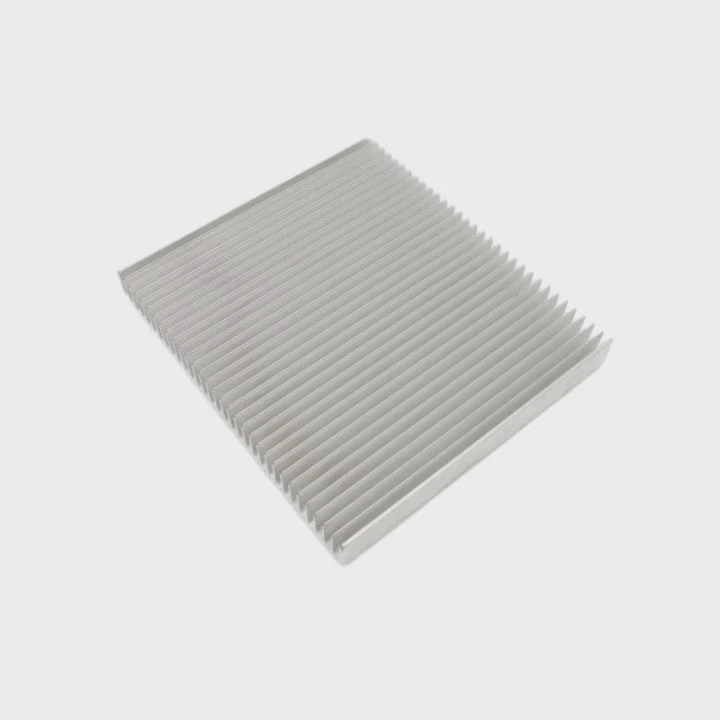
Soft pads fit uneven surfaces
SSD chips sit at different heights on the PCB. A soft pad adjusts to these differences and keeps pressure even across the whole surface.
Medium-firm pads work for flat designs
Some SSDs use large flat controllers. For these drives, medium-firm pads provide stability and reduce pad movement during installation.
Pads with mild tack improve alignment
Thermal pads with slight stickiness help the heatsink stay centered during installation. These pads do not create permanent bonds and are safe for removal.
High-conductivity pads for hot controllers
Some pads include ceramic or metal particles to increase conductivity. These pads help cool high-speed PCIe 4.0 and PCIe 5.0 controllers more effectively.
Why proper pads matter
- Conform to uneven chips
- Improve thermal transfer
- Keep heatsink aligned
- Reduce vibration shift
- Support long workloads
Table: Thermal pad types and use cases
| Pad Type | Softness | Best Use |
|---|---|---|
| Soft silicone pad | High | Uneven chip surfaces |
| Medium-firm pad | Moderate | Flat controllers |
| High-conductivity pad | Medium | High-heat SSDs |
| Semi-tacky pad | Medium | Secure alignment |
Good pads ensure solid and consistent contact between the SSD and the heatsink.
Can thick pads reduce performance?
Some users believe thicker pads improve contact, but excessive thickness can weaken cooling by blocking heat transfer or preventing proper pressure.
Thick pads can reduce performance because they add extra thermal resistance, create uneven pressure, and prevent the heatsink from sitting close enough to the SSD surface.
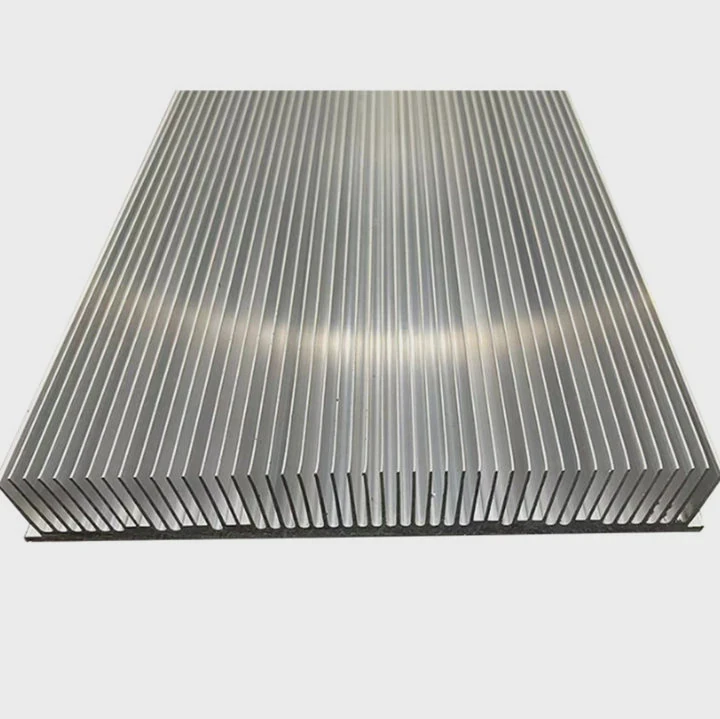
Thicker pads slow heat transfer
Heat travels slower through thick material. If the pad is thicker than needed, the heat has farther to travel before reaching the heatsink.
Thick pads reduce clamping pressure
Heatsinks rely on gentle clamping force. A pad that is too thick reduces this pressure and creates air gaps under the surface.
SSD temperatures rise during heavy load
During continuous writes, the SSD controller becomes very hot. Thick pads cannot transfer this heat fast enough, causing throttling and slower performance.
Precision pads match the correct height
Most SSDs need pads between 0.5 mm and 1.5 mm. Using pads in this range ensures the heatsink fits flush without rocking or bending.
Why thickness matters
- Too thick → slow heat transfer
- Too thin → incomplete contact
- Proper thickness → best cooling
- Prevents bending during mounting
- Helps maintain even surface pressure
Correct pad thickness ensures the heatsink works as designed.
Should sink avoid touching components?
A heatsink should only contact the thermal pad and SSD chips. Touching nearby parts can cause electrical shorts or mechanical pressure damage.
The heatsink should avoid touching components because direct metal contact can crush small parts, short exposed pads, or place stress on sensitive electronics. Only the thermal pad should make contact.
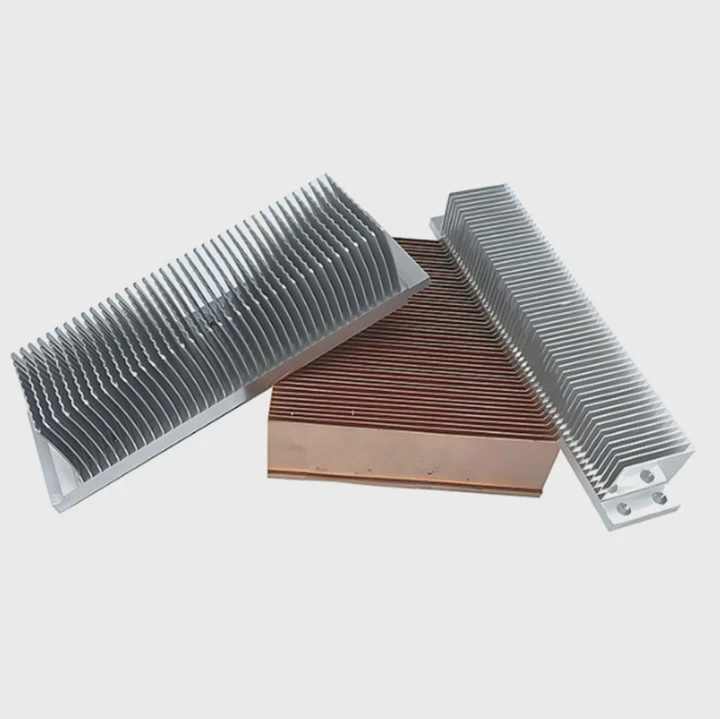
SSDs include many exposed components
M.2 SSDs expose resistors, capacitors, and power components. Heatsinks must clear these parts so that only the pad touches the controller and NAND.
Metal contact risks short-circuiting
Heatsinks made of aluminum or copper conduct electricity. If these materials press against exposed solder pads, a short can occur immediately.
Pressure must focus on main chips
The controller and NAND are built to handle light pressure. Other components are not. Contact beyond the pad area can crack solder joints.
Size and shape of the heatsink matter
A good heatsink matches the SSD outline. Oversized heatsinks may hang over the edge and press on parts that should remain untouched.
Why avoiding component contact is essential
- Prevents electrical shorts
- Protects small surface parts
- Ensures correct pressure distribution
- Avoids PCB bending
- Keeps installation safe
Heatsinks must be aligned precisely to avoid damaging the SSD.
Conclusion
To apply a heatsink to an SSD correctly, start by cleaning the drive, choose the right thermal pads, avoid pads that are too thick, and make sure the heatsink does not touch sensitive components. Proper installation improves heat transfer, protects the SSD, and ensures stable performance during heavy workloads.
TAGS
Latest Articles

Volume discount levels for heat sink orders?
Buyers often ask when heat sink prices start to drop with volume. Many worry they’re overpaying for small orders. This guide explains how B2B volume pricing works for thermal components. Heat sink
21 Dec,2025
Heat sink long-term supply contract options?
Many buyers want stable pricing and reliable delivery for heat sinks. But without a clear contract, risks grow over time. This article explores how to secure better long-term supply deals. Long-term
21 Dec,2025
Tooling cost for new heat sink profiles?
Many engineers struggle to understand why tooling for custom heat sinks costs so much. They worry about budgeting and production timelines. This article breaks down the cost drivers behind tooling.
21 Dec,2025
Heat sink custom sample process steps?
Sometimes, starting a custom heat sink project feels overwhelming—too many steps, too many unknowns, and too many risks. You want a sample, but not endless delays. The process for requesting and
20 Dec,2025
Standard B2B terms for heat sink payments?
When buyers and sellers in B2B heat sink markets talk about payment, many don’t fully understand what’s standard. This can lead to delayed orders, miscommunication, and even lost business
20 Dec,2025
Heat sink pricing factors for large orders?
Heat sinks are vital for many systems. When prices rise, projects stall and budgets break. This problem can hit teams hard without warning. Large order heat sink pricing depends on many factors. You
20 Dec,2025Related Articles
- does lg g2 have heatsink?
- how to remove heatsink from ssd?
- can you tightnen a heatsink to much?
- what heatsink fit amd epyc 7601?
- can you upgrade a laptop cpu heatsink?
- what is a gpu heatsink?
- how to remove g skill trident z ddr heatsink?
- how to clean heatsink on ps4?
- what happens when you remove a cpu heatsink?
- do i need a heatsink fan with new cpu?
- is nvme heatsink necessary?
- what is a bga heatsink?
Author
Dr. Emily Chen
Chief AI Researcher
Leading expert in thermal dynamics and AI optimization with over 15 years of experience in data center efficiency research.
Categories
Latest Products

M.2 Heatpipe Heatsink With Dual Fans For Pc Case
19 Mar,2026

Heavy-Duty Aluminum Heat Sink Custom
19 Mar,2026

Oem Skived Fin Heatsink Aluminum Radiator For Plants
19 Mar,2026

Water Cooled Cnc Aluminum Heat Sink For Medical
19 Mar,2026

High Density 6000 Series Aluminum Heat Sink Profile
19 Mar,2026

High-Density Extruded Aluminum & Bonded-Fin Heat Sink Profile
19 Mar,2026
Recommend Categories
- Liquid cooling plate Manufacturer
- Industrial Heat Sink Manufacturer
- Standard Heat Sink Manufacturer
- Aluminum Heat Sink Manufacturer
- Copper Heat Sink Manufacturer
- Anodized Heatsink Manufacturer
- Stamping heat sink Manufacturer
- Die Casting Heatsink Manufacturer
- Soldering heat sink Manufacturer
- CNC Parts Manufacturer
Latest Products
- M.2 Heatpipe Heatsink With Dual Fans For Pc Case
- Heavy-Duty Aluminum Heat Sink Custom
- Oem Skived Fin Heatsink Aluminum Radiator For Plants
- Water Cooled Cnc Aluminum Heat Sink For Medical
- High Density 6000 Series Aluminum Heat Sink Profile
- High-Density Extruded Aluminum & Bonded-Fin Heat Sink Profile
- Dongguan Cnc Aluminum Heat Sink For Led & Brass Parts
- Wholesale Cnc Aluminum Heat Sink - Custom Extruded
- Led Cnc Round Heat Sink With Screw Holes
- Copper Pin-Fin Heat-Sink Large-Area For Photoled Cooling
- Telecom Heatsink Zipper Fin Wcopper Tubes Oem
Contact Expert
Have questions about this article? Reach out to our experts directly.