do i need heatsink for m 2 ssd?
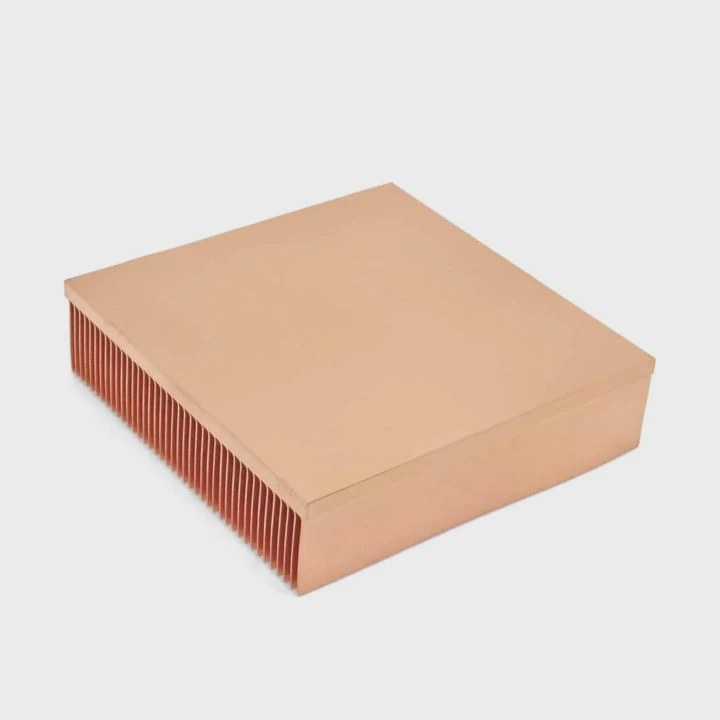
I still remember when I installed my first NVMe M.2 SSD without a heatsink. I thought the small drive would stay cool because it had no moving parts. Minutes later, during a large file copy, the temperature shot up, and the speed dropped fast.
You do not always need a heatsink for an M.2 SSD, but most NVMe drives benefit from one because they run hotter, throttle sooner, and lose speed during heavy workloads. A simple passive heatsink can keep temperatures low and maintain stable performance.
I want to show you why heat matters, which slots run hottest, and when a passive sink makes a real difference.
Why NVMe drives run hotter?
The first time I tested a PCIe Gen4 NVMe drive, I saw the controller temperature climb much faster than I expected. Even with light tasks, heat built up quickly because of the high transfer speed.
NVMe drives run hotter because they use fast PCIe lanes, dense controllers, and high-bandwidth flash chips that create more heat than the tiny M.2 form factor can handle alone.
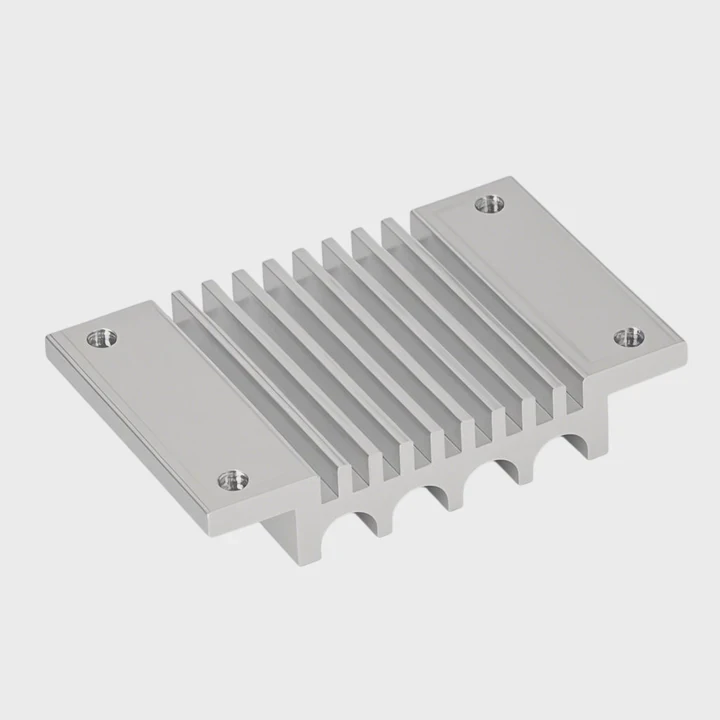
M.2 drives have almost no room for cooling parts. They rely on airflow and surface area, and both are limited.
Why the controller creates so much heat
The controller manages all the data flow. It handles queues, errors, wear, caching, and more. When the controller works at high bandwidth, it draws a lot of power. This power turns into heat.
Why the small shape makes heat worse
The M.2 stick is thin and narrow. It has no built-in cooling. It quickly becomes warm even in cases with decent airflow.
Table: Heat factors in NVMe SSDs
| Factor | Effect | Result |
|---|---|---|
| PCIe Gen3/4/5 | Fast data rates | Higher heat load |
| Tight M.2 form | Little cooling area | Faster temp rise |
| Heavy controller | High power draw | Hot spot at controller |
| Sustained load | Long heat buildup | Possible throttle |
Why heat hurts NVMe performance
When the drive gets too hot, it slows down to protect itself. This is known as thermal throttling. Many users think the drive is faulty, but heat is the real cause.
Which slots throttle first?
When I built systems with multiple M.2 slots, I noticed something interesting: not all slots behaved the same. Some slots hit high temperatures faster than others even with the same drive model.
The slots that throttle first are usually the ones closest to the GPU or placed under a motherboard cover without airflow. Heat from nearby components raises SSD temperatures quickly.
The GPU is the biggest heat producer. Any M.2 slot near it will feel the heat right away.
Why GPU heat affects M.2 slots
When the GPU warms up during gaming, the hot air rises toward the M.2 area. If your drive sits under the GPU, it keeps absorbing warm air. Even a small rise in temperature can trigger throttle on fast NVMe drives.
Why covered slots run hotter
Some motherboards place M.2 slots under metal shrouds. These covers look nice, but they can trap heat if they rely only on thin pads. If the pad is too thick or the contact is weak, heat stays inside.
Table: Slot location vs heat behavior
| Slot Location | Heat Level | Throttle Risk |
|---|---|---|
| Under GPU | High | High |
| Near chipset | Medium | Medium |
| Top slot, open airflow | Low | Low |
| Behind motherboard | Medium–High | Medium–High |
Why slot choice matters
If your board has one cool slot and one hot slot, you should install the fastest NVMe drive in the cool slot. This simple step can reduce peak temperature by 5–10°C.
Can passive sinks prevent heat issues?
I once attached a cheap aluminum passive sink to a hot NVMe drive. The temperature dropped instantly by several degrees. Even during long installs, the drive stayed below its throttle limit.
Yes, passive heatsinks can prevent many heat issues because they increase surface area and remove heat from the controller. Even a small passive sink can cut temperatures enough to avoid throttling in most cases.
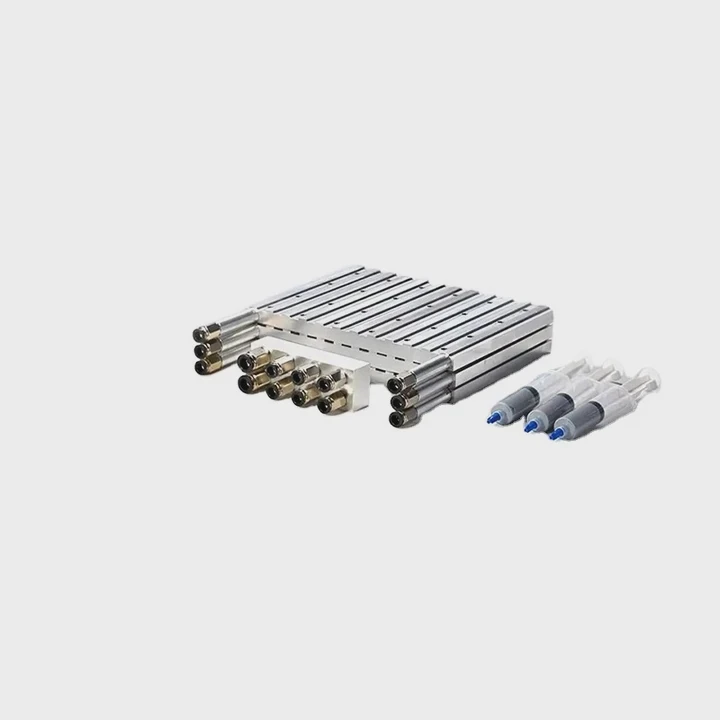
Passive heatsinks are simple: metal, fins, and a thermal pad. They make a big difference because they spread heat out.
Why passive heatsinks work well
More surface area
Heat moves from the SSD into the fins. The fins release heat into the air.
Better controller cooling
The controller is the hottest point. With direct contact, it cools fast.
Natural convection
Warm air rises off the sink even without a fan blowing on it.
What I see in tests
With bare drives, temps often hit 70–80°C during heavy tasks. With a passive sink, temps stay around 55–65°C, depending on airflow.
Table: Passive sink cooling results
| Setup | Temp (Heavy Load) | Result |
|---|---|---|
| Bare NVMe | 70–80°C | Frequent throttle |
| Thin heatsink | 60–70°C | Reduced throttle |
| Larger heatsink | 55–65°C | Stable speed |
| Case airflow optimized | 50–60°C | Best stability |
Why passive sinks are enough for most users
Unless you run extreme workloads, a passive heatsink is more than enough. Active cooling (fans) is only needed for servers or PCIe Gen5 drives in hot cases.
Do workloads affect thermal rise?
When I tested NVMe drives with different workloads, I saw huge temperature changes. Light tasks did nothing. But when I copied large files, heat rose quickly. This taught me that workload type matters a lot.
Yes, workloads affect thermal rise because heavy writes, sustained reads, and large queue depths push the controller harder, making temperature climb faster than during normal everyday tasks.
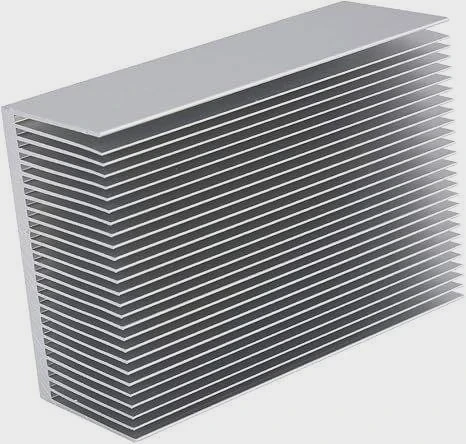
Not every drive heats up at the same rate. Some get hot only during heavy I/O.
Why heavy writes heat the drive most
The controller works hardest during writes. It handles mapping, caching, and error correction. Every one of these actions creates heat.
Why light tasks keep temps low
Simple reads, casual gaming, and browsing keep the controller calm. The drive barely warms up during these tasks.
Table: Workload temperature impact
| Workload Type | Heat Level | Notes |
|---|---|---|
| Light reads | Low | No throttle |
| Gaming loads | Low–Medium | Moderate rise |
| Large file copies | High | Controller stress |
| Heavy writes (long) | Very high | Likely throttle |
| Benchmark loops | Very high | Max heat |
Why knowing your workload helps
If you only play games or browse, you may not need a heatsink. If you install large games, edit video, move giant files, or run benchmarks, a heatsink becomes important. Your use case decides your cooling needs.
Conclusion
You may not always need a heatsink for an M.2 NVMe SSD, but most drives run hot enough to benefit from one. A passive sink lowers temperatures, prevents throttle, and keeps speeds stable during heavy workloads. If your slot runs warm or sits near a GPU, a heatsink becomes the safer choice.
TAGS
Latest Articles

Volume discount levels for heat sink orders?
Buyers often ask when heat sink prices start to drop with volume. Many worry they’re overpaying for small orders. This guide explains how B2B volume pricing works for thermal components. Heat sink
21 Dec,2025
Heat sink long-term supply contract options?
Many buyers want stable pricing and reliable delivery for heat sinks. But without a clear contract, risks grow over time. This article explores how to secure better long-term supply deals. Long-term
21 Dec,2025
Tooling cost for new heat sink profiles?
Many engineers struggle to understand why tooling for custom heat sinks costs so much. They worry about budgeting and production timelines. This article breaks down the cost drivers behind tooling.
21 Dec,2025
Heat sink custom sample process steps?
Sometimes, starting a custom heat sink project feels overwhelming—too many steps, too many unknowns, and too many risks. You want a sample, but not endless delays. The process for requesting and
20 Dec,2025
Standard B2B terms for heat sink payments?
When buyers and sellers in B2B heat sink markets talk about payment, many don’t fully understand what’s standard. This can lead to delayed orders, miscommunication, and even lost business
20 Dec,2025
Heat sink pricing factors for large orders?
Heat sinks are vital for many systems. When prices rise, projects stall and budgets break. This problem can hit teams hard without warning. Large order heat sink pricing depends on many factors. You
20 Dec,2025Related Articles
- Will Samsung 990 Pro with heatsink fit in a laptop?
- how to remove an amd heatsink?
- can cpu run without heatsink?
- is a heatsink required for ps5?
- how to clean zalman cpu heatsink?
- can i use heatsink from i5 on i7?
- how to case fan on heatsink?
- why isn't my heatsink fan working?
- How to remove Intel heatsink?
- what is the purpose of a heatsink?
- how to install ps5 ssd with heatsink?
- what a good heatsink and cpu fan?
Author
Dr. Emily Chen
Chief AI Researcher
Leading expert in thermal dynamics and AI optimization with over 15 years of experience in data center efficiency research.
Categories
Latest Products

M.2 Heatpipe Heatsink With Dual Fans For Pc Case
19 Mar,2026

Heavy-Duty Aluminum Heat Sink Custom
19 Mar,2026

Oem Skived Fin Heatsink Aluminum Radiator For Plants
19 Mar,2026

Water Cooled Cnc Aluminum Heat Sink For Medical
19 Mar,2026

High Density 6000 Series Aluminum Heat Sink Profile
19 Mar,2026

High-Density Extruded Aluminum & Bonded-Fin Heat Sink Profile
19 Mar,2026
Recommend Categories
- Liquid cooling plate Manufacturer
- Industrial Heat Sink Manufacturer
- Standard Heat Sink Manufacturer
- Aluminum Heat Sink Manufacturer
- Copper Heat Sink Manufacturer
- Anodized Heatsink Manufacturer
- Stamping heat sink Manufacturer
- Die Casting Heatsink Manufacturer
- Soldering heat sink Manufacturer
- CNC Parts Manufacturer
Latest Products
- M.2 Heatpipe Heatsink With Dual Fans For Pc Case
- Heavy-Duty Aluminum Heat Sink Custom
- Oem Skived Fin Heatsink Aluminum Radiator For Plants
- Water Cooled Cnc Aluminum Heat Sink For Medical
- High Density 6000 Series Aluminum Heat Sink Profile
- High-Density Extruded Aluminum & Bonded-Fin Heat Sink Profile
- Dongguan Cnc Aluminum Heat Sink For Led & Brass Parts
- Wholesale Cnc Aluminum Heat Sink - Custom Extruded
- Led Cnc Round Heat Sink With Screw Holes
- Copper Pin-Fin Heat-Sink Large-Area For Photoled Cooling
- Telecom Heatsink Zipper Fin Wcopper Tubes Oem
Contact Expert
Have questions about this article? Reach out to our experts directly.