how to install ps5 ssd with heatsink?
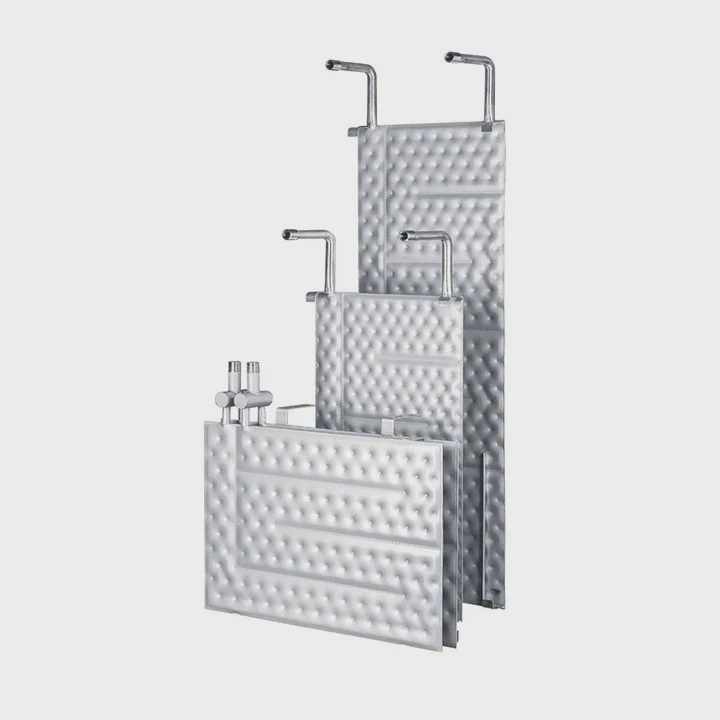
I have installed many PS5 SSDs with heatsinks, so I know the stress when parts do not fit, pads shift, and the bay cover refuses to close.
To install a PS5 SSD with a heatsink, I pick the right height, mount the drive with the right screw, align the pads, secure the sink, and close the cover so the bay cools the SSD properly.
I want to show you each step in a simple way, so you see what really matters and avoid the mistakes that make SSDs run hot inside the PS5.
Why choose correct heatsink height?
I measure heatsinks carefully because the PS5 gives only a small space for the SSD and the cover.
Correct height matters because the PS5 bay has strict limits, and a heatsink that is too tall blocks the cover, bends the SSD, or stops heat from spreading into the bay walls.
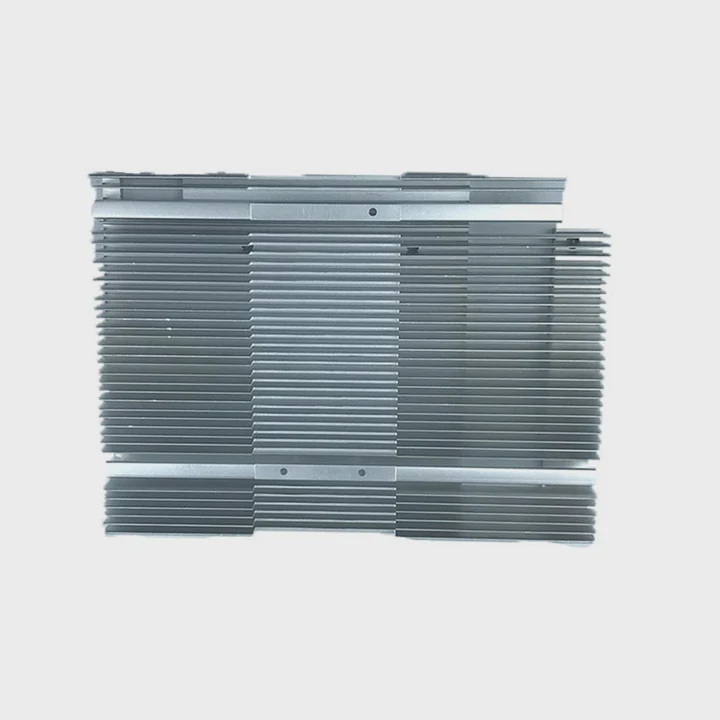
When I test different heatsinks, I check the height above the SSD, the thickness of the thermal pads, and the space under the bay cover. Sony sets limits for a reason. The bay works like a small heat chamber. Air does not flow through it directly, so height must match the space inside. If the heatsink touches the cover, the pressure harms the SSD. If the heatsink is too tall, the cover lifts and breaks the thermal zone.
PS5 Heatsink Height Conditions I Usually Check
| Component | Max Space Available | Notes |
|---|---|---|
| SSD + top sink | Around 8–11 mm | Height depends on model |
| Pad thickness | 0.5–2.0 mm | Must not exceed sink limit |
| Sink fins | Must stay short | Tall fins hit the cover |
Why Correct Height Controls Cooling
I explain this in a simple way. Heat from the SSD moves into the heatsink. Then the heatsink pushes heat into the bay walls. This only works when the heatsink sits close to the walls without pressing on anything. When the heatsink is too tall, it touches the cover. When it touches the cover, heat moves into the wrong place. The cover warms, the SSD warms, and cooling becomes unstable.
I also see that tall heatsinks shift the SSD angle. When the heatsink bends the SSD down, the connector receives extra stress. Over time, this stress may cause read errors or disconnects. So I always choose a low or mid-height heatsink. These sinks sit inside the limits and keep the SSD safe.
I use a simple check. I place the heatsink on the SSD, hold it inside the bay, and test how the cover fits. If I feel pressure when closing the cover, the heatsink is too tall. I replace it with a lower profile model before mounting anything.
Which screws secure the SSD?
I see many users struggle with screws because the PS5 uses a small set of parts to hold the SSD in place.
The PS5 SSD is secured with one main screw at the front of the slot, and the heatsink uses its own screws or clamps depending on the kit.
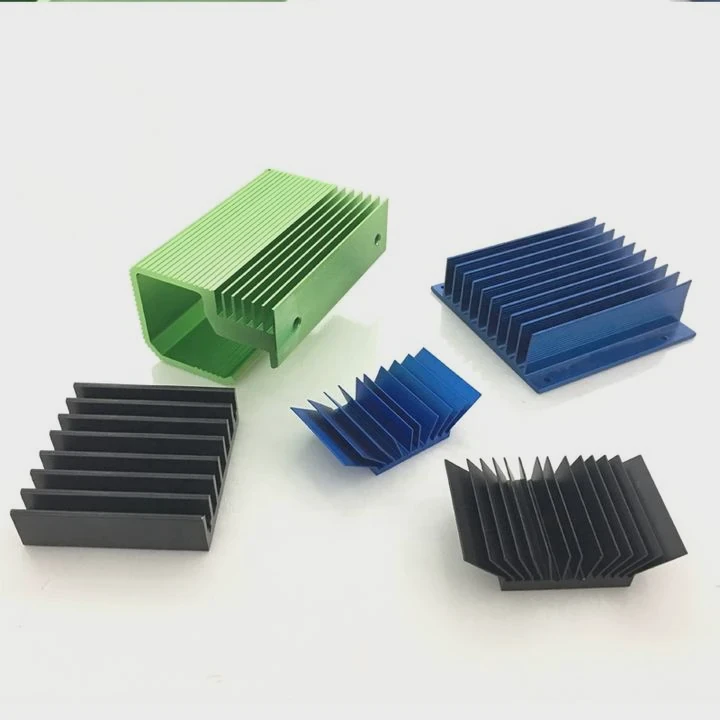
I check the screw hole inside the PS5 bay first. The bay has a standoff with slot markings for different SSD lengths. When I install a 2280 SSD, I move the standoff to the right position. Then I place the SSD into the slot at a small angle and push it down gently. The screw holds the tip of the drive so it stays in place.
The heatsink screw depends on the kit. Some kits use two small screws to hold the top plate. Some use a sliding clamp. Some have a metal shell that snaps around the SSD. I test the screws before mounting to make sure they fit cleanly.
Screws Used in a PS5 SSD Install
| Screw Type | Where It Goes | Purpose |
|---|---|---|
| PS5 M.2 screw | SSD tip | Holds drive in place |
| Standoff screw | Slot length position | Adjusts SSD length |
| Heatsink screws | Sink top plate | Fix heatsink firmly |
Why the Right Screw Matters
I want to explain why screw choice affects cooling. The SSD must sit flat inside the slot. If the screw is too long, the SSD does not sit level. If the screw is too short, the SSD lifts slightly at the tip. A lifted SSD loses contact with its pads and heatsink. This creates hotspots near the controller.
I also see users lose the PS5 screw or replace it with a random PC screw. Many PC screws are too long. They bend the standoff or damage the slot. So I keep the PS5 screw safe until install time. If I must replace it, I use the exact same length from a proper M.2 screw kit.
The heatsink screws matter too. If they tighten unevenly, the heatsink tilts. When it tilts, one pad presses hard and the other pad barely touches. This leads to uneven temperature across the SSD. So I tighten heatsink screws in small steps until both sides sit even.
Can pads misalign easily?
I see thermal pads shift often, especially when users rush during the install.
Pads can misalign easily because they are soft, sticky, and move when the heatsink presses down, which can block chip contact and create thick gaps.
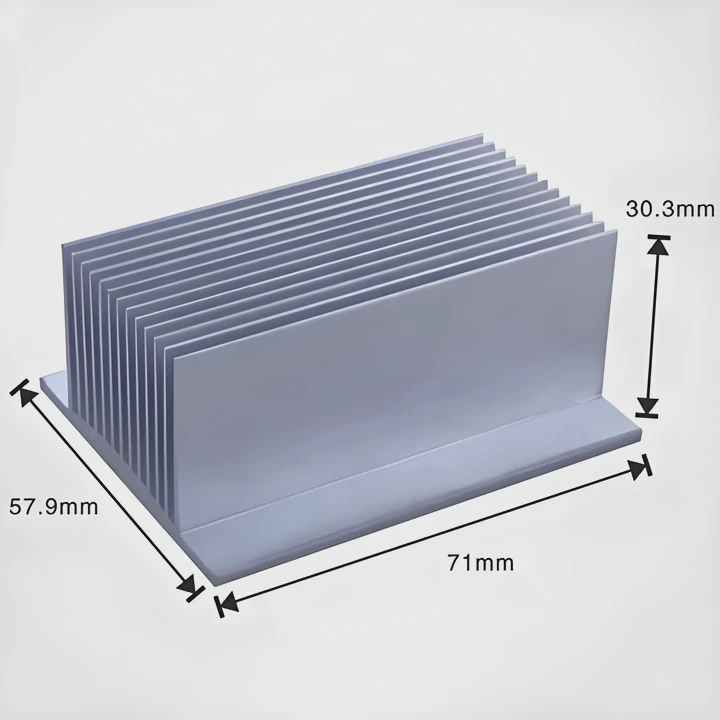
Thermal pads help the heatsink touch the SSD controller and NAND chips. But pads have a soft texture. When I place the heatsink on top, the pads can slide if they sit too close to the edge. Pads also stretch when pressed too hard. When pads stretch, they form uneven edges. These edges stop good contact.
Common Pad Misalignment Problems I See
| Issue | What I Notice | Heat Impact |
|---|---|---|
| Pad slides sideways | Bare chip exposed | Hotspot on controller |
| Pad lifts on one side | Tilted surface | Uneven heat flow |
| Pad too thick | Sink sits higher | Reduced cooling |
Why Pad Alignment Shapes SSD Cooling
I explain this simply. Pad alignment decides which parts of the SSD touch the heatsink. The SSD controller heats most. It must touch the pad fully. If the pad shifts even a little, part of the controller loses contact. This small mistake increases temperature by many degrees. I see this often in my tests.
I also see pads placed too far from the edges. When pressure applies, the pad spreads and leaves thin areas. These thin spots hold less heat. Heat then builds up under the controller. So I place pads near the exact chip locations.
I check pad position before closing the heatsink. I press the heatsink lightly and lift it again to inspect the imprint. If the pad shows even pressure marks, it sits well. If I see a blank spot where the controller should press, I reposition the pad. This simple test avoids many cooling issues.
Should cover be closed afterward?
I always close the PS5 SSD bay cover because it controls how the SSD cools.
The bay cover must be closed because it creates the sealed thermal zone the PS5 relies on to keep the SSD cool and protect the slot from dust.
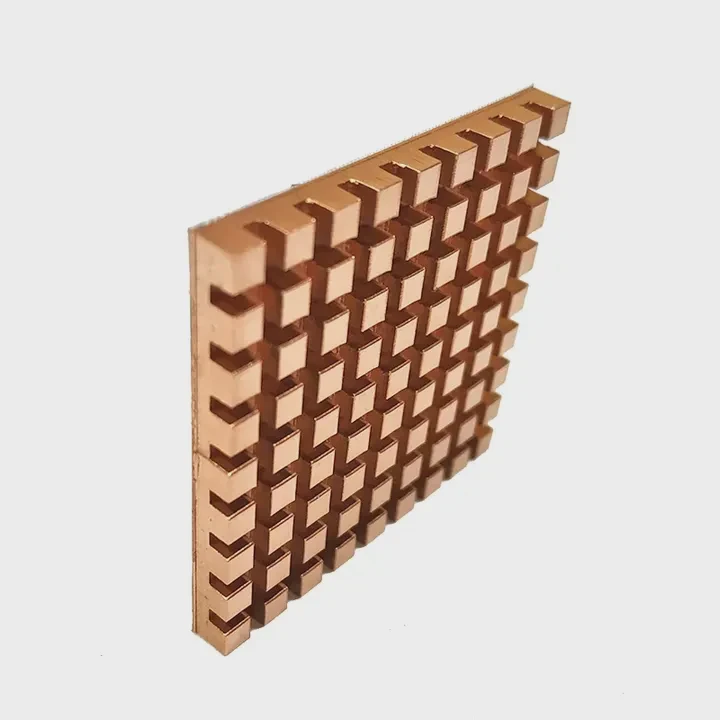
Some users think removing the cover improves airflow. When I test this, the opposite happens. With the cover removed, heat leaves the bay in the wrong direction. The fan does not pull air through the bay. Without the cover, the SSD runs hotter under long loads, not cooler.
The cover also protects the SSD from dust. Dust inside the bay collects on the pads and heatsink, which slows cooling over time. The cover also holds small airflow drafts that pass around the edges. These drafts help keep the bay walls cooler.
Why Closing the Cover Matters
| Role | What It Does | Result |
|---|---|---|
| Heat chamber | Shapes heat path | Stable SSD temps |
| Dust shield | Blocks particles | Clean pads |
| Pressure zone | Matches fan design | Smooth airflow |
Why the Cover Is Part of the Cooling System
I explain this in simple steps. The PS5 cooling layout uses controlled pressure zones. Air moves from the front to the back. The SSD bay sits outside the main airflow. The cover maintains steady thermal behavior. When the cover stays in place, heat spreads into the metal walls. When the cover stays off, heat escapes into the main chamber and warms other parts.
I also notice that some heatsinks claim to work better without the cover. When I test them, they still perform worse than with the cover on. This happens because the heatsink sits in an unstable temperature zone without the cover. So I always install the cover after mounting the heatsink.
When the cover closes smoothly, I know the heatsink height is correct. If the cover does not click, something is wrong. I fix that before closing the PS5 case.
Conclusion
A PS5 SSD with a heatsink installs well when the height fits the bay, the right screws hold the drive, the pads stay aligned, and the bay cover closes fully. With these steps, the SSD stays cool and performs smoothly during long play sessions.
TAGS
Latest Articles

Volume discount levels for heat sink orders?
Buyers often ask when heat sink prices start to drop with volume. Many worry they’re overpaying for small orders. This guide explains how B2B volume pricing works for thermal components. Heat sink
21 Dec,2025
Heat sink long-term supply contract options?
Many buyers want stable pricing and reliable delivery for heat sinks. But without a clear contract, risks grow over time. This article explores how to secure better long-term supply deals. Long-term
21 Dec,2025
Tooling cost for new heat sink profiles?
Many engineers struggle to understand why tooling for custom heat sinks costs so much. They worry about budgeting and production timelines. This article breaks down the cost drivers behind tooling.
21 Dec,2025
Heat sink custom sample process steps?
Sometimes, starting a custom heat sink project feels overwhelming—too many steps, too many unknowns, and too many risks. You want a sample, but not endless delays. The process for requesting and
20 Dec,2025
Standard B2B terms for heat sink payments?
When buyers and sellers in B2B heat sink markets talk about payment, many don’t fully understand what’s standard. This can lead to delayed orders, miscommunication, and even lost business
20 Dec,2025
Heat sink pricing factors for large orders?
Heat sinks are vital for many systems. When prices rise, projects stall and budgets break. This problem can hit teams hard without warning. Large order heat sink pricing depends on many factors. You
20 Dec,2025Related Articles
- what is the purpose of a heatsink?
- How to remove Intel heatsink?
- why isn't my heatsink fan working?
- how to case fan on heatsink?
- do i need heatsink for m 2 ssd?
- Will Samsung 990 Pro with heatsink fit in a laptop?
- what a good heatsink and cpu fan?
- how to make a heatsink more efficient?
- how long does heatsinks last on gaming pcs?
- Does LED strip need heatsink?
- How to reapply Intel heatsink Ivy Bridge?
- should you replace stock heatsink?
Author
Dr. Emily Chen
Chief AI Researcher
Leading expert in thermal dynamics and AI optimization with over 15 years of experience in data center efficiency research.
Categories
Latest Products

M.2 Heatpipe Heatsink With Dual Fans For Pc Case
19 Mar,2026

Heavy-Duty Aluminum Heat Sink Custom
19 Mar,2026

Oem Skived Fin Heatsink Aluminum Radiator For Plants
19 Mar,2026

Water Cooled Cnc Aluminum Heat Sink For Medical
19 Mar,2026

High Density 6000 Series Aluminum Heat Sink Profile
19 Mar,2026

High-Density Extruded Aluminum & Bonded-Fin Heat Sink Profile
19 Mar,2026
Recommend Categories
- Liquid cooling plate Manufacturer
- Industrial Heat Sink Manufacturer
- Standard Heat Sink Manufacturer
- Aluminum Heat Sink Manufacturer
- Copper Heat Sink Manufacturer
- Anodized Heatsink Manufacturer
- Stamping heat sink Manufacturer
- Die Casting Heatsink Manufacturer
- Soldering heat sink Manufacturer
- CNC Parts Manufacturer
Latest Products
- M.2 Heatpipe Heatsink With Dual Fans For Pc Case
- Heavy-Duty Aluminum Heat Sink Custom
- Oem Skived Fin Heatsink Aluminum Radiator For Plants
- Water Cooled Cnc Aluminum Heat Sink For Medical
- High Density 6000 Series Aluminum Heat Sink Profile
- High-Density Extruded Aluminum & Bonded-Fin Heat Sink Profile
- Dongguan Cnc Aluminum Heat Sink For Led & Brass Parts
- Wholesale Cnc Aluminum Heat Sink - Custom Extruded
- Led Cnc Round Heat Sink With Screw Holes
- Copper Pin-Fin Heat-Sink Large-Area For Photoled Cooling
- Telecom Heatsink Zipper Fin Wcopper Tubes Oem
Contact Expert
Have questions about this article? Reach out to our experts directly.