how to clean zalman cpu heatsink?
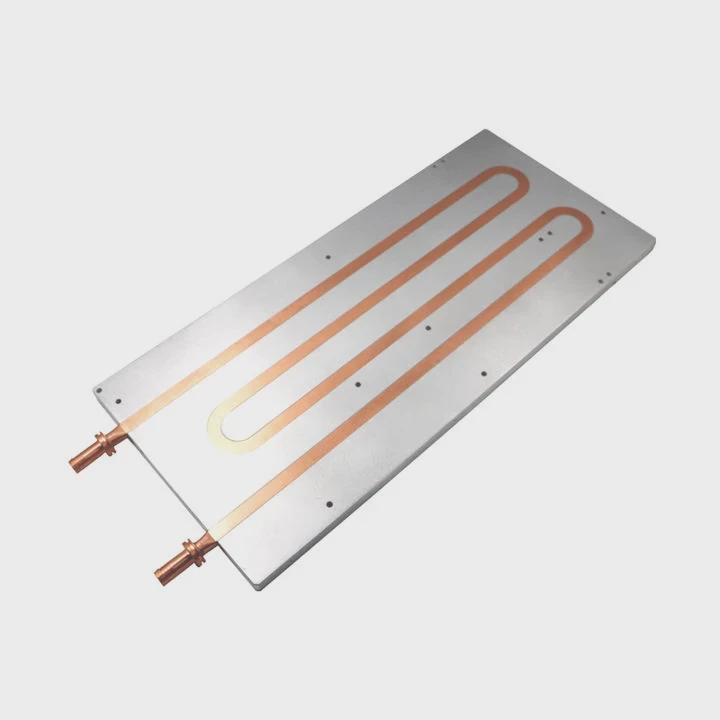
I have cleaned many Zalman heatsinks in tight cases, so I know the worry when dust builds up on copper fins and heat rises fast during long workloads.
To clean a Zalman CPU heatsink, I remove dust from the fins, use soft brushes, avoid water on bare copper, replace the paste, and confirm that the base stays clean and ready for fresh mounting.
I want to show you each step in a simple way, so you see what really matters and how a clean Zalman cooler can perform like new.
Why remove dust from copper fins?
I often see Zalman coolers overheat only because dust blocks the air path between copper fins.
Dust must be removed because it fills the tiny fin gaps, slows airflow, raises temperature, and stops the copper surface from releasing heat into the air.
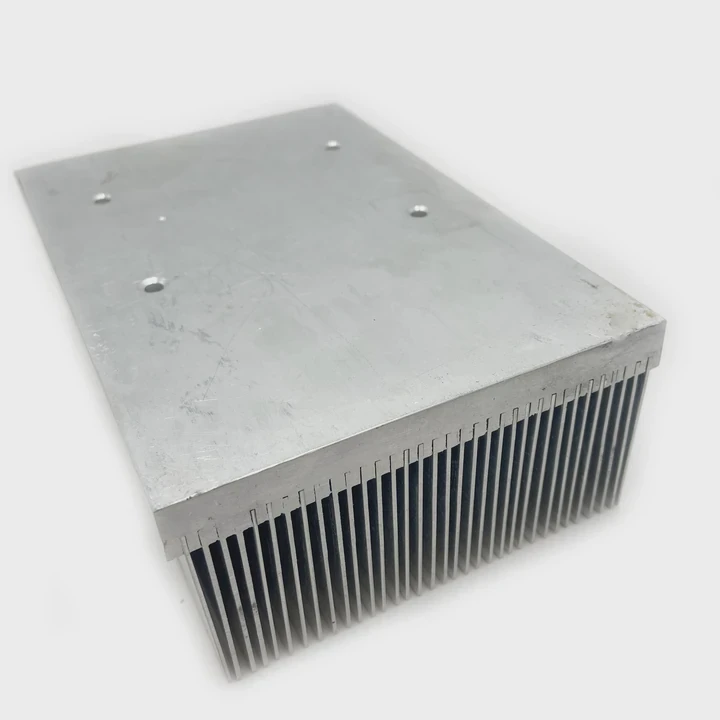
I open many systems and find that dust hides deep inside the curved copper fins. Zalman designs use thin fins and wide paths, but dust still piles up in small corners. When the fins fill with dust, the fan pushes air into a blocked path. The air slows down, and the heat stays near the base. I clean dust first because this single step often lowers temperature by many degrees.
What Dust Does Inside Copper Fin Stacks
| Dust Effect | What I Notice | Cooling Result |
|---|---|---|
| Blocks airflow | Fins look gray and clogged | CPU warms during load |
| Traps heat | Heat stays near base | Hotspots appear |
| Slows fan | Fan spins harder | More noise, less cooling |
Why Dust Removal Matters So Much
I explain this in a simple way. Heat moves from the CPU into the base, then into the copper fins. The fins pass heat into the air. When dust blocks the air path, the fins cannot release heat. The heat stays trapped. This makes the CPU run hotter even if the fan spins fast.
I also see that dust collects more on curved fins. Many Zalman coolers use flower-shaped fin stacks. These designs look beautiful but have many edges. Dust sticks to these edges and forms small layers. When these layers grow, they change how air moves through the cooler. This makes cooling less stable.
I also check the dust level near the fan hub. Dust gathers around the motor because air pulls into that spot. When the fan hub area clogs, airflow drops. So I clean the center area gently with a soft tool. When this area stays clean, airflow becomes smooth again.
Which brushes protect surface?
I use specific brush types when I clean Zalman coolers because copper scratches easily if I use the wrong tools.
Soft brushes with gentle bristles protect the copper fins because they lift dust without scratching the surface or bending the thin metal edges.
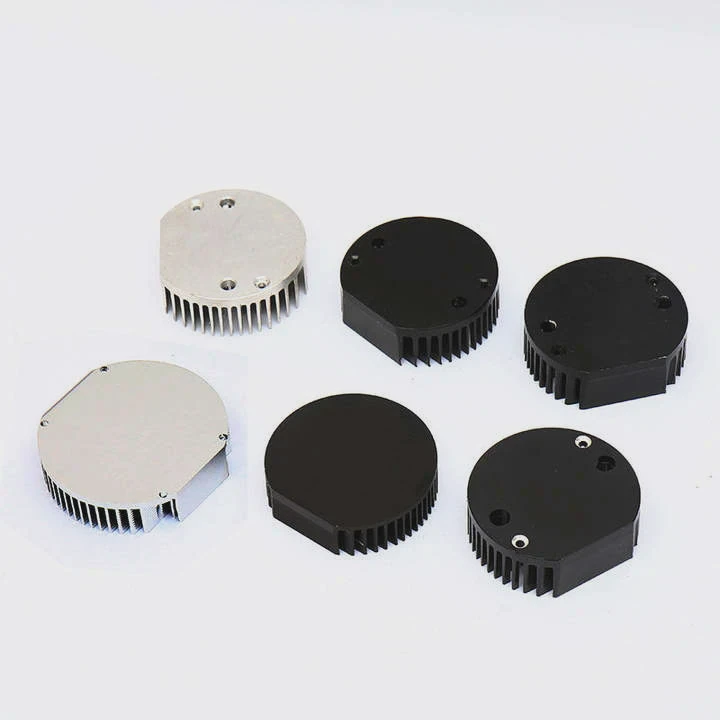
I try many brushes. I avoid hard plastic bristles because they can dig into the copper. I avoid metal tools because they scratch. I use soft paintbrushes, makeup brushes, and anti-static brushes. These tools remove dust without marking the surface. I also use compressed air, but I hold it at an angle so the air does not bend the fins.
Brushes That Work Well on Zalman Fins
| Brush Type | Why It Works | When I Use It |
|---|---|---|
| Soft paintbrush | Gentle strokes | Light dust layers |
| Makeup brush | Very soft bristles | Curved copper fins |
| Anti-static brush | Safe for electronics | Deep fin pockets |
How the Right Brush Protects Copper
I explain this step by step. Copper fins are soft. When I press too hard, the fin edge bends. When the fin bends, airflow changes. Bent fins create small swirls in the air and reduce cooling. A soft brush removes dust with little force. This keeps the fin edges straight.
I also learn that soft brushes prevent scratches. Scratches on copper look small, but they trap dust easier the next time. This makes future cleaning harder. Smooth copper stays clean longer. So I brush gently to keep the surface smooth.
When fins are very tight, I use a thin soft brush and work slowly. I do not rush because rushing bends fins. I brush in one direction so dust moves out of the stack. When I finish brushing, I use compressed air to blow out the last particles. This method keeps the fins clean without damage.
Can water tarnish copper?
I get many questions about washing Zalman coolers, and I always stay careful with copper.
Water can tarnish copper because moisture reacts with the surface and forms dull spots that make the metal less efficient at spreading and releasing heat.
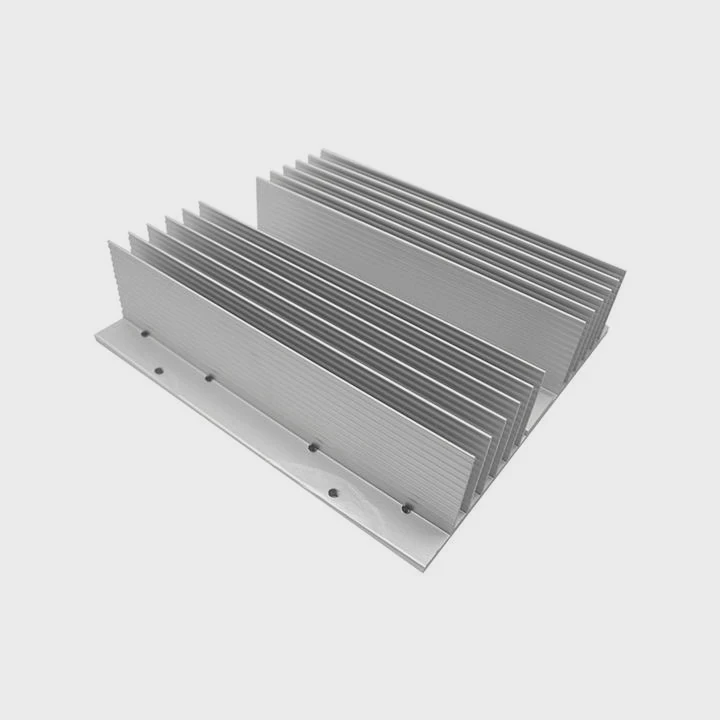
I have seen many users wash their heatsinks under tap water. This removes dust but leaves minerals on the copper. These minerals form stains. Over time, the copper tarnishes. When copper tarnishes, the thermal path changes. Tarnish does not stop cooling, but it reduces heat spread and makes the surface less responsive.
How Water Affects Copper Over Time
| Water Source | What Happens | Effect on Copper |
|---|---|---|
| Tap water | Leaves minerals | Tarnish spots |
| Hot water | Speeds reaction | Darker color |
| Soapy water | Film residue | Slower heat flow |
Why Tarnish Reduces Cooling Performance
I explain this clearly. Copper spreads heat fast because of its clean surface. When tarnish forms, a thin chemical layer sits on top of the copper. This layer spreads heat slower. The difference is small but noticeable in systems already running near their thermal limit. Zalman coolers often rely on clean copper surfaces because their design exposes many fin edges to air.
I also see that water stays in narrow fin gaps even after drying. When moisture stays inside, it reacts with air and forms small green spots. These spots grow slowly and make the surface rough. Rough surfaces hold dust more easily. Dust then builds up faster. This reduces cooling again.
If I must use water, I use distilled water and dry the cooler with warm air. I avoid strong heat because it can warp the fins. I dry slowly until all moisture leaves the fins. But in most cases, I avoid water and use brushes, alcohol, and air instead.
Should paste be replaced after cleaning?
I always replace the paste when I clean any heatsink because old paste loses its shape once the cooler is removed.
Paste must be replaced because old paste breaks its seal, dries after exposure, and cannot create a thin, even heat-transfer layer when the heatsink is reinstalled.
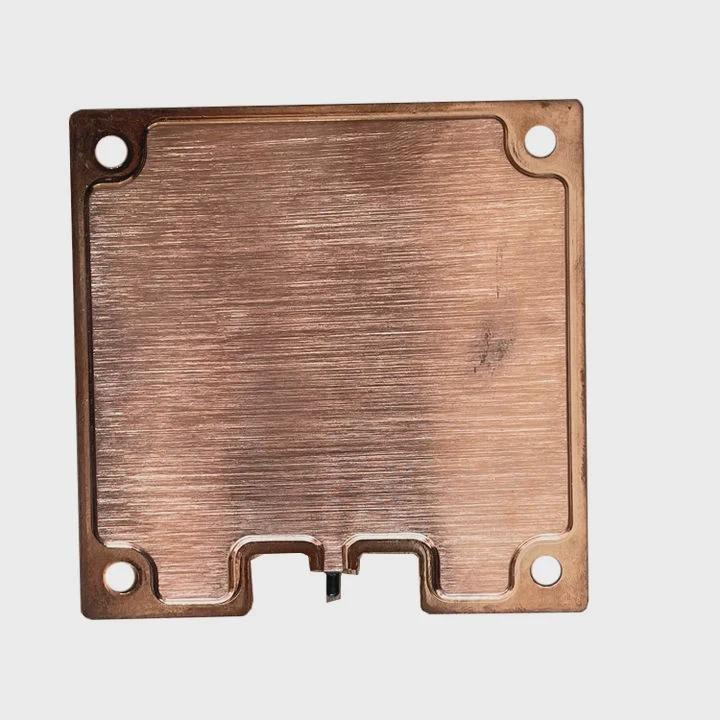
When I remove a Zalman cooler, the paste separates. Once the seal breaks, the paste cannot reconnect the same way. Air enters the layer. Air slows heat flow. Even if the old paste looks soft, it no longer fits the CPU lid perfectly after removal. So I always clean the old paste from both surfaces and apply a fresh layer.
What Happens to Paste After Removal
| Condition | What I See | Heat Impact |
|---|---|---|
| Cracked paste | Small gaps | Hotspots form |
| Dry edges | Flaky spots | Uneven contact |
| Thick patches | Poor spread | Slower heat path |
Why Fresh Paste Matters
I break this down simply. Paste fills tiny gaps between the CPU lid and the heatsink base. It must be thin. When paste becomes old, it thickens. When the seal breaks, the paste develops micro-gaps. These gaps trap air. Air slows heat flow more than any metal. Fresh paste solves this by spreading clean and thin.
I also see that copper bases store old paste inside small grooves. These grooves hold paste even after wiping. So I clean with alcohol until the base shines. When the base stays smooth, the new paste spreads better.
I apply a small amount of paste. I do not use too much because thick layers trap heat. I also press the heatsink down gently before tightening the screws. This helps the paste settle evenly. With a fresh paste layer, the Zalman cooler performs much better after cleaning.
Conclusion
A Zalman CPU heatsink stays strong when dust leaves the fins, soft brushes protect copper, water stays away from the surface, and fresh paste restores clean contact. With these steps, a cleaned Zalman cooler works like new and keeps the CPU cool under real workloads.
TAGS
Latest Articles

Volume discount levels for heat sink orders?
Buyers often ask when heat sink prices start to drop with volume. Many worry they’re overpaying for small orders. This guide explains how B2B volume pricing works for thermal components. Heat sink
21 Dec,2025
Heat sink long-term supply contract options?
Many buyers want stable pricing and reliable delivery for heat sinks. But without a clear contract, risks grow over time. This article explores how to secure better long-term supply deals. Long-term
21 Dec,2025
Tooling cost for new heat sink profiles?
Many engineers struggle to understand why tooling for custom heat sinks costs so much. They worry about budgeting and production timelines. This article breaks down the cost drivers behind tooling.
21 Dec,2025
Heat sink custom sample process steps?
Sometimes, starting a custom heat sink project feels overwhelming—too many steps, too many unknowns, and too many risks. You want a sample, but not endless delays. The process for requesting and
20 Dec,2025
Standard B2B terms for heat sink payments?
When buyers and sellers in B2B heat sink markets talk about payment, many don’t fully understand what’s standard. This can lead to delayed orders, miscommunication, and even lost business
20 Dec,2025
Heat sink pricing factors for large orders?
Heat sinks are vital for many systems. When prices rise, projects stall and budgets break. This problem can hit teams hard without warning. Large order heat sink pricing depends on many factors. You
20 Dec,2025Related Articles
- can i use heatsink from i5 on i7?
- What is heatsink in computer?
- what to do if secondary heatsink is too high?
- how do heatsink launchers work?
- does gpu heatsink have liquid?
- Does Ryzen come with heatsink and compound?
- is a heatsink required for ps5?
- can cpu run without heatsink?
- how to remove an amd heatsink?
- Will Samsung 990 Pro with heatsink fit in a laptop?
- do i need heatsink for m 2 ssd?
- how to case fan on heatsink?
Author
Dr. Emily Chen
Chief AI Researcher
Leading expert in thermal dynamics and AI optimization with over 15 years of experience in data center efficiency research.
Categories
Latest Products

M.2 Heatpipe Heatsink With Dual Fans For Pc Case
19 Mar,2026

Heavy-Duty Aluminum Heat Sink Custom
19 Mar,2026

Oem Skived Fin Heatsink Aluminum Radiator For Plants
19 Mar,2026

Water Cooled Cnc Aluminum Heat Sink For Medical
19 Mar,2026

High Density 6000 Series Aluminum Heat Sink Profile
19 Mar,2026

High-Density Extruded Aluminum & Bonded-Fin Heat Sink Profile
19 Mar,2026
Recommend Categories
- Liquid cooling plate Manufacturer
- Industrial Heat Sink Manufacturer
- Standard Heat Sink Manufacturer
- Aluminum Heat Sink Manufacturer
- Copper Heat Sink Manufacturer
- Anodized Heatsink Manufacturer
- Stamping heat sink Manufacturer
- Die Casting Heatsink Manufacturer
- Soldering heat sink Manufacturer
- CNC Parts Manufacturer
Latest Products
- M.2 Heatpipe Heatsink With Dual Fans For Pc Case
- Heavy-Duty Aluminum Heat Sink Custom
- Oem Skived Fin Heatsink Aluminum Radiator For Plants
- Water Cooled Cnc Aluminum Heat Sink For Medical
- High Density 6000 Series Aluminum Heat Sink Profile
- High-Density Extruded Aluminum & Bonded-Fin Heat Sink Profile
- Dongguan Cnc Aluminum Heat Sink For Led & Brass Parts
- Wholesale Cnc Aluminum Heat Sink - Custom Extruded
- Led Cnc Round Heat Sink With Screw Holes
- Copper Pin-Fin Heat-Sink Large-Area For Photoled Cooling
- Telecom Heatsink Zipper Fin Wcopper Tubes Oem
Contact Expert
Have questions about this article? Reach out to our experts directly.