how to case fan on heatsink?
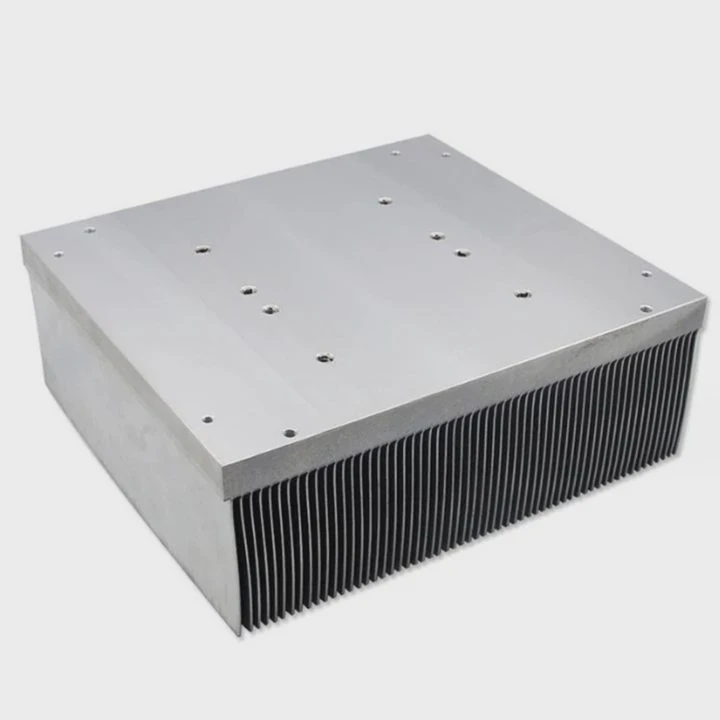
When I first tried mounting a case fan onto a heatsink, I felt unsure about the direction, the brackets, and the airflow path. I made mistakes before I learned the right way to set everything up.
You attach a case fan to a heatsink by choosing the right direction, placing it along the airflow path, and securing it with brackets that match the fan size. Correct setup keeps the CPU cool and stable.
I want to show you the simple ideas that make the biggest difference when adding a case fan to a heatsink.
Why fan direction matters?
The first time I mounted a fan, I guessed the direction. I pointed it the wrong way and watched my CPU temperatures rise. That mistake taught me why fan direction matters so much.
Fan direction matters because the fan must push or pull air through the heatsink fins. Air must move in one clear direction so heat can leave the metal and escape the case.
How to tell which way a fan blows
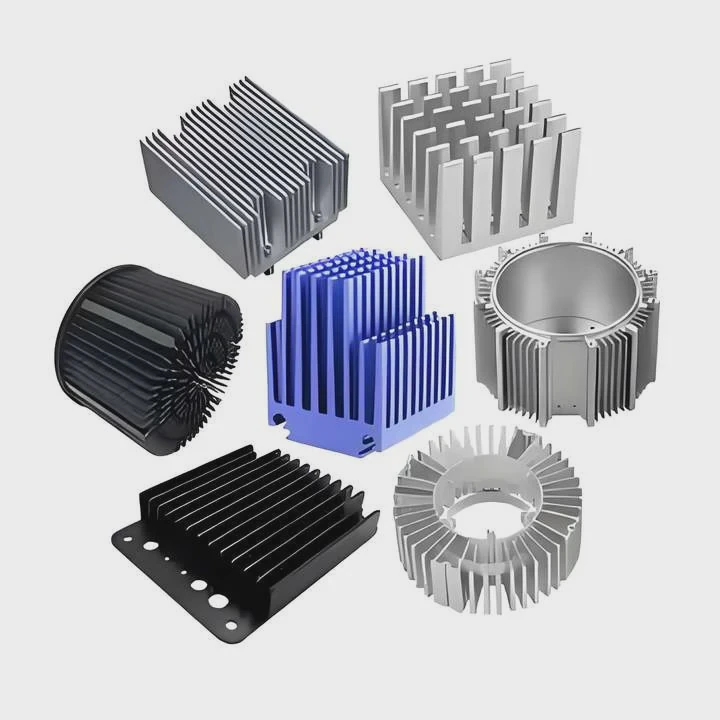
Most fans have two arrows on the frame. One arrow shows the spin direction. One arrow shows airflow direction. If the arrows are missing, the open side of the blades usually pulls air, and the side with the support bars usually pushes air.
Why a backwards fan raises temperatures
If the fan blows the wrong way, hot air collects near the CPU. I saw this during my first test. The temperature climbed fast because the air bounced around the heatsink instead of going through it.
A simple airflow table
| Fan Direction | Result | What I Saw |
|---|---|---|
| Air pushed through fins | Best cooling | Temps drop |
| Air pulled through fins | Good cooling | Stable temps |
| Air moving sideways | Poor cooling | Hot pocket forms |
| Reverse direction | Bad cooling | Temps rise fast |
Why direction depends on case layout
Some cases push air from front to back. Some pull air from bottom to top. The fan must follow the case airflow so air moves smoothly. I always check my case airflow before choosing direction.
Why a consistent direction matters
When fans fight each other, they create noise and turbulence. Turbulence slows airflow and weakens cooling. When all fans move air the same way, the whole system becomes cooler and quieter.
Which airflow paths work best?
When I experimented with different airflow paths, I learned that some paths cool very well, and some barely do anything. Good airflow turns the heatsink into an efficient heat machine.
The best airflow path moves cool air into the heatsink and pushes warm air out of the case. A front-to-back or bottom-to-top path keeps temperatures steady and avoids heat buildup.
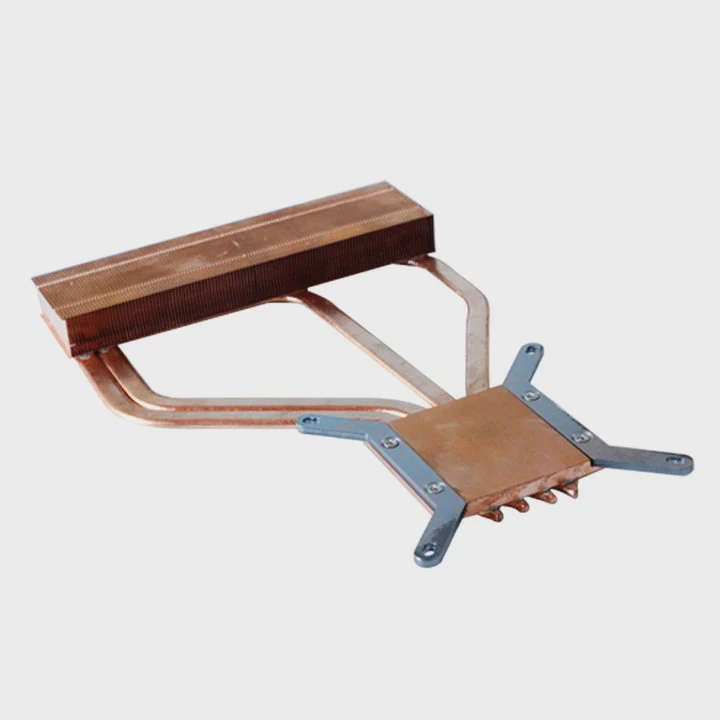
Common airflow paths
1. Front to back
This is the most common path. Front fans pull in cool air. A rear fan pushes warm air out. The heatsink fan follows the same direction.
2. Bottom to top
Some tower cases pull air from the bottom and exhaust through the top. The heatsink fan pushes air upward through the fins.
3. Cross-case airflow
Some cases use side fans. This creates a sideways flow. The heatsink fan must match the sideways direction.
A comparison table
| Path Style | Cooling Level | Notes |
|---|---|---|
| Front-to-back | High | Most stable system |
| Bottom-to-top | Medium | Works in tall cases |
| Side-to-side | Medium | Can be strong with big side fans |
| Mixed paths | Low | Creates turbulence |
Why smooth airflow improves cooling
When air moves in a straight path, heat leaves the system fast. When the path bends or loops, heat sticks around. I tested this in a busy workstation and saw that smooth airflow gave a big improvement.
Why heatsink fans must follow the airflow
The heatsink fan is part of the path. If the heatsink pushes air backward into the case flow, cooling becomes weaker. When the fan follows the path, the heatsink performs at its best.
Why case pressure matters a little
Positive pressure means more air comes in than goes out. Negative pressure means more air leaves than enters. Both can work, but the airflow path matters far more than pressure.
Can push-pull improve cooling?
When I first tried a push-pull setup, I wanted to see if two fans made a real difference. The results surprised me. Sometimes the gains were strong. Sometimes the gains were small.
Yes, a push-pull setup can improve cooling. One fan pushes air into the fins, and the second fan pulls it out. This increases airflow through the heatsink and lowers temperatures, especially on dense fin stacks.
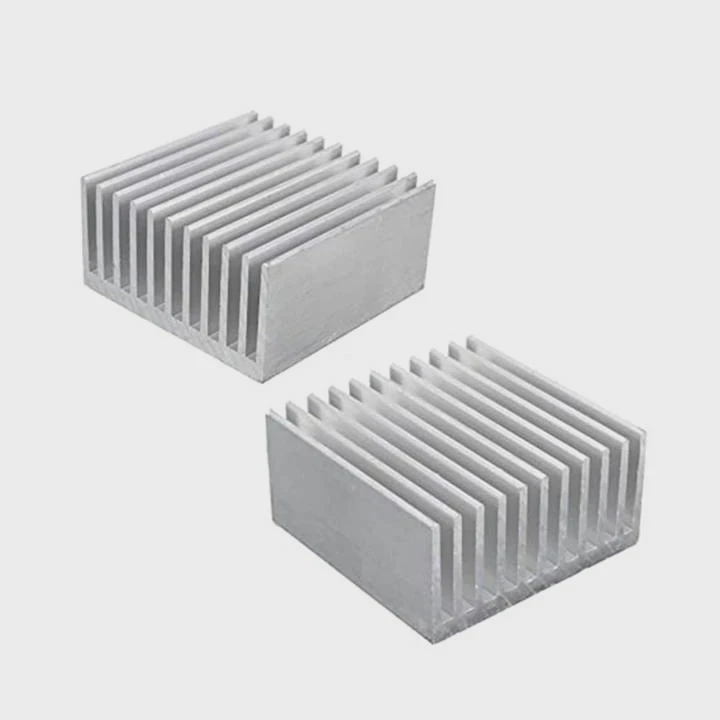
Why push-pull works
A heatsink has many thin fins. Air can struggle to pass through them. When one fan pushes and the other pulls, the airflow becomes stronger. This helps remove heat faster.
When push-pull gives the best gains
- Large tower heatsinks
- Thick fin stacks
- High-power CPUs
- Tight cases with weak airflow
I saw the best gains on big towers with lots of fins.
When push-pull gives small gains
- Thin heatsinks
- Low-power CPUs
- Open cases with strong airflow
In these systems, the airflow is already strong enough.
A simple results table
| System Type | Push-Pull Gain | My Results |
|---|---|---|
| High-end CPU | High | ~3–6°C drop |
| Mid CPU | Medium | ~2–3°C drop |
| Low-power CPU | Low | ~0–1°C drop |
| Thin heatsink | Very low | Almost no change |
Why correct direction matters in push-pull
In push-pull setups, the fans must face the same airflow direction. If the pull fan pushes backward, the fans fight each other. This raises temperatures. I made this mistake once. The fix was as simple as flipping one fan.
Why push-pull can increase noise
Two fans make more noise. Some systems become louder. I sometimes choose quiet fans to balance the noise.
Do brackets fit all fans?
The first time I tried adding a fan to a heatsink, I assumed any bracket fit any fan. I learned this is not true. Fan size, screw holes, and clip designs all matter.
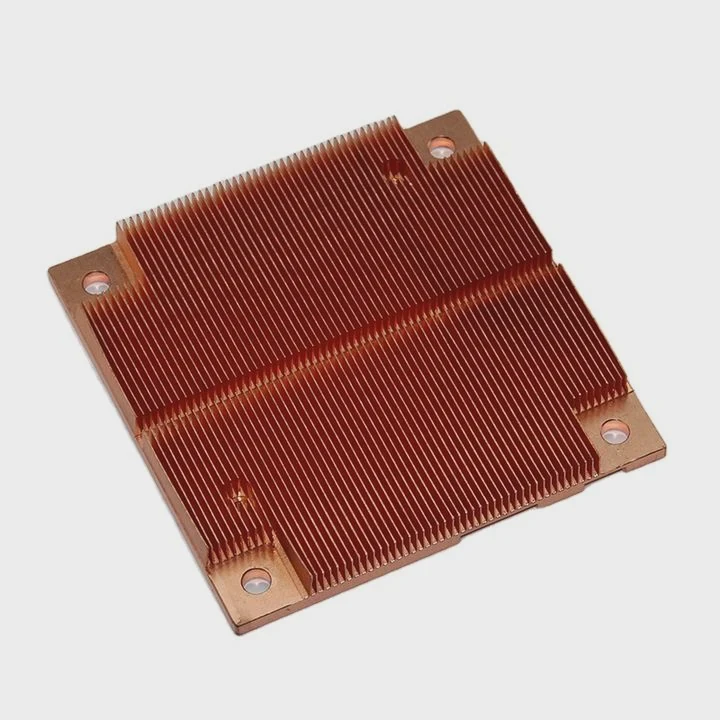
Not all brackets fit all fans. Brackets are sized for specific fan widths and mounting points. Many heatsinks use clip-style brackets that only fit standard 120mm or 140mm fans.
Why fan size matters
A 120mm fan will not fit a 140mm bracket. The holes do not line up. The edges do not match. The clips cannot grab the wrong size. I always check the size before installing a fan.
Types of fan mounting systems
1. Clip brackets
These use metal clips that grip the fan frame. Many tower coolers use these.
2. Screw brackets
Some coolers use screws and plastic frames.
3. Slide brackets
These use rails that adjust to different fan sizes.
A compatibility table
| Fan Size | Bracket Type | Fits? |
|---|---|---|
| 120mm on 120mm clips | Yes | Safe fit |
| 140mm on 120mm clips | No | Too large |
| 120mm on 140mm clips | No | Too small |
| Universal brackets | Yes | Depends on design |
Why fan thickness matters too
Most fans are 25mm thick. Some slim fans are 15mm. Brackets made for standard fans may not grip slim fans tightly. I once used a slim fan that rattled because the clips were too loose.
Why some heatsinks need special brackets
Large coolers sometimes require their own special bracket design. The bracket must match the curve of the fins. This is why replacement brackets are specific to each brand.
Why you should test the fit before closing the case
When I place a fan on a heatsink, I always wiggle it slightly. If it feels loose, the bracket does not fit. A loose fan makes noise and reduces cooling.
Conclusion
Mounting a case fan on a heatsink works best when the fan direction is correct, the airflow path is clear, the push-pull setup matches your system, and the brackets fit the fan size. A proper setup makes your CPU cooler, quieter, and more stable.
TAGS
Latest Articles

Volume discount levels for heat sink orders?
Buyers often ask when heat sink prices start to drop with volume. Many worry they’re overpaying for small orders. This guide explains how B2B volume pricing works for thermal components. Heat sink
21 Dec,2025
Heat sink long-term supply contract options?
Many buyers want stable pricing and reliable delivery for heat sinks. But without a clear contract, risks grow over time. This article explores how to secure better long-term supply deals. Long-term
21 Dec,2025
Tooling cost for new heat sink profiles?
Many engineers struggle to understand why tooling for custom heat sinks costs so much. They worry about budgeting and production timelines. This article breaks down the cost drivers behind tooling.
21 Dec,2025
Heat sink custom sample process steps?
Sometimes, starting a custom heat sink project feels overwhelming—too many steps, too many unknowns, and too many risks. You want a sample, but not endless delays. The process for requesting and
20 Dec,2025
Standard B2B terms for heat sink payments?
When buyers and sellers in B2B heat sink markets talk about payment, many don’t fully understand what’s standard. This can lead to delayed orders, miscommunication, and even lost business
20 Dec,2025
Heat sink pricing factors for large orders?
Heat sinks are vital for many systems. When prices rise, projects stall and budgets break. This problem can hit teams hard without warning. Large order heat sink pricing depends on many factors. You
20 Dec,2025Related Articles
- do i need heatsink for m 2 ssd?
- Will Samsung 990 Pro with heatsink fit in a laptop?
- how to remove an amd heatsink?
- can cpu run without heatsink?
- is a heatsink required for ps5?
- how to clean zalman cpu heatsink?
- why isn't my heatsink fan working?
- How to remove Intel heatsink?
- what is the purpose of a heatsink?
- how to install ps5 ssd with heatsink?
- what a good heatsink and cpu fan?
- how to make a heatsink more efficient?
Author
Dr. Emily Chen
Chief AI Researcher
Leading expert in thermal dynamics and AI optimization with over 15 years of experience in data center efficiency research.
Categories
Latest Products

M.2 Heatpipe Heatsink With Dual Fans For Pc Case
19 Mar,2026

Heavy-Duty Aluminum Heat Sink Custom
19 Mar,2026

Oem Skived Fin Heatsink Aluminum Radiator For Plants
19 Mar,2026

Water Cooled Cnc Aluminum Heat Sink For Medical
19 Mar,2026

High Density 6000 Series Aluminum Heat Sink Profile
19 Mar,2026

High-Density Extruded Aluminum & Bonded-Fin Heat Sink Profile
19 Mar,2026
Recommend Categories
- Liquid cooling plate Manufacturer
- Industrial Heat Sink Manufacturer
- Standard Heat Sink Manufacturer
- Aluminum Heat Sink Manufacturer
- Copper Heat Sink Manufacturer
- Anodized Heatsink Manufacturer
- Stamping heat sink Manufacturer
- Die Casting Heatsink Manufacturer
- Soldering heat sink Manufacturer
- CNC Parts Manufacturer
Latest Products
- M.2 Heatpipe Heatsink With Dual Fans For Pc Case
- Heavy-Duty Aluminum Heat Sink Custom
- Oem Skived Fin Heatsink Aluminum Radiator For Plants
- Water Cooled Cnc Aluminum Heat Sink For Medical
- High Density 6000 Series Aluminum Heat Sink Profile
- High-Density Extruded Aluminum & Bonded-Fin Heat Sink Profile
- Dongguan Cnc Aluminum Heat Sink For Led & Brass Parts
- Wholesale Cnc Aluminum Heat Sink - Custom Extruded
- Led Cnc Round Heat Sink With Screw Holes
- Copper Pin-Fin Heat-Sink Large-Area For Photoled Cooling
- Telecom Heatsink Zipper Fin Wcopper Tubes Oem
Contact Expert
Have questions about this article? Reach out to our experts directly.