how to remove an amd heatsink?
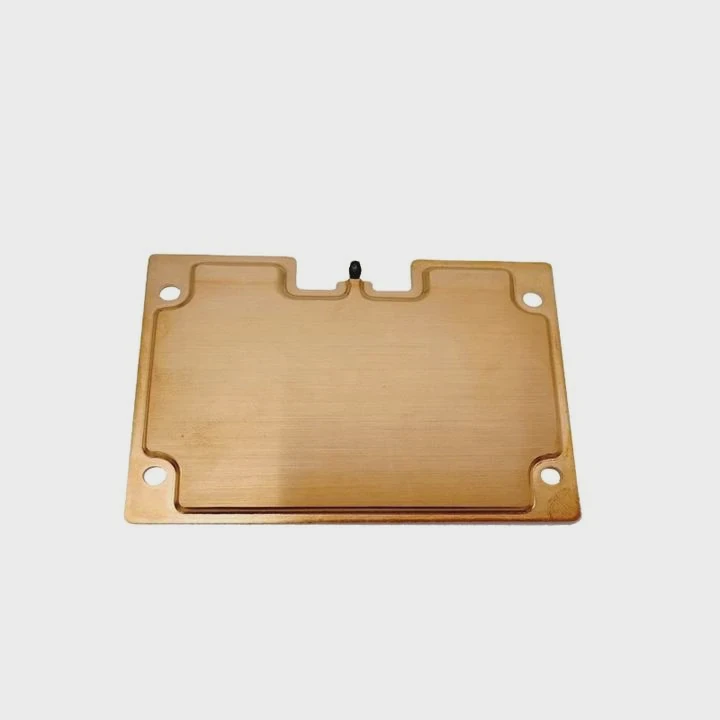
I still remember the first time I tried to remove an AMD heatsink. I pulled straight up without checking the latch, and the whole CPU came off with it. That moment taught me why careful steps matter.
You remove an AMD heatsink by unlocking the latch, loosening the clip, softening the paste if needed, and gently twisting the cooler until it lifts free. This avoids damage and keeps the CPU safe.
I want to share these steps in simple words so you never face the same mistakes I did.
Why AMD clips hold tightly?
I once tried to unhook an AMD clip with one fast motion. It resisted so hard that I thought something was stuck. That clip grip surprised me and taught me why AMD coolers feel so firm.
AMD clips hold tightly because they use strong tension to press the heatsink onto the CPU. This pressure keeps contact stable and makes sure heat moves smoothly into the cooler.
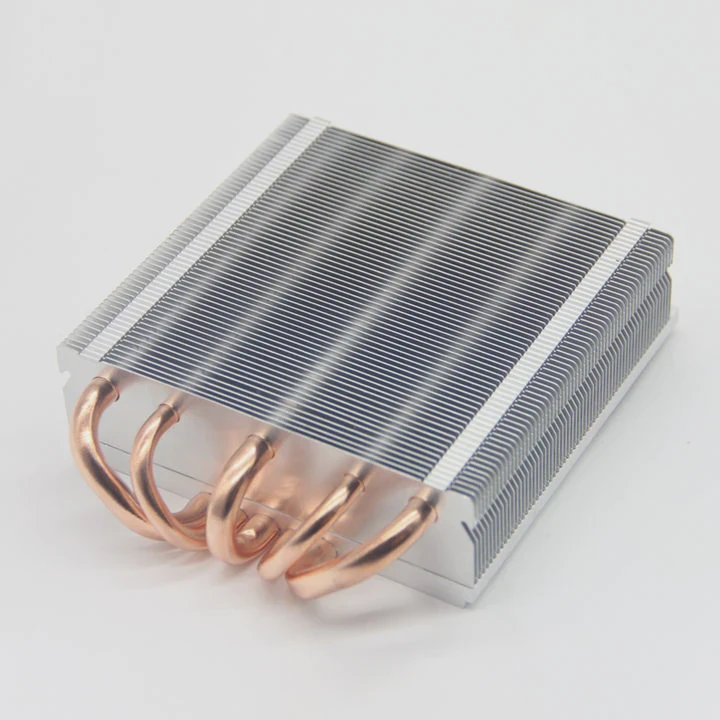
The retention bracket on many AMD sockets uses a lever-style clip. This clip pushes the cooler down with firm force. The pressure improves cooling but also makes removal harder.
Why strong pressure matters
Strong pressure keeps the thermal paste thin and even. This helps heat travel from the CPU into the cooler. Without this force, temps run higher and the cooler may shift over time.
Why clips feel harder than screws
Clips use fixed tension. Screws adjust slowly, but clips snap into place. This snap creates a very firm hold. When I removed my first AMD cooler, I expected a light pull. I was wrong. The latch held the cooler like glue.
Clip behavior table
| Clip Style | Hold Strength | Removal Difficulty | Notes |
|---|---|---|---|
| Lever clip | High | Medium to high | Common on AMD stock coolers |
| Screw mount | Medium | Low | Seen on some premium coolers |
| Hybrid frame | Medium | Medium | Mix of frame and clip |
Why the clip must be handled carefully
If you pull too fast, you might lift the CPU out of the socket. This can bend pins. AMD CPUs have delicate pins on the underside. A strong yank can ruin them. The clip is tight for cooling, but it demands slow and careful removal.
I learned this the hard way when my cooler pulled the CPU up with it. Since then, I have always respected the clip tension.
Which steps loosen the latch?
I used to rush this part because I feared breaking the latch. After many builds, I learned that steady steps make this process safe and easy.
To loosen the latch, lift the lever gently, unhook the clip from the retention tab, and reduce downward pressure before pulling the cooler up.

These small steps free the cooler from the bracket so the heatsink can move without lifting the CPU.
Step 1: Lift the latch
The latch sits on one side of the cooler. I lift it slowly until it points upward. This takes pressure off the clip.
Step 2: Unhook the clip
The clip sits in a small slot on the retention frame. When the latch is loose, the clip slides out with a gentle motion. I use my thumb to guide it out.
Step 3: Remove side pressure
Once the clip is free, the cooler is no longer locked to the bracket. But paste may still hold it. I do not pull straight up here. I only release the side tension.
Latch step table
| Step | Action | Purpose |
|---|---|---|
| Lift latch | Raise tension arm | Reduce clamp force |
| Unhook clip | Slide off bracket | Free the cooler |
| Release pressure | Stop side force | Avoid CPU lift |
Why slow steps prevent damage
If you force the latch, it may snap. If you unhook the clip too fast, the cooler may jerk upward. These fast motions risk bending pins. When I slowed down and followed a step-by-step approach, every removal became smooth and safe.
I now treat the latch like a seatbelt buckle—firm enough to hold, but opened best with a slow press and steady hand.
Can warming soften paste?
I once tried to pull off a cooler in a cold room. The thermal paste had hardened. It held the cooler like glue. I warmed the system for a few minutes, and the cooler loosened easily. That moment taught me how heat changes paste behavior.
Yes, warming can soften thermal paste. Warm paste becomes flexible and releases its grip, making it easier to remove the heatsink without pulling the CPU out.
Thermal paste becomes sticky when cold and brittle when old. A little heat helps it relax.
Why warmth helps
When the CPU warms up slightly, the paste softens. Soft paste lets the cooler move. Hard paste sticks to the metal surfaces and holds them together like glue.
How to warm safely
I power on the system for a minute or two. I avoid running heavy tasks. Mild warmth is enough. Then I shut the system down and unplug it.
Why not overheat
There is no need for high temps. Too much heat makes the cooler very hot to touch. A light warm-up is all you need.
Paste behavior table
| Paste Condition | Grip Strength | Removal Ease |
|---|---|---|
| Cold paste | High | Hard |
| Warm paste | Medium | Easy |
| Very old paste | High | Medium after warming |
Why this step avoids accidents
Warm paste makes twisting safer. It reduces the chance of lifting the CPU along with the cooler. I once pulled a cooler with cold paste, and the CPU came out with it. After that, I always warm the paste first. It takes less than two minutes and saves trouble.
Should twisting be done gently?
I once twisted too fast. The cooler broke free suddenly, and my hand hit the case wall. The CPU almost lifted. That moment made me respect the twisting process.
Yes, twisting must be done gently because small motions break paste bonds without stressing the CPU or bending the pins. Slow rotation frees the cooler safely.
Twisting breaks the seal between the paste and the CPU surface. It reduces suction and lets the cooler lift smoothly.
Why twisting works
Thermal paste forms a thin bond between the heatsink and CPU. When you twist, the bond stretches and breaks. This is safer than pulling upward because it avoids vertical force on the CPU pins.
How to twist correctly
I hold the cooler with both hands. I rotate it slightly left, then right. These are tiny motions—just enough to loosen the paste. When I feel the seal break, the cooler becomes easy to lift.
How much twisting is too much
Large rotations risk hitting other parts on the motherboard. The motion should be small and controlled.
Twisting safety table
| Twisting Style | Risk Level | Result |
|---|---|---|
| Small gentle turns | Low | Safe release |
| Fast wide turns | High | Risk of damage |
| Upward pulling | Very high | CPU may lift |
Why gentle twisting protects the CPU
AMD CPUs have pins on the bottom. They bend easily. Gentle twisting avoids vertical pulls that can yank the CPU out. Once the cooler loosens, you can lift it up with almost no force.
I once watched a friend twist too hard and hit a tall RAM stick. After that, I learned to keep motions slow and small.
Conclusion
Removing an AMD heatsink is simple when done with care. The clip holds tightly, the latch must loosen first, warming the paste helps, and gentle twisting frees the cooler safely. These small steps protect the CPU and make removal smooth every time.
TAGS
Latest Articles

Volume discount levels for heat sink orders?
Buyers often ask when heat sink prices start to drop with volume. Many worry they’re overpaying for small orders. This guide explains how B2B volume pricing works for thermal components. Heat sink
21 Dec,2025
Heat sink long-term supply contract options?
Many buyers want stable pricing and reliable delivery for heat sinks. But without a clear contract, risks grow over time. This article explores how to secure better long-term supply deals. Long-term
21 Dec,2025
Tooling cost for new heat sink profiles?
Many engineers struggle to understand why tooling for custom heat sinks costs so much. They worry about budgeting and production timelines. This article breaks down the cost drivers behind tooling.
21 Dec,2025
Heat sink custom sample process steps?
Sometimes, starting a custom heat sink project feels overwhelming—too many steps, too many unknowns, and too many risks. You want a sample, but not endless delays. The process for requesting and
20 Dec,2025
Standard B2B terms for heat sink payments?
When buyers and sellers in B2B heat sink markets talk about payment, many don’t fully understand what’s standard. This can lead to delayed orders, miscommunication, and even lost business
20 Dec,2025
Heat sink pricing factors for large orders?
Heat sinks are vital for many systems. When prices rise, projects stall and budgets break. This problem can hit teams hard without warning. Large order heat sink pricing depends on many factors. You
20 Dec,2025Related Articles
- can cpu run without heatsink?
- is a heatsink required for ps5?
- how to clean zalman cpu heatsink?
- can i use heatsink from i5 on i7?
- What is heatsink in computer?
- what to do if secondary heatsink is too high?
- Will Samsung 990 Pro with heatsink fit in a laptop?
- do i need heatsink for m 2 ssd?
- how to case fan on heatsink?
- why isn't my heatsink fan working?
- How to remove Intel heatsink?
- what is the purpose of a heatsink?
Author
Dr. Emily Chen
Chief AI Researcher
Leading expert in thermal dynamics and AI optimization with over 15 years of experience in data center efficiency research.
Categories
Latest Products

M.2 Heatpipe Heatsink With Dual Fans For Pc Case
19 Mar,2026

Heavy-Duty Aluminum Heat Sink Custom
19 Mar,2026

Oem Skived Fin Heatsink Aluminum Radiator For Plants
19 Mar,2026

Water Cooled Cnc Aluminum Heat Sink For Medical
19 Mar,2026

High Density 6000 Series Aluminum Heat Sink Profile
19 Mar,2026

High-Density Extruded Aluminum & Bonded-Fin Heat Sink Profile
19 Mar,2026
Recommend Categories
- Liquid cooling plate Manufacturer
- Industrial Heat Sink Manufacturer
- Standard Heat Sink Manufacturer
- Aluminum Heat Sink Manufacturer
- Copper Heat Sink Manufacturer
- Anodized Heatsink Manufacturer
- Stamping heat sink Manufacturer
- Die Casting Heatsink Manufacturer
- Soldering heat sink Manufacturer
- CNC Parts Manufacturer
Latest Products
- M.2 Heatpipe Heatsink With Dual Fans For Pc Case
- Heavy-Duty Aluminum Heat Sink Custom
- Oem Skived Fin Heatsink Aluminum Radiator For Plants
- Water Cooled Cnc Aluminum Heat Sink For Medical
- High Density 6000 Series Aluminum Heat Sink Profile
- High-Density Extruded Aluminum & Bonded-Fin Heat Sink Profile
- Dongguan Cnc Aluminum Heat Sink For Led & Brass Parts
- Wholesale Cnc Aluminum Heat Sink - Custom Extruded
- Led Cnc Round Heat Sink With Screw Holes
- Copper Pin-Fin Heat-Sink Large-Area For Photoled Cooling
- Telecom Heatsink Zipper Fin Wcopper Tubes Oem
Contact Expert
Have questions about this article? Reach out to our experts directly.