Will Samsung 990 Pro with heatsink fit in a laptop?
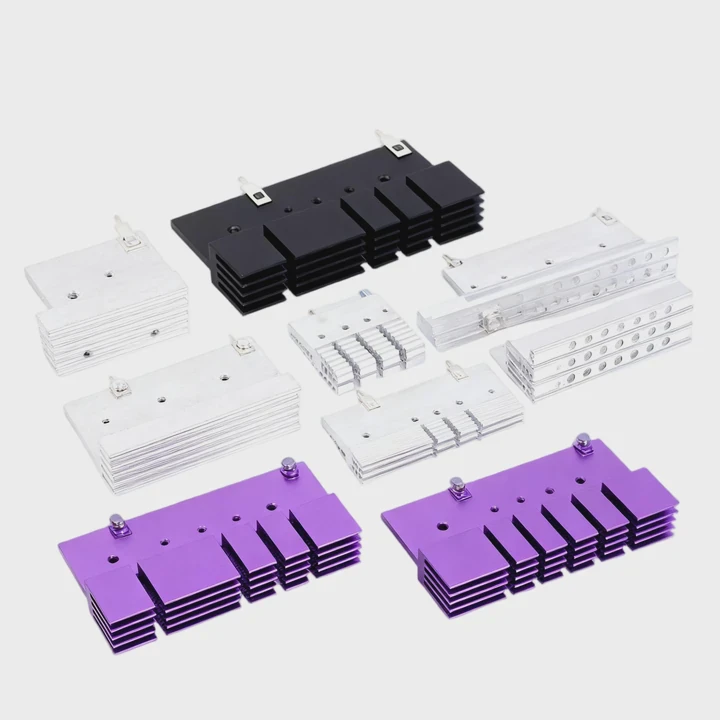
I often see laptop users worry about SSD clearance when they upgrade to faster drives. Many want to install a Samsung 990 Pro with a heatsink, but they fear the drive might be too tall.
A Samsung 990 Pro with a heatsink may not fit in many laptops because most notebook M.2 bays have strict height limits, and many built-in heatsinks exceed these limits.
I want to explain how SSD height affects compatibility, which laptops allow thicker drives, what happens if users remove heat shields, and how tight space affects temperatures.
Why SSD height limits compatibility?
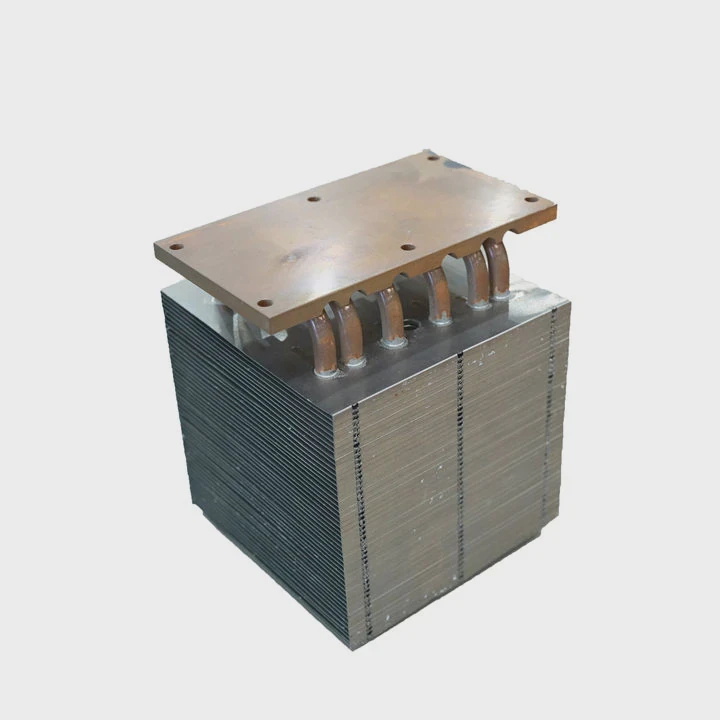
Many users expect all M.2 drives to fit all laptops, but height matters almost as much as length. I check many laptop bays, and most of them offer very little overhead.
SSD height limits compatibility because laptop M.2 slots are shallow, tightly packed, and shaped to fit thin boards only. Any extra height from a heatsink may block the cover or press against other parts.
I see this problem often when users install thick SSDs designed for desktops instead of thin models made for laptops.
Laptops have shallow M.2 bays
Most laptops keep the storage area thin to save space. The M.2 slot often sits under a plastic shell, a metal shield, or a keyboard support frame. Even 1–2 extra millimeters can cause a problem.
Laptop covers must close flat
If the SSD is too tall, the bottom cover will not sit flush. When I test this, the laptop might bend slightly or show a small bulge. This is unsafe because internal pressure can crack the SSD or the mainboard.
Built-in shields block extra height
Some laptops add a metal shield over the SSD for heat control. These shields are very thin and leave almost no room for a tall heatsink.
### Why height matters in laptops
- Covers have no extra space
- Frames press down on hardware
- Shields add strict height limits
- Airflow inside is very limited
SSD height concern table
| Cause | Effect |
|---|---|
| Thin laptop design | No space for tall sinks |
| Extra heatsink height | Cover cannot close |
| Shield or frame pressure | SSD may bend |
| Limited airflow | Heat stays trapped |
These points show why height is a major issue. Now I move to laptop models that accept thicker drives.
Which laptops support thicker drives?
Not all laptops are the same. Some have deeper SSD bays with more room for cooling hardware. I check many models for clients, and a few categories offer better clearance.
Only certain gaming laptops, workstation models, and thick chassis designs can support SSDs with larger heatsinks. Ultra-thin laptops almost never have enough room.
I often tell users to check their laptop class before buying a thick SSD.
Gaming laptops offer the most space
Gaming laptops like ASUS ROG, MSI GE series, and Lenovo Legion models often have deeper bays. They use larger boards and stronger cooling, so they allow more SSD height.
Workstations offer wider clearances
Some workstation laptops, such as Dell Precision or HP ZBook models, provide more internal room. These systems expect heavy workloads and allow more cooling components.
Older laptops may have more space
Thick older models sometimes have room for tall components. But this varies, so users must still check the shape of the SSD bay.
Ultra-thin models have almost no room
Ultrabooks, slim notebooks, and many modern thin designs cannot accept thick heatsinks. They rely on shallow SSD bays with very strict limits.
### Laptop types and fit chances
- Gaming laptops: high chance
- Workstations: medium-high chance
- Mid-range notebooks: medium
- Ultrabooks: low or none
Laptop compatibility table
| Laptop Type | Chance of Fitting | Note |
|---|---|---|
| Gaming (ROG, Legion, MSI) | High | Deeper bays |
| Workstations | Medium-high | Some room for thicker drives |
| Standard notebooks | Medium-low | Often tight shields |
| Ultrabooks | Very low | Designed for thin components |
These groups show why fitment depends heavily on the laptop class. Next I talk about removing heat shields.
Can removing heat shields help fit?
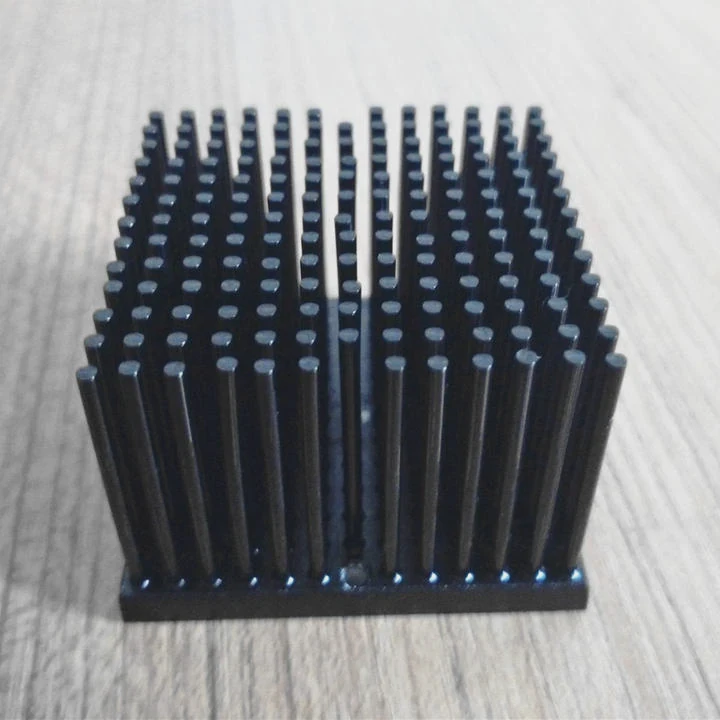
Some laptop users wonder if removing a built-in shield or the heatsink from the SSD might help make space. I understand the idea, but I warn users to be careful.
Removing heat shields sometimes helps the drive fit, but it may weaken cooling performance or expose the SSD to physical pressure, vibration, or thermal issues.
This choice always comes with trade-offs.
Removing the SSD’s heatsink may allow fit
If the Samsung 990 Pro heatsink is removed, the SSD becomes thin again. Many users do this because laptops do not need tall desktop heatsinks. But users must replace the removed sink with a thin thermal pad or a slim copper sheet.
Removing the laptop’s shield is risky
Laptop SSD shields often help spread heat and protect the drive. Removing them might make temps worse, or cause the SSD to touch internal plastics or metal parts.
Shield removal may void warranty
Some systems attach shields to the chassis with screws. Removing them might break warranty rules. Users must check the model manual.
The SSD still needs thermal contact
Even if users remove the heatsink, the drive still needs a thermal pad touching a flat metal surface. This keeps temps under control in tight bays.
### When shield removal fails
- Shield is structural
- Shield touches cooling pipes
- Shield is part of airflow design
- Shield prevents dust exposure
Shield removal table
| Action | Result |
|---|---|
| Remove SSD heatsink | Drive becomes thin, but may run warmer |
| Remove laptop shield | Fit improves but heat control fails |
| Use slim pad | Better thermal contact |
| Leave heatsink on | Often too tall for laptops |
These points show why removing shields is not always a good idea. Now I talk about tight space and temperatures.
Does tight space raise temps?
Many users forget that laptops have limited airflow. Even if the SSD fits, heat behaves differently compared to desktop cases.
Tight space raises SSD temperatures because air cannot move around the drive, heat cannot escape quickly, and nearby parts warm the SSD during long workloads.
I watch temps with sensors, and laptops almost always run warmer than desktops.
Airflow inside laptops is limited
Laptop fans are made to cool the CPU and GPU first. They do not push air across the SSD area. If the SSD sits near a warm battery or PCB, temps rise.
Thick drives trap heat
A tall heatsink inside a tight bay may not help much because air cannot flow between the fins. In some cases, a tall sink makes the temps worse than a flat cooling plate.
Long loads heat the entire chassis
During gaming or large file work, the laptop body gets warm. When background heat rises, the SSD temperature follows.
Tight bays increase heat soak
When the SSD sits close to metal brackets or covers, heat gets absorbed into the SSD from all directions. This makes the drive slow to cool down after long use.
### Heat problems in tight spaces
- Little airflow
- Warm motherboard zones
- Slow cooling after load
- Uneven heat spread
Tight space heat table
| Situation | Effect |
|---|---|
| Slim bays | Faster heat buildup |
| No airflow | Higher idle temps |
| Warm chassis | SSD heat rises slowly |
| Thick sinks in tight space | Worse cooling |
These points show why users must check temps after installation.
Conclusion
A Samsung 990 Pro with a heatsink may not fit many laptops because M.2 bays often have strict height limits. Only gaming and workstation models offer better clearance. Removing heat shields helps sometimes but brings risks. Tight laptop spaces raise temperatures, so users must choose slim cooling solutions for safe performance.
TAGS
Latest Articles

Volume discount levels for heat sink orders?
Buyers often ask when heat sink prices start to drop with volume. Many worry they’re overpaying for small orders. This guide explains how B2B volume pricing works for thermal components. Heat sink
21 Dec,2025
Heat sink long-term supply contract options?
Many buyers want stable pricing and reliable delivery for heat sinks. But without a clear contract, risks grow over time. This article explores how to secure better long-term supply deals. Long-term
21 Dec,2025
Tooling cost for new heat sink profiles?
Many engineers struggle to understand why tooling for custom heat sinks costs so much. They worry about budgeting and production timelines. This article breaks down the cost drivers behind tooling.
21 Dec,2025
Heat sink custom sample process steps?
Sometimes, starting a custom heat sink project feels overwhelming—too many steps, too many unknowns, and too many risks. You want a sample, but not endless delays. The process for requesting and
20 Dec,2025
Standard B2B terms for heat sink payments?
When buyers and sellers in B2B heat sink markets talk about payment, many don’t fully understand what’s standard. This can lead to delayed orders, miscommunication, and even lost business
20 Dec,2025
Heat sink pricing factors for large orders?
Heat sinks are vital for many systems. When prices rise, projects stall and budgets break. This problem can hit teams hard without warning. Large order heat sink pricing depends on many factors. You
20 Dec,2025Related Articles
- how to remove an amd heatsink?
- can cpu run without heatsink?
- is a heatsink required for ps5?
- how to clean zalman cpu heatsink?
- can i use heatsink from i5 on i7?
- What is heatsink in computer?
- do i need heatsink for m 2 ssd?
- how to case fan on heatsink?
- why isn't my heatsink fan working?
- How to remove Intel heatsink?
- what is the purpose of a heatsink?
- how to install ps5 ssd with heatsink?
Author
Dr. Emily Chen
Chief AI Researcher
Leading expert in thermal dynamics and AI optimization with over 15 years of experience in data center efficiency research.
Categories
Latest Products

M.2 Heatpipe Heatsink With Dual Fans For Pc Case
19 Mar,2026

Heavy-Duty Aluminum Heat Sink Custom
19 Mar,2026

Oem Skived Fin Heatsink Aluminum Radiator For Plants
19 Mar,2026

Water Cooled Cnc Aluminum Heat Sink For Medical
19 Mar,2026

High Density 6000 Series Aluminum Heat Sink Profile
19 Mar,2026

High-Density Extruded Aluminum & Bonded-Fin Heat Sink Profile
19 Mar,2026
Recommend Categories
- Liquid cooling plate Manufacturer
- Industrial Heat Sink Manufacturer
- Standard Heat Sink Manufacturer
- Aluminum Heat Sink Manufacturer
- Copper Heat Sink Manufacturer
- Anodized Heatsink Manufacturer
- Stamping heat sink Manufacturer
- Die Casting Heatsink Manufacturer
- Soldering heat sink Manufacturer
- CNC Parts Manufacturer
Latest Products
- M.2 Heatpipe Heatsink With Dual Fans For Pc Case
- Heavy-Duty Aluminum Heat Sink Custom
- Oem Skived Fin Heatsink Aluminum Radiator For Plants
- Water Cooled Cnc Aluminum Heat Sink For Medical
- High Density 6000 Series Aluminum Heat Sink Profile
- High-Density Extruded Aluminum & Bonded-Fin Heat Sink Profile
- Dongguan Cnc Aluminum Heat Sink For Led & Brass Parts
- Wholesale Cnc Aluminum Heat Sink - Custom Extruded
- Led Cnc Round Heat Sink With Screw Holes
- Copper Pin-Fin Heat-Sink Large-Area For Photoled Cooling
- Telecom Heatsink Zipper Fin Wcopper Tubes Oem
Contact Expert
Have questions about this article? Reach out to our experts directly.