can you put ssd with heatsink in laptop?
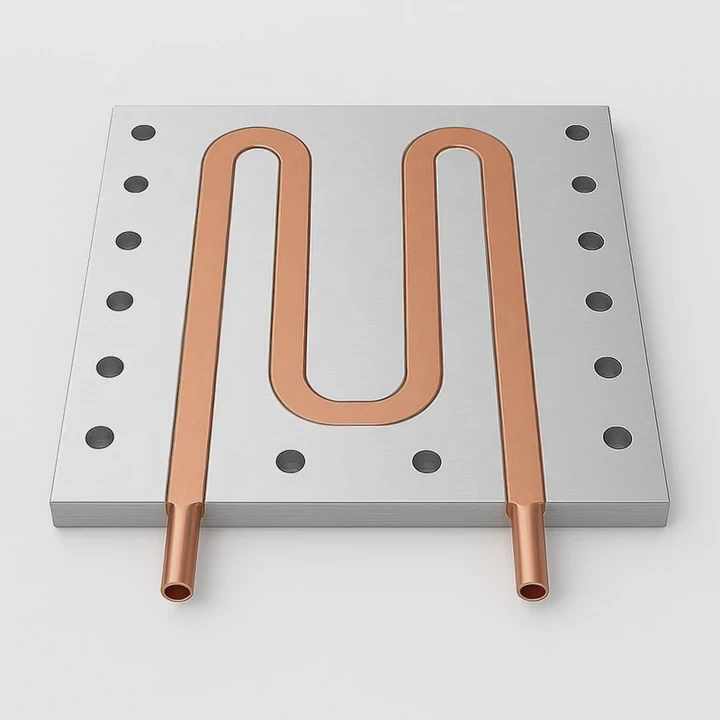
Many people try to upgrade their laptop SSD, but the heatsink height often becomes the first problem. A small mistake in sizing can stop the drive from fitting into the bay.
Yes, you can use an SSD with a heatsink in a laptop, but only if the bay height, motherboard clearance, and thermal shield design support it. Most laptops accept only thin drives, and tall heatsinks will not fit.
I have seen many users force a drive into a tight bay and then face faulty boots, bent covers, or high temperatures. A clear method helps avoid these issues.
Why laptop bays limit height?
Laptop internals follow tight mechanical rules. Even a few millimeters of extra height can block the keyboard frame or bottom cover from closing.
Laptop bays limit height because the chassis, thermal shield, and motherboard layers sit very close together. A tall heatsink collides with these nearby parts and prevents proper seating.
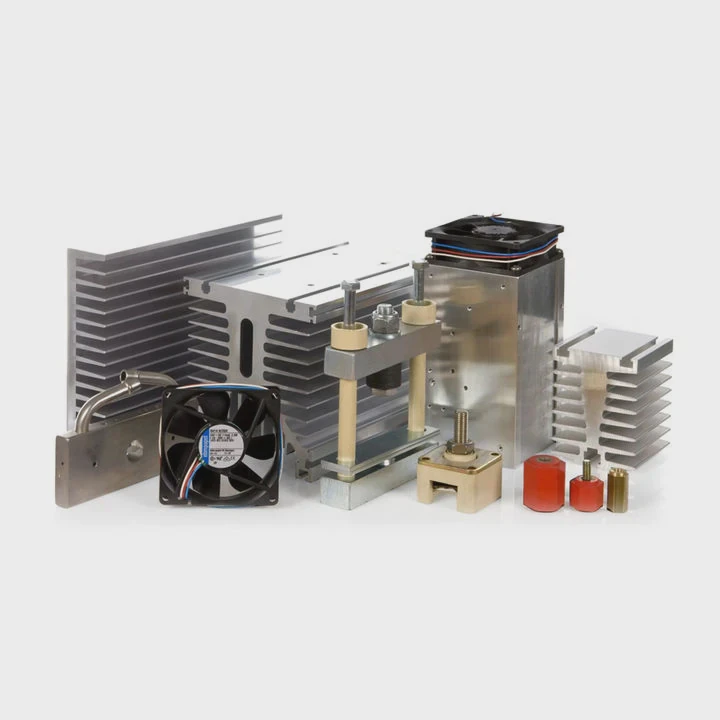
Why laptop interiors stay so thin
Laptop designers try to reduce weight and thickness. This makes every millimeter important. The SSD slot usually sits near the battery, speakers, or heat pipes. These parts leave almost no free space above the drive. Most laptops expect a bare M.2 2280 SSD, not one with a tall heatsink.
Key height limits to check
| Part Near SSD | Why It Limits Space |
|---|---|
| Bottom cover | Very thin panel above SSD |
| Battery pack | Sits tightly near the slot |
| Heat pipes | Take vertical space near the bay |
A deeper view of height restrictions
The M.2 connector holds the drive at a fixed angle before you screw it down. When the drive is locked in place, its top surface sits almost flush against structural parts inside the laptop. A tall heatsink changes this height profile. The bottom cover might press against the heatsink. This pressure can bend the SSD, stress the connector, or keep the cover from snapping shut.
Many ultrabooks use a metal shield around the SSD. The shield reduces electrical noise and improves heat spreading. When you add a tall heatsink, the shield cannot close. Some laptops have no shield but still have low clearance because the drive sits under the palm rest. Even a simple 2 mm extra height can cause trouble.
Some users try to bend the cover or force it closed. This is dangerous because the SSD is a fragile board. A bent board may crack internal traces, and a stressed connector may loosen over time. These hidden problems appear later as random shutdowns or sudden drive failure. Respecting the bay height prevents long-term risks.
Which models support taller SSDs?
Not every laptop follows the same clearance rules. Some gaming laptops leave extra room for airflow, while slim business models remove every spare millimeter.
Only a few laptops support tall SSDs with heatsinks. Most ultrabooks require flat drives, while some gaming and workstation models accept taller modules with small, low-profile cooling plates.
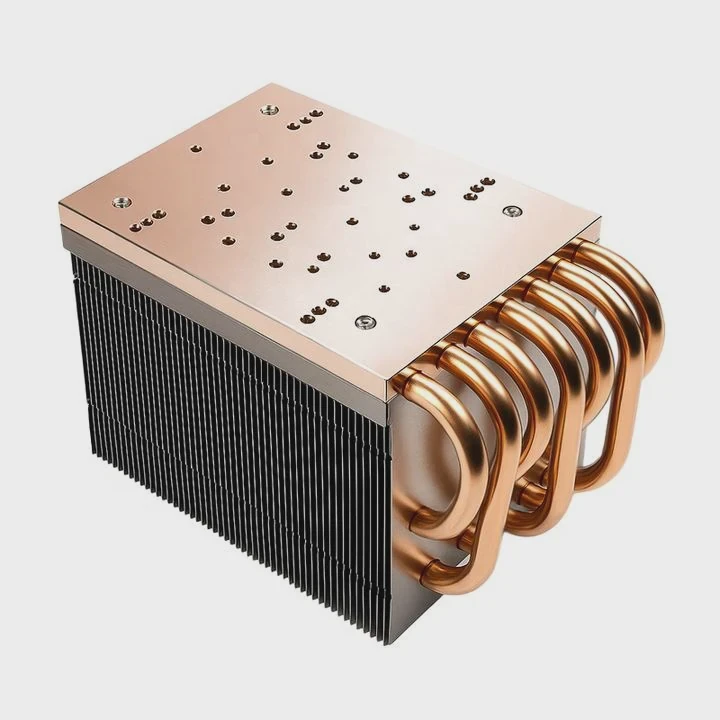
Why model differences matter
Laptop SSD locations vary by brand. Some place the SSD near the bottom cover. Some place it under a metal plate beside the CPU. Others put it between the board and battery. These placements create different height allowances.
Common model tendencies
| Laptop Category | SSD Clearance |
|---|---|
| Ultrabooks | Very low |
| Business laptops | Low to medium |
| Gaming laptops | Medium to high |
| Workstations | Medium to high |
A deeper look at supported models
Many ultrabooks, especially thin aluminum ones, give almost no clearance. Their bottom covers sit directly above the SSD. Even a factory label can touch the cover. These laptops cannot accept a third-party heatsink. Only a flat thermal pad or thin foil fits safely.
Gaming laptops often include better cooling zones. Some models from large gaming brands allow a slightly thicker SSD. They sometimes include a small thermal cover already screwed in place. This cover sits a few millimeters above the module, so a low-profile heatsink might still fit. But “low-profile” means very thin, not the tall desktop-style ones.
Workstation laptops usually use a stronger frame. They may include removable thermal plates designed to press against a thermal pad. These plates create a small cavity for heat spreading. This cavity sometimes supports a slim heatsink. But support varies, so you must check the exact bay size.
Some larger 17-inch laptops have open spaces beside the fan chamber. In these rare cases, the SSD bay has extra breathing room. These designs can fit slightly taller third-party heatsinks. But even in these larger systems, bulky tower-style heatsinks are impossible. The safe choice is always a thin, simple plate.
Can removing covers improve fit?
When people find the heatsink does not fit, they often consider removing the shield or surrounding covers. This seems easy, but it brings risks.
Removing covers may let the SSD fit, but it reduces shielding, weakens mechanical support, and raises thermal stress. It can also make the SSD flex when the chassis bends.
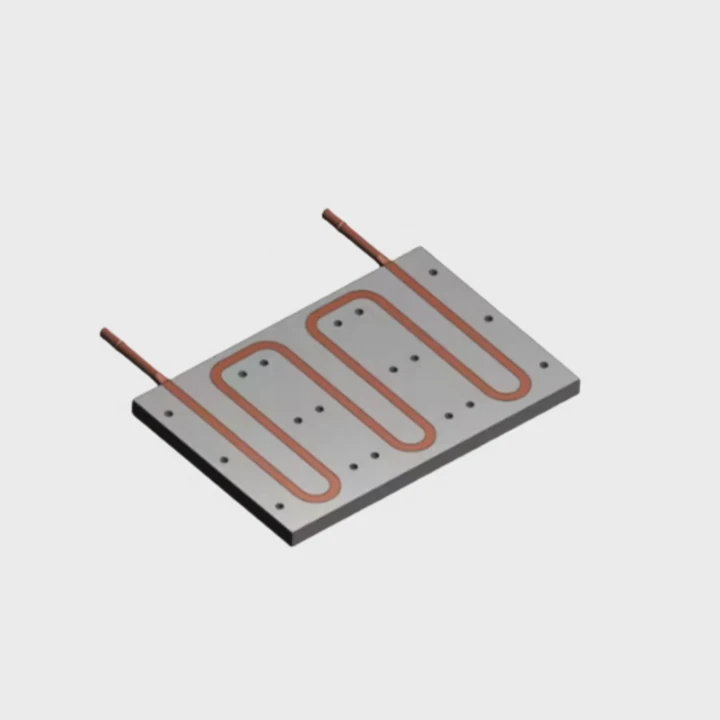
Why removing covers seems helpful
Covers take space. When you remove a metal plate or small plastic shield, the SSD looks like it has more room. Many users think this fix is safe. But covers play important roles beyond simply holding the drive.
What covers usually do
| Cover Type | Function |
|---|---|
| Metal thermal plate | Spreads heat and adds strength |
| Plastic shield | Stops shorting and protects cables |
| Foam spacer | Prevents vibration |
A deeper view of the risks
Metal plates do more than manage heat. They spread mechanical stress. Laptops flex slightly when carried in a bag or when someone presses on the palm rest. The SSD sits on a narrow connector. If the board flexes without support, the SSD can twist. This twisting adds stress to the connector and the board.
Removing the shield also changes how heat flows. Many laptops use a simple thermal pad between the SSD and a metal plate. This creates a path for heat to move into the chassis. When you remove the plate, the SSD loses this path. The heatsink may seem better at first, but without a surface to spread heat, the module warms sooner.
Some covers also block electrical noise. SSDs sit close to Wi-Fi cards, antennas, and sensors. Removing the shield may let interference rise. This can affect Wi-Fi speed or cause rare errors during heavy SSD use.
Another danger is exposed components. SSD controllers run hot. They also have tiny capacitors, resistors, and coils. A loose cable or bottom cover rib can hit them. Scratching or crushing these parts may break the SSD. So while removing covers frees space, it also removes protection.
Does tight space raise temperature?
A tightly packed SSD bay might look fine at first, but small gaps affect airflow and heat spreading. This changes the module’s temperature profile.
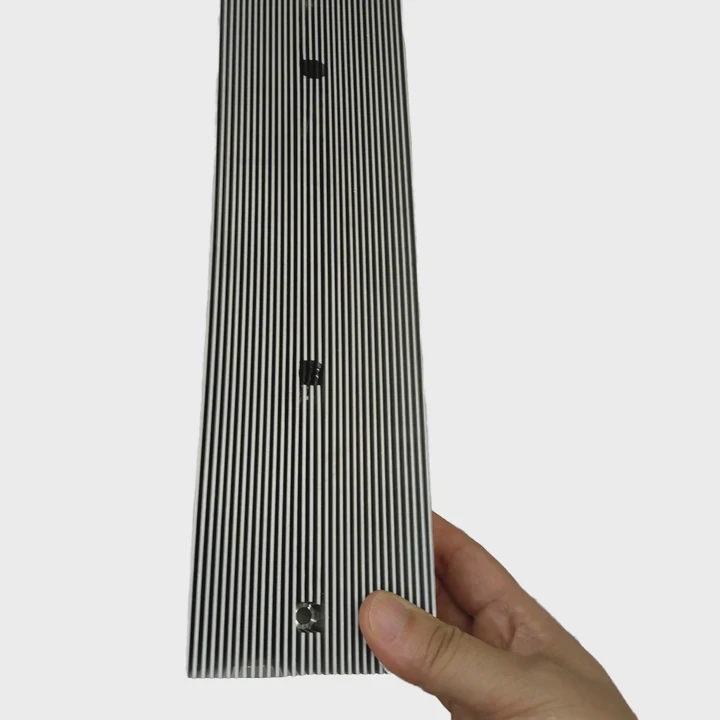
Yes, tight space traps heat, slows dissipation, and increases controller temperature. A tall heatsink inside a cramped bay can actually run hotter than a bare SSD with proper airflow.
Why confined areas heat up faster
Heat needs room to move. Air between the SSD and the chassis helps spread temperature. If the heatsink sits too close to the cover, the air gap collapses. Heat then gets stuck between the metal surfaces.
A deeper look at heat behavior
A heatsink works by spreading heat across its fins or plate. It needs some space for air to circulate. When the heatsink almost touches the laptop cover, there is no space for convection. The heat only radiates into the cover. If the cover is thin plastic, it cannot absorb much. The SSD warms up faster.
Many SSDs throttle when hot. Throttling lowers speed to protect the controller. This is why a bare SSD inside a laptop sometimes performs better than one with a tall heatsink. The bare SSD works with the laptop’s thermal pad and shield. The tall heatsink loses this support.
Some laptops use airflow from the CPU or GPU fan to sweep across the SSD area. A tall heatsink may block this airflow and create a dead zone. In a dead zone, heat becomes trapped. The SSD reaches higher peak temperatures during long writes. These peaks shorten lifespan and reduce consistent transfer speed.
A cramped space also raises the temperature of nearby parts. Batteries are particularly sensitive to heat. Even a small rise can affect battery health. The SSD heat can warm cables, touchpads, or sensors. This creates small, hard-to-trace problems later.
Effects over long use
Heat cycles affect SSD endurance. When an SSD operates near its thermal limit, the flash memory wears faster. The controller also ages faster. Inside a tight bay, these cycles become more extreme. The drive cools slowly and heats fast. Over months of heavy use, this pattern reduces overall lifespan.
In many cases, the ideal thermal solution is a simple thin pad under the SSD pressed against the laptop’s metal shield. This spreads heat better than a tall heatsink trapped in a tight space. Good airflow and proper spacing matter more than heatsink size.
Conclusion
You can use an SSD with a heatsink in a laptop only when the bay height, model design, and thermal layout support it. Tall heatsinks usually do not fit, and removing covers or blocking airflow increases risk. A thin, low-profile cooling method often works better inside tight laptop bays.
TAGS
Latest Articles

Volume discount levels for heat sink orders?
Buyers often ask when heat sink prices start to drop with volume. Many worry they’re overpaying for small orders. This guide explains how B2B volume pricing works for thermal components. Heat sink
21 Dec,2025
Heat sink long-term supply contract options?
Many buyers want stable pricing and reliable delivery for heat sinks. But without a clear contract, risks grow over time. This article explores how to secure better long-term supply deals. Long-term
21 Dec,2025
Tooling cost for new heat sink profiles?
Many engineers struggle to understand why tooling for custom heat sinks costs so much. They worry about budgeting and production timelines. This article breaks down the cost drivers behind tooling.
21 Dec,2025
Heat sink custom sample process steps?
Sometimes, starting a custom heat sink project feels overwhelming—too many steps, too many unknowns, and too many risks. You want a sample, but not endless delays. The process for requesting and
20 Dec,2025
Standard B2B terms for heat sink payments?
When buyers and sellers in B2B heat sink markets talk about payment, many don’t fully understand what’s standard. This can lead to delayed orders, miscommunication, and even lost business
20 Dec,2025
Heat sink pricing factors for large orders?
Heat sinks are vital for many systems. When prices rise, projects stall and budgets break. This problem can hit teams hard without warning. Large order heat sink pricing depends on many factors. You
20 Dec,2025Related Articles
- how to put a heatsink on motherboard 1366?
- what is the difference between dialectric grease and heatsink compound?
- how to remove a heatsink from a cpu?
- how to clean cpu heatsink and fan?
- what has a heatsink in them?
- how do you clean a heatsink?
- do you put thermal paste on the cpu and heatsink?
- how to choose a heatsink for cpu?
- is it better to get ssd with heatsink?
- how to clip fan to heatsink?
- how to pain heatsinks?
- are m2 ssd heatsinks recommended?
Author
Dr. Emily Chen
Chief AI Researcher
Leading expert in thermal dynamics and AI optimization with over 15 years of experience in data center efficiency research.
Categories
Latest Products

M.2 Heatpipe Heatsink With Dual Fans For Pc Case
19 Mar,2026

Heavy-Duty Aluminum Heat Sink Custom
19 Mar,2026

Oem Skived Fin Heatsink Aluminum Radiator For Plants
19 Mar,2026

Water Cooled Cnc Aluminum Heat Sink For Medical
19 Mar,2026

High Density 6000 Series Aluminum Heat Sink Profile
19 Mar,2026

High-Density Extruded Aluminum & Bonded-Fin Heat Sink Profile
19 Mar,2026
Recommend Categories
- Liquid cooling plate Manufacturer
- Industrial Heat Sink Manufacturer
- Standard Heat Sink Manufacturer
- Aluminum Heat Sink Manufacturer
- Copper Heat Sink Manufacturer
- Anodized Heatsink Manufacturer
- Stamping heat sink Manufacturer
- Die Casting Heatsink Manufacturer
- Soldering heat sink Manufacturer
- CNC Parts Manufacturer
Latest Products
- M.2 Heatpipe Heatsink With Dual Fans For Pc Case
- Heavy-Duty Aluminum Heat Sink Custom
- Oem Skived Fin Heatsink Aluminum Radiator For Plants
- Water Cooled Cnc Aluminum Heat Sink For Medical
- High Density 6000 Series Aluminum Heat Sink Profile
- High-Density Extruded Aluminum & Bonded-Fin Heat Sink Profile
- Dongguan Cnc Aluminum Heat Sink For Led & Brass Parts
- Wholesale Cnc Aluminum Heat Sink - Custom Extruded
- Led Cnc Round Heat Sink With Screw Holes
- Copper Pin-Fin Heat-Sink Large-Area For Photoled Cooling
- Telecom Heatsink Zipper Fin Wcopper Tubes Oem
Contact Expert
Have questions about this article? Reach out to our experts directly.