how long let heatsink set before turning on computer?
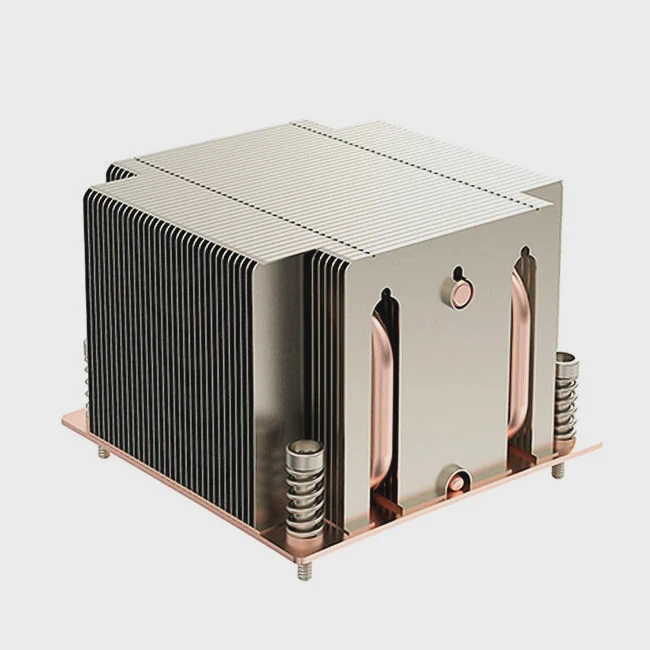
I see many people rush the moment they install a new heatsink. They worry about curing time. They worry about heat damage. This fear is common and it can cause stress.
You can let the heatsink set for a short time, because most thermal pastes work well even without long curing. Many pastes reach stable performance fast. Some need more time, but your PC will not break if you start it early.
I want to explain the simple truth behind curing. I also want to show what parts matter for real performance. I learned these lessons the hard way when I repaired my own machine years ago.
Why does thermal paste need curing time?
I know it feels strange that a tiny layer of gray paste needs time to settle. Many users think the paste works at full strength the moment they press the cooler down. They are half right, but not fully right.
Thermal paste needs curing time because some formulas need heat cycles to reach full density. The material spreads better after it warms and cools. This helps the paste fill gaps and improve thermal contact.
How curing works inside the paste
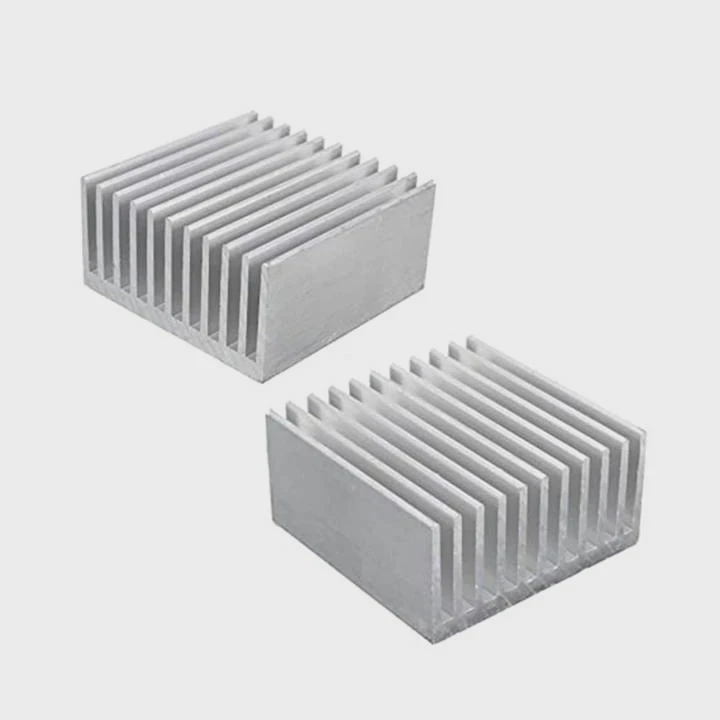
When I first learned about curing, I was surprised that most pastes work fine right away. But some pastes use compounds that change inside the layer during the first hours or days. I want to break this down in a simple way.
There are two common types of pastes:
| Type of Paste | Needs Curing? | How It Settles |
|---|---|---|
| Silicone or metal-based standard pastes | No or very little | Stays stable and spreads under pressure |
| Ceramic or hybrid pastes | Yes | Tightens after heat cycles |
The curing effect is not dramatic. It will not change your CPU temperature by 20°C. It may change somewhere around 1–3°C. In my own builds, I saw only tiny changes.
Why curing is not magic
Some people treat curing as a ritual. I did that when I was new to PC building. I even waited a whole day before powering on my system. Later I learned that the CPU warms the paste anyway. This heat spreads the paste faster than waiting at room temperature.
Why pressure matters more than curing
I also learned that pressure from the cooler plays a bigger role than waiting. When the cooler is tight and even, the paste spreads well. If the pressure is weak, curing will not fix it. So I always focus on the mounting before I think about timing.
How long do common pastes stabilize?
New builders often search for a magic number: 10 minutes? 1 hour? 24 hours? I had the same question when I built my first workstation. I wanted the best performance right away.
Most thermal pastes stabilize within minutes, but some reach full stability after a few hours or days. You can still use the computer during this time. The paste finishes settling while the system runs.
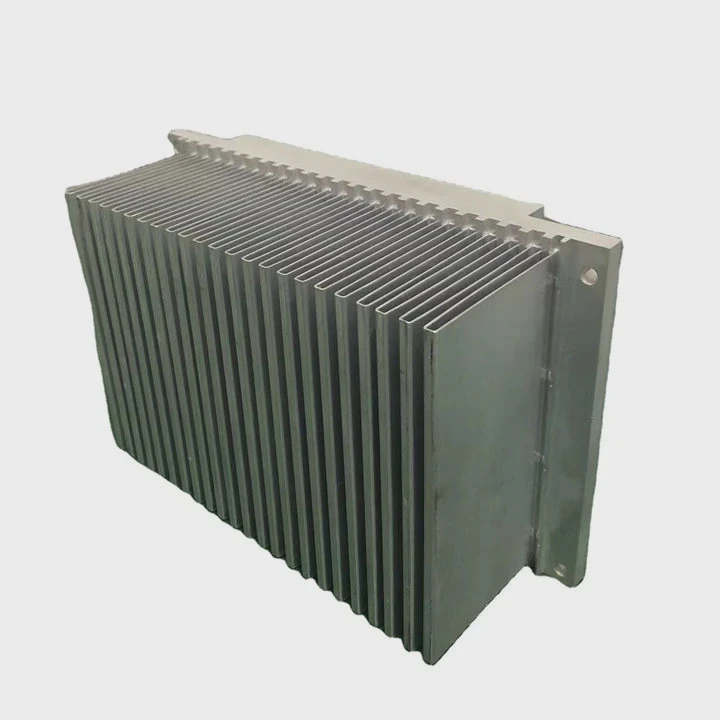
Typical stabilization times
Here is a simple table. I made it based on general behavior across many paste categories.
| Paste Category | Typical Stabilization Time | Notes |
|---|---|---|
| Standard silicone or metal pastes | 0–15 minutes | Almost full performance right away |
| Ceramic-based or hybrid pastes | 2–24 hours | Gains small improvements over time |
| Thick high-end pastes | Up to 48 hours | Needs warming cycles to tighten |
These numbers do not mean you must wait. Your PC will run fine even before stabilization completes.
What “stabilization” really means
Stabilization is not a big transformation. It is only the final small shift in thermal contact. In most cases, performance improves slightly after the system warms up and cools down a few times. This is normal.
Why the early temperature may look higher
Some users worry when they see a CPU running 1–2°C warmer right after installing a cooler. They fear they applied the paste wrong. I made the same mistake once. But when I checked again after a few hours of use, the temperature dropped. This was part of stabilization.
Why this should not delay your work
When I built systems for clients, I never asked them to wait before turning on the PC. If curing needed days, it cured while they used the system. Their machines worked well from day one.
Can immediate boot affect bonding?
Many new builders fear they will “ruin” the bond between paste and cooler if they turn on the PC right away. I used to think that too. But after many builds, I learned the truth.
Immediate boot does not damage the bond. The heat from the CPU helps the paste spread and fill gaps faster. This helps bonding instead of hurting it.
Why heat helps the process
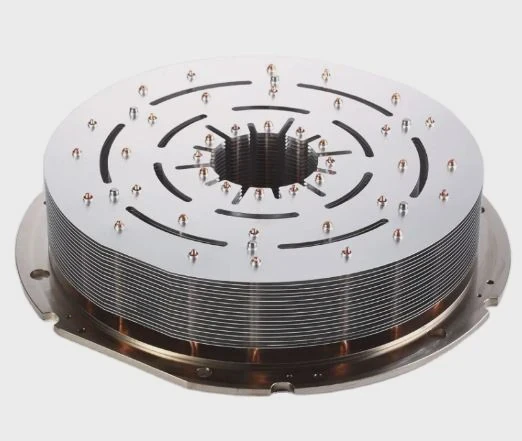
Thermal paste behaves like a soft compound. When the CPU warms up, the paste becomes more flexible. This makes it easier for the paste to flatten and fill micro-spaces inside the metal surfaces. I saw this many times when I checked cooler patterns after testing.
Why people think immediate boot is harmful
Some people think the cooler will “slip” or that the paste will “shift.” This fear comes from old guides. In the past, some pastes were runny. But modern pastes are stable and stay in place under normal mounting pressure.
When immediate boot could be a problem
There are only a few rare cases when the bonding may be affected:
1. The cooler is not mounted tight
If the mounting pressure is uneven, the cooler may tilt when heat expands parts. This can create air pockets.
2. The PC is moved right after installation
If the tower is shaken or lifted before the paste sets under pressure, the layer can shift slightly.
3. The paste is extremely thin and requires careful spreading
Some exotic formulas need careful handling.
Why normal use is safe
If you mount the cooler properly and leave the PC sitting still, immediate boot is not a risk. I have done this in every one of my builds. The CPU heat often improves bonding during the first hour of use.
Should you recheck cooler pressure?
This is a question many builders ignore. I ignored it for years. But after I had a cooler shift during transport once, I became more careful.
You should recheck cooler pressure if temperatures look abnormal or if you moved the PC. A stable and even pressure gives the paste proper contact and keeps the system cool.
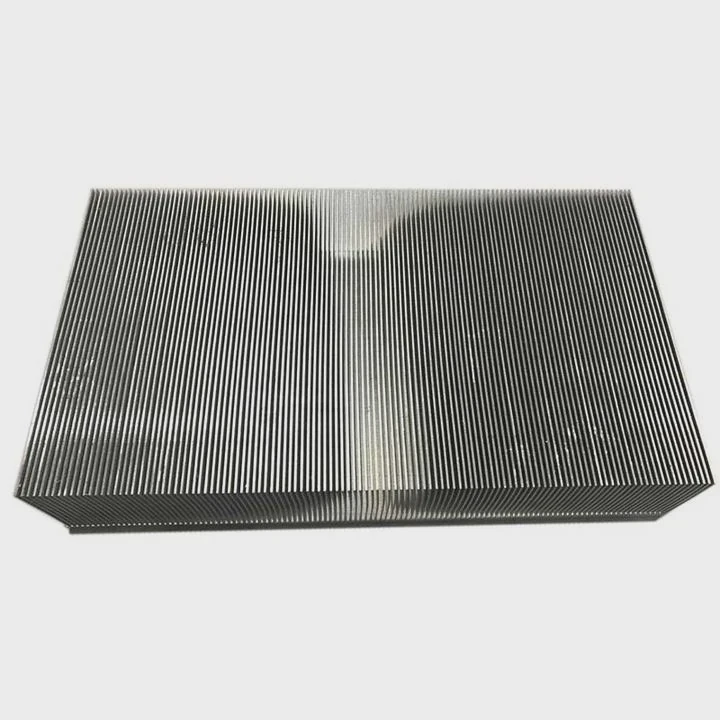
Why pressure makes such a big difference
The paste itself cannot fix poor pressure. If the cooler is loose on one side, the paste layer becomes thick. Thick layers trap heat. Even with good paste, a weak mount raises temperatures fast.
I often use a simple rule: if my CPU runs hotter than expected by 5–10°C, I check the mount first.
How to recheck pressure safely
Here is the simple method I follow every time:
Step 1: Press gently on the cooler
I never use force. A gentle press shows if it wiggles.
Step 2: Check each screw for equal tension
They should feel even. If one is softer, I fix it.
Step 3: Look for signs of tilt
Some coolers can twist slightly. If so, I reseat.
When it is important to recheck
There are common cases when you should always check:
- You shipped or transported the PC
- You installed a heavy tower cooler
- You used a paste that feels extra soft
- You noticed sudden temperature spikes
- You changed orientation (like horizontal to vertical)
What I learned from a past mistake
Years ago, I built a PC, shipped it, and forgot to recheck pressure after arrival. The user told me the temperatures were 12°C higher than expected. I opened the case and found one loose screw. Once I fixed it, the temperatures returned to normal. This taught me pressure matters more than paste type.
Why rechecking creates peace of mind
When I recheck pressure, I understand the cooler sits evenly. This makes me more confident in the build. It also makes future troubleshooting easier. Stable pressure removes one of the biggest variables in temperature behavior.
Conclusion
Most pastes work well right away, and curing happens naturally as you use the PC. You can start the system without fear, but you should make sure the cooler sits tight and even. This matters more than waiting.
TAGS
Latest Articles

Volume discount levels for heat sink orders?
Buyers often ask when heat sink prices start to drop with volume. Many worry they’re overpaying for small orders. This guide explains how B2B volume pricing works for thermal components. Heat sink
21 Dec,2025
Heat sink long-term supply contract options?
Many buyers want stable pricing and reliable delivery for heat sinks. But without a clear contract, risks grow over time. This article explores how to secure better long-term supply deals. Long-term
21 Dec,2025
Tooling cost for new heat sink profiles?
Many engineers struggle to understand why tooling for custom heat sinks costs so much. They worry about budgeting and production timelines. This article breaks down the cost drivers behind tooling.
21 Dec,2025
Heat sink custom sample process steps?
Sometimes, starting a custom heat sink project feels overwhelming—too many steps, too many unknowns, and too many risks. You want a sample, but not endless delays. The process for requesting and
20 Dec,2025
Standard B2B terms for heat sink payments?
When buyers and sellers in B2B heat sink markets talk about payment, many don’t fully understand what’s standard. This can lead to delayed orders, miscommunication, and even lost business
20 Dec,2025
Heat sink pricing factors for large orders?
Heat sinks are vital for many systems. When prices rise, projects stall and budgets break. This problem can hit teams hard without warning. Large order heat sink pricing depends on many factors. You
20 Dec,2025Related Articles
- can you overclock ram without a heatsink on them?
- Is heatsink necessary for SSD?
- how to install ryzen heatsink?
- how to connect a heatsink to 7805?
- how to remove hyperx ram heatsink?
- a cpu heatsink?
- will a cob led fit on a socket a heatsink?
- Will Samsung 980 Pro with heatsink fit in a laptop?
- how to install new heatsink?
- do heatsink fans push air or pull air?
- can the fan of a cpu heatsink be replaced?
- can heatsinks be used on dell xps 13?
Author
Dr. Emily Chen
Chief AI Researcher
Leading expert in thermal dynamics and AI optimization with over 15 years of experience in data center efficiency research.
Categories
Latest Products






Recommend Categories
- Liquid cooling plate Manufacturer
- Industrial Heat Sink Manufacturer
- Standard Heat Sink Manufacturer
- Aluminum Heat Sink Manufacturer
- Copper Heat Sink Manufacturer
- Anodized Heatsink Manufacturer
- Stamping heat sink Manufacturer
- Die Casting Heatsink Manufacturer
- Soldering heat sink Manufacturer
- CNC Parts Manufacturer
Latest Products
- Wholesale Aluminum Radiator
- Water Cooling Plate Kit
- Water Cooling Heat Sink
- Water Cooling Heat Sink Kit
- Stainless Steel Water Distributor
- Server Water Cooling Plate Kit
- Server Liquid Cooling System
- Server Aluminum Cooling Kit
- S19 Full Cover Cooling Plate
- S19 Cooling Plate Kit
- S19 Aluminum Cooling Plate
Contact Expert
Have questions about this article? Reach out to our experts directly.