do heatsink fans push air or pull air?
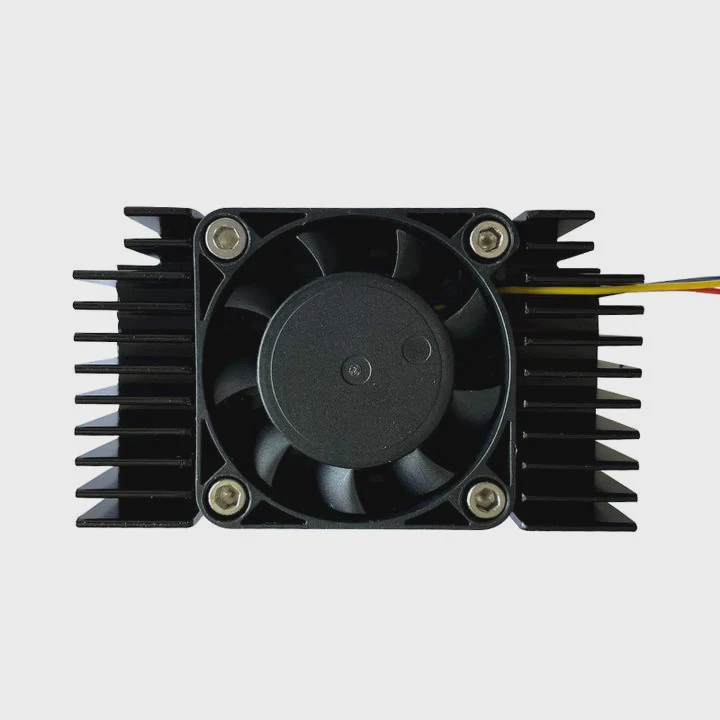
I look at a heatsink on my desk and remember how confused I felt when I first tried to understand airflow. I want to help people avoid that same confusion with clear steps.
A heatsink fan can push air into the fins or pull air through the fins, and both methods work when the airflow path stays clear and the heat leaves the CPU area fast.
I will guide you through the ideas that help me choose the right direction each time.
Why direction impacts cooling?
I remember the first time I placed a fan backward. The temperature rose fast, and I did not understand why it happened. That moment taught me the value of airflow direction.
Airflow direction impacts cooling because the fan must move heat away from the fins, and a smooth path prevents hot air from staying around the CPU area.
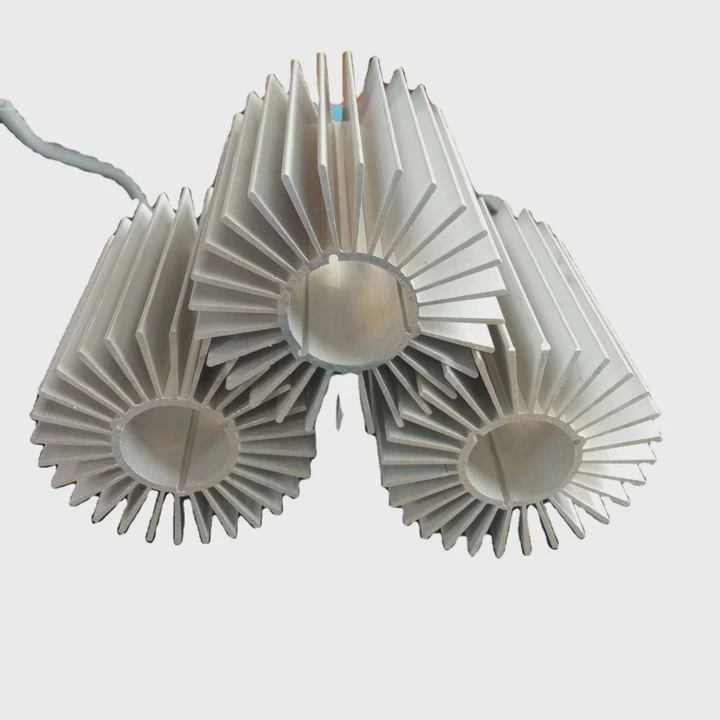
When I work with a tower cooler, I think about the fins like a set of small channels. Air must move through these channels in a stable way. When the fan pushes air into the fins, it sends cool air into the metal. When it pulls air, it removes hot air from the other side. Both ways can cool well, but I always check how the rest of the case flows. If I block the path, the warm air stays in the same place. Heat builds up. The CPU becomes unstable.
How air travels inside the heatsink
To keep this simple, I look at the fins as a small tunnel:
| Airflow Pattern | What Happens |
|---|---|
| Push | Cool air enters the fins first |
| Pull | Fan removes hot air from the exit |
| Push–Pull | Two fans improve flow |
When I use a push method, I notice a firm stream of cool air hitting the fins. When I use a pull method, the fan draws air through like a vacuum. Both methods work, but the case layout decides which one performs better.
Simple signs that the direction matters
When I test a cooler, I watch for:
Clear air path
I check if air can leave the case fast.
No dead zones
I make sure no corner traps warm air.
Stable pressure
I try to avoid pressure imbalance in the case.
These points matter because heat moves out only when air moves freely. When I think about these things, I feel more confident about the direction I choose.
How do fan arrows show airflow?
Sometimes I pick up a fan and forget which way it spins. The arrows help, but many people never notice them. I want to show how they work.
Fan arrows show airflow because one arrow points in the direction the air moves, and the other arrow shows the direction the fan blades rotate.
When I hold a fan in my hand, I turn it slowly and look for the small arrows on the frame. They sit on the side of most PC case fans. I use these arrows every time I mount a new cooler. They save time because I do not need to guess. The airflow arrow shows the way the air will travel. The rotation arrow shows how the blades spin. When I place both arrows in the right direction, the cooler works better.
How to read the arrows clearly
Here is what I usually see:
| Arrow Type | Meaning |
|---|---|
| Airflow arrow | Shows the direction air exits |
| Rotation arrow | Shows blade spin direction |
Sometimes the arrows are faint. Sometimes the plastic is dark. I shine a small light on the frame to find them. This small habit saves mistakes.
What if there are no arrows?
Some cheaper fans do not have arrows. When that happens, I follow simple signs:
Blade curve
The curved side of the blade faces the direction that receives air.
Frame support
The side with the motor supports is the exhaust side.
When I look at those clues, I know the airflow direction even without arrows. It feels simple once I learn it. I want readers to feel that same sense of ease.
Which cases benefit from pull setups?
I learned about pull setups when I built a system in a tight case. The push setup blocked the airflow. Switching to pull made the temperature drop fast.
Pull setups help cases with limited space, dense fins, tight cooler positions, or layouts where pushing air would cause turbulence or blockage.
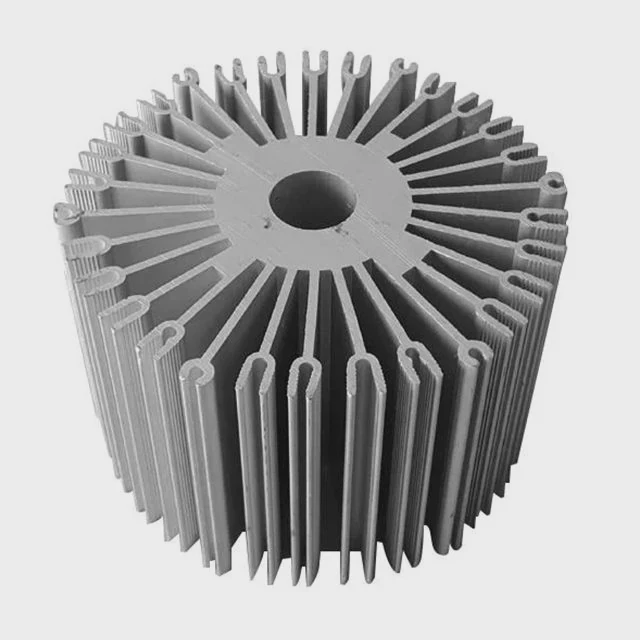
When I use a pull method, I place the fan on the far side of the heatsink. The fan pulls air across the fins and sends it toward the case exhaust. This helps when the front of the cooler sits close to a tall memory stick. When I push air in that situation, the air hits the RAM first. It loses pressure. The airflow weakens. But when I switch to pull, the path stays clean and the heat leaves faster.
When pull setups work well
I think about a few simple cases:
Tight RAM spacing
When the heatsink sits close to tall RAM modules.
Narrow cases
When the CPU tower cooler touches the side panel.
Blocked intake
When front airflow is weak or obstructed.
High-pressure fans
When the fan can pull air through dense fins without losing strength.
Simple example of a useful pull setup
I once built a compact system with a 120 mm tower cooler. The case had only one rear exhaust fan. There was no front intake fan at all. When I used a push setup, the CPU temperature stayed high because the fan pushed air into a space with no path to escape. When I changed to pull, the cooler lined up with the rear exhaust fan. Air now moved in one clear line. The temperatures dropped. It taught me to look at the whole case, not just the cooler.
How to check if your case can use pull
I ask myself a few questions:
- Is the front airflow weak?
- Does RAM block the fan?
- Does the rear exhaust align with the cooler?
- Does the case have limited space in front?
If the answer to any of these questions is yes, a pull setup often works better. I want people to feel free to try it. It is a simple change that can solve airflow problems fast.
Can reversed flow hurt temps?
I remember the time I reversed a fan on purpose. I wanted to see what happened. The results were clear: wrong direction means more heat.
Reversed flow can hurt temperatures because it breaks the case airflow path, creates hot pockets, and sends warm air back toward the CPU or GPU.
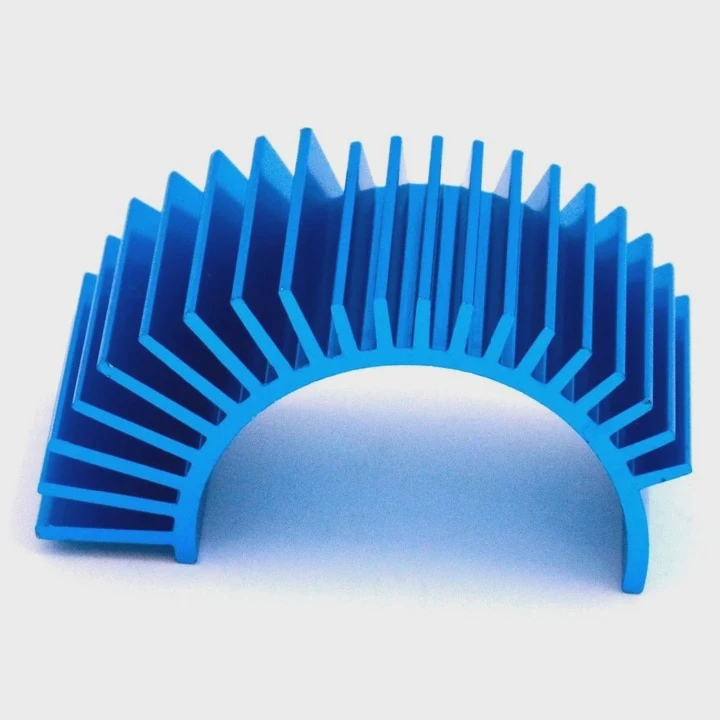
When air moves in the wrong direction, heat stays in the case longer. I feel the warm air when I place my hand near the cooler. Sometimes the reversed flow pushes warm air toward the motherboard. In some cases, the air loop becomes chaotic. Hot air circulates in the same spot without leaving. The CPU temperature climbs. The GPU temperature rises too.
How reversed flow creates heat problems
It helps to break the idea down:
It fights case airflow
Warm air tries to leave the case. A reversed fan pushes against it.
It creates turbulence
Air changes direction fast, which slows airflow.
It traps heat around the cooler
The fins reheat as warm air comes back toward them.
When I test a reversed setup, I see that the temperature can climb by 5–15°C. This number depends on the cooler, the fan, and the case layout.
How to avoid reversed airflow mistakes
I keep a few simple habits:
- I check fan arrows before mounting.
- I test airflow with a small sheet of paper.
- I make sure the front fans bring in cool air.
- I verify that the rear and top fans push warm air out.
This simple routine helps me avoid mistakes. It takes only a few seconds. It saves a lot of time later.
How to fix reversed flow problems fast
If someone tells me their temps went up after a fan change, I follow these steps:
- I look at all fan directions.
- I align airflow from front to back or bottom to top.
- I remove any blockages near the CPU tower cooler.
- I retest temperatures under load.
This always reveals the problem. When the airflow direction is correct, the system runs cool and stable. I like that feeling of order and smooth airflow.
Conclusion
Fan direction matters because airflow needs a clear and steady path. Push and pull both work when the case layout supports them, but reversed airflow can trap heat and harm cooling. Good airflow keeps the whole system stable and calm.
TAGS
Latest Articles

Volume discount levels for heat sink orders?
Buyers often ask when heat sink prices start to drop with volume. Many worry they’re overpaying for small orders. This guide explains how B2B volume pricing works for thermal components. Heat sink
21 Dec,2025
Heat sink long-term supply contract options?
Many buyers want stable pricing and reliable delivery for heat sinks. But without a clear contract, risks grow over time. This article explores how to secure better long-term supply deals. Long-term
21 Dec,2025
Tooling cost for new heat sink profiles?
Many engineers struggle to understand why tooling for custom heat sinks costs so much. They worry about budgeting and production timelines. This article breaks down the cost drivers behind tooling.
21 Dec,2025
Heat sink custom sample process steps?
Sometimes, starting a custom heat sink project feels overwhelming—too many steps, too many unknowns, and too many risks. You want a sample, but not endless delays. The process for requesting and
20 Dec,2025
Standard B2B terms for heat sink payments?
When buyers and sellers in B2B heat sink markets talk about payment, many don’t fully understand what’s standard. This can lead to delayed orders, miscommunication, and even lost business
20 Dec,2025
Heat sink pricing factors for large orders?
Heat sinks are vital for many systems. When prices rise, projects stall and budgets break. This problem can hit teams hard without warning. Large order heat sink pricing depends on many factors. You
20 Dec,2025Related Articles
- how to install new heatsink?
- Will Samsung 980 Pro with heatsink fit in a laptop?
- will a cob led fit on a socket a heatsink?
- how long let heatsink set before turning on computer?
- can you overclock ram without a heatsink on them?
- Is heatsink necessary for SSD?
- can the fan of a cpu heatsink be replaced?
- can heatsinks be used on dell xps 13?
- How to use old heatsink?
- how to screw heatsink?
- do you apply thermal paste to cpu and heatsink?
- are heatsinks on ssd necessary?
Author
Dr. Emily Chen
Chief AI Researcher
Leading expert in thermal dynamics and AI optimization with over 15 years of experience in data center efficiency research.
Categories
Latest Products

M.2 Heatpipe Heatsink With Dual Fans For Pc Case
19 Mar,2026

Heavy-Duty Aluminum Heat Sink Custom
19 Mar,2026

Oem Skived Fin Heatsink Aluminum Radiator For Plants
19 Mar,2026

Water Cooled Cnc Aluminum Heat Sink For Medical
19 Mar,2026

High Density 6000 Series Aluminum Heat Sink Profile
19 Mar,2026

High-Density Extruded Aluminum & Bonded-Fin Heat Sink Profile
19 Mar,2026
Recommend Categories
- Liquid cooling plate Manufacturer
- Industrial Heat Sink Manufacturer
- Standard Heat Sink Manufacturer
- Aluminum Heat Sink Manufacturer
- Copper Heat Sink Manufacturer
- Anodized Heatsink Manufacturer
- Stamping heat sink Manufacturer
- Die Casting Heatsink Manufacturer
- Soldering heat sink Manufacturer
- CNC Parts Manufacturer
Latest Products
- M.2 Heatpipe Heatsink With Dual Fans For Pc Case
- Heavy-Duty Aluminum Heat Sink Custom
- Oem Skived Fin Heatsink Aluminum Radiator For Plants
- Water Cooled Cnc Aluminum Heat Sink For Medical
- High Density 6000 Series Aluminum Heat Sink Profile
- High-Density Extruded Aluminum & Bonded-Fin Heat Sink Profile
- Dongguan Cnc Aluminum Heat Sink For Led & Brass Parts
- Wholesale Cnc Aluminum Heat Sink - Custom Extruded
- Led Cnc Round Heat Sink With Screw Holes
- Copper Pin-Fin Heat-Sink Large-Area For Photoled Cooling
- Telecom Heatsink Zipper Fin Wcopper Tubes Oem
Contact Expert
Have questions about this article? Reach out to our experts directly.