how to install new heatsink?
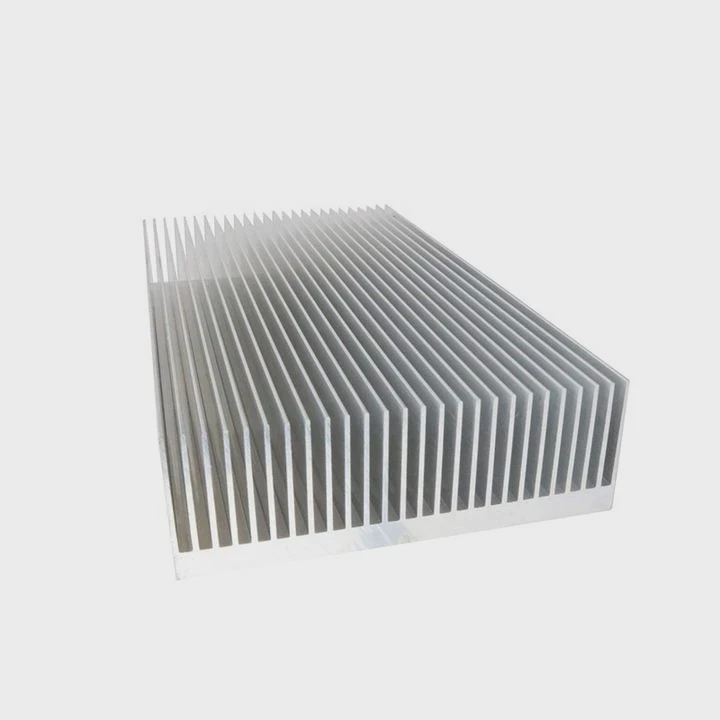
I see many people rush into a heatsink upgrade and run into small issues that cause big problems. I want to show you a simple way to avoid them.
You should install a new heatsink by cleaning the surface, placing the right amount of paste, aligning the mounting pattern, and locking airflow paths so the fans work as intended. This keeps temperatures stable and avoids tilt or bad contact.
I want to guide you step by step so you feel confident when you install a new heatsink. I have made these mistakes before and learned many lessons from them. I share them now, so you do not repeat them.
Why clean old paste first?
Old paste often dries and turns into a thin layer that blocks heat transfer. It looks harmless, but it creates tiny gaps that trap air, and that air weakens cooling.
You should clean old paste first because dried paste creates air pockets that stop heat from moving out of the chip surface, which increases temperatures and causes uneven contact. Fresh paste fills the gaps and restores smooth heat flow.
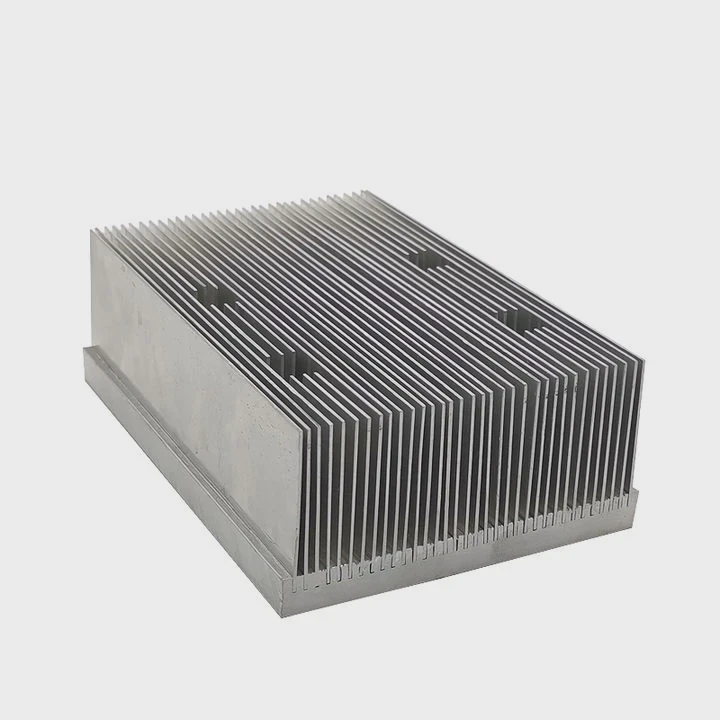
When I started building computers, I did not clean the old paste well. I thought the new paste would mix with the remains. The result surprised me. My CPU ran hotter than before, even with a larger heatsink. I learned that old paste forms a thin dry shell that does not mix at all. It blocks the new paste from touching the metal surface. This makes the heatsink float a little and weakens contact pressure.
What happens when old paste stays?
I want to show the basic effects in a simple table:
| Condition | Effect on Cooling |
|---|---|
| Old paste left on CPU | Air gaps remain and heat stays trapped |
| Old paste partly cleaned | Contact becomes uneven and pressure drops |
| Old paste fully removed | Fresh paste spreads well and heat moves fast |
How to clean old paste well
I learned a simple method over years of testing:
- I turn off power and remove the heatsink slowly.
- I use a soft cloth with alcohol to loosen old paste.
- I wipe the surface until no gray marks or dry flakes remain.
- I check the metal reflection. If I see streaks, I clean again.
These small steps give a smooth metal base. When the surface is clean, the paste spreads in a thin layer. This thin layer allows heat to move fast. This keeps the CPU temperature stable under heavy load.
I also learned that cleaning helps me check for scratches or dents on the surface. These defects also slow heat transfer. When I find them, I correct them or replace the part. This saves me trouble later.
Why this step is important
This process prevents one of the most common causes of high temperature. Many builders skip cleaning because it looks easy or boring. But a clean surface gives a strong foundation for every step. I learned that a small action here brings a big improvement in cooling later. You can avoid tilt, avoid trapped air, and avoid random thermal spikes.
Which mounting pattern prevents tilt?
Many heatsinks use screws arranged in patterns. Some patterns cause uneven pressure if you tighten them in the wrong order. This tilt breaks contact and weakens cooling.
A cross-pattern tightening sequence prevents tilt because it spreads pressure evenly across the CPU surface. Tightening opposite corners balances the load and keeps the heatsink flat against the chip.
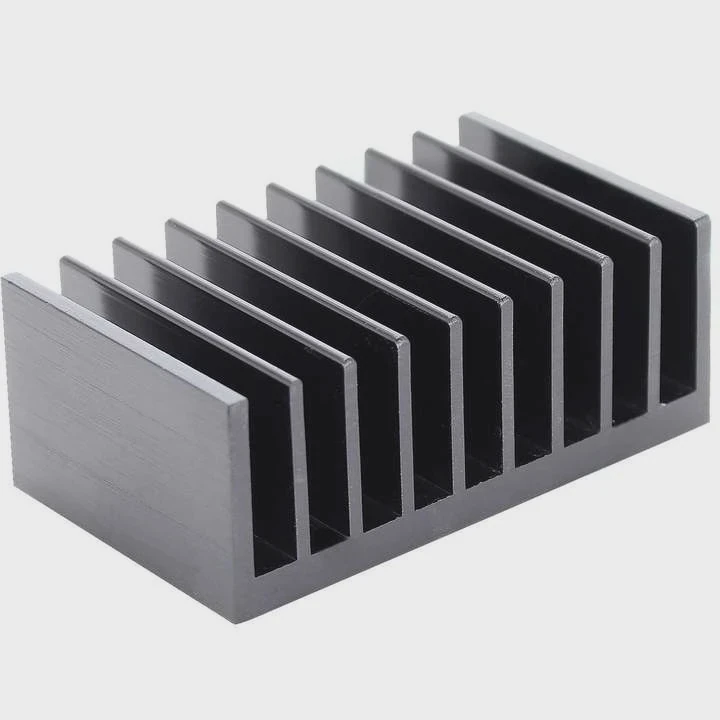
When I tighten screws in a straight line, the heatsink leans to one side. I learned this the hard way when I tested a square base cooler. The tilt caused random temperature jumps. The CPU would spike fast because one side barely touched. After many trials, I switched to the cross pattern. The base pressed down evenly and the spikes disappeared.
Why cross patterns work
Here is a basic comparison:
| Tightening Pattern | Result |
|---|---|
| Straight line | Uneven pressure and tilt |
| Random order | Hard to balance and inconsistent contact |
| Cross pattern | Balanced pressure and flat contact |
How I tighten screws now
I follow this simple method:
- I place the heatsink over the CPU and line up the screws.
- I tighten one screw halfway.
- I move to the screw in the opposite corner and tighten halfway.
- I repeat for the remaining two screws.
- After all four are half tight, I finish all screws in the same cross order.
This method stops the heatsink from moving or lifting. When pressure stays even, the paste layer stays thin. A thin layer moves heat fast. This prevents the CPU from overheating.
Why tilt is dangerous
Tilt changes the shape of the paste layer. If one side presses harder, paste squeezes out. The other side stays thick and traps heat. The CPU then shows strange behavior. It may throttle early or show uneven core temperature. I learned this while testing high-power chips. Tilt adds stress to one side of the chip, and over time, this can harm the surface.
By using a cross pattern, I remove this risk. The base stays level. The paste spreads evenly. The cooling stays stable.
How does paste size affect temps?
Paste looks simple, but the size of the paste drop changes the shape of the layer. A very large drop forms a thick coat. A small drop leaves holes or air bubbles.
The paste size affects temperatures because too much paste acts as insulation, and too little paste leaves gaps; a pea-sized drop usually gives a thin, even layer that transfers heat well.
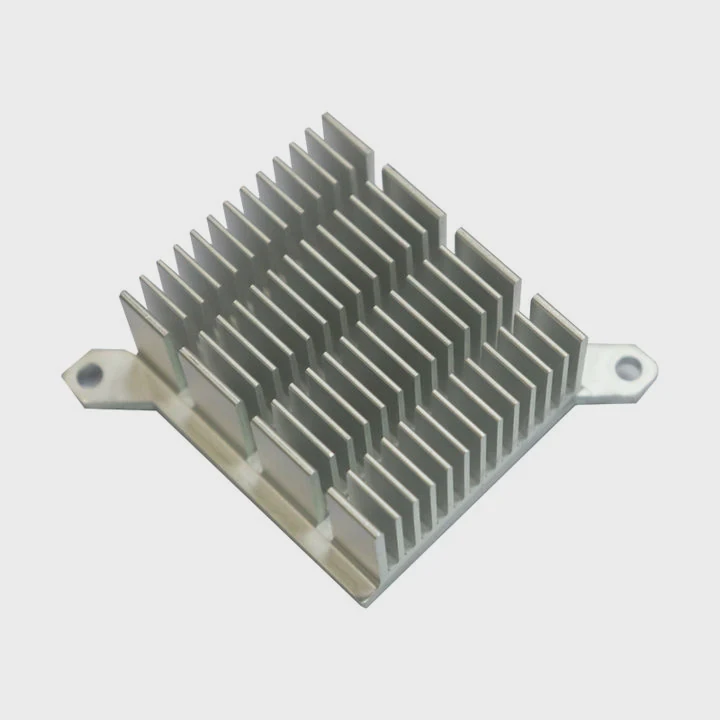
I tested different paste amounts when I started building systems. I used a huge amount at first because I feared the chip would not be covered. That made temperatures worse. I later tried a very small dot. This made the center cool but left the edges hot. After many tests, I found a simple balance.
The effect of paste size
I show the trend in this table:
| Paste Amount | Outcome |
|---|---|
| Too much | Thick layer and higher temperature |
| Too little | Air pockets and uneven heat flow |
| Pea-size | Balanced layer and stable cooling |
Why size matters
Paste does not cool the CPU. Paste only fills tiny gaps. The metal surface and the heatsink do the real work. When I understand this, I know that more paste does not mean better cooling. A thick layer blocks heat. It works like a blanket. Heat stays inside.
When I use too little paste, the metal surface stays exposed. The small scratches and pores hold air. Air does not move heat well. The CPU becomes hot under load.
The pea-size amount spreads into a thin coat when pressure is applied. This thin coat fills gaps but stays minimal. This shape gives the best heat path.
How I apply paste now
I do it in a simple way:
- I put a small pea-sized dot in the center.
- I lower the heatsink slowly.
- I do not spread the paste with a card because pressure from the heatsink spreads it more evenly.
- I tighten using the cross pattern.
This method gives me repeatable results. I see stable temperatures, smooth performance, and no random spikes.
Should fans face airflow paths?
The direction of airflow decides how fast heat leaves the case. If the fan faces the wrong way, the hot air stays trapped. The heatsink cools poorly.
Fans should face the airflow path so cool air enters and hot air leaves in a straight line; aligned airflow stops heat from cycling inside the case.
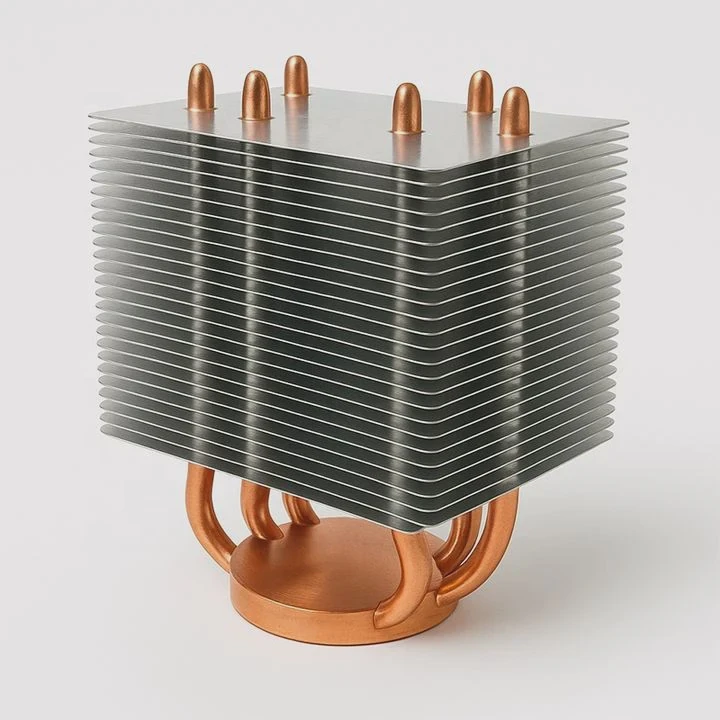
I made mistakes here too. I once placed a fan facing sideways with no clear exit path. Hot air collected around the CPU. The temperature rose even with a good cooler. I changed the fan direction and saw an instant drop of many degrees. This taught me that airflow is as important as the heatsink itself.
How airflow works
Air always tries to follow the easiest path. When there is a front-to-back path, air travels fast. When there is no path, air moves in circles. This traps heat.
Airflow layout options
| Layout | Description |
|---|---|
| Front to back | Cool air in front, hot air leaves back |
| Bottom to top | Works well in tall cases |
| Mixed flow | Hard to control and less effective |
How I set fan direction
I follow this simple rule:
- I check the arrows on the fan frame that show airflow direction.
- I match the fan to case air path.
- I make sure cool air enters from one side and leaves from the other.
- I avoid placing fans that blow against each other.
This makes the heatsink work better. When cool air enters, the fins absorb heat fast. The fan then pushes hot air out. The cycle repeats smoothly.
Why airflow paths matter
A strong airflow path removes heat before it builds up. This helps the CPU stay in a narrow temperature range. Stable airflow also protects other parts like memory, storage, and power modules.
When airflow is messy, hot air returns to the CPU. The cooler then works harder. This makes noise and reduces performance. I avoid this by matching fan direction to the case path.
Conclusion
A clean surface, a cross-pattern mount, the right paste size, and a clear airflow path give you a stable and cool system. When each step works well, the heatsink performs at its best and keeps your device safe.
TAGS
Latest Articles

Volume discount levels for heat sink orders?
Buyers often ask when heat sink prices start to drop with volume. Many worry they’re overpaying for small orders. This guide explains how B2B volume pricing works for thermal components. Heat sink
21 Dec,2025
Heat sink long-term supply contract options?
Many buyers want stable pricing and reliable delivery for heat sinks. But without a clear contract, risks grow over time. This article explores how to secure better long-term supply deals. Long-term
21 Dec,2025
Tooling cost for new heat sink profiles?
Many engineers struggle to understand why tooling for custom heat sinks costs so much. They worry about budgeting and production timelines. This article breaks down the cost drivers behind tooling.
21 Dec,2025
Heat sink custom sample process steps?
Sometimes, starting a custom heat sink project feels overwhelming—too many steps, too many unknowns, and too many risks. You want a sample, but not endless delays. The process for requesting and
20 Dec,2025
Standard B2B terms for heat sink payments?
When buyers and sellers in B2B heat sink markets talk about payment, many don’t fully understand what’s standard. This can lead to delayed orders, miscommunication, and even lost business
20 Dec,2025
Heat sink pricing factors for large orders?
Heat sinks are vital for many systems. When prices rise, projects stall and budgets break. This problem can hit teams hard without warning. Large order heat sink pricing depends on many factors. You
20 Dec,2025Related Articles
- Will Samsung 980 Pro with heatsink fit in a laptop?
- will a cob led fit on a socket a heatsink?
- how long let heatsink set before turning on computer?
- can you overclock ram without a heatsink on them?
- Is heatsink necessary for SSD?
- how to install ryzen heatsink?
- do heatsink fans push air or pull air?
- can the fan of a cpu heatsink be replaced?
- can heatsinks be used on dell xps 13?
- How to use old heatsink?
- how to screw heatsink?
- do you apply thermal paste to cpu and heatsink?
Author
Dr. Emily Chen
Chief AI Researcher
Leading expert in thermal dynamics and AI optimization with over 15 years of experience in data center efficiency research.
Categories
Latest Products

M.2 Heatpipe Heatsink With Dual Fans For Pc Case
19 Mar,2026

Heavy-Duty Aluminum Heat Sink Custom
19 Mar,2026

Oem Skived Fin Heatsink Aluminum Radiator For Plants
19 Mar,2026

Water Cooled Cnc Aluminum Heat Sink For Medical
19 Mar,2026

High Density 6000 Series Aluminum Heat Sink Profile
19 Mar,2026

High-Density Extruded Aluminum & Bonded-Fin Heat Sink Profile
19 Mar,2026
Recommend Categories
- Liquid cooling plate Manufacturer
- Industrial Heat Sink Manufacturer
- Standard Heat Sink Manufacturer
- Aluminum Heat Sink Manufacturer
- Copper Heat Sink Manufacturer
- Anodized Heatsink Manufacturer
- Stamping heat sink Manufacturer
- Die Casting Heatsink Manufacturer
- Soldering heat sink Manufacturer
- CNC Parts Manufacturer
Latest Products
- M.2 Heatpipe Heatsink With Dual Fans For Pc Case
- Heavy-Duty Aluminum Heat Sink Custom
- Oem Skived Fin Heatsink Aluminum Radiator For Plants
- Water Cooled Cnc Aluminum Heat Sink For Medical
- High Density 6000 Series Aluminum Heat Sink Profile
- High-Density Extruded Aluminum & Bonded-Fin Heat Sink Profile
- Dongguan Cnc Aluminum Heat Sink For Led & Brass Parts
- Wholesale Cnc Aluminum Heat Sink - Custom Extruded
- Led Cnc Round Heat Sink With Screw Holes
- Copper Pin-Fin Heat-Sink Large-Area For Photoled Cooling
- Telecom Heatsink Zipper Fin Wcopper Tubes Oem
Contact Expert
Have questions about this article? Reach out to our experts directly.