a cpu heatsink?
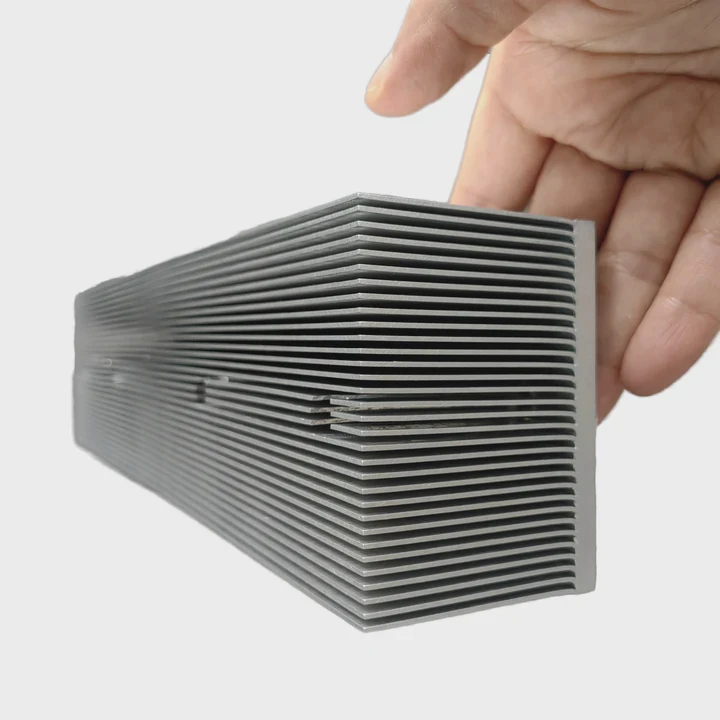
I face many thermal failures in my daily work, so I know the fear when heat rises fast in a device and there is no time to react.
A CPU heatsink is a metal cooling part that moves heat away from the chip by spreading it and sending it into the air so the system stays stable and safe to use.
I want to explain this in a simple way, so you see why every design choice matters and why small changes can shape real performance in the field.
Why is heatsink contact critical?
I see many designs lose performance because the base of the heatsink does not sit flat on the CPU surface.
Heatsink contact is critical because tight, even contact lowers the thermal resistance between the CPU and the heatsink, which lets heat move out faster and makes the chip run cooler and more stable.
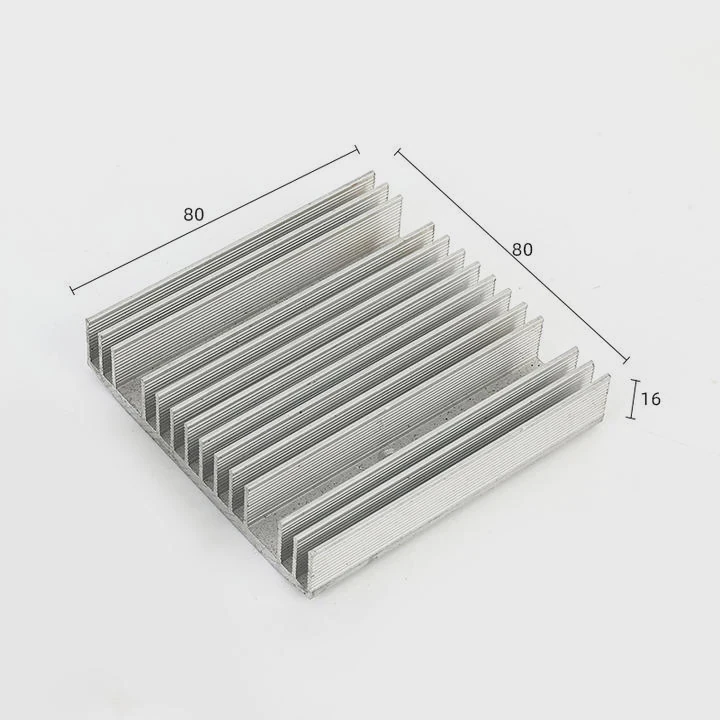
I deal with this problem often. I watch some clients bring units with heat marks on the CPU lid because the base plate only touched at two small points. I see heat rise fast when micro-gaps trap air, because air slows heat flow. I learn that the base must stay flat, clean, and smooth so it can sit on the CPU without tilt. I also learn that thermal paste must fill tiny voids. I use simple steps to make contact better. I check flatness with feeler gauges. I clean surfaces before assembly. I test different pastes and see how each one flows under pressure.
Contact Problems I Often See
When I check failed units, I see clear patterns. I note that poor contact often comes from three simple issues.
| Issue | What I See in Real Projects | Effect |
|---|---|---|
| Base not flat | Corners touch first | Heat gathers near center |
| CPU tilt | Uneven mount bracket | Hotspots shift across die |
| Dry or too much paste | Paste cracks or spills | Slower heat flow |
Why Contact Rules Performance
I want to explain this point in a simple way. Heat always tries to move from hot to cold. If the path is smooth, heat moves fast. If the path has bumps, gaps, dirt, or tilt, heat slows down. A CPU sends heat through a very small area. If that area connects to the heatsink with poor contact, the heat stays trapped near the die. This trapped heat forms hotspots. Hotspots force the CPU to cut clock speed. I see this in tests all the time. When I fix the contact, the same CPU runs much cooler even with the same heatsink.
I also learn that contact must stay stable over time. Some metals warp when the system heats and cools. Some brackets loosen after shipping. When this happens, contact drops again. So I design brackets that hold pressure across the full area. I test repeated thermal cycles to see if the base keeps its shape. This simple detail helps many teams solve long-term stability problems.
What shapes improve heat removal?
I often adjust fin shapes for clients because the airflow in real cases rarely matches ideal lab drawings.
Fin shape and layout improve heat removal when they guide air with low drag, create wide surface area, and keep temperature even across the heatsink body.
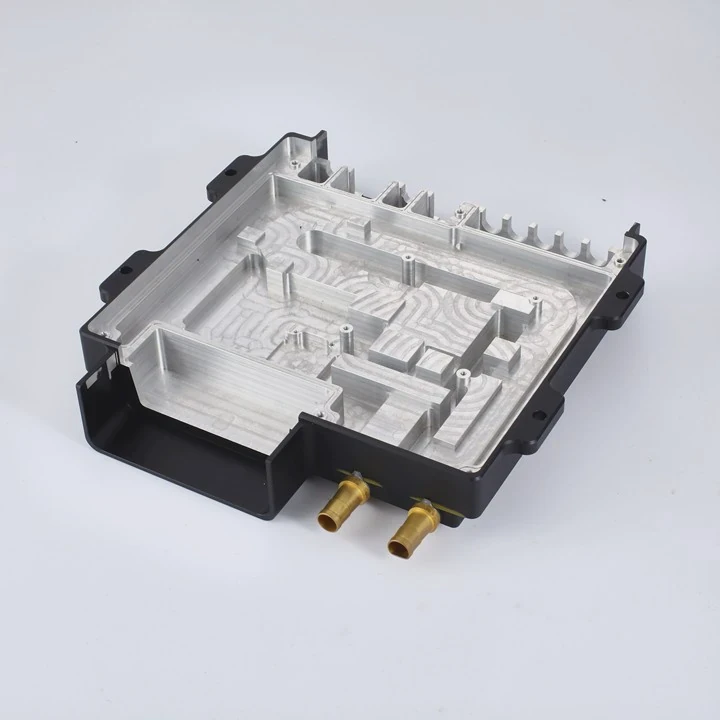
I work on many heatsinks with different shapes. Some look good but perform poor because the air cannot move through them. Some have thick fins that block flow. Some use thin fins but bend too easy. I learn that the best shape depends on how the fan pushes or pulls air. I test straight fins, V-fins, radial fins, and mixed patterns. Each shape helps a different type of device.
Common Shapes I Use
I list four shapes that I adjust often.
| Fin Type | What It Does | Where It Works |
|---|---|---|
| Straight fins | Simple path for air | Tight cases with one airflow direction |
| V-shaped fins | Air spreads across more area | Systems with fan in center |
| Radial fins | Air flows all around | Small round cases |
| Offset fins | Air mixes to reduce hotspots | CPUs with uneven heat load |
Why Shape Controls Cooling
I want to break this part down in a clear way. Heat moves from the CPU to the base. Then heat spreads into the fins. Air hits the fins and takes heat away. So the fins must help the air make long contact with the metal but not slow the air so much that airflow drops. Thin fins increase surface area but they can bend. Wide fin gaps let air pass easy but reduce surface area. I look for a balance.
I test airflow with smoke to watch how the air moves. I see dead zones at corners. I see air bounce back when the gap is too small. I see heat gather at tips when the fin is too thick. These small details change the whole system. So I tune the fin height, spacing, and thickness. I add tiny cuts at the base to guide air. I add small curved edges to make the air start moving in a smooth way. These small curves often help more than big design changes.
I also study how the heatsink sits in the case. Sometimes the airflow from a side fan pushes hotter air back into the fins. When that happens, I change the fin direction. I sometimes lower a fin row to make a small channel so fresh air enters at the right place. These tricks come from many field cases where the system fails only because the shape does not match the airflow.
How does mounting pressure matter?
I see many engineers ignore the mounting pressure until late in the project, but pressure changes everything in thermal design.
Mounting pressure matters because enough pressure keeps full contact, spreads thermal paste, and stops gaps from forming when the device vibrates or heats up.
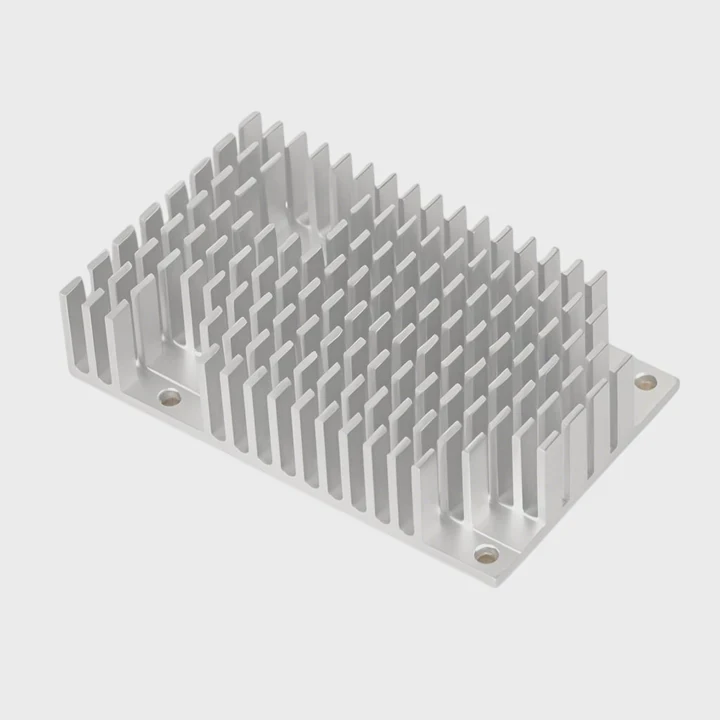
I often fix systems that fail at high load because the bracket does not push the heatsink down with even force. I see four screws tighten at different levels. I also see spring screws bend. When this happens, the base tilts and heat moves into the heatsink through a smaller contact area. I adjust pressure by testing screws with torque tools and checking how the paste spreads after mounting.
What I Look For in Pressure Tests
When I run a pressure test, I check three things.
| Test Item | What I Check | Why It Matters |
|---|---|---|
| Paste spread | Shape and thickness | Shows real contact points |
| Pressure map | Color scale under load | Shows tilt or gaps |
| Re-mount repeatability | Same results each time | Shows bracket stability |
Why Pressure Must Stay Stable
I want to explain this in simple terms. When the CPU heats up, the metal expands. When the device cools, the metal shrinks. This cycle repeats many times. If the bracket is weak, the pressure drops after a few cycles. Once the pressure drops, the paste moves, and small air pockets form. These pockets reduce heat flow. I see this in long-term tests. The system runs cool at first but gets hotter with time.
Vibration also changes pressure. I see this often in mobile systems, robots, and stacked modules. Vibration shakes screws loose unless the design uses the right springs or locking features. So I choose springs that hold pressure across the full range of movement. I test units on vibration tables to see if the pressure stays even. When it does, the CPU works with stable temperature.
I also want to say that too much pressure is not safe. It can damage the CPU lid or warp the PCB. I see some clients tighten screws too hard because they think more pressure means better cooling. But this can crush the package. So I set a safe pressure limit. I mark screws with torque levels. This simple rule prevents damage and keeps contact stable.
Can design affect hotspot control?
I often see CPUs that run cool on average but form hotspots that cause throttling.
Design affects hotspot control because base shape, heatpipes, fin layout, and material choice decide how fast heat spreads across the heatsink and how evenly it leaves the CPU surface.
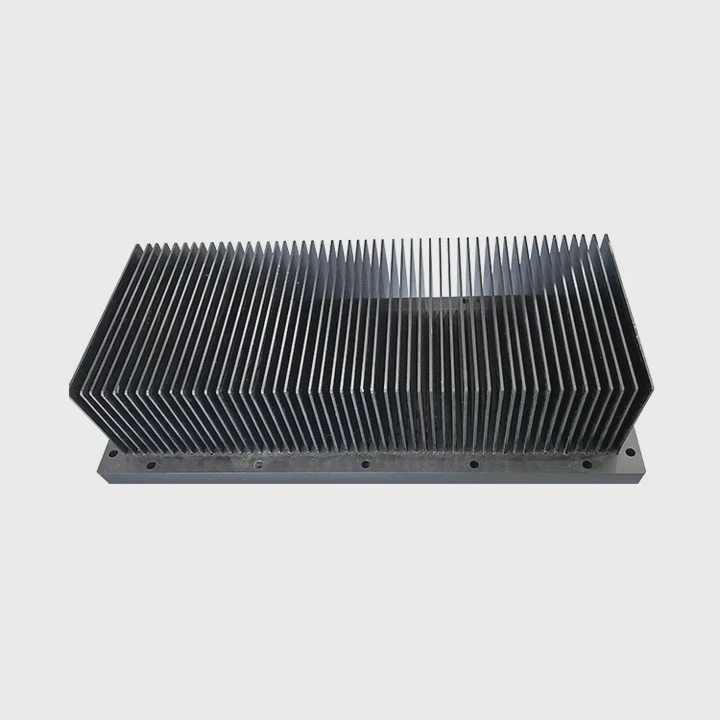
I handle many hotspot issues. Some CPUs have uneven heat across the die. Some workloads heat only one side. If the heatsink does not spread heat fast, the hotspot stays near the die and causes local stress. I add heatpipes or vapor chambers to move heat away from the hotspot. I also change base thickness to spread heat better.
What I Do to Reduce Hotspots
Here are the steps I use when I face hotspot issues.
| Step | What I Check | Fix I Often Use |
|---|---|---|
| Find hotspot | Use IR camera | Add heatpipe or change base thickness |
| Check spread speed | Review heat flow paths | Add vapor chamber |
| Check airflow on fins | Inspect fan angle | Change fin direction |
How I Control Hotspots in Real Projects
I want to explain this part with clear logic. A hotspot forms when heat cannot spread fast enough. The CPU die is small, but the hotspot area can be even smaller. So I focus on the base. If the base is too thin, it cannot spread heat sideways. If it is too thick, it slows heat movement. I find a balance based on the power load.
I use copper in some cases because copper spreads heat fast. But copper is heavy. So I mix copper base plates with aluminum fins. I also use vapor chambers. A vapor chamber spreads heat very fast because liquid inside moves heat from hot to cold. This method helps when the hotspot sits at an edge or corner.
I also adjust the fin layout. Some fins must carry more heat because they sit near the hotspot path. I make those fins thicker or taller. I also create channels so air hits the hotspot fins first. This reduces heat before it spreads to the rest of the system.
I run many tests to verify hotspot control. I sometimes change the fan speed and watch how heat shifts. In some cases, a higher fan speed reduces average temperature but does not fix the hotspot. So I look at the root cause. I change the internal heat path, not only the airflow. This helps me create stable systems with long service life.
Conclusion
A CPU heatsink works well only when contact, shape, pressure, and hotspot control stay balanced. Small changes in these parts decide how cool and stable the system stays under real loads.
TAGS
Latest Articles

Volume discount levels for heat sink orders?
Buyers often ask when heat sink prices start to drop with volume. Many worry they’re overpaying for small orders. This guide explains how B2B volume pricing works for thermal components. Heat sink
21 Dec,2025
Heat sink long-term supply contract options?
Many buyers want stable pricing and reliable delivery for heat sinks. But without a clear contract, risks grow over time. This article explores how to secure better long-term supply deals. Long-term
21 Dec,2025
Tooling cost for new heat sink profiles?
Many engineers struggle to understand why tooling for custom heat sinks costs so much. They worry about budgeting and production timelines. This article breaks down the cost drivers behind tooling.
21 Dec,2025
Heat sink custom sample process steps?
Sometimes, starting a custom heat sink project feels overwhelming—too many steps, too many unknowns, and too many risks. You want a sample, but not endless delays. The process for requesting and
20 Dec,2025
Standard B2B terms for heat sink payments?
When buyers and sellers in B2B heat sink markets talk about payment, many don’t fully understand what’s standard. This can lead to delayed orders, miscommunication, and even lost business
20 Dec,2025
Heat sink pricing factors for large orders?
Heat sinks are vital for many systems. When prices rise, projects stall and budgets break. This problem can hit teams hard without warning. Large order heat sink pricing depends on many factors. You
20 Dec,2025Related Articles
- Does Coffee Lake come with heatsink and fans?
- what is a processor heatsink?
- Do you need heatsinks in liquid cooling?
- what is a heatsink and fan?
- which to 220 heatsink?
- do noctua chromax heatsink covers impact?
- how to remove hyperx ram heatsink?
- how to connect a heatsink to 7805?
- how to install ryzen heatsink?
- Is heatsink necessary for SSD?
- can you overclock ram without a heatsink on them?
- how long let heatsink set before turning on computer?
Author
Dr. Emily Chen
Chief AI Researcher
Leading expert in thermal dynamics and AI optimization with over 15 years of experience in data center efficiency research.
Categories
Latest Products






Recommend Categories
- Liquid cooling plate Manufacturer
- Industrial Heat Sink Manufacturer
- Standard Heat Sink Manufacturer
- Aluminum Heat Sink Manufacturer
- Copper Heat Sink Manufacturer
- Anodized Heatsink Manufacturer
- Stamping heat sink Manufacturer
- Die Casting Heatsink Manufacturer
- Soldering heat sink Manufacturer
- CNC Parts Manufacturer
Latest Products
- Wholesale Aluminum Radiator
- Water Cooling Plate Kit
- Water Cooling Heat Sink
- Water Cooling Heat Sink Kit
- Stainless Steel Water Distributor
- Server Water Cooling Plate Kit
- Server Liquid Cooling System
- Server Aluminum Cooling Kit
- S19 Full Cover Cooling Plate
- S19 Cooling Plate Kit
- S19 Aluminum Cooling Plate
Contact Expert
Have questions about this article? Reach out to our experts directly.