how to install ryzen heatsink?
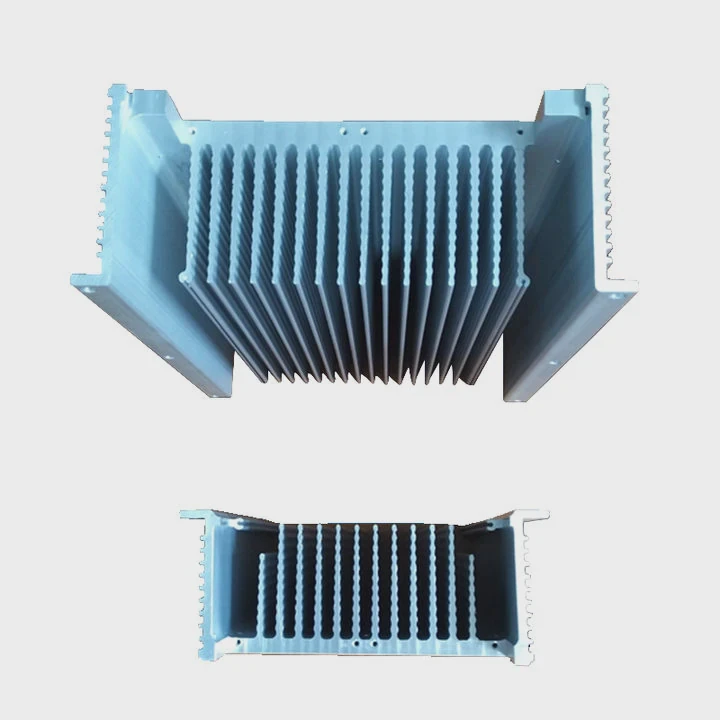
I see many people rush their cooler installation and face noise, heat, and stress. I once did the same and paid the price with throttling.
You install a Ryzen heatsink by placing it on the CPU with even pressure, securing the bracket screws in a cross pattern, checking paste contact, and confirming fan control in BIOS. This keeps temps stable and protects your CPU.
I want to show you every step in simple words so you avoid problems and get stable cooling.
Why align brackets correctly?
I know how easy it is to push the cooler down without checking the bracket angle first. This mistake often leads to tilt, poor contact, and loud fans.
You align the brackets so the base sits flat on the CPU and so the screws match the mounting holes. This makes even pressure and stable temps.
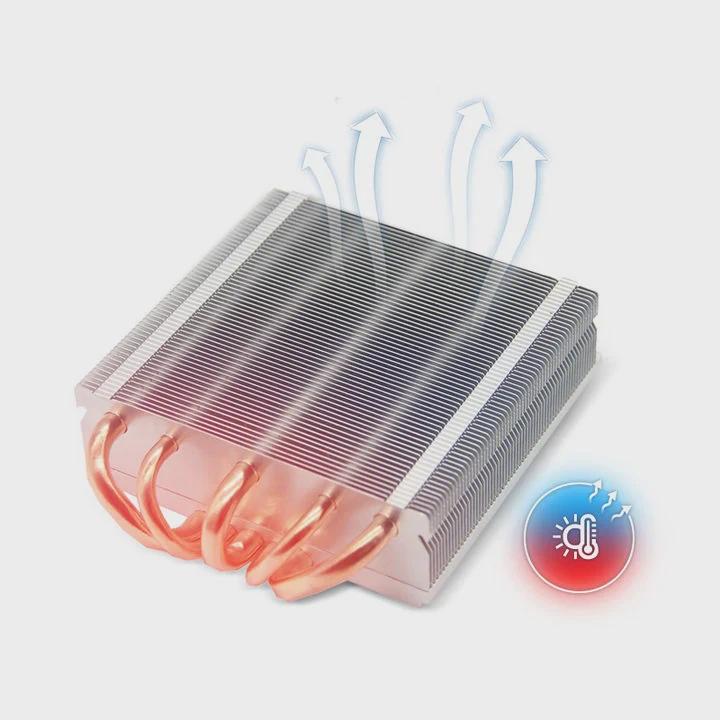
When I first built a Ryzen system, I rushed the mount. I placed the cooler a bit off. I pressed too hard. The bracket slipped. The paste shifted to one side. The system booted, but my temps jumped above normal. That day I learned that tiny alignment errors can lead to big issues.
Why bracket alignment matters
A Ryzen cooler base has a flat surface. The CPU heat spreader is also flat. They work best when they meet with full contact. If the bracket is angled, the base touches only part of the CPU. This reduces heat transfer and raises temps.
How I check alignment now
I follow a simple process:
- I place the cooler gently on the CPU without pressing.
- I look at all four mounting holes.
- I make sure the bracket bars line up with them.
- I rotate the cooler a little if needed, but always keep the motion small.
Pressure and contact table
Below is a simple table that shows what contact issues happen when the bracket is misaligned:
| Alignment Issue | Effect on Contact | Result on Temps |
|---|---|---|
| Slight tilt | Partial surface touch | Mild heat rise |
| Strong tilt | Very small contact area | High temps |
| Off-center | Paste pushed unevenly | Spikes under load |
Why this matters for long-term use
Even if the system “works,” misalignment can cause steady heat cycles. This can age the paste faster. It can also make the fan run harder every day. I have seen coolers loosen over months because the bracket started with uneven stress. A correct alignment avoids all of this.
Which screws secure the cooler?
I once tightened the wrong screws first and ended up twisting the cooler. This created air bubbles in the paste and unstable load temps.
The screws that secure the Ryzen cooler are the two spring screws on each side of AM4/AM5 brackets. You must tighten them in small turns in a cross pattern to keep pressure even.
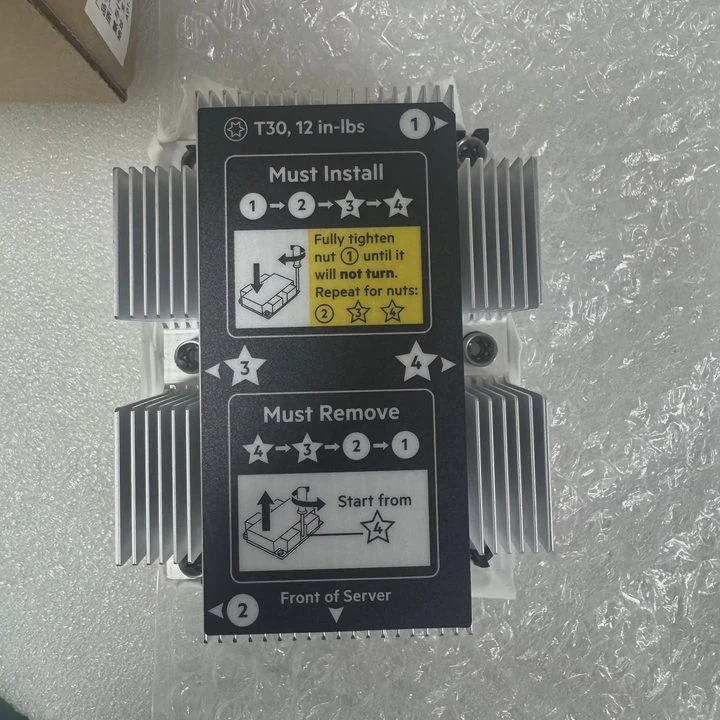
Most Ryzen coolers, including stock coolers and many third-party ones, use a pair of spring-loaded screws. These screws help apply the correct tension. But the order you tighten them in is important.
Why spring screws matter
The spring gives controlled pressure. This prevents over-tightening. It also keeps the base from crushing the paste too early. When I skip the cross pattern, the cooler shifts to one side. This creates streaks in the paste.
My simple screw pattern
I use this pattern for almost all coolers:
- Start with the top-left screw.
- Make one or two gentle turns.
- Move to the bottom-right screw.
- Repeat small turns.
- Move to the top-right screw.
- Then bottom-left if your cooler has four points.
- Do cycles until snug.
Screw behavior and pressure table
Here is a table that shows what different tightening habits cause:
| Screw Pattern | Pressure Result | Cooling Impact |
|---|---|---|
| Cross pattern | Even pressure | Stable temps |
| One side first | Uneven pressure | Higher temps |
| Too tight | Over-compressed paste | Poor heat transfer |
Why this prevents cooler movement
When pressure is balanced, the cooler stays centered. When pressure is unbalanced, the cooler twists. This twist can break the thin paste layer. It can also make the fan vibrate more. After I corrected my screw pattern years ago, I never saw twisting again.
Can uneven paste harm temps?
I used to believe paste spreading did not matter much. Then I checked temps after a bad mount and saw a big rise.
Yes, uneven paste can harm temps because it creates air pockets and weak contact. A thin, even layer helps heat move fast from the CPU to the cooler.
Thermal paste fills micro gaps. It is not meant to be thick. Air is a bad heat conductor. Too much paste traps air. Too little does not fill gaps.
What uneven paste looks like
I once removed a cooler and saw thick paste pushed to one edge. The center was almost bare. The CPU had been running hot under load. The paste pattern told the whole story.
Simple paste rules I follow
- I use a small pea-sized dot in the center.
- I keep paste fresh and sealed.
- I avoid spreading it with a finger or card when using AM4/AM5 because pressure spreads it well.
- I check contact patterns if temps seem high.
Three common mistakes
1. Too much paste
This creates a thick layer. Heat must travel farther. Also, paste can spill over the edges.
2. Too little paste
This leaves dry spots. These spots trap air. Air slows heat transfer.
3. Uneven pressure
Even with perfect paste, uneven pressure ruins the pattern.
Why paste patterns matter
When I fix paste patterns, I see load temps drop by 5–12°C. This is a big change for heavy tasks. Clean patterns also help the cooler stay stable for many months. Good paste behavior often shows good mounting behavior.
Should BIOS verify fan control?
I learned this lesson after a client told me his PC ran loud right after installation. The mount was fine. The paste was fine. The problem was fan control.
Yes, the BIOS should verify fan control because it confirms fan speed, PWM mode, and temperature curves. This stops noise and prevents overheating.
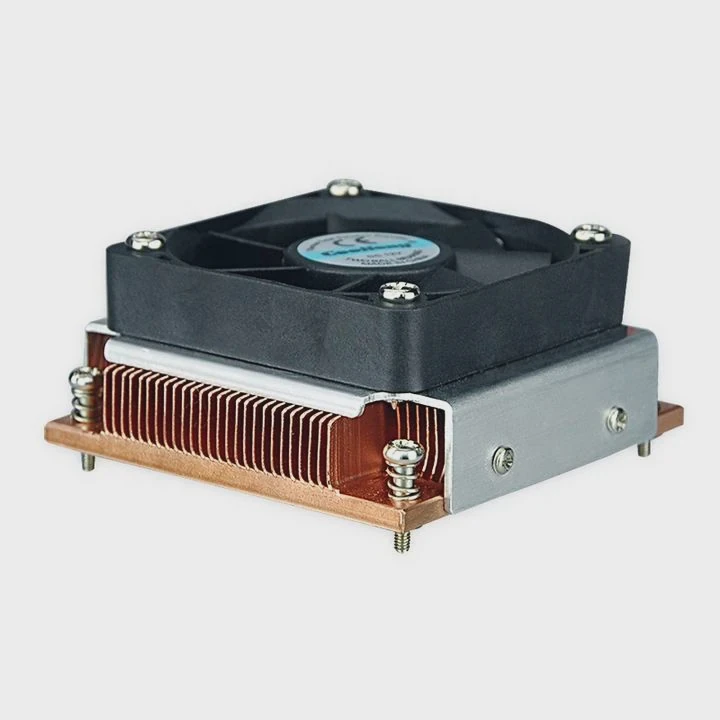
Fan control is often ignored. Many motherboards run fans at full speed until you set a curve. This makes noise and hides real cooling issues.
Why I always check BIOS
The BIOS shows if the fan spins. It shows the RPM. It shows the CPU temp at idle. If the cooler is not seated well, the BIOS temp will be higher than normal. This gives an early warning.
What settings matter most
- Fan mode: PWM or DC
- Fan curve: How fast the fan ramps
- CPU temp: Idle range
- Warnings: Fan stop limits or alerts
My BIOS checklist
I follow this list in every build:
- I go into BIOS right after the first boot.
- I check CPU temp. Normal is around 30–50°C depending on the cooler.
- I confirm the fan spins with steady RPM.
- I set a calm fan curve so noise stays low.
- I save and reboot.
H3: Fan behavior under different curves
Many users pick very steep curves. This makes the fan jump in speed. I use a slow curve. It gives smooth noise. It also keeps temps predictable.
Why BIOS checks prevent long-term problems
A wrong curve can make the fan run slow under load. This can heat the VRMs and memory too. A correct curve protects the whole system. I once saved a workstation from thermal throttling just by fixing the fan settings.
Conclusion
A careful Ryzen heatsink installation gives stable temps, low noise, and long hardware life. Small steps like alignment, screw order, paste control, and BIOS checks make a big difference.
TAGS
Latest Articles

Volume discount levels for heat sink orders?
Buyers often ask when heat sink prices start to drop with volume. Many worry they’re overpaying for small orders. This guide explains how B2B volume pricing works for thermal components. Heat sink
21 Dec,2025
Heat sink long-term supply contract options?
Many buyers want stable pricing and reliable delivery for heat sinks. But without a clear contract, risks grow over time. This article explores how to secure better long-term supply deals. Long-term
21 Dec,2025
Tooling cost for new heat sink profiles?
Many engineers struggle to understand why tooling for custom heat sinks costs so much. They worry about budgeting and production timelines. This article breaks down the cost drivers behind tooling.
21 Dec,2025
Heat sink custom sample process steps?
Sometimes, starting a custom heat sink project feels overwhelming—too many steps, too many unknowns, and too many risks. You want a sample, but not endless delays. The process for requesting and
20 Dec,2025
Standard B2B terms for heat sink payments?
When buyers and sellers in B2B heat sink markets talk about payment, many don’t fully understand what’s standard. This can lead to delayed orders, miscommunication, and even lost business
20 Dec,2025
Heat sink pricing factors for large orders?
Heat sinks are vital for many systems. When prices rise, projects stall and budgets break. This problem can hit teams hard without warning. Large order heat sink pricing depends on many factors. You
20 Dec,2025Related Articles
- how to connect a heatsink to 7805?
- how to remove hyperx ram heatsink?
- a cpu heatsink?
- Does Coffee Lake come with heatsink and fans?
- what is a processor heatsink?
- Do you need heatsinks in liquid cooling?
- Is heatsink necessary for SSD?
- can you overclock ram without a heatsink on them?
- how long let heatsink set before turning on computer?
- will a cob led fit on a socket a heatsink?
- Will Samsung 980 Pro with heatsink fit in a laptop?
- how to install new heatsink?
Author
Dr. Emily Chen
Chief AI Researcher
Leading expert in thermal dynamics and AI optimization with over 15 years of experience in data center efficiency research.
Categories
Latest Products






Recommend Categories
- Liquid cooling plate Manufacturer
- Industrial Heat Sink Manufacturer
- Standard Heat Sink Manufacturer
- Aluminum Heat Sink Manufacturer
- Copper Heat Sink Manufacturer
- Anodized Heatsink Manufacturer
- Stamping heat sink Manufacturer
- Die Casting Heatsink Manufacturer
- Soldering heat sink Manufacturer
- CNC Parts Manufacturer
Latest Products
- Wholesale Aluminum Radiator
- Water Cooling Plate Kit
- Water Cooling Heat Sink
- Water Cooling Heat Sink Kit
- Stainless Steel Water Distributor
- Server Water Cooling Plate Kit
- Server Liquid Cooling System
- Server Aluminum Cooling Kit
- S19 Full Cover Cooling Plate
- S19 Cooling Plate Kit
- S19 Aluminum Cooling Plate
Contact Expert
Have questions about this article? Reach out to our experts directly.