how to check heatsink?
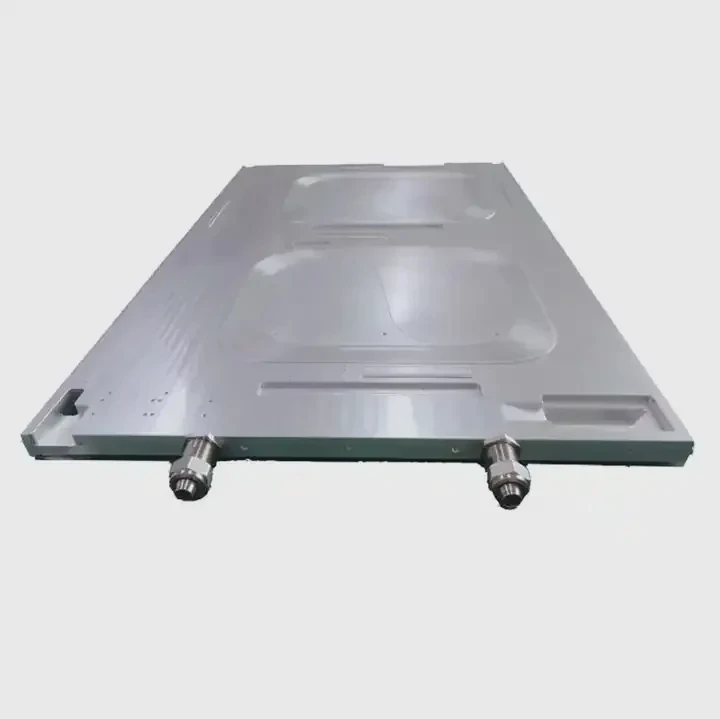
I face many confusing cases when a heatsink starts to fail. I see unstable devices, rising noise, and strange shutdowns.
You can check a heatsink by looking for heat spikes, testing airflow, checking paste condition, and measuring surface temperatures with simple tools. These quick checks show if the heatsink still works.
I often use these simple steps before I run deep tests. They help me see early warning signs. They also help me avoid long repair time later.
What signs show a failing heatsink?
I notice early signs when I fix systems for clients. The device gets hot fast. The fan gets loud. The system slows down or shuts down.
A failing heatsink shows signs like higher device temperature, louder fan, slow response, or sudden system shutdown. These signs happen because the heatsink cannot remove heat.
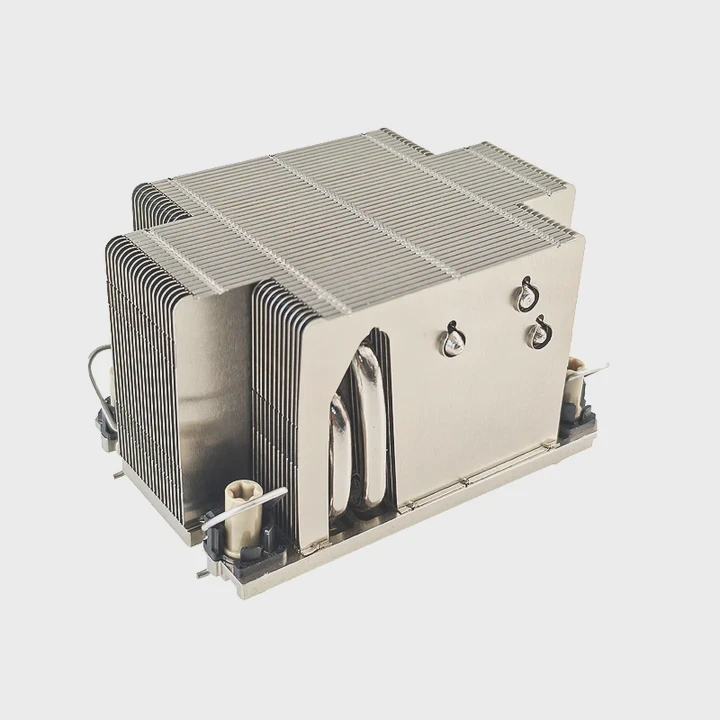
Clear temperature spikes
When I check a failing unit, I often see temperature spikes that jump in a few seconds. The surface becomes hot even when the load is low. This shows the heat cannot move away from the chip. I use a simple infrared tool to see the changes. The spikes stay even after the load goes down. This tells me the heat stays trapped inside the core.
I also touch the nearby metal area to feel the difference. The chip burns hot, but the fins stay cool. This shows the heat does not travel across the base. When this happens, I know the thermal path breaks. The break can be from blocked fins, dry paste, or bent base surfaces.
Fan behavior
I listen to the fan. If a heatsink fails, the fan starts to work harder. It becomes louder and spins at a high speed. It does not slow down, even when the device becomes idle. This means the fan tries to push more air to make up for weak cooling. I also see dust inside the fin gaps. The dust blocks the airflow and weakens the heat transfer.
Below is a table that shows simple signs and the meaning behind each one:
| Sign | What it means |
|---|---|
| Fan always loud | Airflow cannot remove heat |
| Hot core but cool fins | No heat transfer through base |
| Sudden shutdown | Chip reaches limit temperature |
| Slow performance | System throttles to protect itself |
System behavior under load
I run a short stress test. I watch how the temperature rises. A healthy heatsink rises slow and flat. A failing one rises fast. The system starts to drop performance to protect itself. I also see frame drops, sensor warnings, or thermal alarms. These problems tell me the heatsink can no longer do its job.
When clients send units to me, these are the signs I check first. They tell me if I should repair, clean, or replace the cooling system.
Why inspect thermal paste condition?
Many people overlook the paste layer. I see this problem often. The device works for years, and the paste dries and cracks. The heat cannot move. The chip becomes unstable.
You inspect thermal paste to confirm if heat can move from the chip to the heatsink. Old or dry paste stops heat transfer and makes the system overheat.
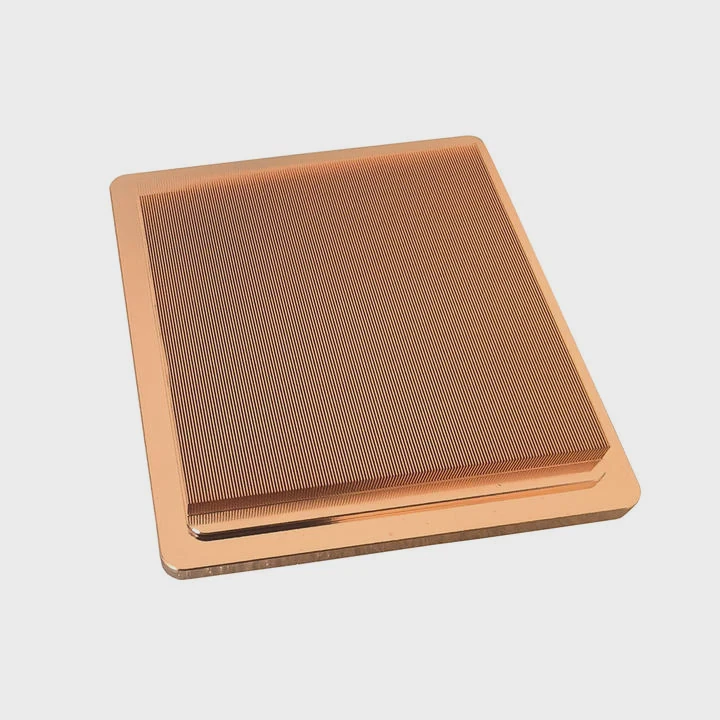
Paste aging problems
I remove the heatsink to check the paste layer. I see dry edges, cracks, and gaps. These gaps trap air. Air blocks heat. Even a small air pocket increases the temperature by a large value. I also see paste that becomes thick and hard. This paste does not spread. It does not fill the small surface marks between the chip and the base plate.
In many cases, I see too much paste. Clients think more paste means better cooling. But thick paste acts as an insulator. It slows heat transfer. I clean the surface with alcohol, apply a thin layer, and put the heatsink back on. The device becomes stable again.
Surface contact quality
I check the surface of the base plate. If the plate is scratched or bent, the paste layer becomes uneven. I also check the pressure of the mounting screws. Too loose or too tight pressure breaks the contact area. The heat transfer path becomes weak.
Here is a small table that shows common paste issues and the effect:
| Paste issue | Effect |
|---|---|
| Dry and cracked | Heat transfer becomes weak |
| Too thick | Acts as heat barrier |
| Uneven spread | Air pockets form |
| Low mounting pressure | Poor surface contact |
Benefits of simple inspection
When I inspect the paste, I find many hidden problems. A simple reapply often fixes heat issues. It saves time and avoids new hardware costs. I tell clients to check the paste every one to two years. This habit keeps long-term stability. I see fewer failures when this step becomes routine.
This simple step gives strong insight into the real thermal path. If the paste works, the heatsink works. If the paste fails, the whole system fails.
Where should you measure heatsink temperature?
I measure temperature in several spots. I do this to understand the heat path. Each spot tells me a different part of the story.
You should measure heatsink temperature on the base plate near the chip, on the mid-fin area, and at the fin tips to see how heat travels through the whole structure.
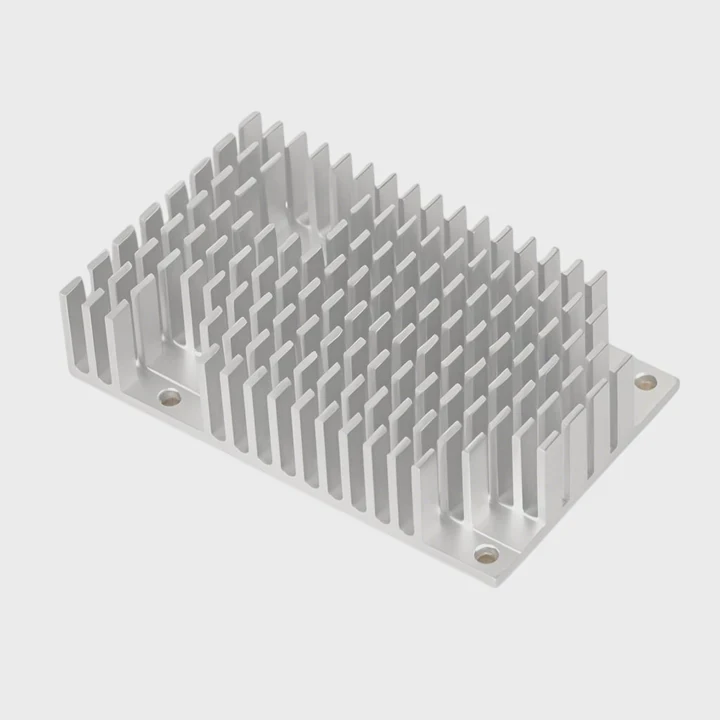
Base plate readings
I start at the base plate. This point shows if the heat leaves the chip. If the chip is hot but the base is cool, the path is broken. I use a thermal camera or a contact probe. I keep the probe steady for accurate readings. I note the rise pattern.
When the base becomes warm fast, the paste and contact plate work well. If it stays cool, the base does not pull heat. This shows a core issue in the interface.
Mid-fin readings
I check the mid-fin area next. This shows how heat spreads upward. If the mid-fin stays cool while the base is hot, the internal part of the heatsink may have low conduction. Sometimes the material has defects. Sometimes dust blocks the space between fins. Sometimes the fins bend and touch each other. This reduces airflow.
I also watch the temperature gradient along the fin. A smooth gradient means stable heat flow. A sudden drop means the flow breaks at some point.
Fin tip readings
The fin tip shows how much heat reaches the airflow side. A warm tip means the heat travels well. A cool tip means the heat stays near the base. When clients replace low-cost heatsinks with better ones, I see clear improvement in fin tip temperature.
I keep simple notes during measurement. These notes help me compare performance after cleaning or repair. They also help me decide if the heatsink needs to be replaced.
The temperature map of these three points gives a full picture. I use it to make decisions before I go into deeper testing.
Can airflow tests confirm heatsink performance?
Airflow is a key part of cooling. I meet many cases where the heatsink works well, but the airflow fails. The fan becomes weak, the channel becomes blocked, or the layout changes. Airflow tests help me see the full picture.
Airflow tests show if enough air passes through the fins. If airflow is weak, heat stays in the heatsink and the temperature becomes high even if the heatsink is good.
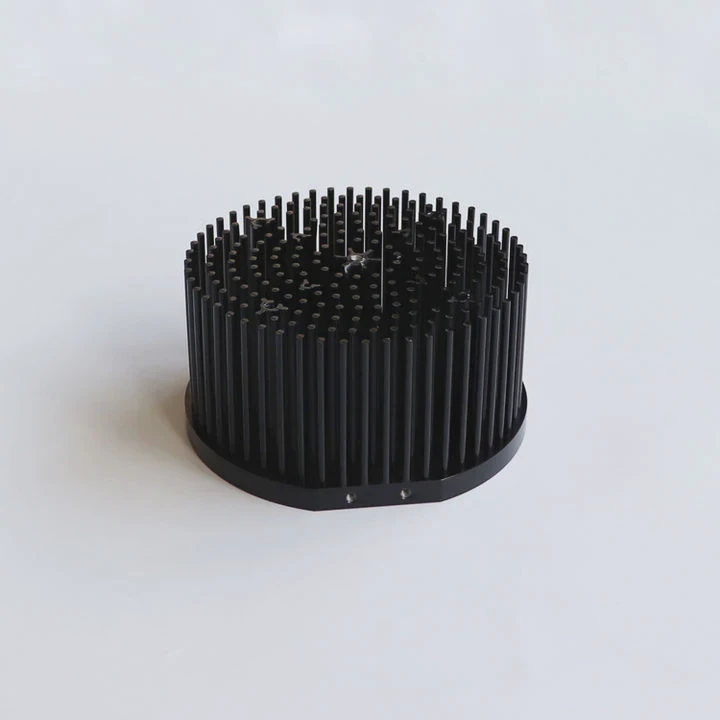
Airflow path inspection
I check the airflow path with a small smoke pen or soft paper strip. If the air moves smooth, the paper moves steady. If air becomes trapped, the paper shakes. This shows dead zones. Dead zones keep heat near the chip.
I also check the intake and exhaust areas. Dust often forms near the intake. It creates big blocks. These blocks cut the airflow. Even a small layer of dust can reduce cooling power by a large margin.
Fan performance tests
I observe the fan speed. I use a simple tool to read the RPM. A fan that spins below normal speed creates weak airflow. A fan that spins too fast but still cannot cool the system shows a deeper problem in the heatsink path.
I also look at the angle of the fan blades. Some blades deform over time due to heat and dust. This change reduces the pressure. Reduced pressure means air does not reach deep inside the fins. This makes the heatsink fail even when the fins are clean.
Fin spacing and airflow resistance
I measure fin spacing. If the spacing becomes tight due to bent fins, the air cannot pass. I use a thin gauge to check the gap. I also blow air through the heatsink and feel the pressure. Strong back pressure tells me the airflow is blocked.
Then I compare the airflow results with temperature readings. When airflow is weak, the temperature rise becomes sharp. When airflow improves, the temperature line becomes smoother.
Airflow tests confirm many hidden problems. These tests show why a system overheats even when the heatsink looks fine. I always include airflow tests in my routine because they give clear answers.
Conclusion
A full heatsink check needs signs review, paste inspection, temperature measurement, and airflow testing. These steps show the real cause of heat problems and help keep devices safe and stable.
TAGS
Latest Articles

Volume discount levels for heat sink orders?
Buyers often ask when heat sink prices start to drop with volume. Many worry they’re overpaying for small orders. This guide explains how B2B volume pricing works for thermal components. Heat sink
21 Dec,2025
Heat sink long-term supply contract options?
Many buyers want stable pricing and reliable delivery for heat sinks. But without a clear contract, risks grow over time. This article explores how to secure better long-term supply deals. Long-term
21 Dec,2025
Tooling cost for new heat sink profiles?
Many engineers struggle to understand why tooling for custom heat sinks costs so much. They worry about budgeting and production timelines. This article breaks down the cost drivers behind tooling.
21 Dec,2025
Heat sink custom sample process steps?
Sometimes, starting a custom heat sink project feels overwhelming—too many steps, too many unknowns, and too many risks. You want a sample, but not endless delays. The process for requesting and
20 Dec,2025
Standard B2B terms for heat sink payments?
When buyers and sellers in B2B heat sink markets talk about payment, many don’t fully understand what’s standard. This can lead to delayed orders, miscommunication, and even lost business
20 Dec,2025
Heat sink pricing factors for large orders?
Heat sinks are vital for many systems. When prices rise, projects stall and budgets break. This problem can hit teams hard without warning. Large order heat sink pricing depends on many factors. You
20 Dec,2025Related Articles
- do old microwaves have heatsinks?
- a vertical copper wall divides a chamber contatining saturated vapor?
- are noctua coolers vapor chamber?
- are vapor chamber cpu coolers reliable?
- Which desktop vaporizer has the largest chamber?
- can a vapor chamber survive reflow?
- How to install Raspberry Pi heatsink?
- how to remove pentium 3 heatsink?
- Are M.2 heatsinks necessary?
- do you need raspberry pi heatsinks?
- How do heatsinks work Elite Dangerous?
- does the wd sn850x need a heatsink?
Author
Dr. Emily Chen
Chief AI Researcher
Leading expert in thermal dynamics and AI optimization with over 15 years of experience in data center efficiency research.
Categories
Latest Products






Recommend Categories
- Liquid cooling plate Manufacturer
- Industrial Heat Sink Manufacturer
- Standard Heat Sink Manufacturer
- Aluminum Heat Sink Manufacturer
- Copper Heat Sink Manufacturer
- Anodized Heatsink Manufacturer
- Stamping heat sink Manufacturer
- Die Casting Heatsink Manufacturer
- Soldering heat sink Manufacturer
- CNC Parts Manufacturer
Latest Products
- Wholesale Aluminum Radiator
- Water Cooling Plate Kit
- Water Cooling Heat Sink
- Water Cooling Heat Sink Kit
- Stainless Steel Water Distributor
- Server Water Cooling Plate Kit
- Server Liquid Cooling System
- Server Aluminum Cooling Kit
- S19 Full Cover Cooling Plate
- S19 Cooling Plate Kit
- S19 Aluminum Cooling Plate
Contact Expert
Have questions about this article? Reach out to our experts directly.