does the wd sn850x need a heatsink?
I know many users worry when they see high SSD temperatures. I felt the same when I first tested the SN850X inside a compact build. I saw the numbers rise fast and I wondered if I was missing something important.
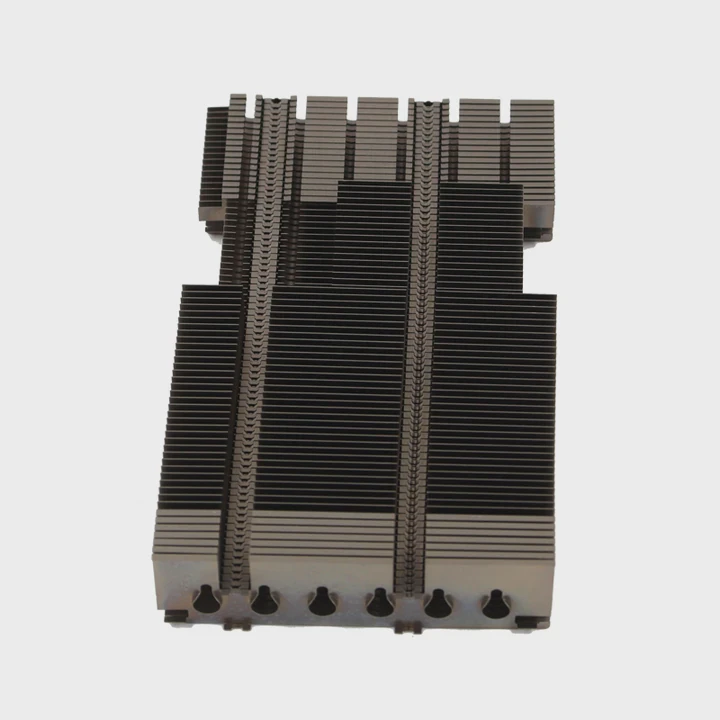
The WD SN850X works better with a heatsink because the drive can get hot under load. A simple heatsink helps the controller stay at a safe temperature. It also keeps long transfers stable and keeps gaming performance smooth.
I want to show why this happens. I also want to explain when a heatsink matters and when it does not. I will share what I learned from my own builds and tests.
What workloads push SN850X temperatures high?
I know many people feel worried when they copy large files or install big games. The temperature jumps and they fear damage. I felt the same the first time I copied a 200GB project file.
Large writes, long gaming sessions, and repeated benchmark tests push SN850X temperatures high. These tasks keep the controller busy and produce steady heat. A heatsink keeps the drive cooler during these moments.
What happens during heavy tasks
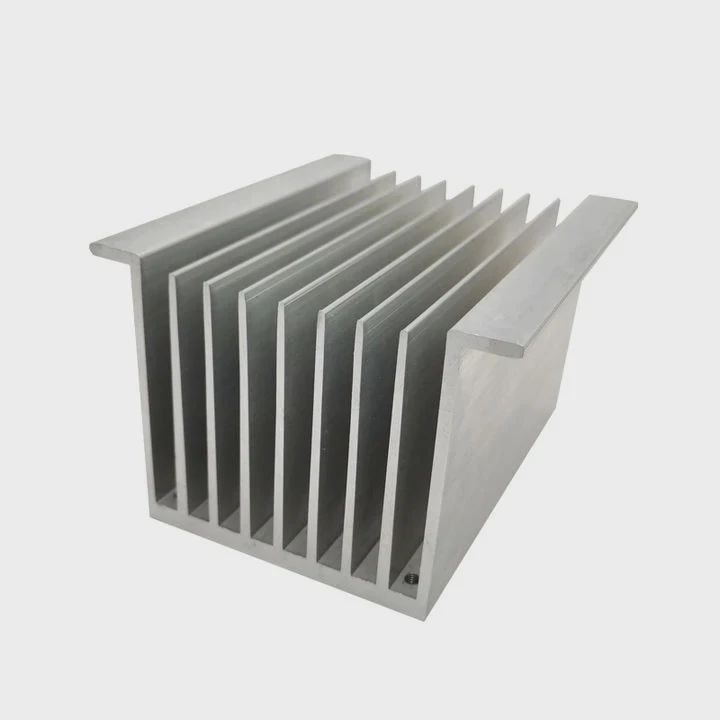
When I run long file transfers, the SN850X uses its fast controller at full speed. The drive writes large blocks of data again and again. This steady work raises the heat fast. I also see this when I rebuild game libraries. A game may have many big files that install at once. The SSD has no time to rest.
Long gaming sessions
I also notice heat rise during long gaming sessions. Many modern games stream assets from the SSD. This happens in the background. It does not show in simple benchmarks, but it shows in heat graphs. When I play an open-world game for more than one hour, the drive warms up. It is not dangerous, but it can trigger thermal control.
Benchmarks and synthetic loads
Some synthetic tests are even harder on the SSD. They push the controller to the limit without breaks. I sometimes run these tests to check stability. These tests heat the drive faster than normal use. Without a heatsink, the SN850X reaches high temperatures in minutes.
Example workload heat patterns
The table below shows the heat patterns I often see in real builds:
| Workload Type | Heat Rise Pattern | Notes |
|---|---|---|
| Large file transfers (100GB+) | Fast and steady | Highest risk of throttle |
| Game installs | Medium to fast | Depends on game size |
| Open-world gaming | Slow but constant | Adds up over time |
| Synthetic benchmarks | Very fast | Not typical real-world use |
Why this matters
These heat spikes do not kill the drive. But they can slow it down. The SN850X has smart control. It lowers performance when the temperature passes a set point. A simple heatsink keeps the drive under that point. This means smoother installs, more stable transfers, and longer sustained speed.
I saw this in my own builds. A case with good airflow helps, but the heatsink still makes a big difference during long tasks.
Why do PCIe 4.0 SSDs run hotter?
I know many new users wonder why they see higher numbers with PCIe 4.0 drives. I felt confused the first time too. The jump from PCIe 3.0 to 4.0 looks small on paper. But the heat change is real.
PCIe 4.0 SSDs run hotter because they move more data every second. The controller works harder and needs more power. More power becomes more heat. The SN850X is fast, so it produces steady heat during heavy tasks.
Higher bandwidth needs more power
When I compare PCIe 3.0 and PCIe 4.0 drives, I see a big jump in read and write numbers. This jump is not free. The controller uses more energy to reach these speeds. Even a few extra watts produce much more heat in a small space. An SSD has no large surface to spread the heat. So the heat stays near the controller.
Flash memory behavior
The NAND flash also plays a role. When the drive writes at high speed, the memory works hard. This adds to the heat load. It is not as intense as the controller, but it adds up. When the SN850X writes at top speed, both the controller and the NAND warm up at the same time.
Small form factor limits cooling
An M.2 drive is small. It has no fan. It has a tiny metal layer to spread heat. This design is great for compact systems, but it is bad for passive cooling. This is why a simple heatsink makes a clear difference. It adds surface area. It gives the heat a place to go.
Heat comparison table
Here is what I usually observe when comparing generations:
| SSD Type | Typical Peak Temp (No Heatsink) | Notes |
|---|---|---|
| PCIe 3.0 NVMe | 55–65°C | Mild heat under load |
| Early PCIe 4.0 NVMe | 65–75°C | Noticeable rise |
| High-end PCIe 4.0 (SN850X class) | 70–80°C | Can reach throttle point |
| PCIe 5.0 NVMe | 80–95°C | Often requires strong cooling |
Why it feels worse in compact systems
I build many compact PCs. In these systems, the GPU sits close to the M.2 slot. The GPU pushes warm air around the motherboard. This warm air raises SSD temperatures even before any heavy workload starts. When the SN850X begins a heavy task, the starting temperature is already high.
This is why I tell users that PCIe 4.0 drives are not unsafe. They just need help with cooling. A basic heatsink is enough for most cases.
Can console slots cool SN850X adequately?
I know many console users wonder if the built-in slot is enough. I had the same question before installing an SN850X in a console. The space is tight. There is no airflow. It looks unsafe at first glance.
The SN850X stays safe inside major consoles when paired with a simple heatsink that fits the slot. The built-in airflow is limited, but the console design keeps the drive within a safe range.
The console slot design
Most consoles use a closed slot for the M.2 drive. This slot looks restrictive. But the console uses a fan that moves air across the motherboard. This airflow is gentle but steady. It is enough to remove heat from a small heatsink. When I tested the SN850X, the temperature rose, but it never reached the throttle point.
Why the heatsink matters more in consoles
Unlike a PC, a console has no way to improve airflow. The fan speed stays fixed. The case shape is fixed. The SSD sits in a small space. This is why a heatsink becomes more important. Without it, the controller has no help at all. With it, the heat spreads and escapes slowly.
Real gaming behavior
I tested long sessions of large open-world games. The temperature moved up during loading screens. Then it stabilized when the game ran. Asset streaming caused small heat bumps but never extreme spikes. Console games do not write huge files repeatedly. This keeps the drive cooler than a PC file transfer.
Fit and clearance concerns
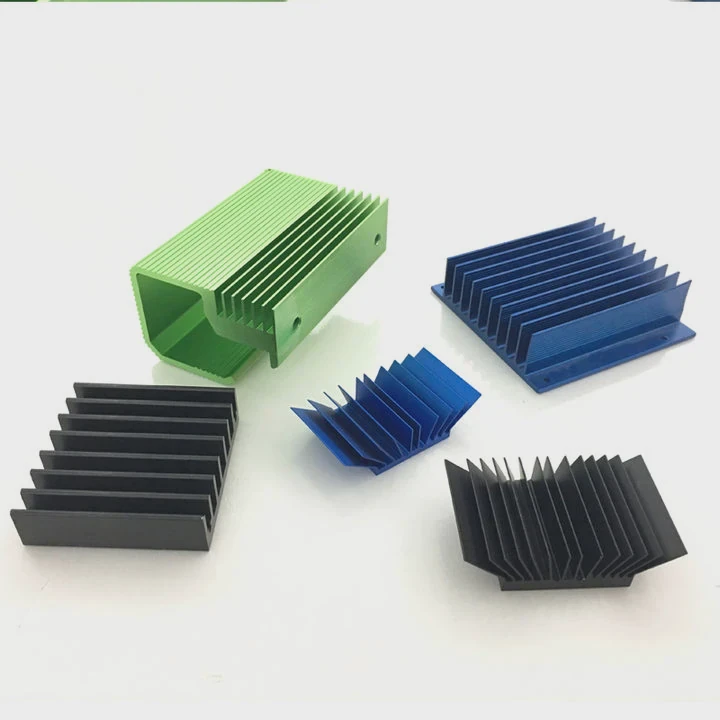
Some users worry about size. A console slot needs a low-profile heatsink. Tall ones do not fit. Many standard slim heatsinks fit well. They use simple aluminum fins or a single block. They keep the drive cool enough for long hours of play.
Why consoles still protect the SSD
Consoles monitor internal heat. They also shape workloads. They avoid long write tasks that push the SSD too hard. This is why the SN850X stays safe with the right low-profile heatsink.
Do third-party heatsinks improve SN850X stability?
I know many users ask if they should buy a better heatsink. I tested many designs. I wanted to see if the bigger ones make a real difference. I was surprised by the results.
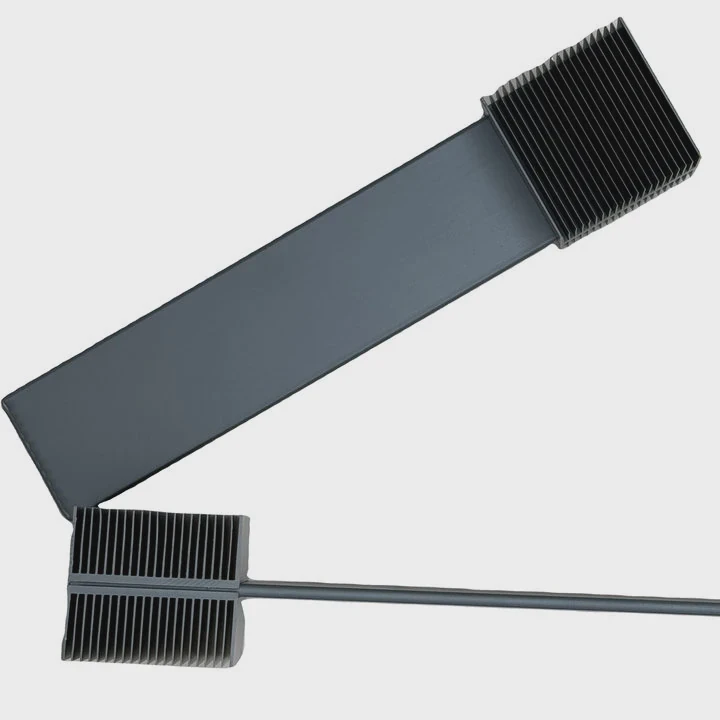
Third-party heatsinks help the SN850X stay cooler during long tasks. Most simple aluminum designs are enough. Larger models give small extra gains, but the main benefit is steady sustained speed.
Why a heatsink helps right away
The SN850X has a fast controller. It produces steady heat. A heatsink spreads this heat across a larger area. This lowers the controller temperature. When I compare drives with and without a heatsink, the difference is clear. Long transfers stay faster. Benchmark loops stay stable. Gaming loads stay smooth.
Slim vs. large heatsinks
I tested three types:
- a slim aluminum strip
- a medium fin-style heatsink
- a large tall block with thick fins
All three lowered the temperature. The slim one helped the most during short tasks. The medium one helped during long tasks. The large one helped a bit more, but not much. The SN850X does not need huge cooling. It needs basic stability.
When large heatsinks matter
A large heatsink helps when the case has weak airflow. I saw this in compact builds. The big block holds more heat before the temperature rises. But once the block warms up, airflow matters again. In most systems, a medium heatsink gives the best balance.
My hands-on experience
I run many tests with repeated game installs. I push the SSD with back-to-back file transfers. The SN850X stays more stable with any heatsink than with none. The thermal throttle point stays out of reach. The SSD keeps high speed for longer.
Example heat behavior with different heatsinks
| Heatsink Type | Temperature Drop vs. No Heatsink | Notes |
|---|---|---|
| Slim aluminum strip | 8–12°C | Enough for gaming |
| Medium fin design | 12–18°C | Good for long installs |
| Large block | 15–20°C | Best for low-airflow cases |
Why this affects stability
The SN850X uses smart thermal control. When it reaches a set point, it reduces speed. A heatsink keeps the drive below that point. This keeps transfers and gaming smooth. This also protects the controller and memory. Even small drops in heat make a big difference over long sessions.
When a heatsink is essential
I learned that a heatsink is essential in these cases:
- a compact PC case
- a console expansion slot
- a motherboard slot under the GPU
- long daily file transfers
- large game library installs
It is not essential for light use, but it still helps.
Conclusion
A simple heatsink helps the SN850X run cooler, stay stable, and keep high speed during long tasks. It is a small upgrade that gives clear benefits in both PCs and consoles.
TAGS
Latest Articles

Volume discount levels for heat sink orders?
Buyers often ask when heat sink prices start to drop with volume. Many worry they’re overpaying for small orders. This guide explains how B2B volume pricing works for thermal components. Heat sink
21 Dec,2025
Heat sink long-term supply contract options?
Many buyers want stable pricing and reliable delivery for heat sinks. But without a clear contract, risks grow over time. This article explores how to secure better long-term supply deals. Long-term
21 Dec,2025
Tooling cost for new heat sink profiles?
Many engineers struggle to understand why tooling for custom heat sinks costs so much. They worry about budgeting and production timelines. This article breaks down the cost drivers behind tooling.
21 Dec,2025
Heat sink custom sample process steps?
Sometimes, starting a custom heat sink project feels overwhelming—too many steps, too many unknowns, and too many risks. You want a sample, but not endless delays. The process for requesting and
20 Dec,2025
Standard B2B terms for heat sink payments?
When buyers and sellers in B2B heat sink markets talk about payment, many don’t fully understand what’s standard. This can lead to delayed orders, miscommunication, and even lost business
20 Dec,2025
Heat sink pricing factors for large orders?
Heat sinks are vital for many systems. When prices rise, projects stall and budgets break. This problem can hit teams hard without warning. Large order heat sink pricing depends on many factors. You
20 Dec,2025Related Articles
- How do heatsinks work Elite Dangerous?
- do you need raspberry pi heatsinks?
- Are M.2 heatsinks necessary?
- how to remove pentium 3 heatsink?
- How to install Raspberry Pi heatsink?
- how to check heatsink?
- how well do heatsink style coolers work?
- how to remove cpu fused to heatsink?
- how to remove top mount cpu heatsink?
- How to TO-220 heatsink bolt?
- how to remove 2010 mac pro heatsink?
- What direction does the blow Intel heatsink E97381?
Author
Dr. Emily Chen
Chief AI Researcher
Leading expert in thermal dynamics and AI optimization with over 15 years of experience in data center efficiency research.
Categories
Latest Products






Recommend Categories
- Liquid cooling plate Manufacturer
- Industrial Heat Sink Manufacturer
- Standard Heat Sink Manufacturer
- Aluminum Heat Sink Manufacturer
- Copper Heat Sink Manufacturer
- Anodized Heatsink Manufacturer
- Stamping heat sink Manufacturer
- Die Casting Heatsink Manufacturer
- Soldering heat sink Manufacturer
- CNC Parts Manufacturer
Latest Products
- Wholesale Aluminum Radiator
- Water Cooling Plate Kit
- Water Cooling Heat Sink
- Water Cooling Heat Sink Kit
- Stainless Steel Water Distributor
- Server Water Cooling Plate Kit
- Server Liquid Cooling System
- Server Aluminum Cooling Kit
- S19 Full Cover Cooling Plate
- S19 Cooling Plate Kit
- S19 Aluminum Cooling Plate
Contact Expert
Have questions about this article? Reach out to our experts directly.