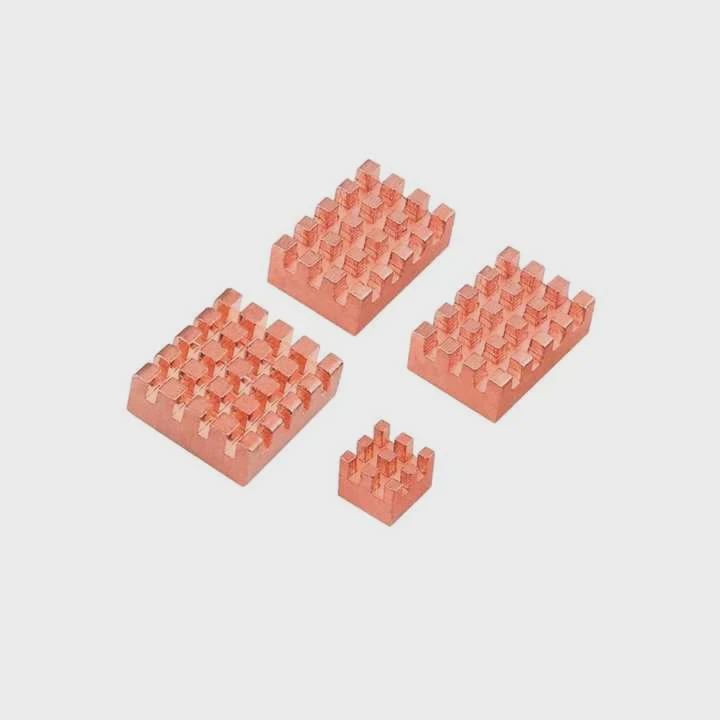
do you need raspberry pi heatsinks?
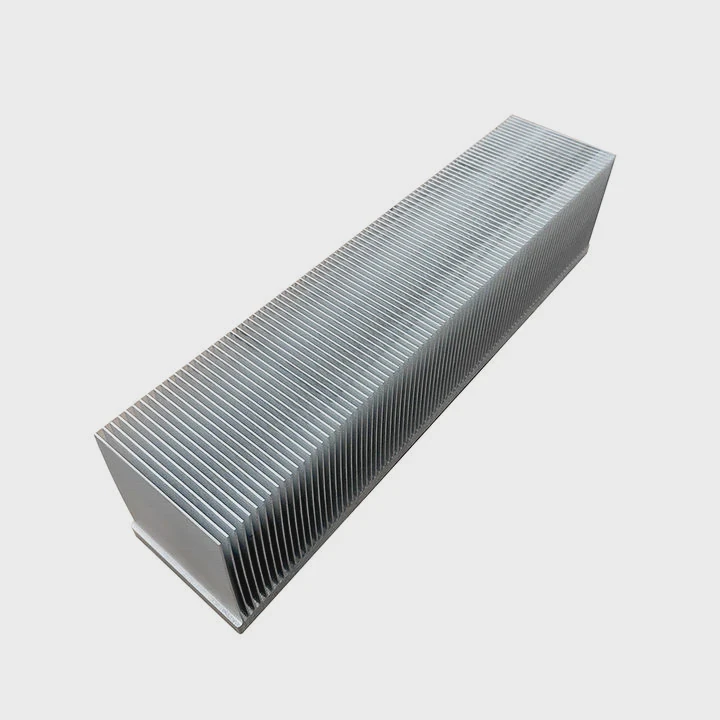
I see many new makers worry about heat when they first touch a Raspberry Pi. I also had the same fear when I burned my fingers on a Pi 4 during a test run in my workshop.
You need heatsinks when your Raspberry Pi runs heavy loads or stays in high temperature spaces. They help the board stay stable and avoid thermal throttling.
I want to explain this in a simple way, so you can judge your own setup and pick the right cooling plan.
What tasks overheat Raspberry Pi boards?
I remember the first time I pushed a Pi 4 to 100% CPU for a long batch process. The temperature rose fast, and I saw performance drops. Many users face the same issue when they move from light tasks to more intense workloads.
Heavy loads like gaming, AI tasks, media encoding, and long Python scripts produce extra heat and make a Pi board run close to its limit.
Why heat builds up fast
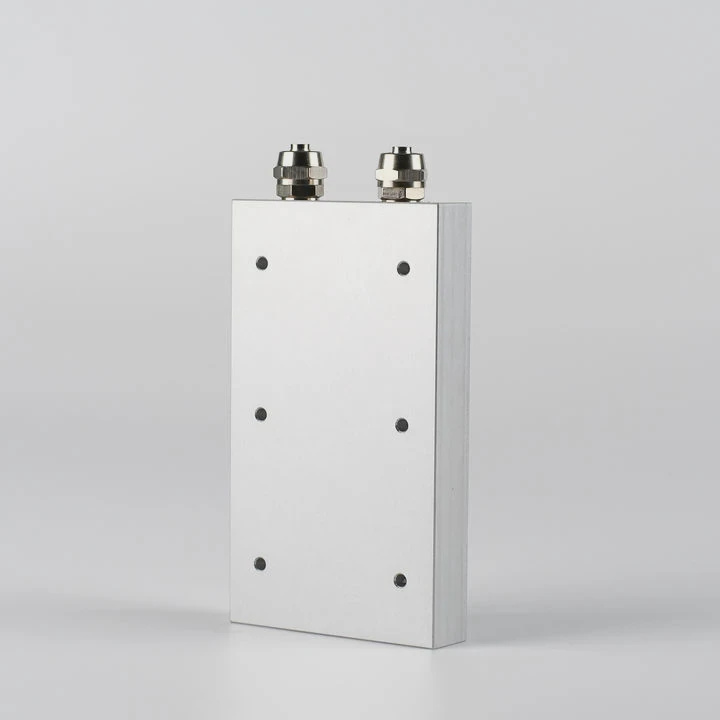
Heat grows fast when the CPU or GPU works without breaks. The Pi uses a small SoC with tight spacing. The metal inside stores heat, and the plastic case traps it. The temperature rises until the chip protects itself by throttling its speed. This is normal behavior, but it slows your project and may cause errors.
Common tasks that cause high heat
Here is a simple table based on what I see in real projects:
| Task Type | Heat Level | Notes |
|---|---|---|
| Media center playback | Medium | Heat rises during long 4K sessions |
| Retro gaming | High | GPU load stays high for long periods |
| AI or ML tasks | Very high | Needs stable cooling |
| Web server with traffic | Medium | Spikes during peak requests |
| Long Python computation | High | CPU cores stay busy |
How heat affects performance
Heat slows your Pi because the chip lowers the clock speed. I see this happen when I run stress tests or compile large files. I also see it when makers put the Pi inside a tight box with no vents. Even a simple heat spreader helps in these cases. A bigger heatsink or a small fan makes the board stay stable for many hours.
How long tasks change your cooling needs
Long tasks are different from short bursts. When I run a quick command, the heat rises but drops fast. When I run a 2-hour simulation, the heat does not go away. It builds up. This is why you must plan for your longest run, not just the average load. When you plan with this mindset, you avoid random shutdowns, throttling, or slowdowns.
When you must consider cooling
If you notice slow apps, frame drops, lag spikes, or hot surfaces, you need better cooling. This can be as simple as a stick-on heatsink or as complex as a metal case with airflow guides. I learned this the hard way when I ran a video processing job overnight and woke up to find the Pi lagging at half speed.
Why do Pi overclocks require heatsinks?
Many makers enjoy pushing the Pi beyond its stock speed. I also enjoy overclocking, because it makes the Pi feel more responsive in desktop mode or during coding tasks.
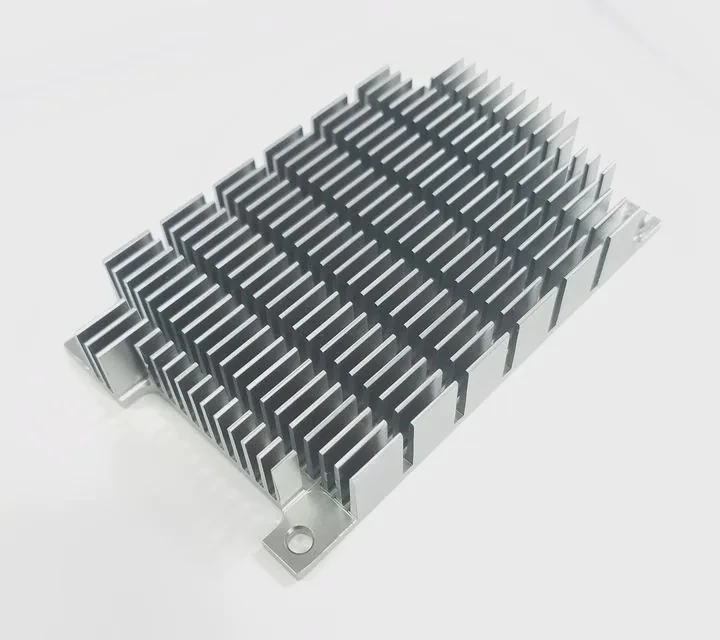
Overclocking increases voltage and clock speed, which raises temperature. A heatsink prevents thermal throttling and keeps the board stable during long high-speed runs.
Why overclocks produce more heat
Overclocking makes the Pi work harder than normal. Every extra MHz creates more heat. The power draw rises. The chip tries to work faster, but it must also fight the heat that grows with each jump in voltage. Without a stable cooling method, the temperature moves past safe limits.
The risks of running without a heatsink
Here is a simple table of what I often see when someone overclocks without cooling:
| Symptom | Cause | Result |
|---|---|---|
| Random reboots | Heat spikes | Unstable system |
| Frozen screen | Overheated GPU | Data loss |
| Slow performance | Thermal throttle | Clock drops |
| Shorter component life | Long heat cycles | Failure risk |
How heatsinks stabilize the clock
A heatsink spreads heat across a larger surface. The air in the room can then move the heat away more easily. I learned this when I did my first stable 2.0 GHz overclock test. I tried without a heatsink, and the Pi throttled in seconds. After I added a small aluminum block, the Pi stayed stable. When I added a larger one with a fan, the Pi held the same speed for hours.
Important parts of an overclock setup
A stable overclock means stable cooling. I always do these steps:
- Test stock temperature first.
- Add a heatsink.
- Add a fan if the sink gets hot to the touch.
- Watch temperature during a stress test.
- Adjust voltage only when necessary.
Each step gives me a clear idea of how far I can push the clock. I never skip these steps because each Pi unit behaves a bit different.
When a heatsink alone is not enough
Some overclocks push the Pi beyond what passive cooling can handle. When the Pi goes past a certain limit, I always add airflow. A fan helps move fresh air across the metal fins. Even a slow fan can drop the temperature by a large margin. In my own tests, a small 5V fan lowered peak heat by more than 15°C.
Can small fans outperform heatsinks alone?
When I first tested a small 30 mm fan, I did not expect much. The size looked tiny. But the result surprised me. The airflow made a big difference, even without a large heatsink.
A small fan often cools a Raspberry Pi better than a heatsink alone because airflow removes heat faster than passive metal surfaces can.
Why airflow helps so much
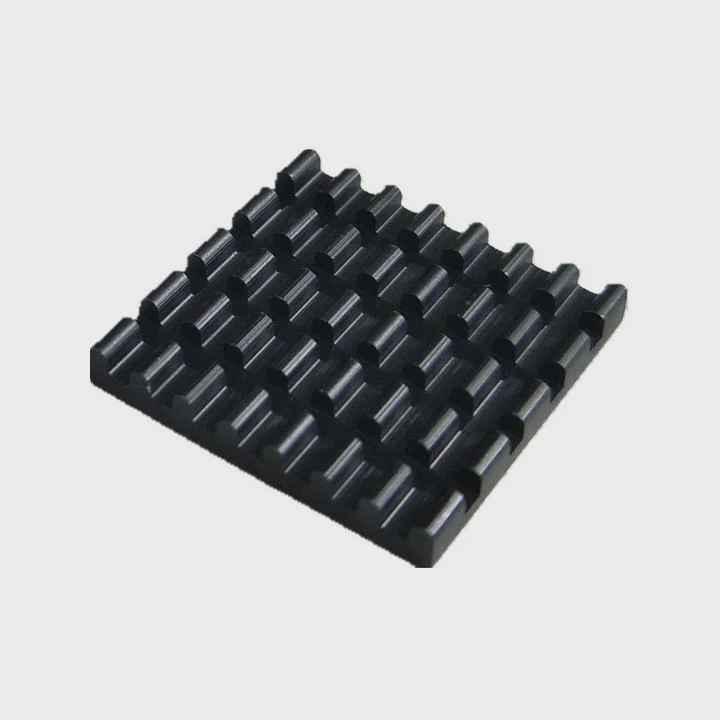
A heatsink spreads heat but cannot remove it without air movement. A fan moves fresh air onto the Pi and pushes hot air away. This stops heat buildup. Even low-speed fans help because the surface temperature stays balanced. I tested this on my bench by running the same load with only a heatsink, then with only a fan. The fan won in most cases.
When fans work best
Fans work best when the Pi sits inside a case or small space. They also help during high CPU load or GPU load. Here is what I usually see:
| Cooling Setup | Performance |
|---|---|
| Small heatsink only | Good for light tasks |
| Large heatsink only | Good for medium tasks |
| Small fan only | Good for high tasks |
| Fan + heatsink | Great for high tasks |
| High static pressure fan | Great for dense cases |
How to pick a good small fan
When I shop for fans, I look for simple traits:
- Quiet airflow
- Stable bearings
- Low power draw
- Steady voltage range
- Strong airflow for size
I do not pick the cheapest fan. Cheap ones often wobble or wear out fast. A small quality fan keeps the Pi safe and makes long jobs stable.
Noise vs cooling
Small fans can be noisy. I try to lower the speed when possible. I also mount the fan with rubber pads or soft screws. These small tricks reduce vibration. I use PWM control on some boards to manage speed. This is simple and helps me avoid a loud case.
When a fan is the best choice
A fan is best when you run long heavy tasks. I always use one when I work with emulation, AI models, long compiles, or network traffic spikes. A fan gives me more room to push my settings. Without a fan, I often see the Pi hit limits too fast.
Do metal cases act as passive heatsinks?
I have used many Pi cases made of aluminum. Some look simple. Some look like full heat spreaders. I learned that the case design can change the temperature more than the thickness of the metal.
Metal cases act as passive heatsinks when they touch the Pi’s chips directly and transfer heat from the chip into the case body.
How metal cases remove heat
A metal case spreads heat across its body. The large surface helps the heat escape into the room. This is passive cooling. I see very steady temperatures when the case fits tight. When the thermal pads are thick or uneven, the heat transfer becomes weak.
Important design features
Here are the parts that matter the most:
| Feature | Purpose |
|---|---|
| Direct chip contact | Moves heat efficiently |
| Thick aluminum body | Stores and spreads heat |
| Vented sides | Improves air exchange |
| Thermal pads | Fills gaps |
Why some metal cases fail
Not all metal cases cool well. Some cases look good but do not touch the CPU directly. Others use weak pads that trap heat instead of moving it. I tested one case that raised the temperature instead of lowering it. The pad was too soft and blocked heat transfer. When I replaced the pad, the case worked better.
How metal cases compare to heatsinks
A metal case cools slower than a fan but better than a small heatsink. It also protects the board from dust. I like using metal cases for 24⁄7 setups because they run silently and stay strong. When the Pi runs heavy load, I sometimes add a small fan on top of the metal case. This combines passive and active cooling.
When a metal case is a good choice
A metal case is a good choice when you want silence and stability. It is also good in places where a fan may fail, such as dusty rooms. Many long-term Pi servers use metal cases for this reason. I use them for storage servers and network nodes.
Conclusion
Heatsinks, fans, and metal cases all help a Raspberry Pi stay cool. The right cooling choice depends on your tasks, load time, and case space. When you match cooling to your real needs, your Pi runs stable and safe for years.
TAGS
Latest Articles

Volume discount levels for heat sink orders?
Buyers often ask when heat sink prices start to drop with volume. Many worry they’re overpaying for small orders. This guide explains how B2B volume pricing works for thermal components. Heat sink
21 Dec,2025
Heat sink long-term supply contract options?
Many buyers want stable pricing and reliable delivery for heat sinks. But without a clear contract, risks grow over time. This article explores how to secure better long-term supply deals. Long-term
21 Dec,2025
Tooling cost for new heat sink profiles?
Many engineers struggle to understand why tooling for custom heat sinks costs so much. They worry about budgeting and production timelines. This article breaks down the cost drivers behind tooling.
21 Dec,2025
Heat sink custom sample process steps?
Sometimes, starting a custom heat sink project feels overwhelming—too many steps, too many unknowns, and too many risks. You want a sample, but not endless delays. The process for requesting and
20 Dec,2025
Standard B2B terms for heat sink payments?
When buyers and sellers in B2B heat sink markets talk about payment, many don’t fully understand what’s standard. This can lead to delayed orders, miscommunication, and even lost business
20 Dec,2025
Heat sink pricing factors for large orders?
Heat sinks are vital for many systems. When prices rise, projects stall and budgets break. This problem can hit teams hard without warning. Large order heat sink pricing depends on many factors. You
20 Dec,2025Related Articles
- Are M.2 heatsinks necessary?
- how to remove pentium 3 heatsink?
- How to install Raspberry Pi heatsink?
- how to check heatsink?
- do old microwaves have heatsinks?
- a vertical copper wall divides a chamber contatining saturated vapor?
- How do heatsinks work Elite Dangerous?
- does the wd sn850x need a heatsink?
- how well do heatsink style coolers work?
- how to remove cpu fused to heatsink?
- how to remove top mount cpu heatsink?
- How to TO-220 heatsink bolt?
Author
Dr. Emily Chen
Chief AI Researcher
Leading expert in thermal dynamics and AI optimization with over 15 years of experience in data center efficiency research.
Categories
Latest Products






Recommend Categories
- Liquid cooling plate Manufacturer
- Industrial Heat Sink Manufacturer
- Standard Heat Sink Manufacturer
- Aluminum Heat Sink Manufacturer
- Copper Heat Sink Manufacturer
- Anodized Heatsink Manufacturer
- Stamping heat sink Manufacturer
- Die Casting Heatsink Manufacturer
- Soldering heat sink Manufacturer
- CNC Parts Manufacturer
Latest Products
- Wholesale Aluminum Radiator
- Water Cooling Plate Kit
- Water Cooling Heat Sink
- Water Cooling Heat Sink Kit
- Stainless Steel Water Distributor
- Server Water Cooling Plate Kit
- Server Liquid Cooling System
- Server Aluminum Cooling Kit
- S19 Full Cover Cooling Plate
- S19 Cooling Plate Kit
- S19 Aluminum Cooling Plate
Contact Expert
Have questions about this article? Reach out to our experts directly.