How to install Raspberry Pi heatsink?
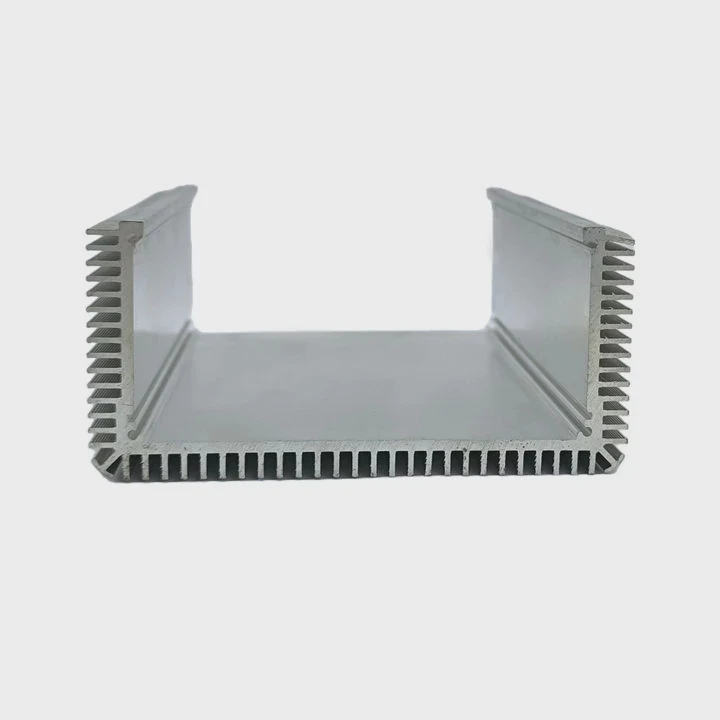
I see many beginners struggle with Pi overheating and watch their board throttle during simple tasks.
You can install a Raspberry Pi heatsink by cleaning the chip surface, removing the adhesive film, placing the heatsink on the hotspot, and pressing it down gently for firm contact. This simple step lowers the chip temperature and improves system stability.
I want to help you understand why this small part makes such a strong difference and how you can choose the right one for your board.
Why place heatsinks on Pi hotspots?
I often see new users run heavy tasks and feel confused when the Pi slows down suddenly.
Heatsinks on Pi hotspots spread heat away from the CPU, RAM, and power chips. This keeps critical parts cooler and helps the Pi run at stable clock speed without thermal throttling.
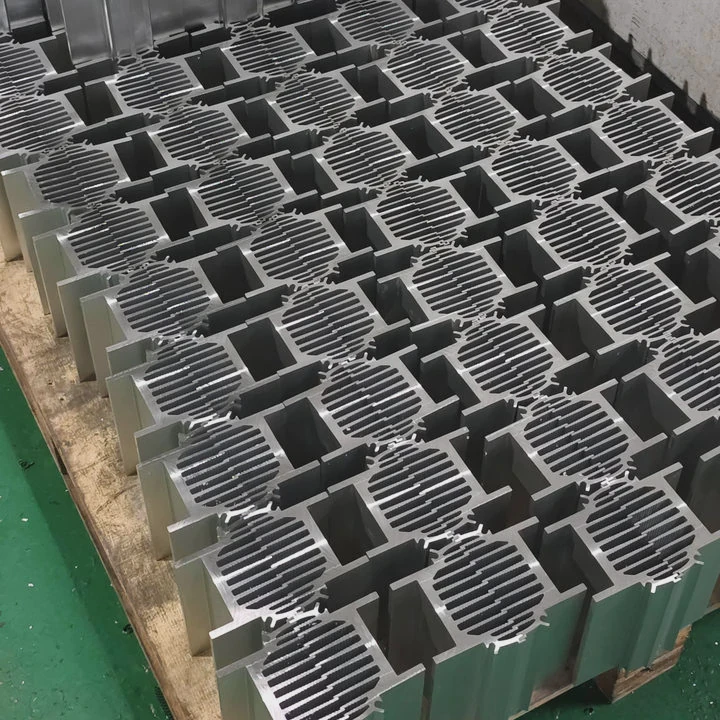
Many users treat overheating as something normal, but I learned early that heat is the hidden enemy of tiny computers. I remember one project where I built a small data logger with a Pi 4. I placed it inside a closed 3D-printed box. After hours of data processing, the Pi slowed down almost by half. I placed my finger on the CPU, and it was shockingly hot. After I added a simple aluminum heatsink, the system became stable again. That small change helped me see how heat spreads unevenly across the board.
What counts as a hotspot?
Hotspots often form on these parts:
- CPU
- RAM chip
- USB controller
- Power management chip
Typical hotspot temperatures
| Component | Normal Load Temp | High Load Temp |
|---|---|---|
| CPU | 55–65°C | 75–85°C |
| PMIC | 50–60°C | 70–80°C |
How a heatsink helps
A heatsink gives the heat a larger area to spread. The air around the fins carries the heat away in a steady way. When the air moves, even slowly, the heat leaves the surface faster. This keeps the chip from reaching the point where the Pi lowers its own speed to stay safe.
I always say the Pi does not need extreme cooling. It only needs enough cooling to stay under the throttle point. A simple heatsink does this very well for most hobby uses. When a heatsink is placed right on the hotspot, the system feels smoother. Programs start faster. The board runs tasks without slowing down. This simple fix helps every Pi project, from a home server to a robot on wheels.
Which Pi models need larger heatsinks?
Many users ask me if all Pi boards require the same cooling size. I had the same doubt when I worked on my first cluster of Pi 4 boards.
Pi 4 and Pi 5 run much hotter than Pi Zero and Pi 3, so they need larger heatsinks with more surface area. Heavy workloads like 4K video, containers, and AI tasks push them closer to the thermal limit.
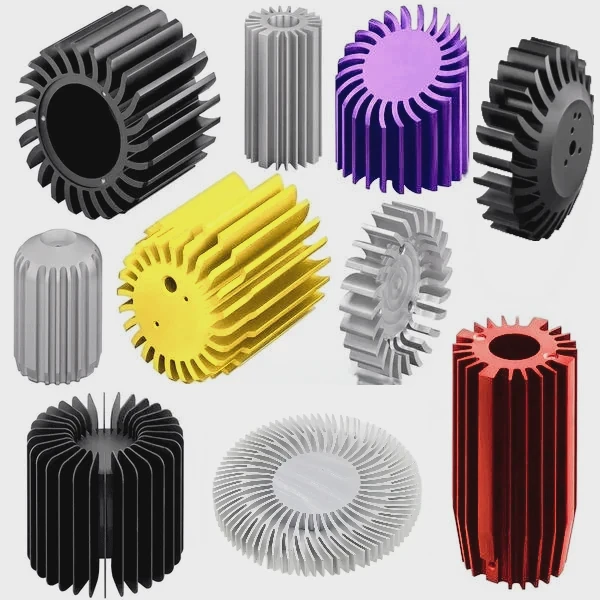
When I built that cluster, I tested a Pi 4 with no heatsink and watched it hit 80°C in minutes under load. Then I swapped in a larger aluminum heatsink and saw the peak drop by almost 18°C. The difference was so clear that I changed the cooling for all nodes right away.
Heat behavior across Pi models
| Raspberry Pi Model | Heat Output | Suggested Heatsink Size |
|---|---|---|
| Pi Zero / Zero 2W | Low | Very small |
| Pi 3 series | Medium | Small to medium |
| Pi 4 series | High | Medium to large |
| Pi 5 series | Very high | Large with airflow |
Why newer models run hotter
Newer Pi boards pack more performance. More performance means more power draw. More power draw means more heat. This is normal for small boards with fast CPUs. The chip size stays tiny, so heat has nowhere to escape unless we help it.
How workload changes heatsink needs
I always ask users about their tasks. A Pi 4 running a print server stays cool. But a Pi 4 running Plex, Docker, and Home Assistant at the same time behaves like a small workstation. Those tasks make the chip hotter. A larger heatsink keeps the board from dropping speed during peak load.
My simple rule
If you touch the chip area and it feels too hot to keep your finger there for more than a moment, the board needs a larger heatsink.
Can adhesive pads affect cooling efficiency?
Many first-time users trust the pad more than the metal, but I learned the opposite through trial and error.
Adhesive pads can make cooling less effective if the pad is thick or soft because thickness adds thermal resistance. Thin, firm pads transfer heat better and keep the heatsink firmly in place.
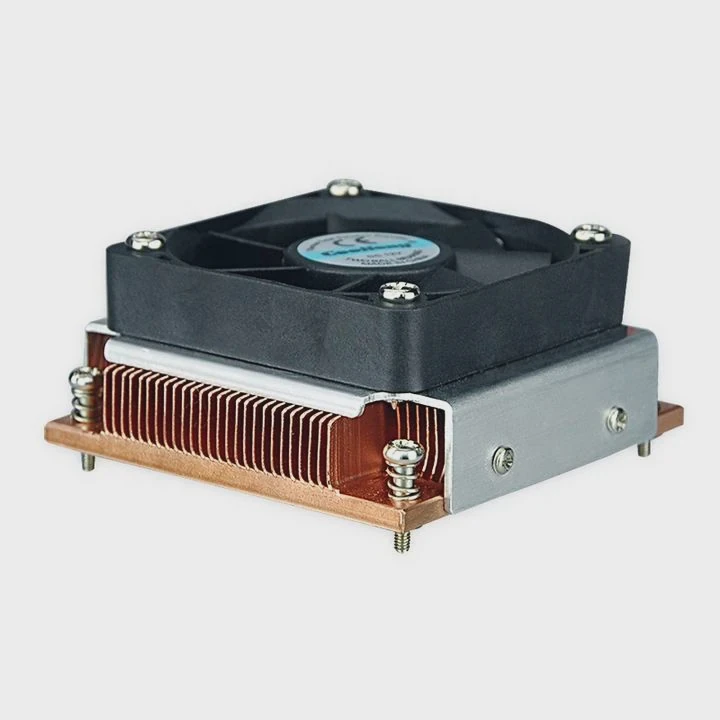
I once installed a heatsink on a Pi 3 with a soft gel pad I found in a cheap kit. The pad felt sticky and easy to use, but the temperature barely dropped. When I replaced that pad with a thin thermal tape, the cooling improved right away. I learned that the pad plays a huge role in how well heat moves.
How pads change heat flow
Heat wants the shortest path from the chip to the heatsink. A thin path moves heat faster. A thick pad slows heat down. A soft pad traps tiny air pockets. Air does not move heat well. This becomes a problem when the chip works hard.
Types of pads
- Thin thermal tape
- Medium gel pad
- Thick silicone pad
- Pre-applied adhesive film
Heat transfer ranking (best to weakest)
- Thin thermal tape
- Firm adhesive film
- Medium gel pad
- Thick silicone pad
What I recommend
I always choose tape that is under 0.2 mm thick. It gives me strong contact and holds the heatsink in place. I know some users want reusable pads, but the truth is that thin tape moves heat better. If you want the best temperature drop, use tape.
A quick test
If you can press the pad and it sinks under your finger like jelly, it is too soft. If the pad stretches easily, it is too thick. A firm, thin pad gives the best result.
Do cases impact Pi heatsink performance?
Many cases look great at first glance, but I learned the hard way that a closed case can trap heat.
Closed cases with poor airflow can weaken heatsink performance because the hot air stays around the fins, so the heat cannot leave. Cases with vents or fans help the heatsink work better.
I made this mistake when I built a small Pi 4 NAS. The case looked nice and sleek. It had no vents. After I installed the heatsink, I thought everything was fine, but the board kept hitting 80°C during file transfers. When I removed the top lid, the temperature dropped at once. The case was the real problem, not the heatsink.
How cases change airflow
A heatsink cools only when the air around it moves. When the air stands still, the heat stays near the fins. Many Pi cases wrap around the board tightly. This blocks airflow. Even a perfect heatsink cannot push heat into trapped air.
Case categories
- Closed plastic cases
Most limit airflow
- Vented cases
Allow natural convection
- Aluminum cases
Some act like a big heatsink
- Fan cases
Cool the best
What happens inside a closed case
The air warms fast because the Pi produces constant heat. The area around the heatsink becomes a hot zone. This reduces the heatsink’s ability to move heat away. A small fan makes a big difference. Even a low-speed fan can improve cooling by moving the hot air out.
When a case helps cooling
Some aluminum cases use the lid as a giant heatsink. These cases allow the CPU heat to spread into the metal shell. If the case touches the chip through a pad or block, it works better than a normal heatsink.
My rule for choosing a case
If you want low noise and simple setup, choose a vented case. If you want the lowest temperatures, choose a case with a fan. If you run a server, use a case that moves air.
Conclusion
Heatsinks help the Raspberry Pi stay cool, stable, and reliable. With the right size, the right pad, and a case that breathes, the Pi keeps strong performance even under heavy tasks.
TAGS
Latest Articles

Volume discount levels for heat sink orders?
Buyers often ask when heat sink prices start to drop with volume. Many worry they’re overpaying for small orders. This guide explains how B2B volume pricing works for thermal components. Heat sink
21 Dec,2025
Heat sink long-term supply contract options?
Many buyers want stable pricing and reliable delivery for heat sinks. But without a clear contract, risks grow over time. This article explores how to secure better long-term supply deals. Long-term
21 Dec,2025
Tooling cost for new heat sink profiles?
Many engineers struggle to understand why tooling for custom heat sinks costs so much. They worry about budgeting and production timelines. This article breaks down the cost drivers behind tooling.
21 Dec,2025
Heat sink custom sample process steps?
Sometimes, starting a custom heat sink project feels overwhelming—too many steps, too many unknowns, and too many risks. You want a sample, but not endless delays. The process for requesting and
20 Dec,2025
Standard B2B terms for heat sink payments?
When buyers and sellers in B2B heat sink markets talk about payment, many don’t fully understand what’s standard. This can lead to delayed orders, miscommunication, and even lost business
20 Dec,2025
Heat sink pricing factors for large orders?
Heat sinks are vital for many systems. When prices rise, projects stall and budgets break. This problem can hit teams hard without warning. Large order heat sink pricing depends on many factors. You
20 Dec,2025Related Articles
- how to check heatsink?
- do old microwaves have heatsinks?
- a vertical copper wall divides a chamber contatining saturated vapor?
- are noctua coolers vapor chamber?
- are vapor chamber cpu coolers reliable?
- Which desktop vaporizer has the largest chamber?
- how to remove pentium 3 heatsink?
- Are M.2 heatsinks necessary?
- do you need raspberry pi heatsinks?
- How do heatsinks work Elite Dangerous?
- does the wd sn850x need a heatsink?
- how well do heatsink style coolers work?
Author
Dr. Emily Chen
Chief AI Researcher
Leading expert in thermal dynamics and AI optimization with over 15 years of experience in data center efficiency research.
Categories
Latest Products






Recommend Categories
- Liquid cooling plate Manufacturer
- Industrial Heat Sink Manufacturer
- Standard Heat Sink Manufacturer
- Aluminum Heat Sink Manufacturer
- Copper Heat Sink Manufacturer
- Anodized Heatsink Manufacturer
- Stamping heat sink Manufacturer
- Die Casting Heatsink Manufacturer
- Soldering heat sink Manufacturer
- CNC Parts Manufacturer
Latest Products
- Wholesale Aluminum Radiator
- Water Cooling Plate Kit
- Water Cooling Heat Sink
- Water Cooling Heat Sink Kit
- Stainless Steel Water Distributor
- Server Water Cooling Plate Kit
- Server Liquid Cooling System
- Server Aluminum Cooling Kit
- S19 Full Cover Cooling Plate
- S19 Cooling Plate Kit
- S19 Aluminum Cooling Plate
Contact Expert
Have questions about this article? Reach out to our experts directly.