Are M.2 heatsinks necessary?
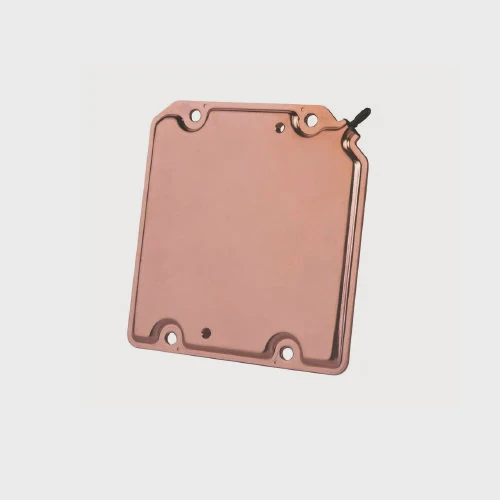
I see many users worry about M.2 heat, and I often felt the same when I built my early systems.
M.2 heatsinks are often necessary because many drives run very hot under load, and heat can slow them down or shorten life. A simple heatsink can keep the drive stable and fast.
I want to guide you through the real reasons behind M.2 heat so you can avoid slowdowns and protect your system.
What temperatures do M.2 SSDs reach?
I remember when my first M.2 drive hit 92°C during a long file copy, and I thought the system would fail.
Most M.2 SSDs reach 70–95°C under heavy load, and some can go even higher without cooling, which triggers built-in thermal limits.
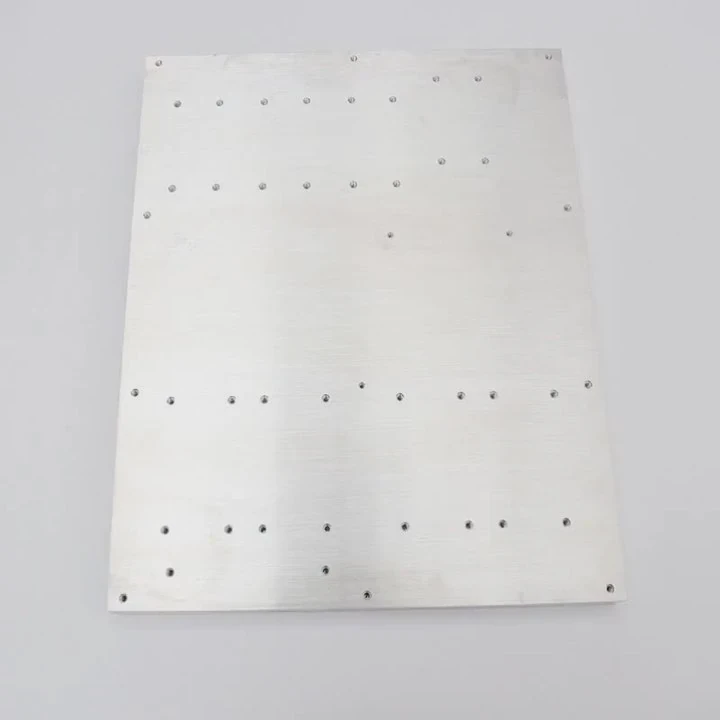
Heat range you often see
Many users think M.2 heat is random. It is not. I see the same pattern in system after system. M.2 drives heat up fast because they pack many parts on a tiny PCB. This small space traps heat. The controller gets hot first. The NAND warms up next. The speed of PCIe 4.0 and PCIe 5.0 makes them run even hotter. I watch many drives hit 80°C in only a few minutes. This happens even in cool rooms.
Typical temperature behavior
Here is a simple table that shows what I often see in testing:
| Drive Type | Light Load Temp | Heavy Load Temp | Possible Throttle Temp |
|---|---|---|---|
| PCIe 3.0 | 45–55°C | 65–75°C | 75–80°C |
| PCIe 4.0 | 50–60°C | 75–90°C | 80–90°C |
| PCIe 5.0 | 55–65°C | 85–100°C+ | 90–95°C+ |
These numbers show that high heat is normal. When I see a drive go above 90°C, I know it is at risk of throttling. The temperature rise is fast because the controller works at very high speed. Many users do not notice this until the system slows down.
Why the heat matters to me
When the temperature climbs, the controller changes its speed. This is not a failure. This is protection. But this slow mode hurts real work. I have seen long install jobs take twice the time. I have seen game loading stutter. I have seen video editing slow down. Heat does not break the drive right away, but heat steals time. That is why I always keep track of M.2 temps.
Why do some drives throttle without heatsinks?
I had one drive that always slowed down at the worst time. No matter what I did, it kept dropping speed after a few minutes.
Drives throttle without heatsinks because their controllers reach thermal limits fast, so the firmware cuts speed to protect the hardware from damage.
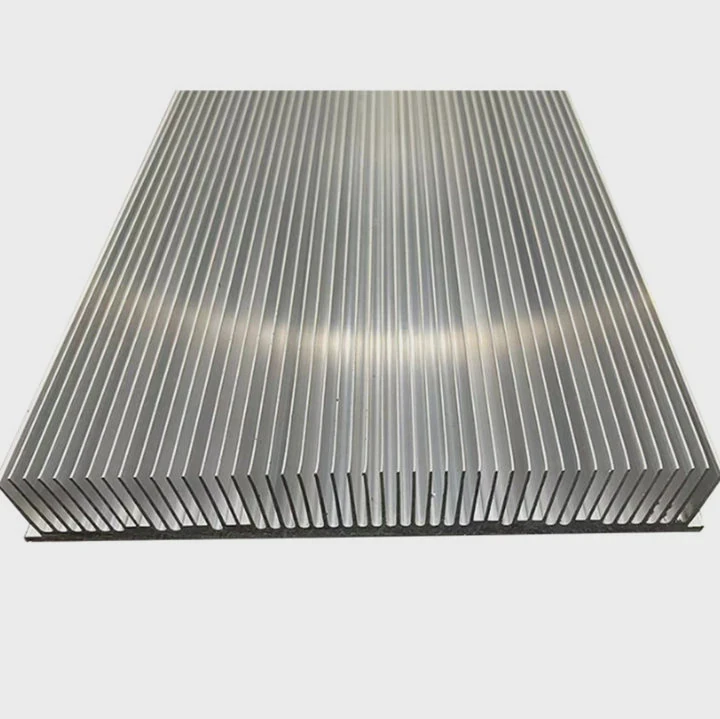
How throttling starts
Most people think throttling happens only with cheap drives. This is not true. Even premium drives throttle if heat builds up. The controller is the hottest part. It does the most work. It reads and writes data at extreme speed. When the controller hits a safe limit, it reduces speed to cool down. The drive may drop from 7,000 MB/s to 3,000 MB/s or even lower. I have seen some drop to 600 MB/s on long jobs.
Factors that push drives into throttling
Here is a table that shows what affects throttling:
| Factor | How it causes throttling |
|---|---|
| No heatsink | No place for heat to spread |
| Poor airflow | Hot air stays around the drive |
| Long writes | Controller stays busy and hot |
| High room temperature | Less cooling margin |
| PCIe 5.0 speeds | More heat from the start |
Each factor adds heat. When I tested multiple systems, I found that airflow matters as much as the heatsink. A drive with a strong heatsink but no airflow can still throttle. Many small cases trap warm air. I learned this when I worked on compact builds.
Why some drives throttle much faster than others
Some drives use fast controllers with high power draw. These run hot even when idle. Some use NAND that warms up slower. Some have thin labels that trap heat. Some hide chip layouts under stickers. This means not all drives run the same. When I see a drive throttling while another stays cool, I look at the controller model first. The thermal design tells the real story. Many users do not check this, and they think the drive is defective.
Which workloads stress M.2 thermals most?
I saw one situation where a simple 4K export made a drive boil. But a long game install stayed cool. The workload shapes the heat.
The most stressful workloads are long writes, sustained random access, heavy caching, OS paging, and large project exports. These tasks heat the controller and NAND fast.
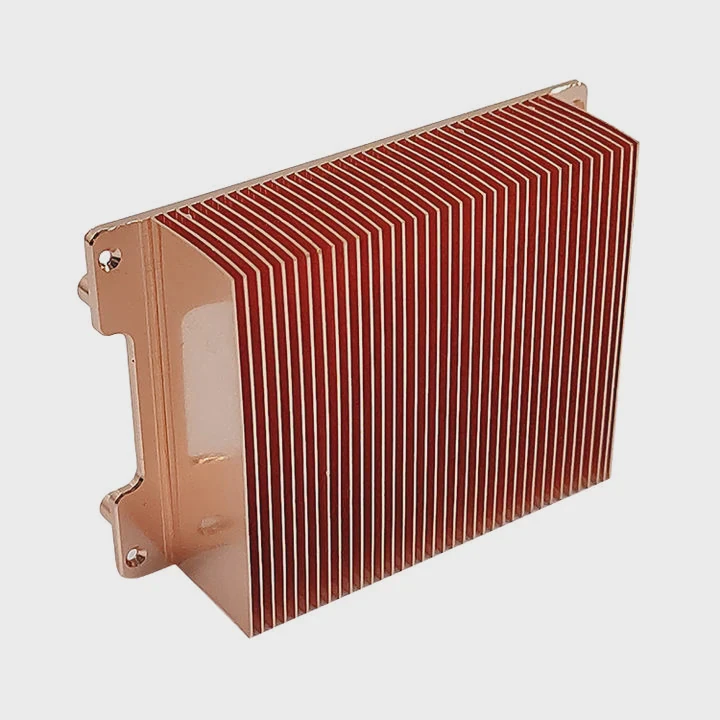
Workloads that burn the most heat
Some tasks push M.2 drives harder than others. The worst jobs keep the controller busy for a long time. Large file writes are the most extreme. When I move 200GB of raw project files, I see the drive hit peak temperature. Video editing scratch disks are also harsh. The software reads and writes at the same time. This keeps the controller at max load.
Why these workloads are so hot
Let me break down the heat sources:
1. Long sustained writes
The controller writes blocks without a break. Heat builds one second at a time. The drive has no time to cool.
2. Random reads and writes
This job is heavy because the controller jumps across NAND cells. This requires more work per operation.
3. Cache usage
Many drives use SLC cache to reach high speed. When the cache fills and the drive switches to slower TLC mode, the controller pushes even harder to keep the flow.
4. OS paging and game streaming
Modern systems read small data blocks very often. This keeps the drive warm even when tasks look light.
Why this matters for real users
Many people think gaming is the hottest job. But games heat the GPU more than the M.2 drive. The drive does quick spikes of work. Editing, rendering, backups, and cloud sync are far worse. I saw a sync tool keep a drive at 85°C for an entire hour. That is a lot of heat. When you know which tasks do this, you can plan cooling. I always set my editing and backup tools to run with airflow in mind.
Can motherboard shields replace dedicated heatsinks?
I tested many motherboard M.2 shields. Some worked well. Some barely changed the temperature.
Motherboard shields can help, but they often cannot match the cooling of a full heatsink with better mass, pads, and airflow. Many shields are thin and mostly cosmetic.
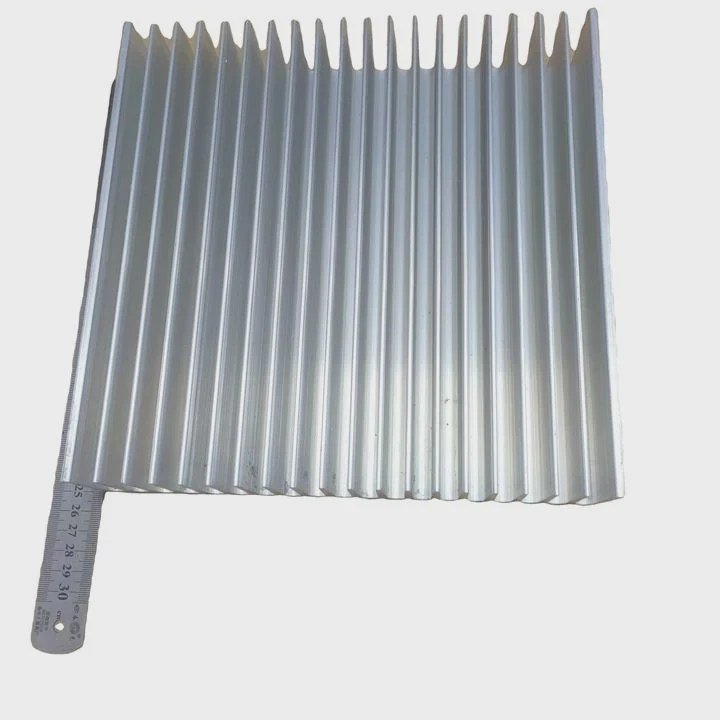
Why motherboard shields are mixed in performance
Many boards include M.2 shields. They look nice, and many users trust them. But a shield does not always cool better. Some shields are thin metal plates with small thermal pads. They spread heat, but they may not remove heat fast. Some boards place the shield under a GPU, where airflow is low. This reduces the effect. I tested shields across different boards, and the results were not the same. One board kept the drive at 70°C. Another stayed above 85°C with the same drive.
How dedicated heatsinks differ
A dedicated heatsink has more mass. It has taller fins. It spreads heat faster. It lets air pass through. The thermal pad is often thicker. These parts move heat away better. When I changed from a shield to a real heatsink, I saw a drop of 10–20°C. This change was huge. It removed throttling in long tests. This is why I tell people to check the structure of the heatsink, not just the looks.
When a motherboard shield is enough
Some shields are good. They use thick metal. They have wide pads. They touch the controller directly. When a shield has these traits, it works. If your case has good airflow, a shield may be enough. I have used shields on PCIe 3.0 drives and saw no throttling. But for PCIe 4.0 and PCIe 5.0 drives, I usually pick a proper heatsink. The high speed makes too much heat. A shield alone often cannot handle it.
Conclusion
M.2 heatsinks matter because heat builds fast, and this heat cuts speed and stability. Good cooling keeps your drive fast, safe, and reliable for long work sessions.
TAGS
Latest Articles

Volume discount levels for heat sink orders?
Buyers often ask when heat sink prices start to drop with volume. Many worry they’re overpaying for small orders. This guide explains how B2B volume pricing works for thermal components. Heat sink
21 Dec,2025
Heat sink long-term supply contract options?
Many buyers want stable pricing and reliable delivery for heat sinks. But without a clear contract, risks grow over time. This article explores how to secure better long-term supply deals. Long-term
21 Dec,2025
Tooling cost for new heat sink profiles?
Many engineers struggle to understand why tooling for custom heat sinks costs so much. They worry about budgeting and production timelines. This article breaks down the cost drivers behind tooling.
21 Dec,2025
Heat sink custom sample process steps?
Sometimes, starting a custom heat sink project feels overwhelming—too many steps, too many unknowns, and too many risks. You want a sample, but not endless delays. The process for requesting and
20 Dec,2025
Standard B2B terms for heat sink payments?
When buyers and sellers in B2B heat sink markets talk about payment, many don’t fully understand what’s standard. This can lead to delayed orders, miscommunication, and even lost business
20 Dec,2025
Heat sink pricing factors for large orders?
Heat sinks are vital for many systems. When prices rise, projects stall and budgets break. This problem can hit teams hard without warning. Large order heat sink pricing depends on many factors. You
20 Dec,2025Related Articles
- how to remove pentium 3 heatsink?
- How to install Raspberry Pi heatsink?
- how to check heatsink?
- do old microwaves have heatsinks?
- a vertical copper wall divides a chamber contatining saturated vapor?
- are noctua coolers vapor chamber?
- do you need raspberry pi heatsinks?
- How do heatsinks work Elite Dangerous?
- does the wd sn850x need a heatsink?
- how well do heatsink style coolers work?
- how to remove cpu fused to heatsink?
- how to remove top mount cpu heatsink?
Author
Dr. Emily Chen
Chief AI Researcher
Leading expert in thermal dynamics and AI optimization with over 15 years of experience in data center efficiency research.
Categories
Latest Products






Recommend Categories
- Liquid cooling plate Manufacturer
- Industrial Heat Sink Manufacturer
- Standard Heat Sink Manufacturer
- Aluminum Heat Sink Manufacturer
- Copper Heat Sink Manufacturer
- Anodized Heatsink Manufacturer
- Stamping heat sink Manufacturer
- Die Casting Heatsink Manufacturer
- Soldering heat sink Manufacturer
- CNC Parts Manufacturer
Latest Products
- Wholesale Aluminum Radiator
- Water Cooling Plate Kit
- Water Cooling Heat Sink
- Water Cooling Heat Sink Kit
- Stainless Steel Water Distributor
- Server Water Cooling Plate Kit
- Server Liquid Cooling System
- Server Aluminum Cooling Kit
- S19 Full Cover Cooling Plate
- S19 Cooling Plate Kit
- S19 Aluminum Cooling Plate
Contact Expert
Have questions about this article? Reach out to our experts directly.