Does Liquid Cooling Evaporate?
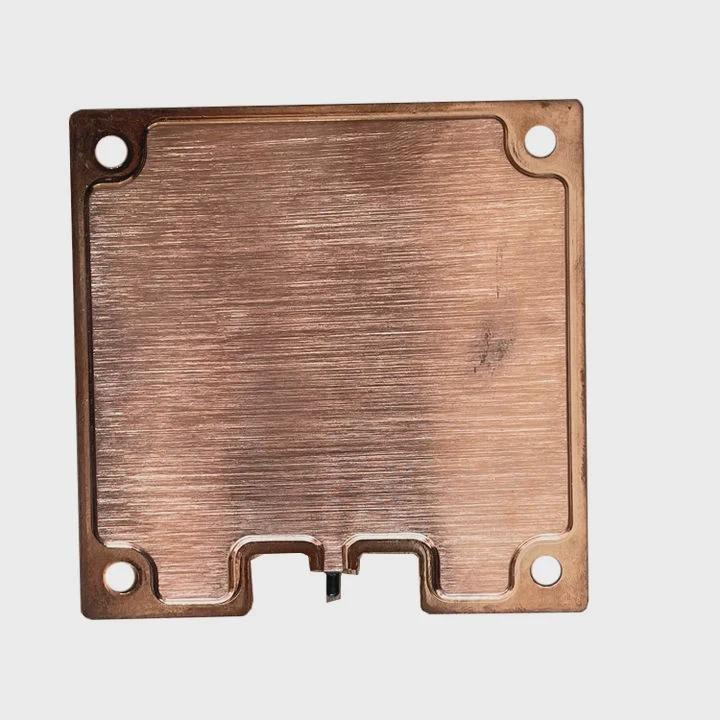
Is your liquid cooler not performing as expected? You might wonder, does liquid cooling evaporate over time? Let’s explore the nature of liquid cooling and why evaporation can happen.
Liquid cooling systems are designed to circulate coolant for efficient heat dissipation. However, over time, some evaporation may occur, especially if the system isn’t properly sealed.
We’ll look at why coolant evaporates, the signs of evaporation, and how to prevent it.
Why Might Coolant Evaporate Over Time?
Coolant evaporation can occur in liquid cooling systems for several reasons. While it’s normal for some fluid loss to happen over extended periods, significant evaporation can lead to performance issues and potential system damage.
Coolant evaporates due to high temperatures, poor seals, and exposure to air. Here’s a breakdown of why it might happen:
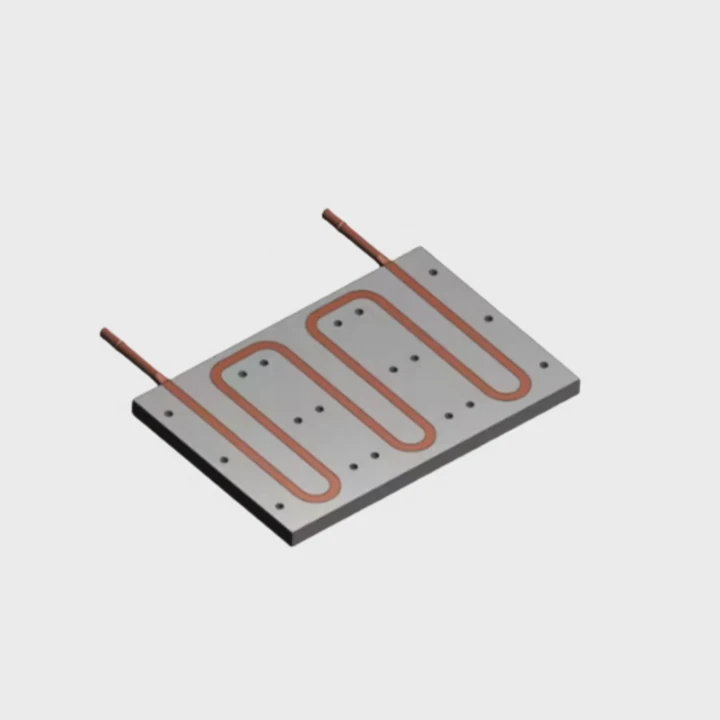
1. High Operating Temperatures
The primary job of the coolant in a liquid cooling system is to absorb heat from the CPU, GPU, or other components and dissipate it through the radiator. The liquid gets heated up during this process, and in high-performance systems, temperatures can reach levels that cause some fluid to evaporate.
2. Poor Seals
A sealed system relies on tight fittings to prevent air or coolant from escaping. If the seals around the pump, tubing, or radiator fittings are not properly sealed, coolant can escape slowly over time, leading to evaporation.
3. Evaporation through Expansion
As the coolant heats up, it expands. If there is any weak point in the system, such as a loose cap on the reservoir, the expanded coolant can slowly escape in the form of vapor, especially if the system is pressurized.
4. Excessive Heat Exposure
When a system operates at high temperatures for prolonged periods, it can cause coolant evaporation. This is especially true if the system has not been properly maintained and coolant levels are already low or the coolant itself isn’t designed for extreme conditions.
5. Low-Quality Coolant
Some low-quality coolants are more prone to evaporation than others. Poorly formulated coolants or those with lower boiling points can evaporate faster, especially under heavy workloads or high temperatures.
What Are the Signs of Evaporation?
If you notice any of the following signs, it may indicate that your liquid cooler is losing coolant due to evaporation or leakage:
Signs of coolant evaporation can include temperature spikes, reduced performance, and visible physical symptoms.
1. Increased CPU or GPU Temperatures
One of the first signs that evaporation is occurring is a sudden increase in the temperatures of your CPU or GPU. Without enough coolant in the system, the cooling capacity is reduced, and the temperature sensors will show higher-than-normal readings.
2. Pump Noise
If your liquid cooler has a pump, you might begin to hear it making unusual noises. This can happen when the coolant levels drop too low, causing the pump to run dry or struggle to circulate the fluid. A gurgling, grinding, or high-pitched sound is a sign of air trapped in the system.
3. Coolant Discoloration
Evaporating coolant can cause changes in color, especially in systems that use colored fluids. If you notice a significant shift in the color or clarity of the coolant, it might indicate that the fluid is evaporating or breaking down due to heat.
4. Condensation Around the Components
In cases where evaporation is causing significant fluid loss, you may notice condensation forming on components like the radiator or tubing. This could be due to the system pulling in moisture from the surrounding air, especially when the temperature inside the case fluctuates rapidly.
5. Visible Leaks
Though evaporation is usually a slow process, over time, it can lead to more visible leaks. If seals or fittings are weak, the coolant can escape more rapidly, leaving visible wet spots around the pump, tubing, or radiator.
How to Prevent Coolant Loss?
Preventing coolant loss due to evaporation involves proper system maintenance and careful attention to seals, coolant quality, and temperature control.
Here are a few steps you can take to minimize coolant loss and keep your liquid cooling system running efficiently:
1. Check Seals Regularly
One of the most important preventative measures is to regularly inspect the seals on your liquid cooling system. Ensure the fittings, hoses, and reservoir caps are tightly sealed to prevent air or coolant from escaping. If you notice any leaks, replace the seals immediately.
2. Use High-Quality Coolant
Opt for a high-quality coolant that is designed for your specific cooling system and environmental conditions. Some coolants are specially formulated to withstand high temperatures without evaporating or breaking down. Make sure to choose a coolant with a higher boiling point to reduce the risk of evaporation.
3. Install a Reservoir
Adding a reservoir to your liquid cooling loop can help ensure that there’s always enough coolant in the system. A reservoir provides a buffer for coolant expansion and can reduce the pressure inside the system, which helps prevent leakage and evaporation.
4. Monitor System Temperature
Keeping an eye on the temperature of your CPU, GPU, and coolant system can help you catch signs of evaporation early. Use software to monitor temperatures and ensure that they stay within safe ranges. If you notice any spikes, it may be time to check coolant levels or address potential issues with the cooler.
5. Maintain Airflow and Cleanliness
Good airflow is essential to keep the entire system cool and prevent excessive heat buildup. Make sure your PC case has proper ventilation and that the fans are working efficiently. Also, periodically clean dust filters and components to maintain optimal cooling efficiency.
6. Top Off the Coolant
Check the coolant level every few months, especially if you’ve noticed any signs of evaporation. Top off the coolant as necessary, following the manufacturer’s guidelines. Always use the recommended coolant for your system to avoid compatibility issues.
7. Avoid Overclocking Without Proper Cooling
If you’re overclocking your system, make sure you have adequate cooling and that your liquid cooler is up to the task. Overclocking increases heat output, which can lead to faster evaporation of coolant if the cooling system isn’t designed to handle the additional thermal load.
What Are the Advancements in Sealed Liquid Cooling?
Sealed liquid cooling systems are becoming more advanced, reducing the chances of coolant evaporation and making maintenance easier. Newer systems are designed to be more efficient, longer-lasting, and less prone to leakage or evaporation.
Here are some of the advancements in sealed liquid cooling systems that can help prevent coolant loss:
1. Closed-Loop Systems
Many modern liquid cooling systems are designed as closed-loop systems, which means they are sealed off from the outside environment. These systems require little to no maintenance and are less prone to evaporation because the coolant is continuously recirculated in a closed circuit. These systems typically come pre-filled with coolant, and users don’t need to worry about topping them off or checking fluid levels.
2. Improved Sealing Technologies
Advances in sealing technologies have led to more reliable and long-lasting seals in modern liquid cooling systems. O-rings and specialized gaskets are now used to provide a more secure and leak-resistant fit at critical junctions, such as the pump, tubing, and radiator connections. These enhanced seals reduce the likelihood of fluid leakage and evaporation over time.
3. High-Quality Coolants with Anti-Evaporation Properties
Manufacturers are developing new coolants that are more resistant to evaporation and degradation. Some of these advanced coolants are made from more durable, heat-resistant materials that can withstand higher temperatures without evaporating or breaking down. These new formulas are particularly beneficial for users who run their systems under heavy loads or in warmer environments.
4. Integrated Coolant Monitoring Systems
Some high-end liquid cooling systems now include integrated monitoring systems that track coolant levels, temperature, and pressure in real time. These systems can alert users when coolant levels drop or if the system is operating outside of optimal conditions. This proactive approach helps prevent issues like evaporation before they become major problems.
5. Customizable, Expandable Systems
For users who want the best possible performance, some newer liquid cooling systems are customizable and expandable. These systems allow you to add components like additional radiators or reservoirs to improve cooling performance and ensure that the coolant system can handle more demanding workloads. A larger, more efficient system is less likely to experience evaporation issues.
Conclusion
Coolant evaporation is a common issue in liquid cooling systems, but it can be minimized with proper maintenance and the right setup. By monitoring system temperatures, using high-quality coolant, and maintaining sealed systems, you can prevent coolant loss and keep your liquid cooler running efficiently. Advancements in sealed liquid cooling systems continue to improve, making it easier than ever to maintain optimal performance with less concern about evaporation and leaks.
TAGS
Latest Articles

Volume discount levels for heat sink orders?
Buyers often ask when heat sink prices start to drop with volume. Many worry they’re overpaying for small orders. This guide explains how B2B volume pricing works for thermal components. Heat sink
21 Dec,2025
Heat sink long-term supply contract options?
Many buyers want stable pricing and reliable delivery for heat sinks. But without a clear contract, risks grow over time. This article explores how to secure better long-term supply deals. Long-term
21 Dec,2025
Tooling cost for new heat sink profiles?
Many engineers struggle to understand why tooling for custom heat sinks costs so much. They worry about budgeting and production timelines. This article breaks down the cost drivers behind tooling.
21 Dec,2025
Heat sink custom sample process steps?
Sometimes, starting a custom heat sink project feels overwhelming—too many steps, too many unknowns, and too many risks. You want a sample, but not endless delays. The process for requesting and
20 Dec,2025
Standard B2B terms for heat sink payments?
When buyers and sellers in B2B heat sink markets talk about payment, many don’t fully understand what’s standard. This can lead to delayed orders, miscommunication, and even lost business
20 Dec,2025
Heat sink pricing factors for large orders?
Heat sinks are vital for many systems. When prices rise, projects stall and budgets break. This problem can hit teams hard without warning. Large order heat sink pricing depends on many factors. You
20 Dec,2025Related Articles
- What is Liquid Cooled?
- How Does a Liquid-Cooled Engine Work?
- Which Liquid Cools the Fastest?
- How to Check a Liquid Cooling System?
- Which Phone Has a Liquid Cooling System?
- Is Alienware Liquid Cooling Worth It?
- How Tight to Tighten Liquid Cooler on CPU?
- Does RTX 3080 Need Liquid Cooling?
- How Does Liquid Cooling Work in Bikes?
- How to Connect Liquid Cooling to a Motherboard?
- What is Liquid Cooling in Data Centers?
- How Does Liquid Cooling Work in Phones?
Author
Dr. Emily Chen
Chief AI Researcher
Leading expert in thermal dynamics and AI optimization with over 15 years of experience in data center efficiency research.
Categories
Latest Products






Recommend Categories
- Liquid cooling plate Manufacturer
- Industrial Heat Sink Manufacturer
- Standard Heat Sink Manufacturer
- Aluminum Heat Sink Manufacturer
- Copper Heat Sink Manufacturer
- Anodized Heatsink Manufacturer
- Stamping heat sink Manufacturer
- Die Casting Heatsink Manufacturer
- Soldering heat sink Manufacturer
- CNC Parts Manufacturer
Latest Products
- Wholesale Aluminum Radiator
- Water Cooling Plate Kit
- Water Cooling Heat Sink
- Water Cooling Heat Sink Kit
- Stainless Steel Water Distributor
- Server Water Cooling Plate Kit
- Server Liquid Cooling System
- Server Aluminum Cooling Kit
- S19 Full Cover Cooling Plate
- S19 Cooling Plate Kit
- S19 Aluminum Cooling Plate
Contact Expert
Have questions about this article? Reach out to our experts directly.