How Tight to Tighten Liquid Cooler on CPU?
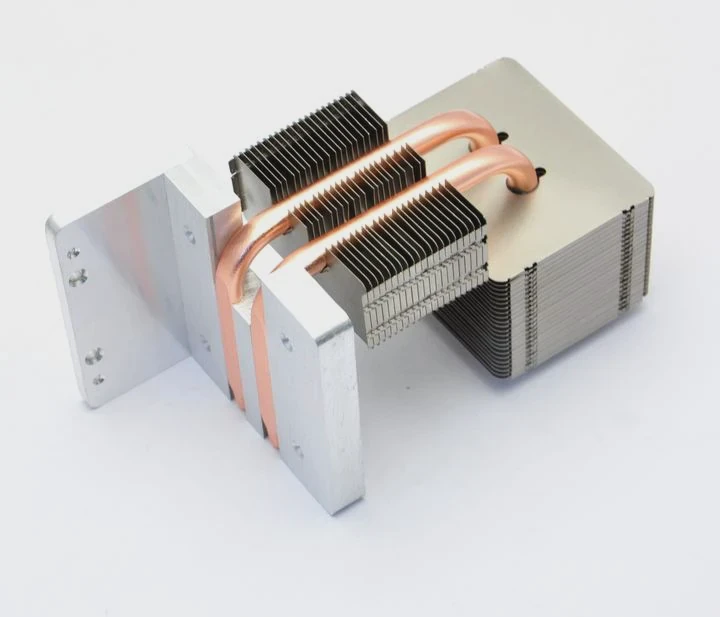
When installing a liquid cooler on a CPU, one of the most crucial steps is tightening the cooler to the right level. But how tight should it be? Let’s explore the importance of correct pressure and how to achieve it.
Properly tightening the liquid cooler on your CPU is critical for optimal thermal performance and preventing potential damage to your components. Tightening too much or too little can cause issues with cooling efficiency and system stability.
Knowing the right amount of pressure to apply ensures that the cooler makes optimal contact with the CPU surface, allowing the thermal paste to spread evenly and maximize heat transfer. Incorrect pressure could lead to overheating or hardware damage.
Why is Correct Pressure Important?
Why does the pressure applied when installing a CPU cooler matter? Let’s break it down.
Correct pressure ensures the cooler is securely mounted to the CPU without damaging the CPU or the cooler itself. It ensures optimal thermal transfer between the cooler and the CPU for effective heat dissipation.
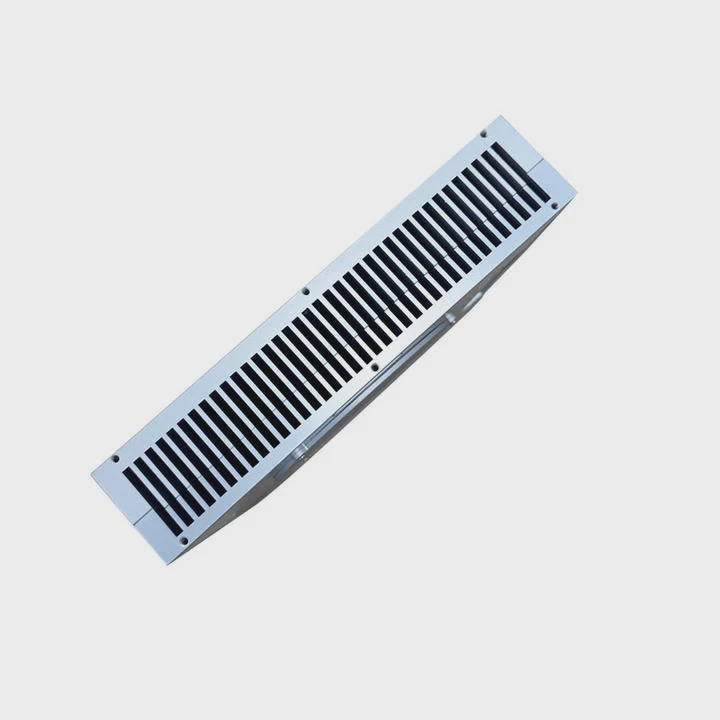
When you install a liquid cooler on the CPU, the primary function of the cooler is to absorb the heat generated by the processor. This is achieved by making good contact between the cooler’s cold plate (the part that touches the CPU) and the CPU surface. The pressure applied helps spread the thermal paste, which in turn creates a thin layer of thermal conductivity between the cooler and the CPU.
If the cooler is too loose, the contact surface will be uneven, leading to poor heat dissipation. This can result in higher temperatures, thermal throttling, or even system instability. Conversely, over-tightening can cause unnecessary stress on the CPU or motherboard, potentially leading to warping, cracked chips, or damage to the cooler’s mounting system.
Pressure and Thermal Paste Spread
Thermal paste plays a vital role in transferring heat from the CPU to the cooler. Too much or too little pressure can affect the way the paste spreads, which will impact the cooling performance. The ideal pressure should be enough to evenly spread the paste without forcing too much of it out, causing a mess and inefficient cooling.
| Pressure Level | Effect on Cooling System |
|---|---|
| Too Low | Uneven paste spread, poor contact, higher temperatures |
| Too High | Damaged CPU or cooler, risk of component damage |
| Just Right | Even paste spread, optimal heat transfer |
What Are the Risks of Over- or Under-Tightening?
What happens if you tighten the cooler too much or too little? Let’s take a closer look at the potential risks.
Over-tightening or under-tightening the cooler can lead to system instability, reduced cooling efficiency, and even permanent hardware damage.
1. Over-Tightening
Over-tightening the cooler’s mounting screws can lead to a variety of issues. Most commonly, it can put excessive pressure on the CPU or the motherboard. This could cause physical damage, such as:
- Warping or cracking of the CPU: Too much pressure can distort the CPU, potentially leading to permanent damage.
- Damage to the mounting mechanism: Many coolers rely on specific mounting pressure to secure the cooler. Over-tightening can cause mounting brackets to crack or become misaligned, which can compromise the cooler’s performance.
- Deformation of the cooler’s cold plate: Over-tightening may cause the cooler’s cold plate to bend or warp, reducing its ability to make proper contact with the CPU and resulting in inefficient heat dissipation.
2. Under-Tightening
On the other hand, under-tightening can cause equally severe issues, though they may not be as immediately obvious. These risks include:
- Uneven thermal paste spread: If the cooler isn’t tight enough, the paste may not spread evenly across the CPU, resulting in hot spots and poor heat transfer.
- Poor contact with the CPU: Inadequate pressure can lead to gaps between the cooler and CPU, which will reduce cooling efficiency and cause higher temperatures.
- Potential for cooler movement: Over time, an under-tightened cooler may shift or become loose, leading to inconsistent cooling and potential damage to both the CPU and the cooler.
3. Both Scenarios
Both under-tightening and over-tightening can lead to system instability, including random shutdowns, crashes, or thermal throttling, where the CPU performance is intentionally reduced to prevent overheating. Over time, this can also shorten the lifespan of your hardware.
| Issue | Result of Over-Tightening | Result of Under-Tightening |
|---|---|---|
| Thermal Paste | Excessively squeezed out, uneven spread | Uneven paste spread, poor cooling |
| Contact with CPU | Potential damage to CPU or motherboard | Poor or inconsistent contact |
| Cooler Mounting | Damage to mounting brackets, warped cold plate | Cooler may shift or loosen over time |
| System Stability | Risk of crashes, overheating | Lower performance, random shutdowns |
How to Tighten Safely and Evenly?
How do you ensure that the cooler is tightened to the right level? Here are some tips to do it safely and evenly.
Tightening the cooler evenly is key to ensuring proper contact and maximizing heat dissipation. Follow these steps for safe installation.
1. Use a Cross Pattern
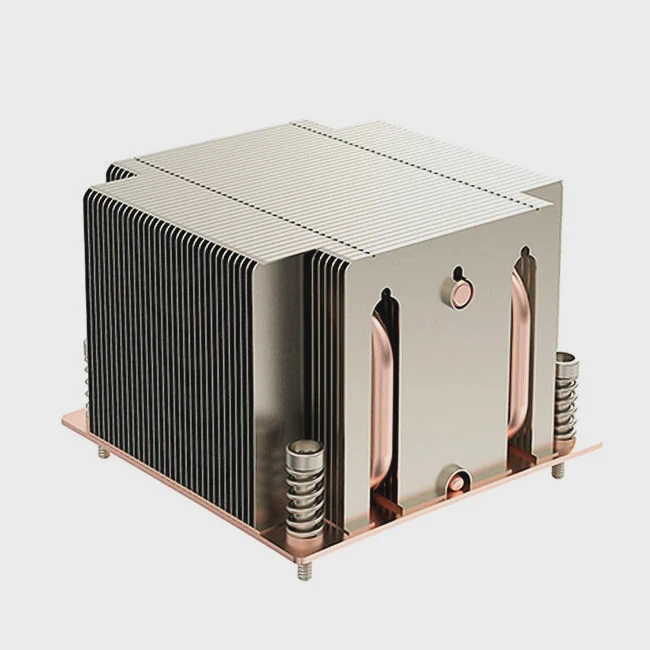
When tightening the cooler, use a cross-pattern technique. This means alternating between opposite corners when tightening the screws. This ensures even pressure distribution across the cooler, preventing any one side from being overly tight.
2. Tighten Gradually
Instead of tightening one screw all the way at once, tighten each screw gradually and evenly. Start with a few turns on each screw and work your way up to a firm but not excessive pressure.
3. Check Manufacturer Specifications
Many liquid coolers come with specific torque recommendations for the screws. Always check the manufacturer’s guidelines for the recommended pressure or torque (often measured in Nm, Newton-meters) for optimal tightening. Using a torque wrench can help ensure that you don’t apply too much force.
4. Avoid Over-Tightening
You should be able to feel some resistance as the screws tighten. Once you feel resistance, stop. If you continue to turn the screws, you’re likely over-tightening. Trust your judgment, and if in doubt, refer to the manufacturer’s instructions for the recommended tightening pressure.
5. Inspect and Re-Tighten
After installation, inspect the cooler to ensure it’s firmly seated. Over time, it’s a good idea to periodically check the cooler’s screws to ensure they haven’t loosened. However, avoid constantly tightening them, as this can cause damage.
| Step | Action |
|---|---|
| Cross Pattern | Tighten screws diagonally across the cooler |
| Gradual Tightening | Tighten each screw evenly and gradually |
| Manufacturer Specifications | Follow recommended torque or pressure values |
| Resistance Check | Stop tightening once you feel resistance |
| Periodic Inspection | Check screws periodically to ensure they are secure |
What Are the Installation Trends in Cooler Design?
Cooler designs are evolving, with new features being added for easier installation, better cooling performance, and enhanced durability. Here are some trends in modern cooler design.
Cooler designs are becoming more user-friendly, offering quicker installation, better thermal performance, and improved aesthetics.
1. Improved Mounting Systems
Modern coolers often come with improved mounting mechanisms, which are easier to install and provide more reliable pressure distribution. Many newer systems use tool-less mounting solutions that simplify installation, reducing the chances of improper tightening.
2. Larger and More Efficient Cold Plates
Cold plates are becoming larger and more efficient at spreading heat across the CPU surface. These improvements allow for better heat dissipation, especially on high-performance CPUs that generate more heat.
3. Aesthetics and Customization
Coolers are increasingly being designed with aesthetics in mind, featuring RGB lighting and customizable options. Many liquid coolers now include visually appealing features that can match the user’s PC build and add to the overall design of the system.
4. Low-Profile Coolers
For users with compact cases or limited space, low-profile coolers are becoming more common. These coolers are designed to offer efficient cooling while keeping the overall height of the cooler lower, allowing for better compatibility with smaller cases.
| Trend | Description | Benefit |
|---|---|---|
| Improved Mounting Systems | Easier, tool-less mounting for more reliable installation | Faster setup, reduced risk of improper installation |
| Larger Cold Plates | Increased surface area for better heat spread | Better thermal performance and heat dissipation |
| Aesthetics and Customization | RGB lighting, customizable designs | Enhanced visual appeal for PC builds |
| Low-Profile Coolers | Compact designs for smaller cases | Better compatibility with smaller cases |
Conclusion
Properly tightening a liquid cooler on your CPU is essential for optimal thermal performance and system stability. By understanding the importance of correct pressure, the risks of over- and under-tightening, and the latest trends in cooler design, you can ensure that your cooler is installed safely and effectively.
Word Count: 1586
TAGS
Latest Articles

Volume discount levels for heat sink orders?
Buyers often ask when heat sink prices start to drop with volume. Many worry they’re overpaying for small orders. This guide explains how B2B volume pricing works for thermal components. Heat sink
21 Dec,2025
Heat sink long-term supply contract options?
Many buyers want stable pricing and reliable delivery for heat sinks. But without a clear contract, risks grow over time. This article explores how to secure better long-term supply deals. Long-term
21 Dec,2025
Tooling cost for new heat sink profiles?
Many engineers struggle to understand why tooling for custom heat sinks costs so much. They worry about budgeting and production timelines. This article breaks down the cost drivers behind tooling.
21 Dec,2025
Heat sink custom sample process steps?
Sometimes, starting a custom heat sink project feels overwhelming—too many steps, too many unknowns, and too many risks. You want a sample, but not endless delays. The process for requesting and
20 Dec,2025
Standard B2B terms for heat sink payments?
When buyers and sellers in B2B heat sink markets talk about payment, many don’t fully understand what’s standard. This can lead to delayed orders, miscommunication, and even lost business
20 Dec,2025
Heat sink pricing factors for large orders?
Heat sinks are vital for many systems. When prices rise, projects stall and budgets break. This problem can hit teams hard without warning. Large order heat sink pricing depends on many factors. You
20 Dec,2025Related Articles
- Does Liquid Cooling Evaporate?
- What is Liquid Cooled?
- How Does a Liquid-Cooled Engine Work?
- Which Liquid Cools the Fastest?
- How to Check a Liquid Cooling System?
- Which Phone Has a Liquid Cooling System?
- Does RTX 3080 Need Liquid Cooling?
- How Does Liquid Cooling Work in Bikes?
- How to Connect Liquid Cooling to a Motherboard?
- What is Liquid Cooling in Data Centers?
- How Does Liquid Cooling Work in Phones?
- Do You Need to Add Water to Liquid Cooling?
Author
Dr. Emily Chen
Chief AI Researcher
Leading expert in thermal dynamics and AI optimization with over 15 years of experience in data center efficiency research.
Categories
Latest Products






Recommend Categories
- Liquid cooling plate Manufacturer
- Industrial Heat Sink Manufacturer
- Standard Heat Sink Manufacturer
- Aluminum Heat Sink Manufacturer
- Copper Heat Sink Manufacturer
- Anodized Heatsink Manufacturer
- Stamping heat sink Manufacturer
- Die Casting Heatsink Manufacturer
- Soldering heat sink Manufacturer
- CNC Parts Manufacturer
Latest Products
- Wholesale Aluminum Radiator
- Water Cooling Plate Kit
- Water Cooling Heat Sink
- Water Cooling Heat Sink Kit
- Stainless Steel Water Distributor
- Server Water Cooling Plate Kit
- Server Liquid Cooling System
- Server Aluminum Cooling Kit
- S19 Full Cover Cooling Plate
- S19 Cooling Plate Kit
- S19 Aluminum Cooling Plate
Contact Expert
Have questions about this article? Reach out to our experts directly.