How to install Corsair liquid CPU cooler?
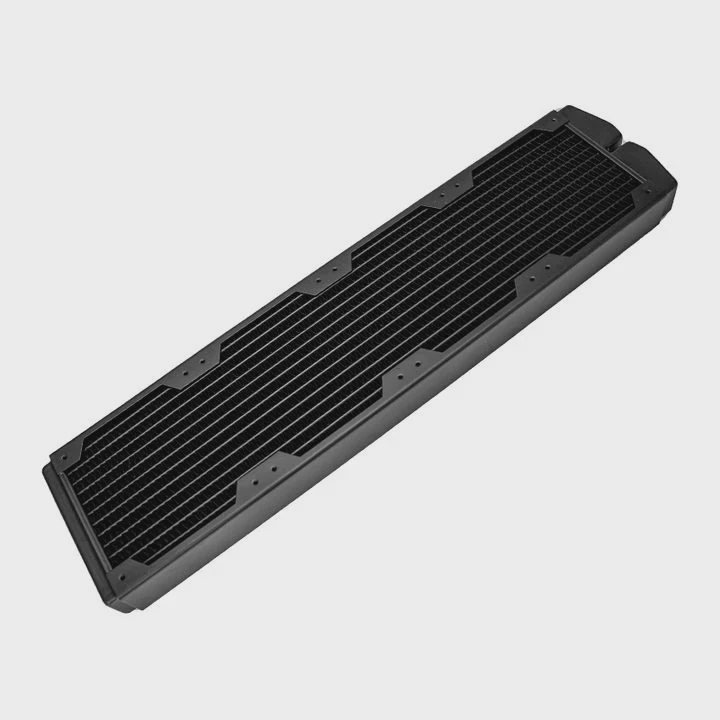
Many PC builders feel nervous when it comes to installing a Corsair liquid CPU cooler. It looks complex, with tubes, pumps, and radiators. But once you understand the structure, it’s simple and straightforward.
Installing a Corsair liquid CPU cooler involves mounting the radiator and fans, securing the CPU block, connecting the pump header, and managing cables to ensure proper cooling performance.
Corsair’s modern cooling systems are designed for both beginners and advanced users. Their intuitive bracket designs, prefilled loops, and clear manuals make setup easy and safe, even if it’s your first build.
What is a Corsair liquid cooler?
Many people wonder what makes Corsair’s liquid coolers so popular among PC enthusiasts. The answer lies in their balance of design, performance, and reliability.
A Corsair liquid cooler is a sealed, all-in-one (AIO) liquid cooling system that removes heat from your CPU using a pump, water block, radiator, and fans.
Unlike air coolers, Corsair liquid coolers use circulating liquid to carry heat away from the CPU. This system keeps temperatures lower and allows quieter operation. Each cooler comes prefilled and sealed, which means no refilling or maintenance.
Core Components of a Corsair Liquid Cooler
| Component | Description | Role in Cooling |
|---|---|---|
| Pump | Moves coolant through the loop | Keeps liquid flowing for heat transfer |
| CPU Block | Contacts CPU surface | Absorbs heat from the processor |
| Radiator | Dissipates heat from liquid | Transfers heat to air via fins |
| Fans | Push or pull air through radiator | Boosts cooling performance |
| Tubes | Carry liquid between parts | Connect the block and radiator |
Corsair offers different models, such as the H60, H100i, H150i, and the newer iCUE LINK series, each tailored for specific case sizes and performance levels.
What are the benefits of installing one?
For many users, switching from air to liquid cooling brings several improvements. The results are easy to measure in performance, sound, and stability.
Installing a Corsair liquid cooler provides better CPU temperatures, lower noise levels, and longer hardware lifespan compared to traditional air coolers.
Corsair AIO systems use advanced pumps and efficient radiators to maintain consistent CPU temperatures even under heavy workloads. They also reduce fan noise by running more efficiently.
Key Benefits
| Benefit | Explanation |
|---|---|
| Superior Cooling | Keeps CPU up to 15–20°C cooler under load |
| Low Noise | Quiet pump and fan technology |
| Easy Setup | Tool-free mounts and clear instructions |
| Long Lifespan | Sealed loop prevents evaporation |
| Sleek Look | RGB lighting and clean design improve aesthetics |
Why It Matters
Stable temperatures prevent CPU throttling, allowing consistent performance during gaming or rendering. Low noise makes the system more pleasant for work or entertainment. In my own experience building systems, Corsair coolers stand out for reliability—they just work with minimal fuss.
How to install it step-by-step?
If this is your first time installing a Corsair AIO, do not worry. The installation is simpler than it looks. Follow these steps, and your system will run smoothly.
To install a Corsair liquid CPU cooler, attach the radiator and fans, mount the pump block on the CPU, connect power cables, and verify pump operation before sealing the case.
Here’s a simple, step-by-step guide:
Step 1: Prepare Your Case
Make sure your case supports the radiator size (120mm, 240mm, or 360mm). Remove old cooling hardware and clean the CPU surface with alcohol.
Step 2: Mount the Radiator
Choose a top or front mounting position. Use the provided screws to secure the radiator. Align fans so they push air out of the case for best results.
Step 3: Install the Backplate
For Intel or AMD, place the correct backplate behind the motherboard. Align holes for the mounting brackets.
Step 4: Apply Thermal Paste
Most Corsair coolers come with pre-applied thermal paste, but you can also apply a small pea-sized drop manually.
Step 5: Mount the Pump Block
Align the pump block over the CPU, press gently, and screw it down evenly in a cross pattern to avoid uneven pressure.
Step 6: Connect Power Cables
- Plug the pump power cable into the CPU_FAN or AIO_PUMP header.
- Connect fan cables to the included splitter or to the motherboard headers.
- For RGB versions, connect lighting cables to the Corsair iCUE controller.
Step 7: Check Operation
Before closing the case:
- Power on the system.
- Ensure the pump is running (you can feel a slight vibration).
- Check that fans spin and the RGB lights activate.
Step 8: Manage Cables and Close the Case
Organize all cables neatly with zip ties for airflow. Close your side panel and enjoy your cooler system.
Pro Tips
- Use the iCUE software to monitor temperatures and adjust fan curves.
- Avoid overtightening screws.
- Make sure airflow direction matches radiator orientation.
- Keep your case dust-free for consistent performance.
What are the trends in Corsair cooling design?
Corsair’s liquid cooling systems continue to evolve. Each generation adds smarter controls, cleaner looks, and more efficient designs.
Recent Corsair cooling trends focus on modular connectivity, digital control through iCUE software, RGB customization, and advanced pump efficiency for better thermal management.
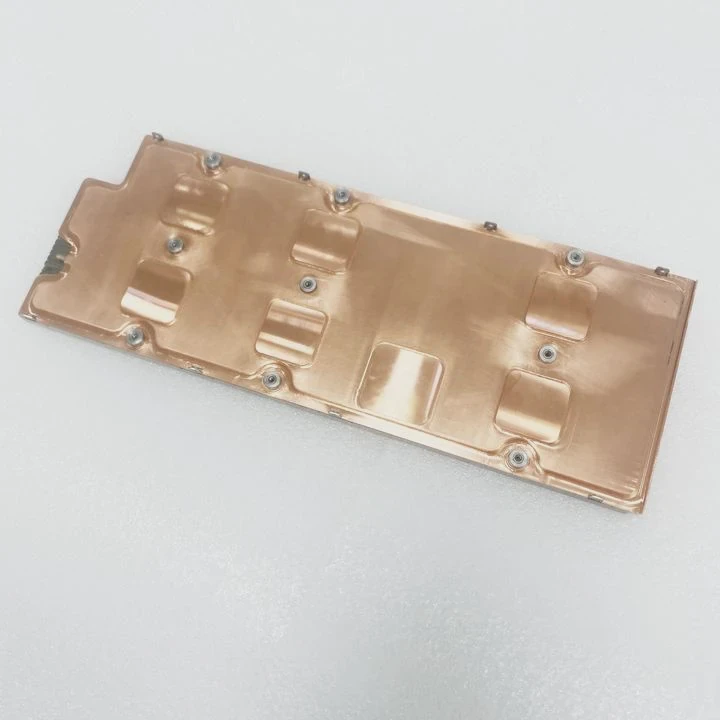
Latest Trends
| Trend | Description | Advantage |
|---|---|---|
| iCUE LINK Ecosystem | Unified system linking all Corsair components | Reduces cables and simplifies setup |
| Improved Pump Design | Magnetic levitation or low-noise pumps | Better durability and quieter operation |
| Smart Control | Dynamic fan and pump adjustment via software | Real-time optimization |
| RGB Integration | Individually addressable lighting | Custom aesthetics |
| Slim Radiators | High-density fins for compact builds | Fits smaller cases without losing performance |
Why These Trends Matter
The new iCUE LINK series marks a big step forward. Instead of connecting each component with separate cables, everything connects through a single chain link. This improves airflow and reduces clutter. The pumps are also smarter—they automatically adjust flow speed based on system load.
Corsair’s use of magnetic levitation fans also improves cooling while lowering noise. These fans last longer because they reduce mechanical friction. RGB synchronization across the system adds both style and function, allowing instant temperature feedback through lighting effects.
Looking Forward
The future of Corsair cooling design will likely combine AI-based thermal management, wireless monitoring, and environmental sensors. This means users will soon enjoy automatic system tuning without manual configuration.
Conclusion
Installing a Corsair liquid CPU cooler is easier than it looks. With clear design, advanced features, and smart control systems, it offers both high performance and a clean, modern build for any user.
TAGS
Latest Articles

Volume discount levels for heat sink orders?
Buyers often ask when heat sink prices start to drop with volume. Many worry they’re overpaying for small orders. This guide explains how B2B volume pricing works for thermal components. Heat sink
21 Dec,2025
Heat sink long-term supply contract options?
Many buyers want stable pricing and reliable delivery for heat sinks. But without a clear contract, risks grow over time. This article explores how to secure better long-term supply deals. Long-term
21 Dec,2025
Tooling cost for new heat sink profiles?
Many engineers struggle to understand why tooling for custom heat sinks costs so much. They worry about budgeting and production timelines. This article breaks down the cost drivers behind tooling.
21 Dec,2025
Heat sink custom sample process steps?
Sometimes, starting a custom heat sink project feels overwhelming—too many steps, too many unknowns, and too many risks. You want a sample, but not endless delays. The process for requesting and
20 Dec,2025
Standard B2B terms for heat sink payments?
When buyers and sellers in B2B heat sink markets talk about payment, many don’t fully understand what’s standard. This can lead to delayed orders, miscommunication, and even lost business
20 Dec,2025
Heat sink pricing factors for large orders?
Heat sinks are vital for many systems. When prices rise, projects stall and budgets break. This problem can hit teams hard without warning. Large order heat sink pricing depends on many factors. You
20 Dec,2025Related Articles
- Is BMW i3 battery liquid cooled?
- How is coolant circulated in a liquid-cooled eTorque system?
- How to know if your liquid cooling is working?
- Does liquid cooling use water?
- Is liquid cooling expensive?
- Is liquid cooling better than fans?
- What is a liquid-cooled generator?
- How to know if your liquid cooler is working?
- How does AIO liquid cooling work?
- Does i7 need liquid cooling?
- How to install NZXT liquid cooler?
- Why is glass considered a super-cooled liquid?
Author
Dr. Emily Chen
Chief AI Researcher
Leading expert in thermal dynamics and AI optimization with over 15 years of experience in data center efficiency research.
Categories
Latest Products






Recommend Categories
- Liquid cooling plate Manufacturer
- Industrial Heat Sink Manufacturer
- Standard Heat Sink Manufacturer
- Aluminum Heat Sink Manufacturer
- Copper Heat Sink Manufacturer
- Anodized Heatsink Manufacturer
- Stamping heat sink Manufacturer
- Die Casting Heatsink Manufacturer
- Soldering heat sink Manufacturer
- CNC Parts Manufacturer
Latest Products
- Wholesale Aluminum Radiator
- Water Cooling Plate Kit
- Water Cooling Heat Sink
- Water Cooling Heat Sink Kit
- Stainless Steel Water Distributor
- Server Water Cooling Plate Kit
- Server Liquid Cooling System
- Server Aluminum Cooling Kit
- S19 Full Cover Cooling Plate
- S19 Cooling Plate Kit
- S19 Aluminum Cooling Plate
Contact Expert
Have questions about this article? Reach out to our experts directly.