Is liquid cooling better than fans?
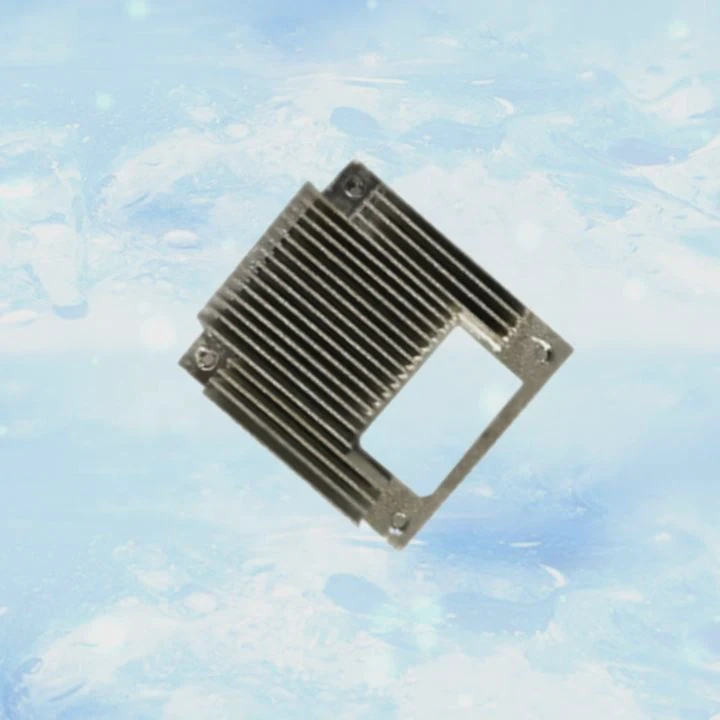
When my gaming PC started to overheat during long sessions, I asked myself the same question: is liquid cooling really better than fans? The answer depends on what you want most—performance, silence, or simplicity.
Liquid cooling is often more efficient and quieter than fans, but it costs more, needs more space, and requires careful installation and maintenance.
Choosing between the two systems means understanding how they work, their pros and cons, and what fits your setup best.
What are liquid and fan cooling systems?
When your CPU or GPU gets hot, it needs a way to transfer that heat away. That’s what cooling systems do—either by air or liquid.
Liquid cooling uses a closed loop with coolant, while fan cooling relies on air moving through heatsinks to remove heat.
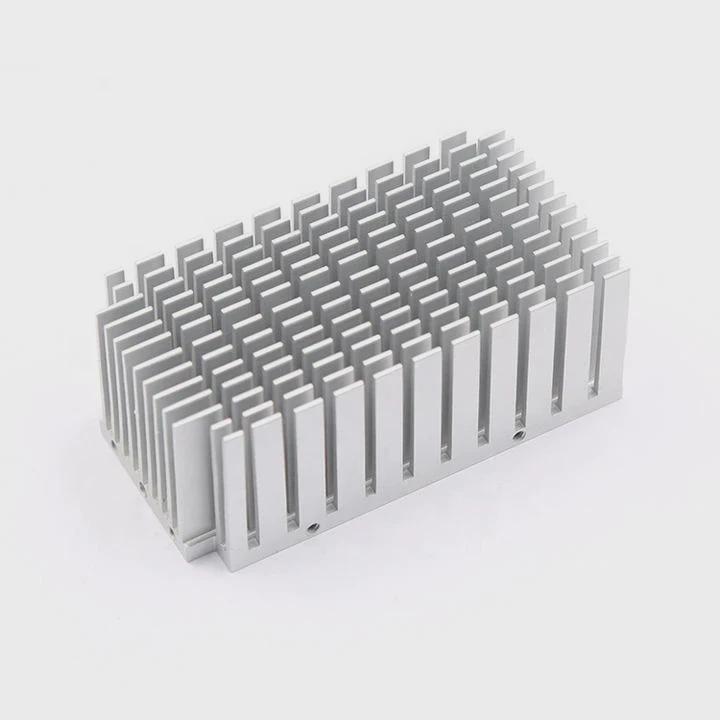
How they work
| Cooling Type | Key Components | Heat Transfer Method | Common Use Case |
|---|---|---|---|
| Air Cooling | Heatsink, fan, thermal paste | Airflow over metal fins | Budget and mid-range PCs |
| Liquid Cooling | Pump, tubes, radiator, coolant | Liquid absorbs and releases heat | High-performance PCs |
The fan-based system works like this: the heatsink draws heat from the CPU or GPU, and fans push cool air through it. It’s simple and has fewer parts.
Liquid cooling, on the other hand, circulates a coolant through tubes connected to a water block on the CPU. The liquid carries the heat to a radiator, where fans help cool it down. Then it cycles back again. It’s a closed, continuous loop that can handle much higher heat loads.
Key differences
Air systems are easier to install and cheaper. They also need less maintenance. But liquid systems can cool more efficiently, keeping temperatures lower even under heavy loads. That’s why professionals and gamers often choose liquid cooling for overclocked systems.
Still, not everyone needs it. If your computer runs basic tasks like browsing or office work, fans are usually more than enough.
What are the pros and cons of each?
When I upgraded my workstation last year, I made a comparison table to decide which system fit my needs. It helped me see that both systems have strengths and weaknesses.
Air cooling is simpler, cheaper, and more reliable. Liquid cooling gives better performance and less noise but requires more care and cost.
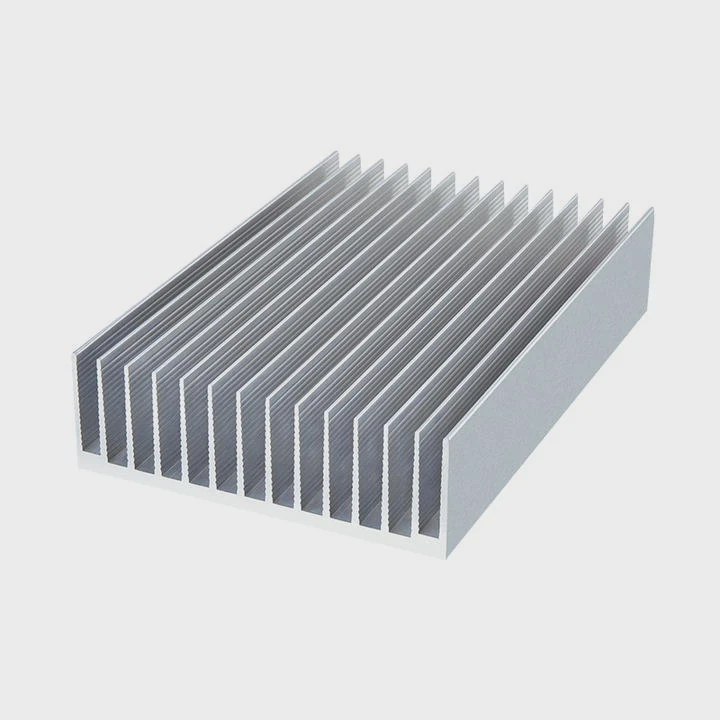
Comparison of pros and cons
| Feature | Liquid Cooling | Fan Cooling |
|---|---|---|
| Cooling Performance | Excellent, handles heavy loads easily | Good, but less efficient under stress |
| Noise Level | Quieter, less fan speed needed | Louder, especially under load |
| Installation | Complex, needs careful setup | Easy, straightforward |
| Maintenance | Needs occasional checks | Minimal maintenance |
| Price | More expensive | Budget-friendly |
| Aesthetic | Sleek, modern look | Traditional, less stylish |
| Risk | Possible leaks | None |
Practical examples
When I built a 3D rendering PC, the liquid cooling system kept my CPU temperature around 60°C during full rendering, while a fan-based system reached 85°C. That’s a big difference. However, when I built a budget office PC, I chose air cooling because it cost less and was easier to clean.
So, the decision isn’t about which is “better,” but which is better for your needs.
How to decide for your PC setup?
This is the question most people ask me when they plan their first custom build.
Choose liquid cooling for high-performance, overclocked, or quiet systems. Choose fan cooling for simple, budget-friendly, or compact builds.
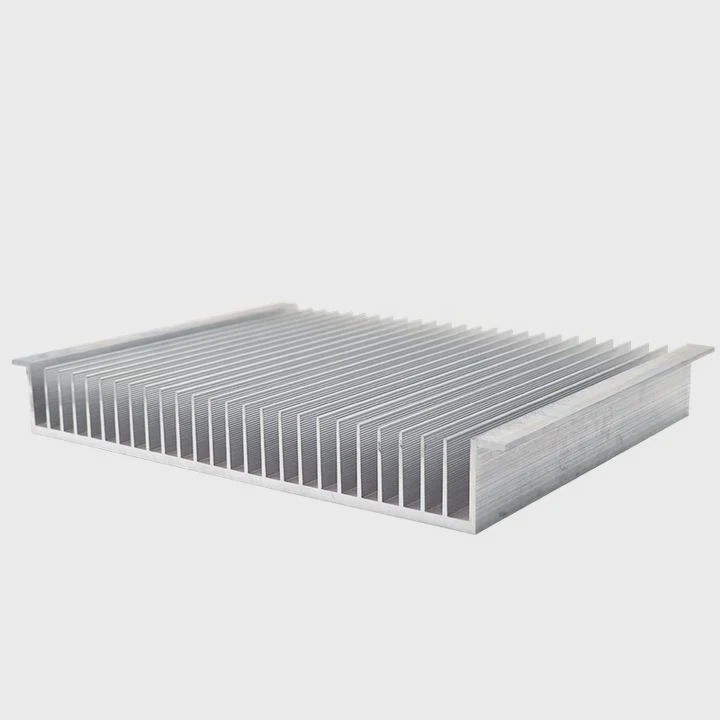
Step-by-step decision guide
Here’s a simple way to decide which is right for your setup:
| Question | If YES → | If NO → |
|---|---|---|
| Do you play heavy games or edit 4K videos? | Liquid Cooling | Fan Cooling |
| Do you want a quiet PC? | Liquid Cooling | Fan Cooling |
| Is your budget limited? | Fan Cooling | Liquid Cooling |
| Do you prefer simple installation? | Fan Cooling | Liquid Cooling |
| Do you like visual aesthetics with RGB and tubes? | Liquid Cooling | Fan Cooling |
More details
If your CPU or GPU has a high TDP (thermal design power), liquid cooling makes a big difference. It can maintain stable temperatures even during long workloads. But if you use your PC mostly for browsing, emails, or light games, you will never reach that heat level. In that case, a large air cooler with good airflow works perfectly.
Also, think about your case size. Liquid cooling radiators need space for fans and tubing. Smaller cases might not fit them easily. Air coolers, in contrast, just need enough room for the heatsink height.
The maintenance part also matters. If you prefer a “set it and forget it” approach, fans are better. Liquid systems sometimes need fluid checks or cleaning after a few years.
What are the hybrid cooling innovations?
I’ve recently seen a new trend combining both systems. Many brands now design hybrid cooling, using both air and liquid together for smarter performance.
Hybrid cooling merges the best of both worlds—efficient liquid transfer with fan-assisted airflow for balance between performance, noise, and safety.
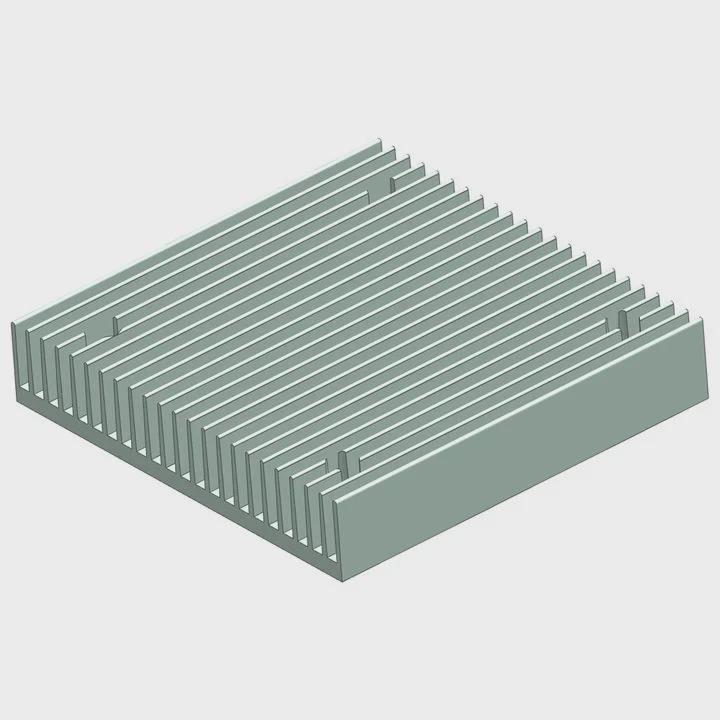
What hybrid cooling means
Hybrid systems use a liquid loop to cool the CPU or GPU directly, while fans manage airflow through the case and radiator. This mix improves performance and keeps noise low.
They often include sensors and smart controllers that adjust fan and pump speeds automatically based on temperature. Some advanced GPUs already come with hybrid coolers pre-installed.
Examples and benefits
| Type | Cooling Method | Typical Use |
|---|---|---|
| AIO Hybrid Coolers | Closed liquid loop + radiator fans | CPUs and GPUs |
| Integrated Hybrid Cards | Vapor chamber + fan + liquid assist | High-end graphics cards |
| Modular Hybrid Systems | Custom loop + air boost module | Workstations, servers |
Hybrid cooling aims to solve the issues of both methods. It reduces the leak risks of full liquid systems but performs better than air cooling alone. It also makes less noise than multi-fan systems.
Future trends
As technology evolves, more cooling manufacturers use phase-change materials, vapor chambers, and liquid metal thermal interfaces. These are inspired by aerospace and semiconductor industries, where heat control is critical.
In a few years, we might see compact hybrid coolers that work quietly without regular maintenance. That’s the direction I see the industry heading toward—smarter, safer, and smaller cooling solutions that adapt automatically.
Conclusion
Both liquid and fan cooling systems have clear advantages. The best choice depends on what you need most—performance, silence, or simplicity. For gamers and creators, liquid cooling often wins. For everyone else, air cooling still works perfectly fine.
TAGS
Latest Articles

Volume discount levels for heat sink orders?
Buyers often ask when heat sink prices start to drop with volume. Many worry they’re overpaying for small orders. This guide explains how B2B volume pricing works for thermal components. Heat sink
21 Dec,2025
Heat sink long-term supply contract options?
Many buyers want stable pricing and reliable delivery for heat sinks. But without a clear contract, risks grow over time. This article explores how to secure better long-term supply deals. Long-term
21 Dec,2025
Tooling cost for new heat sink profiles?
Many engineers struggle to understand why tooling for custom heat sinks costs so much. They worry about budgeting and production timelines. This article breaks down the cost drivers behind tooling.
21 Dec,2025
Heat sink custom sample process steps?
Sometimes, starting a custom heat sink project feels overwhelming—too many steps, too many unknowns, and too many risks. You want a sample, but not endless delays. The process for requesting and
20 Dec,2025
Standard B2B terms for heat sink payments?
When buyers and sellers in B2B heat sink markets talk about payment, many don’t fully understand what’s standard. This can lead to delayed orders, miscommunication, and even lost business
20 Dec,2025
Heat sink pricing factors for large orders?
Heat sinks are vital for many systems. When prices rise, projects stall and budgets break. This problem can hit teams hard without warning. Large order heat sink pricing depends on many factors. You
20 Dec,2025Related Articles
- Is liquid cooler better?
- How long does a liquid CPU cooler last?
- How to cool a liquid quickly?
- Is liquid cooling easy to install?
- How to add liquid cooling to GPU?
- What is better, air-cooled or liquid-cooled?
- Is liquid cooling expensive?
- Does liquid cooling use water?
- How to know if your liquid cooling is working?
- How is coolant circulated in a liquid-cooled eTorque system?
- Is BMW i3 battery liquid cooled?
- How to install Corsair liquid CPU cooler?
Author
Dr. Emily Chen
Chief AI Researcher
Leading expert in thermal dynamics and AI optimization with over 15 years of experience in data center efficiency research.
Categories
Latest Products






Recommend Categories
- Liquid cooling plate Manufacturer
- Industrial Heat Sink Manufacturer
- Standard Heat Sink Manufacturer
- Aluminum Heat Sink Manufacturer
- Copper Heat Sink Manufacturer
- Anodized Heatsink Manufacturer
- Stamping heat sink Manufacturer
- Die Casting Heatsink Manufacturer
- Soldering heat sink Manufacturer
- CNC Parts Manufacturer
Latest Products
- Wholesale Aluminum Radiator
- Water Cooling Plate Kit
- Water Cooling Heat Sink
- Water Cooling Heat Sink Kit
- Stainless Steel Water Distributor
- Server Water Cooling Plate Kit
- Server Liquid Cooling System
- Server Aluminum Cooling Kit
- S19 Full Cover Cooling Plate
- S19 Cooling Plate Kit
- S19 Aluminum Cooling Plate
Contact Expert
Have questions about this article? Reach out to our experts directly.