How to know if liquid cooler is working?
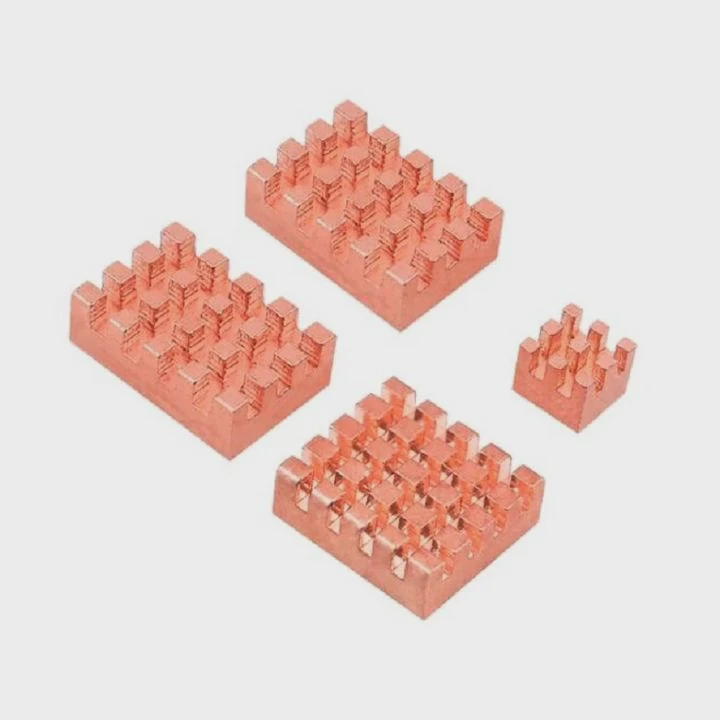
A liquid cooler plays a vital role in keeping your CPU or GPU at safe temperatures. When it’s not working properly, overheating can happen fast.
To know if a liquid cooler is working, check pump noise, tubing vibration, coolant temperature, and CPU heat readings under load.
Monitoring these signs early helps prevent performance loss or hardware damage.
What are the signs of a working cooler?
When your liquid cooler runs correctly, it maintains stable CPU temperatures even during heavy workloads. You can verify its operation through several simple indicators.
A working liquid cooler shows consistent pump vibration, stable temperatures, and quiet operation without irregular fan or flow noises.
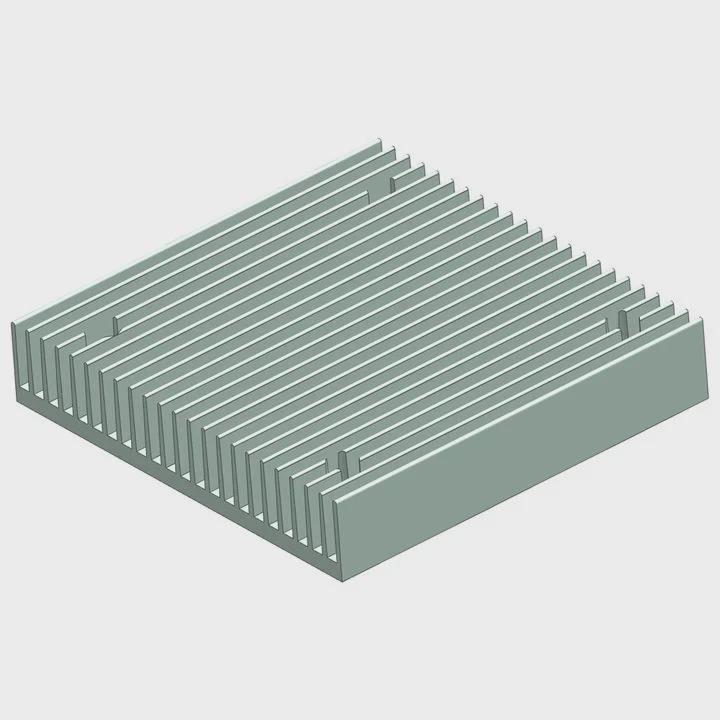
Key Signs of Normal Operation
Steady Pump Vibration
Place your hand gently on the pump housing — a faint vibration or hum means it’s running.Normal Noise Level
The pump should produce a soft, continuous sound, not rattling or grinding.Stable Temperatures
CPU temperatures should remain low and consistent. Typical idle temperatures range from 25°C–40°C, rising to 60°C–75°C under load.Active Radiator Fans
Fans should spin and change speed based on system load. If they’re motionless under stress, check connections.Coolant Flow
Some systems include visible flow indicators or software that tracks flow rate. The coolant should circulate smoothly without air bubbles.No Warning Lights or BIOS Alerts
Most motherboards display fan or pump speed data. If readings are zero, the cooler may not be running.
Quick Reference Table
| Indicator | Normal State | Warning Sign |
|---|---|---|
| Pump Vibration | Gentle hum | Silent or rough noise |
| Temperature | 25°C–75°C | Above 80°C |
| Fan Speed | Variable | Constantly maxed or off |
| Flow Indicator | Steady movement | No visible flow |
| BIOS Reading | 1000–3000 RPM | 0 or irregular reading |
If your cooler passes these checks, it’s performing as expected.
Why does cooler performance drop?
Even the best coolers degrade over time due to wear, contamination, or environmental factors.
Cooler performance drops because of dust buildup, aging thermal paste, air bubbles, low coolant, or pump wear.
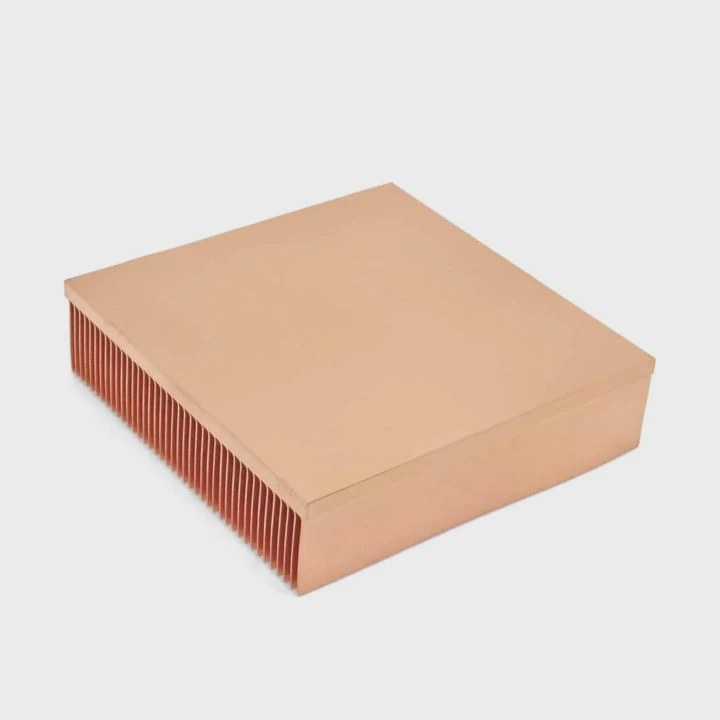
Common Reasons for Reduced Cooling
Dust and Dirt Accumulation
Dust on radiator fins blocks airflow, reducing heat dissipation.Thermal Paste Dry-Out
Over time, thermal paste loses its efficiency, creating air gaps between the CPU and cold plate.Air Trapped in Tubes
Small bubbles form naturally in sealed loops, reducing coolant flow and contact.Coolant Evaporation or Degradation
In rare cases, coolant can slowly evaporate or chemically break down, reducing heat transfer ability.Pump Aging or Failure
Pumps lose performance as bearings or impellers wear out, lowering flow rate.Fan Malfunction
Radiator fans that stop spinning or slow down can’t remove heat efficiently.
Effects of Poor Cooling Performance
| Cause | Result | Severity |
|---|---|---|
| Dust buildup | Reduced airflow | Medium |
| Air bubbles | Irregular heat transfer | Medium |
| Pump failure | No coolant flow | High |
| Old thermal paste | Poor surface contact | High |
| Coolant degradation | Inefficient cooling | High |
Regular maintenance and system monitoring prevent these issues from turning into costly damage.
How to test liquid cooler operation?
If you suspect something is wrong, you can test your cooler easily without dismantling your system.
To test a liquid cooler, monitor pump speed, temperature behavior, and coolant flow using both physical inspection and software tools.
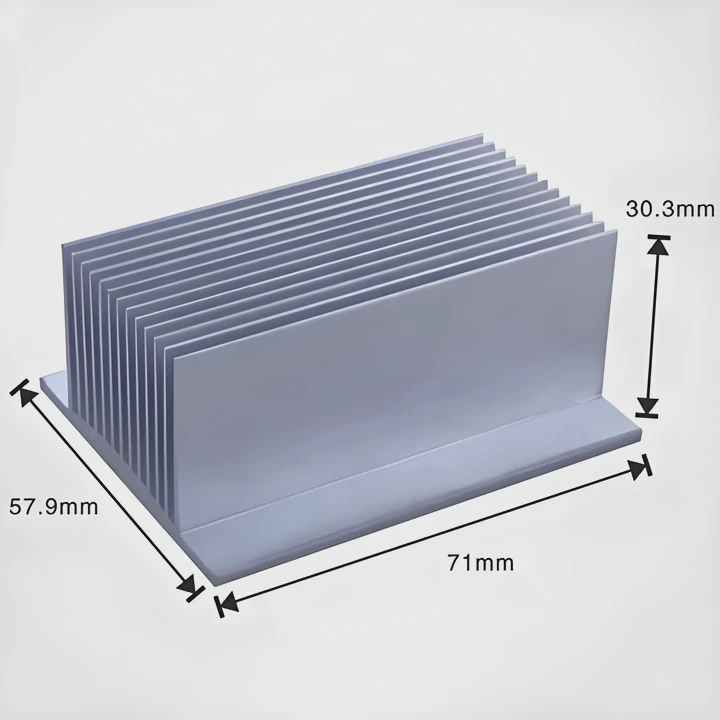
Step-by-Step Testing Guide
Check BIOS or Monitoring Software
Open your BIOS or use software like HWInfo, iCUE, or CAM to view pump speed (RPM). A healthy pump typically runs between 1800–3000 RPM.Listen for Pump and Fan Sounds
When turning on the system, you should hear the pump start up quietly. Grinding or silence may indicate failure.Touch the Tubing
After a few minutes, one tube should feel slightly warmer than the other — a sign that heat is transferring properly.Monitor CPU Temperature Over Time
Run a stress test (using tools like Prime95 or AIDA64). If temperatures rise rapidly above 85°C, the cooler may not be functioning.Visual Flow Inspection
Some coolers have transparent sections or flow indicators. You should see smooth, bubble-free movement.Inspect Radiator and Fans
Make sure fans spin freely and are clean. Radiator fins should be dust-free for optimal performance.
Diagnostic Table
| Test | Normal Result | Problem Indication |
|---|---|---|
| Pump RPM | 1800–3000 RPM | 0 RPM or fluctuating |
| Tube Temperature | One warm, one cool | Both hot or both cold |
| Fan Speed | Varies with load | Always max or static |
| Stress Test Temp | <75°C under load | Rapid rise >85°C |
| Flow Indicator | Steady flow | Air pockets or still |
If issues appear, check connections, reapply thermal paste, or contact the cooler manufacturer for further support.
What are the latest diagnostic trends in cooling?
Modern liquid coolers now feature built-in intelligence that makes diagnosis faster and more accurate than ever before.
Trends in cooling diagnostics include smart sensors, AI monitoring, digital twin modeling, and cloud-based performance tracking.
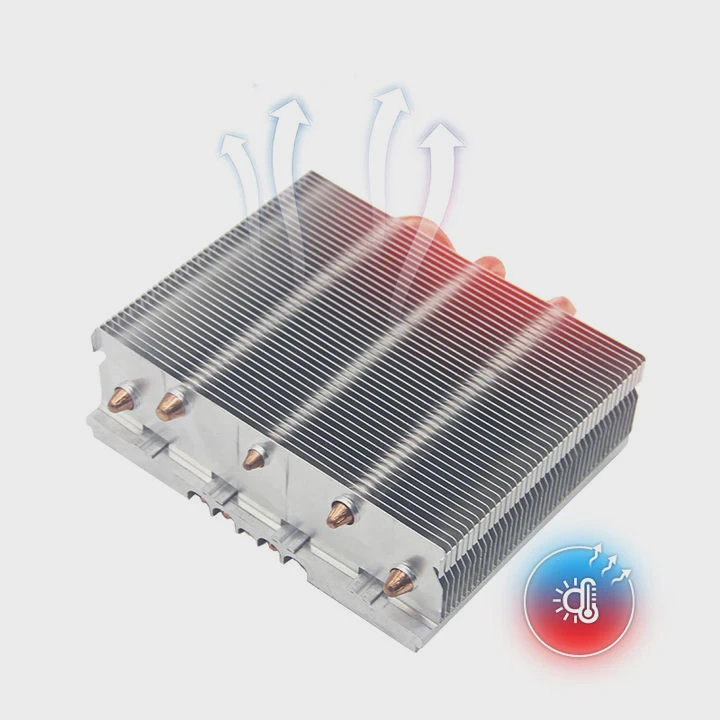
1. Integrated Smart Sensors
Advanced AIOs now include temperature, pressure, and flow sensors that continuously report coolant condition and system performance.
2. AI-Based Thermal Management
AI algorithms automatically analyze pump and fan data, predicting failures before they occur and optimizing speed curves for efficiency.
3. Digital Twin Simulation
Engineers use virtual “digital twins” of cooling systems to simulate real-time conditions and identify problems without manual testing.
4. Cloud Monitoring Systems
Enterprise and data center cooling systems use cloud dashboards that display live temperature maps and flow data for every node.
5. Self-Healing and Adaptive Designs
Emerging cooling solutions use adaptive valves and self-regulating microchannels that adjust automatically when detecting flow blockages or heat spikes.
Diagnostic Innovation Overview
| Technology | Description | Main Benefit |
|---|---|---|
| Smart Sensors | Monitors flow, temp, and pressure | Real-time accuracy |
| AI Management | Predicts issues automatically | Prevents failure |
| Digital Twin | Virtual system replica | Advanced troubleshooting |
| Cloud Analytics | Remote monitoring dashboard | Multi-system control |
| Adaptive Cooling | Self-adjusting microchannels | Continuous optimization |
The Future of Diagnostics
The next generation of coolers will be self-monitoring and self-optimizing, combining data-driven insights with predictive maintenance. This means fewer manual checks and longer-lasting, safer cooling systems.
Conclusion
Knowing whether your liquid cooler is working is about watching for vibration, stable temperatures, and proper airflow. With smart sensors and AI-driven diagnostics becoming standard, detecting issues is easier than ever. A well-maintained, monitored cooling system ensures consistent performance and peace of mind.
TAGS
Latest Articles

Volume discount levels for heat sink orders?
Buyers often ask when heat sink prices start to drop with volume. Many worry they’re overpaying for small orders. This guide explains how B2B volume pricing works for thermal components. Heat sink
21 Dec,2025
Heat sink long-term supply contract options?
Many buyers want stable pricing and reliable delivery for heat sinks. But without a clear contract, risks grow over time. This article explores how to secure better long-term supply deals. Long-term
21 Dec,2025
Tooling cost for new heat sink profiles?
Many engineers struggle to understand why tooling for custom heat sinks costs so much. They worry about budgeting and production timelines. This article breaks down the cost drivers behind tooling.
21 Dec,2025
Heat sink custom sample process steps?
Sometimes, starting a custom heat sink project feels overwhelming—too many steps, too many unknowns, and too many risks. You want a sample, but not endless delays. The process for requesting and
20 Dec,2025
Standard B2B terms for heat sink payments?
When buyers and sellers in B2B heat sink markets talk about payment, many don’t fully understand what’s standard. This can lead to delayed orders, miscommunication, and even lost business
20 Dec,2025
Heat sink pricing factors for large orders?
Heat sinks are vital for many systems. When prices rise, projects stall and budgets break. This problem can hit teams hard without warning. Large order heat sink pricing depends on many factors. You
20 Dec,2025Related Articles
- What is AIO liquid cooling?
- What liquid is used for liquid cooling?
- Why is my liquid cooling so hot?
- How to cool hot liquid fast?
- How does liquid cooling work in computers?
- Is it hard to install liquid cooling?
- How to set up a liquid CPU cooler?
- How to set up liquid cooling?
- How to cool down liquid quickly?
- How much is a liquid cooling system?
- Is the Xbox One X liquid cooled?
- Does liquid cooling need to be replaced?
Author
Dr. Emily Chen
Chief AI Researcher
Leading expert in thermal dynamics and AI optimization with over 15 years of experience in data center efficiency research.
Categories
Latest Products






Recommend Categories
- Liquid cooling plate Manufacturer
- Industrial Heat Sink Manufacturer
- Standard Heat Sink Manufacturer
- Aluminum Heat Sink Manufacturer
- Copper Heat Sink Manufacturer
- Anodized Heatsink Manufacturer
- Stamping heat sink Manufacturer
- Die Casting Heatsink Manufacturer
- Soldering heat sink Manufacturer
- CNC Parts Manufacturer
Latest Products
- Wholesale Aluminum Radiator
- Water Cooling Plate Kit
- Water Cooling Heat Sink
- Water Cooling Heat Sink Kit
- Stainless Steel Water Distributor
- Server Water Cooling Plate Kit
- Server Liquid Cooling System
- Server Aluminum Cooling Kit
- S19 Full Cover Cooling Plate
- S19 Cooling Plate Kit
- S19 Aluminum Cooling Plate
Contact Expert
Have questions about this article? Reach out to our experts directly.