How does liquid cooling work in computers?
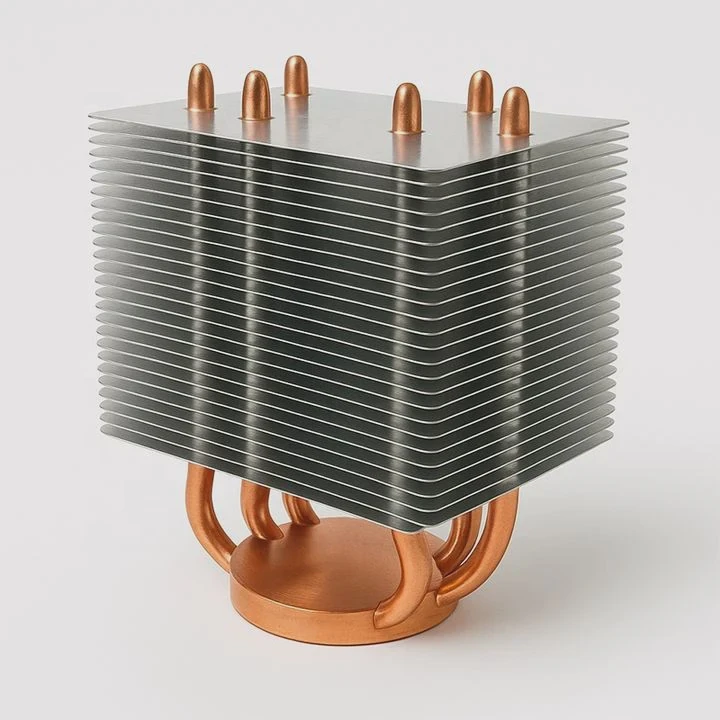
Modern processors and graphics cards generate more heat than ever before. Traditional air coolers can no longer handle high thermal loads efficiently.
Liquid cooling in computers uses circulating coolant to absorb heat from components like CPUs and GPUs, transferring it to a radiator for dissipation.
It works quietly and efficiently, providing better performance, temperature stability, and longer hardware lifespan.
What is computer liquid cooling?
Computer liquid cooling is a thermal management method that replaces air-based heat transfer with liquid circulation. It is designed for powerful PCs, servers, and workstations that produce substantial heat.
Computer liquid cooling uses water or coolant to draw heat away from chips and release it through a radiator, keeping system temperatures low.
How It Works
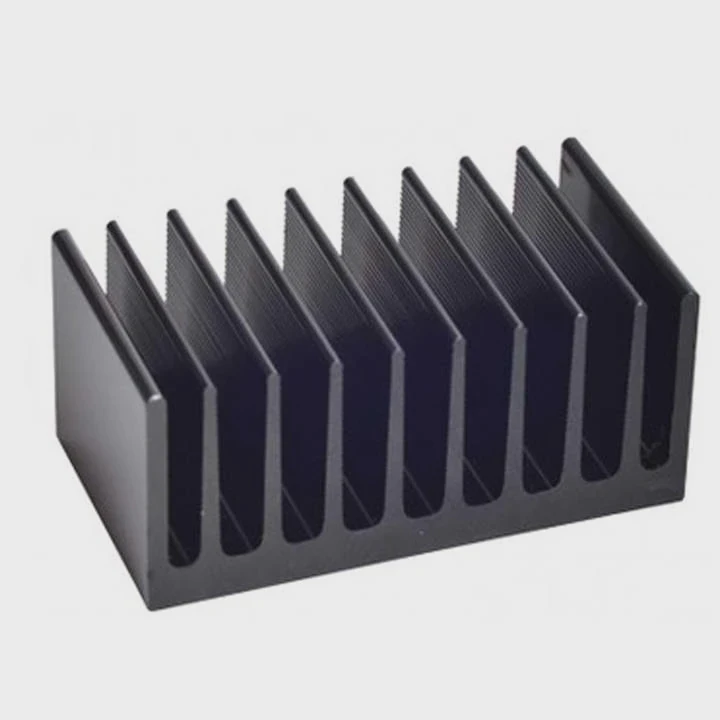
The system relies on continuous fluid motion to move heat efficiently. The coolant absorbs heat from the CPU or GPU through a cold plate, flows through tubes to a radiator, and releases that heat into the air via fans. The cooled liquid then returns to repeat the cycle.
Core Components
| Component | Function |
|---|---|
| Water Block (Cold Plate) | Absorbs heat from CPU or GPU surface |
| Pump | Circulates coolant throughout the system |
| Radiator | Disperses heat from coolant using airflow |
| Reservoir | Stores coolant and helps bleed air from the loop |
| Tubing and Fittings | Directs coolant flow between components |
Liquid cooling systems can be custom-built for enthusiasts or all-in-one (AIO) kits for easy installation. Both offer better cooling capacity than traditional heatsinks.
What advantages does it offer?
Air cooling is simple and affordable, but it struggles when processors generate heavy thermal loads. Liquid cooling offers a more powerful and efficient solution.
Liquid cooling provides superior heat transfer, quieter operation, better temperature stability, and higher overclocking potential compared to air cooling.
Main Benefits
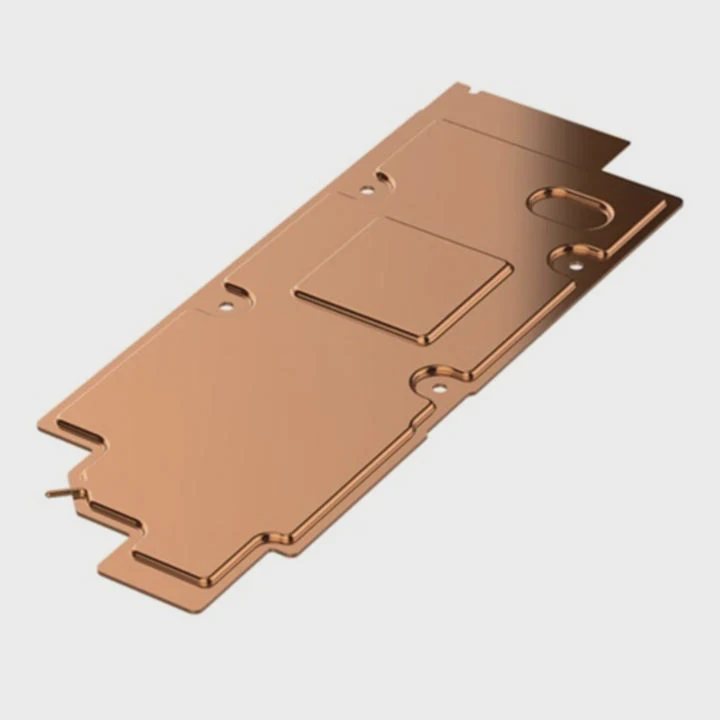
Better Heat Transfer Efficiency
Liquid absorbs and transfers heat much faster than air, allowing components to stay cooler even under full load.Stable System Performance
Lower and more consistent temperatures prevent throttling, enabling higher sustained performance.Quieter Operation
Because heat is removed efficiently, fans can run slower or quieter.Improved Overclocking
With lower temperatures, CPUs and GPUs can safely run at higher clock speeds for longer periods.Enhanced Aesthetics
Custom loops with RGB lighting and transparent tubes make PCs look modern and professional.
Comparison: Air Cooling vs. Liquid Cooling
| Feature | Air Cooling | Liquid Cooling |
|---|---|---|
| Cooling Efficiency | Moderate | Excellent |
| Noise Level | High | Low |
| Maintenance | Low | Moderate |
| Aesthetic Appeal | Basic | Premium |
| Overclocking Support | Limited | High |
Liquid cooling transforms computers from noisy, thermally constrained systems into efficient and quiet performance machines.
How to integrate it with PC hardware?
Installing a liquid cooling system requires planning and precision. Proper integration ensures both performance and safety.
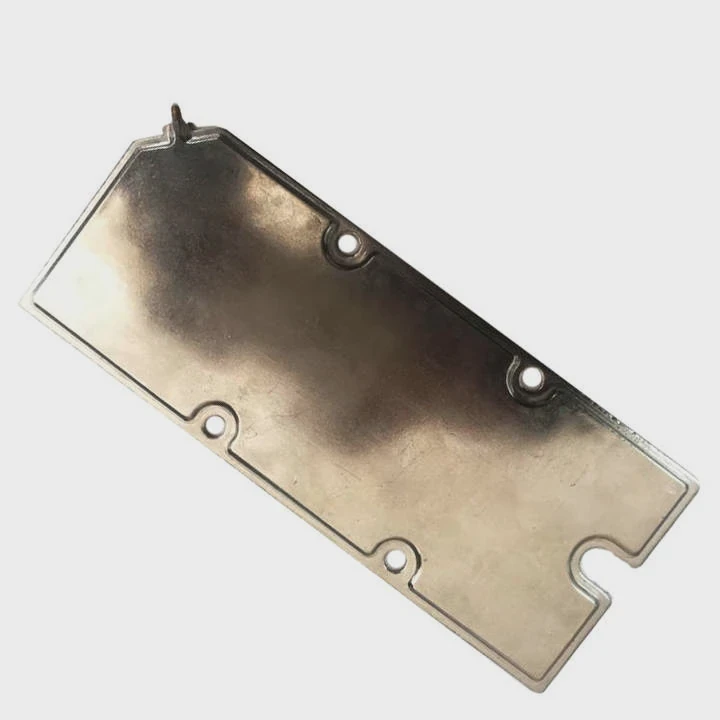
To integrate liquid cooling into PC hardware, mount the radiator and pump, connect tubing between water blocks, fill with coolant, and perform a leak test before powering up.
Step-by-Step Integration Guide
Plan the Loop Layout
Decide which components (CPU, GPU, motherboard VRMs) will be cooled. Determine tube routing to avoid sharp bends or interference.Mount the Radiator
Install the radiator in a case position with good airflow—usually at the top or front.Attach the Pump and Reservoir
Place the pump near the lowest point of the loop to ensure proper flow. The reservoir should be slightly above the pump for easy refilling.Install the Water Blocks
Apply thermal paste to the CPU or GPU die, then mount the water block evenly using the provided screws.Connect Tubing and Fittings
Measure and cut tubing to fit snugly. Attach and tighten compression fittings to prevent leaks.Add Coolant and Bleed the System
Fill the loop slowly, allowing air to escape through the reservoir. Run the pump to circulate coolant and remove trapped bubbles.Perform Leak Testing
Power only the pump using an external power supply for several hours to confirm all joints are sealed.Monitor Temperatures
Once running, use monitoring software (like HWMonitor or AIDA64) to track CPU/GPU temperatures under load.
Integration Tips
- Use distilled water or pre-mixed coolant for best results.
- Avoid mixing metals (e.g., aluminum and copper) to prevent corrosion.
- Clean and flush the loop every 12–18 months to maintain performance.
- Choose quick-disconnect fittings for easier upgrades.
Example: Custom Cooling for Gaming PC
In a gaming setup, a 360mm radiator with dual water blocks (CPU + GPU) can keep temperatures under 60°C even during intense 4K gaming sessions. This allows stable performance without noise or throttling.
What are the future PC cooling innovations?
The cooling industry is evolving quickly to meet the thermal demands of powerful processors, compact designs, and eco-friendly needs.
Future PC cooling innovations focus on smart control systems, direct-to-chip liquid cooling, eco-friendly coolants, and fully modular solutions.
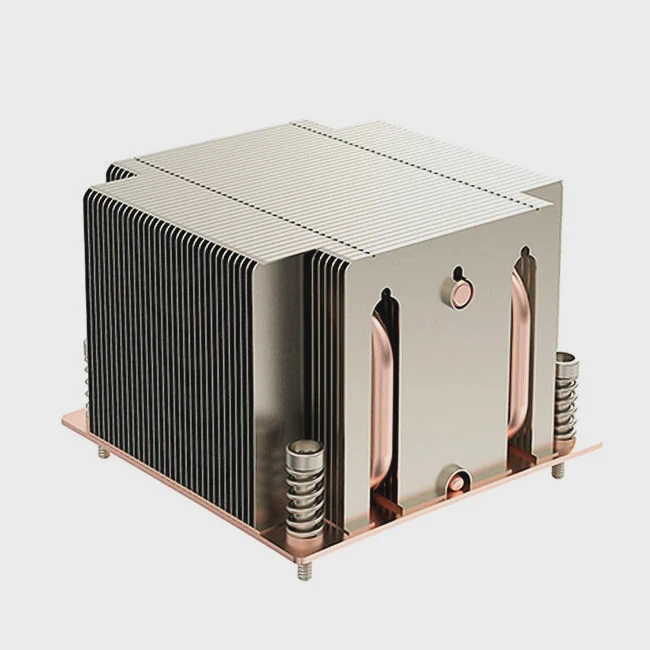
1. Direct-to-Chip Cooling
Manufacturers are integrating cooling microchannels directly into CPU and GPU substrates, minimizing thermal resistance and boosting efficiency.
2. Smart Cooling Management
AI-powered software automatically controls pump and fan speeds based on workload and ambient temperature for optimal performance and noise balance.
3. Eco-Friendly Coolants
New biodegradable coolants with low global warming potential (GWP) are replacing traditional glycol-based fluids. These are safer for both users and the environment.
4. Modular and Tool-Free Systems
Future PC cases will include modular liquid cooling components with quick-connect fittings, making installation faster and safer for all users.
5. Immersion and Two-Phase Cooling
High-end workstations and data centers are experimenting with immersion cooling—submerging hardware in non-conductive liquid. Two-phase systems use phase change to remove even more heat efficiently.
Future Outlook Table
| Innovation | Description | Benefit |
|---|---|---|
| Direct-to-Chip Cooling | Channels built into processors | Faster heat transfer |
| AI Thermal Control | Smart speed and temperature balance | Efficiency & silence |
| Eco Coolants | Non-toxic, low-GWP fluids | Environmental safety |
| Modular Loops | Plug-and-play connectors | Easy installation |
| Immersion Cooling | Components submerged in fluid | Extreme performance |
These advancements will make cooling smarter, safer, and more sustainable—an essential evolution for modern computing.
Conclusion
Liquid cooling in computers is not just a performance upgrade—it’s a complete thermal revolution. By using liquid to absorb and transfer heat efficiently, systems run cooler, quieter, and faster. With the rise of AI and compact PCs, the future of cooling will be smarter, greener, and more integrated than ever.
TAGS
Latest Articles

Volume discount levels for heat sink orders?
Buyers often ask when heat sink prices start to drop with volume. Many worry they’re overpaying for small orders. This guide explains how B2B volume pricing works for thermal components. Heat sink
21 Dec,2025
Heat sink long-term supply contract options?
Many buyers want stable pricing and reliable delivery for heat sinks. But without a clear contract, risks grow over time. This article explores how to secure better long-term supply deals. Long-term
21 Dec,2025
Tooling cost for new heat sink profiles?
Many engineers struggle to understand why tooling for custom heat sinks costs so much. They worry about budgeting and production timelines. This article breaks down the cost drivers behind tooling.
21 Dec,2025
Heat sink custom sample process steps?
Sometimes, starting a custom heat sink project feels overwhelming—too many steps, too many unknowns, and too many risks. You want a sample, but not endless delays. The process for requesting and
20 Dec,2025
Standard B2B terms for heat sink payments?
When buyers and sellers in B2B heat sink markets talk about payment, many don’t fully understand what’s standard. This can lead to delayed orders, miscommunication, and even lost business
20 Dec,2025
Heat sink pricing factors for large orders?
Heat sinks are vital for many systems. When prices rise, projects stall and budgets break. This problem can hit teams hard without warning. Large order heat sink pricing depends on many factors. You
20 Dec,2025Related Articles
- Is it hard to install liquid cooling?
- How to install liquid cooling on GPU?
- How to refill liquid cooling?
- Why use liquid cooling?
- Is the PS5 liquid cooled?
- What is liquid metal cooling?
- How to cool hot liquid fast?
- Why is my liquid cooling so hot?
- What liquid is used for liquid cooling?
- What is AIO liquid cooling?
- How to know if liquid cooler is working?
- How to set up a liquid CPU cooler?
Author
Dr. Emily Chen
Chief AI Researcher
Leading expert in thermal dynamics and AI optimization with over 15 years of experience in data center efficiency research.
Categories
Latest Products






Recommend Categories
- Liquid cooling plate Manufacturer
- Industrial Heat Sink Manufacturer
- Standard Heat Sink Manufacturer
- Aluminum Heat Sink Manufacturer
- Copper Heat Sink Manufacturer
- Anodized Heatsink Manufacturer
- Stamping heat sink Manufacturer
- Die Casting Heatsink Manufacturer
- Soldering heat sink Manufacturer
- CNC Parts Manufacturer
Latest Products
- Wholesale Aluminum Radiator
- Water Cooling Plate Kit
- Water Cooling Heat Sink
- Water Cooling Heat Sink Kit
- Stainless Steel Water Distributor
- Server Water Cooling Plate Kit
- Server Liquid Cooling System
- Server Aluminum Cooling Kit
- S19 Full Cover Cooling Plate
- S19 Cooling Plate Kit
- S19 Aluminum Cooling Plate
Contact Expert
Have questions about this article? Reach out to our experts directly.