Is it hard to install liquid cooling?
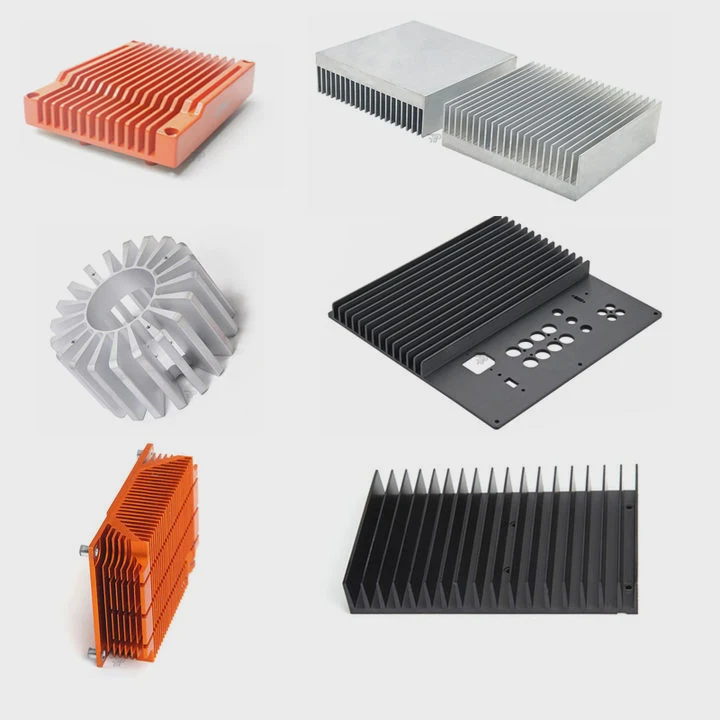
Many people fear liquid cooling installation because it looks complex and risky. In truth, it’s manageable with patience and the right guidance.
Installing liquid cooling involves connecting pumps, tubes, and blocks to create a closed heat transfer loop — it’s not hard, just requires careful attention and preparation.
Once you understand the process, it becomes straightforward and rewarding, giving you better cooling and quieter performance.
What does liquid cooling installation involve?
Installing a liquid cooling system is about transferring heat efficiently through liquid flow. It requires both mechanical and thermal precision.
Liquid cooling installation involves mounting water blocks, connecting tubing, adding coolant, and testing the system for leaks before operation.
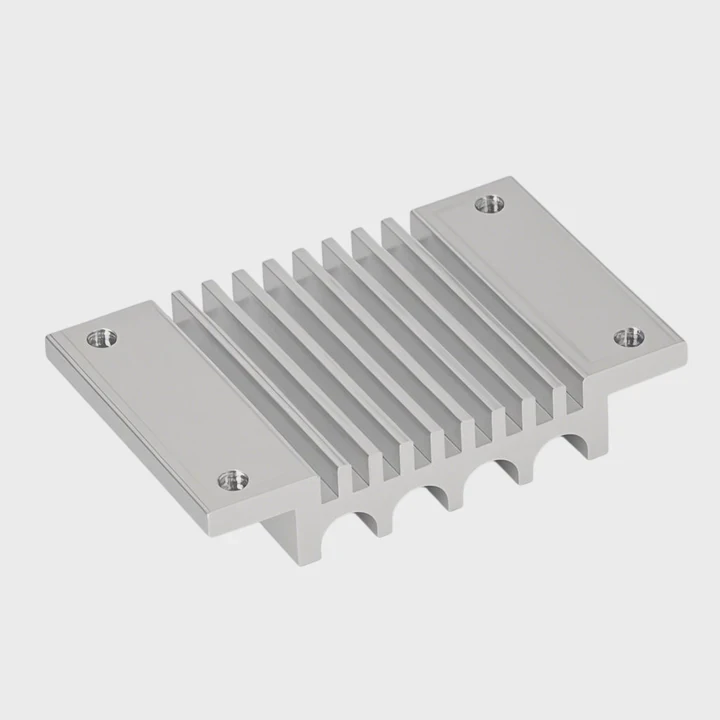
Main Components
| Component | Function |
|---|---|
| Water Block | Absorbs heat from the CPU or GPU |
| Radiator | Dissipates heat from the coolant |
| Pump | Circulates coolant through the system |
| Reservoir | Stores coolant and assists in refilling |
| Tubing & Fittings | Connects all parts securely |
| Coolant | Transfers heat efficiently |
Step-by-Step Overview
Plan the Layout
Decide where the radiator, pump, and reservoir will fit inside your case. Good airflow and cable management matter.Install the Water Blocks
Apply thermal paste and mount the blocks to CPUs or GPUs carefully with even pressure.Connect Tubing and Fittings
Cut tubing to fit, attach fittings tightly, and make sure all joints are secure.Add Coolant
Pour the coolant slowly into the reservoir to avoid air bubbles.Bleed the System
Run the pump (without powering other components) to remove trapped air.Leak Test
Let the system run for several hours before connecting the main power.
Liquid cooling is about precision, not speed. Once installed properly, it provides reliable thermal control for years.
What are the benefits of professional installation?
While DIY installation can be fun, professionals bring experience, precision, and time-saving advantages.
Professional installation ensures leak-free assembly, optimized coolant flow, and balanced thermal performance across all components.
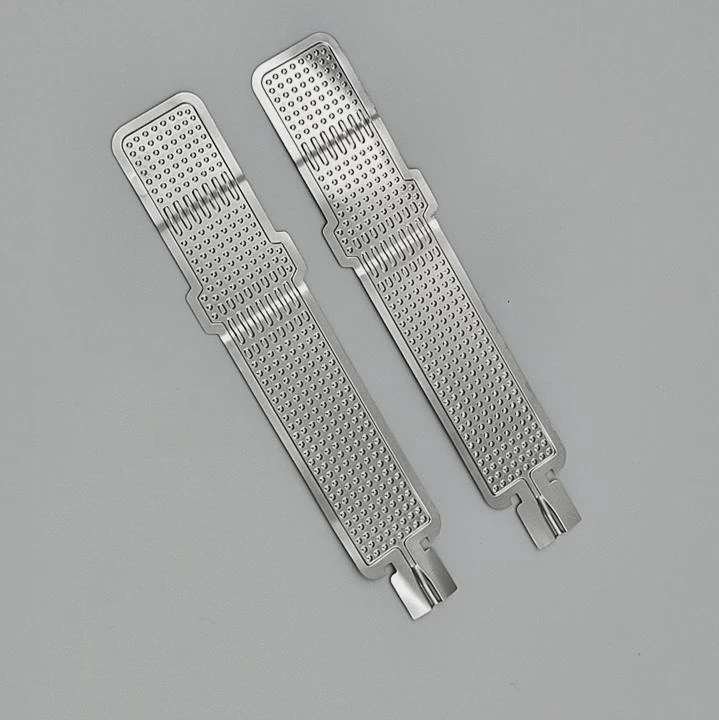
Key Advantages
Perfect Fit and Compatibility
Professionals select components that match your hardware, avoiding compatibility problems.Leak Prevention
They pressure-test loops before activation, reducing the risk of leaks or spills.Clean Cable and Tube Management
Professional setups look neat and maximize airflow efficiency.Optimized Performance
Experts use precise thermal paste application and flow balancing to achieve lower temperatures.Time Efficiency
You save hours of trial and error, especially for complex custom loops.Warranty Protection
Some installers offer warranties on workmanship and materials, giving extra peace of mind.
Example Scenario
A company building high-end gaming PCs might offer professional liquid cooling installation as part of a premium service. This ensures perfect performance and aesthetics without customer risk.
| Benefit | Description |
|---|---|
| Leak-Free Guarantee | Reduces chance of system damage |
| Thermal Optimization | Improves cooling performance |
| Professional Finish | Clean, visually appealing layout |
| Fast Turnaround | Saves setup time |
Professional service is ideal for users who value reliability or lack experience with custom systems.
How to simplify installation for beginners?
Beginners can easily install liquid cooling with a few smart choices and tools. The goal is to reduce complexity and increase safety.
To simplify liquid cooling installation, use all-in-one kits, follow clear instructions, and take time to test the system before powering it fully.
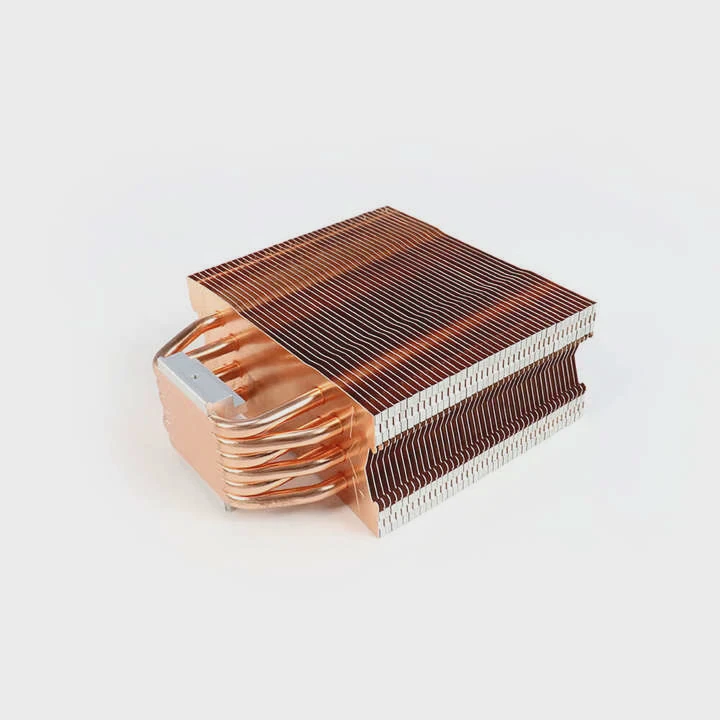
Simplification Tips
Start with an AIO (All-In-One) Cooler
These are pre-assembled with pump, radiator, and coolant already connected. You only mount and plug them in.Choose a Compatible Case
Ensure your computer case supports radiator sizes like 240mm or 360mm to avoid clearance issues.Use Quick-Connect Fittings
These allow tubing to snap into place without complex tools or clamps.Follow Step-by-Step Guides
Many brands include visual installation manuals or online videos—watching them helps avoid mistakes.Test Before Use
Always perform a leak test, even with AIO systems, to ensure everything is sealed.Keep it Simple
Avoid complex custom loops until you are confident with basic systems.
Example: Beginner Installation Workflow
- Mount radiator and fans to the case.
- Attach pump block to CPU or GPU.
- Connect power cables and fan headers.
- Power on and check temperatures.
Most AIO systems can be installed within 30–60 minutes without special tools or risk.
What are the trends in easy-install kits?
Liquid cooling design has evolved dramatically. Manufacturers are now making systems that even beginners can install confidently.
Trends in easy-install kits include prefilled loops, modular connectors, smart sensors, and maintenance-free designs for long-term stability.
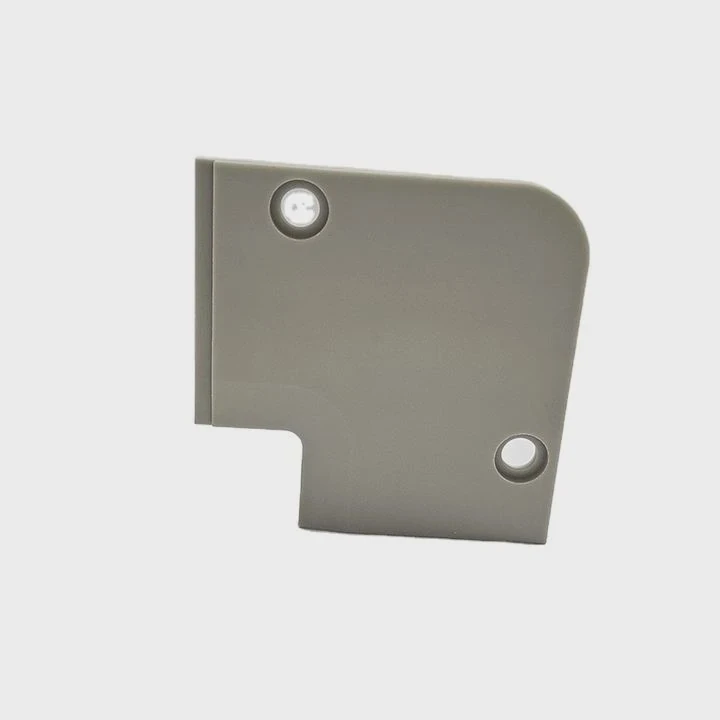
1. Prefilled and Sealed Systems
Next-generation coolers come factory-filled and sealed to eliminate leaks. Users no longer need to handle coolant at all.
2. Tool-Free Assembly
Modern kits use magnetic or snap-fit mounts. No screws or clamps are required, making setup faster and simpler.
3. Modular and Expandable Designs
Manufacturers now offer modular components that can connect like blocks. Users can add radiators or GPUs later without draining the system.
4. Smart Monitoring and AI Control
New coolers include built-in sensors for temperature, flow rate, and pressure. AI software adjusts fan and pump speeds automatically for efficiency.
5. Eco-Friendly Materials
Sustainable coolants and recyclable aluminum radiators are gaining popularity to reduce environmental impact.
Example: Modern AIO Cooling Kit
| Feature | Description | Benefit |
|---|---|---|
| Prefilled Loop | Comes sealed with coolant | No leak risk |
| Tool-Free Mounting | Snap-on brackets | Faster setup |
| Smart Sensors | Real-time monitoring | Automatic control |
| Eco Coolant | Non-toxic and recyclable | Environmentally safe |
These innovations make liquid cooling not only powerful but also accessible. Beginners can now enjoy advanced thermal performance without complex setup or maintenance.
Conclusion
Installing liquid cooling is easier than it looks. With modern AIO kits and modular systems, anyone can achieve quiet and efficient cooling safely. Whether you choose DIY or professional help, proper planning and patience guarantee success in building a high-performance cooling setup.
TAGS
Latest Articles

Volume discount levels for heat sink orders?
Buyers often ask when heat sink prices start to drop with volume. Many worry they’re overpaying for small orders. This guide explains how B2B volume pricing works for thermal components. Heat sink
21 Dec,2025
Heat sink long-term supply contract options?
Many buyers want stable pricing and reliable delivery for heat sinks. But without a clear contract, risks grow over time. This article explores how to secure better long-term supply deals. Long-term
21 Dec,2025
Tooling cost for new heat sink profiles?
Many engineers struggle to understand why tooling for custom heat sinks costs so much. They worry about budgeting and production timelines. This article breaks down the cost drivers behind tooling.
21 Dec,2025
Heat sink custom sample process steps?
Sometimes, starting a custom heat sink project feels overwhelming—too many steps, too many unknowns, and too many risks. You want a sample, but not endless delays. The process for requesting and
20 Dec,2025
Standard B2B terms for heat sink payments?
When buyers and sellers in B2B heat sink markets talk about payment, many don’t fully understand what’s standard. This can lead to delayed orders, miscommunication, and even lost business
20 Dec,2025
Heat sink pricing factors for large orders?
Heat sinks are vital for many systems. When prices rise, projects stall and budgets break. This problem can hit teams hard without warning. Large order heat sink pricing depends on many factors. You
20 Dec,2025Related Articles
- How to install liquid cooling on GPU?
- How to refill liquid cooling?
- Why use liquid cooling?
- Is the PS5 liquid cooled?
- What is liquid metal cooling?
- How to remove a liquid cooler?
- How does liquid cooling work in computers?
- How to cool hot liquid fast?
- Why is my liquid cooling so hot?
- What liquid is used for liquid cooling?
- What is AIO liquid cooling?
- How to know if liquid cooler is working?
Author
Dr. Emily Chen
Chief AI Researcher
Leading expert in thermal dynamics and AI optimization with over 15 years of experience in data center efficiency research.
Categories
Latest Products






Recommend Categories
- Liquid cooling plate Manufacturer
- Industrial Heat Sink Manufacturer
- Standard Heat Sink Manufacturer
- Aluminum Heat Sink Manufacturer
- Copper Heat Sink Manufacturer
- Anodized Heatsink Manufacturer
- Stamping heat sink Manufacturer
- Die Casting Heatsink Manufacturer
- Soldering heat sink Manufacturer
- CNC Parts Manufacturer
Latest Products
- Wholesale Aluminum Radiator
- Water Cooling Plate Kit
- Water Cooling Heat Sink
- Water Cooling Heat Sink Kit
- Stainless Steel Water Distributor
- Server Water Cooling Plate Kit
- Server Liquid Cooling System
- Server Aluminum Cooling Kit
- S19 Full Cover Cooling Plate
- S19 Cooling Plate Kit
- S19 Aluminum Cooling Plate
Contact Expert
Have questions about this article? Reach out to our experts directly.