Why is my liquid cooling so hot?
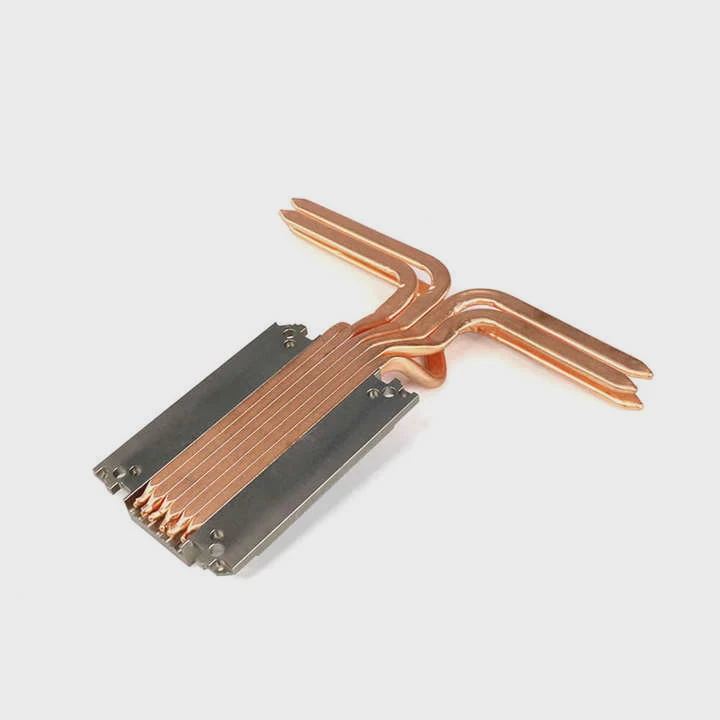
When your liquid cooling system runs hotter than expected, it’s more than just a performance issue — it’s a warning sign. Something in the system is blocking or slowing heat transfer.
If your liquid cooling is too hot, it’s often caused by poor coolant flow, trapped air, pump failure, or dust buildup on the radiator.
Once the coolant’s temperature rises above normal, it can no longer remove heat efficiently from the CPU or GPU, leading to dangerous thermal conditions.
What causes liquid cooling to overheat?
Liquid cooling systems rely on a continuous, stable cycle of coolant flow and heat exchange. When any part of that process breaks down, temperatures climb fast.
Common causes of liquid cooling overheating include pump failure, air bubbles, low coolant levels, radiator blockage, or poor case airflow.
1. Pump Malfunction
If the pump stops working or slows down, coolant won’t circulate. This is one of the most common and serious causes of overheating.
2. Air Bubbles in the Loop
Air trapped inside blocks coolant flow and reduces contact between the liquid and cooling surfaces.
3. Low Coolant Level
Over time, coolant can evaporate or leak, reducing heat capacity and slowing thermal transfer.
4. Radiator Blockage
Dust, dirt, or debris can block radiator fins, preventing efficient airflow through the cooling surface.
5. Fan or Power Issues
If radiator fans are not spinning or are connected incorrectly, the system can’t release heat effectively.
6. Case Airflow Problems
Hot air trapped inside the case raises the coolant’s ambient temperature, reducing its cooling potential.
7. Thermal Paste Problems
Old or uneven thermal paste between the CPU and cooler can cause poor contact and heat buildup.
Common Causes and Effects
| Cause | Effect on System | Severity |
|---|---|---|
| Pump failure | No coolant circulation | High risk |
| Air bubbles | Irregular cooling | Medium |
| Low coolant | Reduced heat transfer | High |
| Dust buildup | Poor heat dissipation | Medium |
| Fan issues | High radiator temperature | Medium |
| Bad thermal paste | Localized overheating | High |
Each of these factors can happen slowly over time, which is why regular inspection and maintenance are crucial.
What are the risks of overheating?
When a liquid cooling system overheats, it can damage expensive hardware, shorten component life, and even cause system shutdowns.
Overheating in liquid cooling can lead to CPU or GPU throttling, coolant evaporation, pump wear, and permanent component damage.
1. CPU or GPU Throttling
Modern processors automatically slow down to reduce temperature. This causes lag, stuttering, and performance loss.
2. Coolant Breakdown
If coolant runs too hot for too long, additives degrade, leading to corrosion or bacterial growth.
3. Pump and Seal Damage
Heat makes pump seals expand and contract, eventually causing leaks or total failure.
4. Component Degradation
Sustained high temperatures reduce the lifespan of semiconductors and VRMs.
5. Safety Shutdowns
Most systems automatically shut down when reaching critical temperature thresholds — protecting hardware but risking data loss.
Overheating Risk Summary
| Risk | Impact | Long-Term Consequence |
|---|---|---|
| Thermal throttling | Performance drops | Reduced efficiency |
| Coolant degradation | Corrosion, leaks | System failure |
| Pump strain | Noise, wear | Mechanical failure |
| Seal damage | Fluid leaks | Component risk |
| Shutdown loops | Unstable PC | Data corruption |
Even short-term overheating can cause lasting effects, especially on systems under heavy workloads like gaming, rendering, or AI processing.
How to fix high temperatures in liquid cooling?
Fixing an overheating system starts with identifying the root cause. A methodical approach helps restore efficiency safely.
To fix high temperatures in a liquid cooling system, check coolant flow, remove air, clean radiators, reapply thermal paste, and ensure proper airflow.
Step 1: Check Pump Operation
Listen for pump noise or vibration. If silent or irregular, ensure it’s powered and connected properly. Some motherboards require the pump to connect to a dedicated header like “AIO_PUMP.”
Step 2: Inspect Coolant Flow
Look for visible flow indicators or tubing movement. If flow is weak, air bubbles or a failing pump may be the cause.
Step 3: Refill or Replace Coolant
If coolant levels are low or discolored, drain and refill using the manufacturer’s recommended fluid. Avoid mixing different coolant types.
Step 4: Remove Air Bubbles
Tilt or gently shake the case to help trapped air escape to the reservoir. Running the pump at low speed can also purge bubbles.
Step 5: Clean Radiator and Fans
Use compressed air or a soft brush to remove dust from fins and fans. Clogged radiators block airflow and trap heat.
Step 6: Reapply Thermal Paste
Old or uneven paste can hinder contact between the CPU and cooler. Clean off residue and reapply a thin, even layer.
Step 7: Improve Case Airflow
Ensure intake and exhaust fans are balanced. Use positive airflow (more intake than exhaust) for better cooling pressure.
Step 8: Monitor Temperatures
Use software like HWMonitor, iCUE, or NZXT CAM to track coolant, CPU, and GPU temps. Compare readings under idle and load.
Temperature Guidelines
| Component | Normal Temp (°C) | Warning Level (°C) | Critical (°C) |
|---|---|---|---|
| CPU | 30–70 | 80 | 90+ |
| GPU | 30–75 | 85 | 95+ |
| Coolant | 25–45 | 50 | 60+ |
Once temperatures stabilize, monitor the system for a few days to ensure consistent cooling performance.
What are the trends in smarter cooling control?
Cooling systems are becoming more intelligent, automated, and data-driven. Technology now enables predictive cooling management.
Trends in smart cooling control include AI-based pump regulation, digital thermal sensors, predictive diagnostics, and eco-friendly coolants.
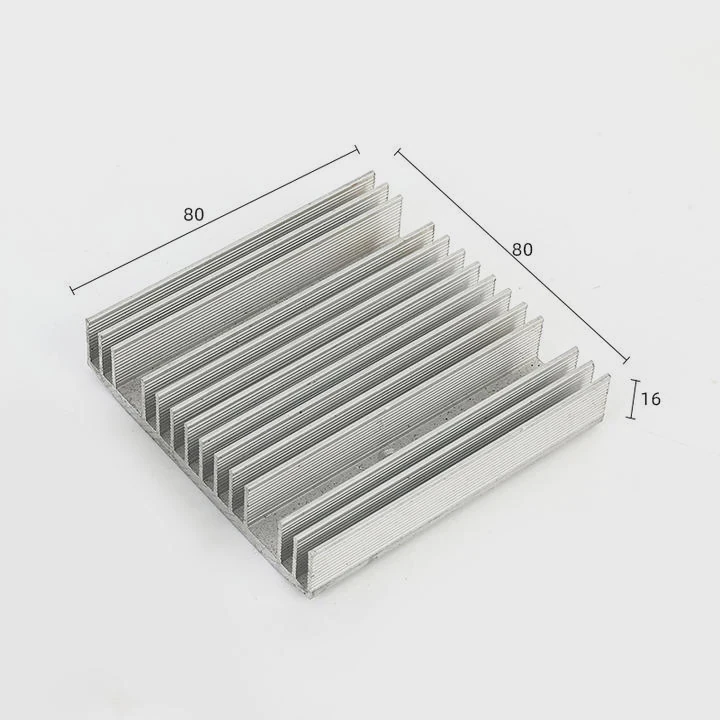
1. AI-Driven Cooling Algorithms
Modern systems use artificial intelligence to predict temperature spikes and adjust fan or pump speeds automatically before overheating occurs.
2. Smart Sensors and Monitoring
Integrated sensors now track flow rate, coolant temperature, and pressure in real time. This data feeds into control software for instant adjustments.
3. Predictive Maintenance
Advanced liquid cooling systems can detect when coolant levels drop or when flow resistance increases, alerting users before failure.
4. Eco-Friendly and Long-Life Coolants
Manufacturers are developing biodegradable, non-toxic fluids with improved heat capacity and long-term stability.
5. Adaptive Radiator and Fan Design
Some modern radiators use dynamic fin structures or microchannels that optimize air resistance and flow based on load.
Future Cooling Innovations
| Innovation | Function | Benefit |
|---|---|---|
| AI Control | Automated thermal management | Energy efficiency |
| Smart Sensors | Flow and pressure monitoring | Real-time safety |
| Predictive Alerts | Early fault detection | Prevents failure |
| Eco Coolants | Sustainable materials | Lower environmental impact |
| Microchannel Radiators | Enhanced thermal contact | Faster cooling |
As PC power consumption rises, these intelligent systems will become the new standard for maintaining performance and protecting components without constant manual tuning.
Conclusion
When liquid cooling runs hot, it signals an underlying issue in the system — from air bubbles to pump failure. By diagnosing step-by-step and maintaining proper airflow, you can restore optimal cooling safely. The rise of smart, AI-controlled systems promises a future where overheating becomes a thing of the past.
TAGS
Latest Articles

Volume discount levels for heat sink orders?
Buyers often ask when heat sink prices start to drop with volume. Many worry they’re overpaying for small orders. This guide explains how B2B volume pricing works for thermal components. Heat sink
21 Dec,2025
Heat sink long-term supply contract options?
Many buyers want stable pricing and reliable delivery for heat sinks. But without a clear contract, risks grow over time. This article explores how to secure better long-term supply deals. Long-term
21 Dec,2025
Tooling cost for new heat sink profiles?
Many engineers struggle to understand why tooling for custom heat sinks costs so much. They worry about budgeting and production timelines. This article breaks down the cost drivers behind tooling.
21 Dec,2025
Heat sink custom sample process steps?
Sometimes, starting a custom heat sink project feels overwhelming—too many steps, too many unknowns, and too many risks. You want a sample, but not endless delays. The process for requesting and
20 Dec,2025
Standard B2B terms for heat sink payments?
When buyers and sellers in B2B heat sink markets talk about payment, many don’t fully understand what’s standard. This can lead to delayed orders, miscommunication, and even lost business
20 Dec,2025
Heat sink pricing factors for large orders?
Heat sinks are vital for many systems. When prices rise, projects stall and budgets break. This problem can hit teams hard without warning. Large order heat sink pricing depends on many factors. You
20 Dec,2025Related Articles
- How to cool hot liquid fast?
- How does liquid cooling work in computers?
- Is it hard to install liquid cooling?
- How to install liquid cooling on GPU?
- How to refill liquid cooling?
- Why use liquid cooling?
- What liquid is used for liquid cooling?
- What is AIO liquid cooling?
- How to know if liquid cooler is working?
- How to set up a liquid CPU cooler?
- How to set up liquid cooling?
- How to cool down liquid quickly?
Author
Dr. Emily Chen
Chief AI Researcher
Leading expert in thermal dynamics and AI optimization with over 15 years of experience in data center efficiency research.
Categories
Latest Products






Recommend Categories
- Liquid cooling plate Manufacturer
- Industrial Heat Sink Manufacturer
- Standard Heat Sink Manufacturer
- Aluminum Heat Sink Manufacturer
- Copper Heat Sink Manufacturer
- Anodized Heatsink Manufacturer
- Stamping heat sink Manufacturer
- Die Casting Heatsink Manufacturer
- Soldering heat sink Manufacturer
- CNC Parts Manufacturer
Latest Products
- Wholesale Aluminum Radiator
- Water Cooling Plate Kit
- Water Cooling Heat Sink
- Water Cooling Heat Sink Kit
- Stainless Steel Water Distributor
- Server Water Cooling Plate Kit
- Server Liquid Cooling System
- Server Aluminum Cooling Kit
- S19 Full Cover Cooling Plate
- S19 Cooling Plate Kit
- S19 Aluminum Cooling Plate
Contact Expert
Have questions about this article? Reach out to our experts directly.