Where to install a liquid CPU cooler?
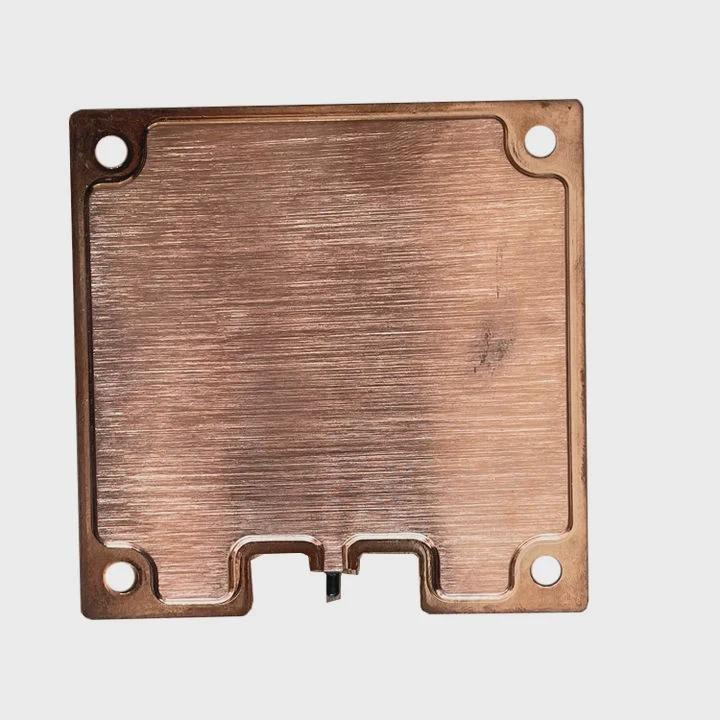
When you buy a liquid CPU cooler, you expect better performance. But even the best cooler can fail if you install it in the wrong place. Poor placement leads to trapped air, uneven cooling, and higher temperatures.
The best place to install a liquid CPU cooler is where it can get the most airflow — usually the front or top of the PC case, with the pump below the radiator.
Let’s explore what a liquid CPU cooler is, why placement matters, how to install it properly, and what new placement designs are changing the way we build PCs.
What is a liquid CPU cooler?
A liquid CPU cooler is a type of cooling system that uses liquid instead of air to remove heat from your processor. It works by transferring heat from the CPU to a radiator through circulating coolant.
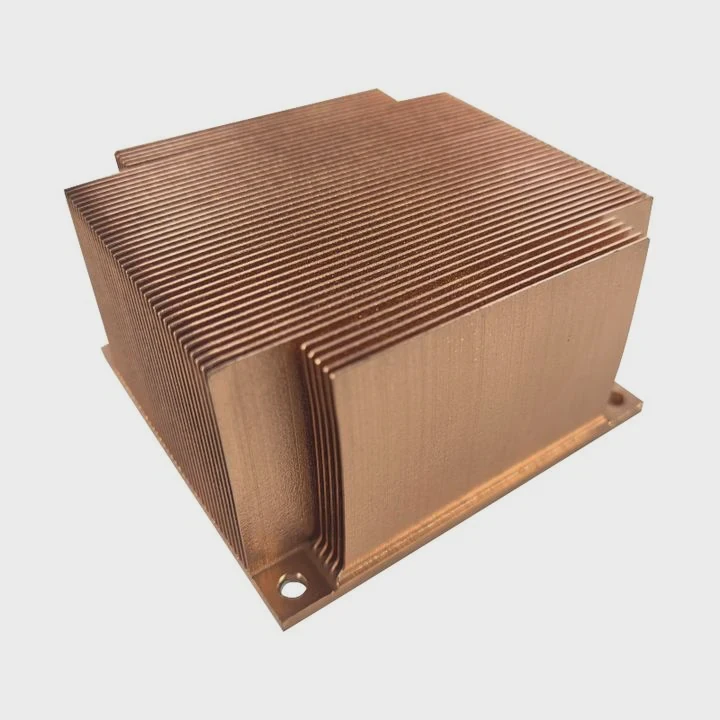
A liquid CPU cooler consists of a water block, pump, tubes, and radiator, which together move heat away from the CPU faster than traditional air coolers.
1. Components and how they work
Here’s what makes up a typical all-in-one (AIO) liquid cooler:
| Component | Function | Description |
|---|---|---|
| Water Block | Absorbs heat from CPU | Attached directly to CPU surface |
| Pump | Circulates coolant | Moves liquid through the loop |
| Tubes | Transfer heat-carrying fluid | Connects water block and radiator |
| Radiator | Releases heat into the air | Works with fans for dissipation |
| Fans | Push or pull air | Improves heat removal efficiency |
When the CPU generates heat, the thermal paste and water block transfer it to the liquid inside. The pump moves this heated liquid through tubes to the radiator. There, fans blow cool air across metal fins, and the liquid cools before returning to the CPU block.
2. Advantages of liquid cooling
- More efficient heat transfer
- Quieter operation
- Improved aesthetics
- Better overclocking potential
3. When to use liquid cooling
If you use high-performance CPUs like AMD Ryzen 9 or Intel Core i9, or run demanding workloads such as rendering or gaming, liquid cooling helps keep temperatures stable under stress.
Why proper placement is important?
Many builders underestimate the impact of placement. But positioning the radiator and pump incorrectly can cause poor cooling or even early pump failure.
Proper placement ensures air escapes from the loop, coolant flows efficiently, and the CPU stays cool under load. Incorrect installation can trap air and reduce thermal performance.
1. Air bubble management
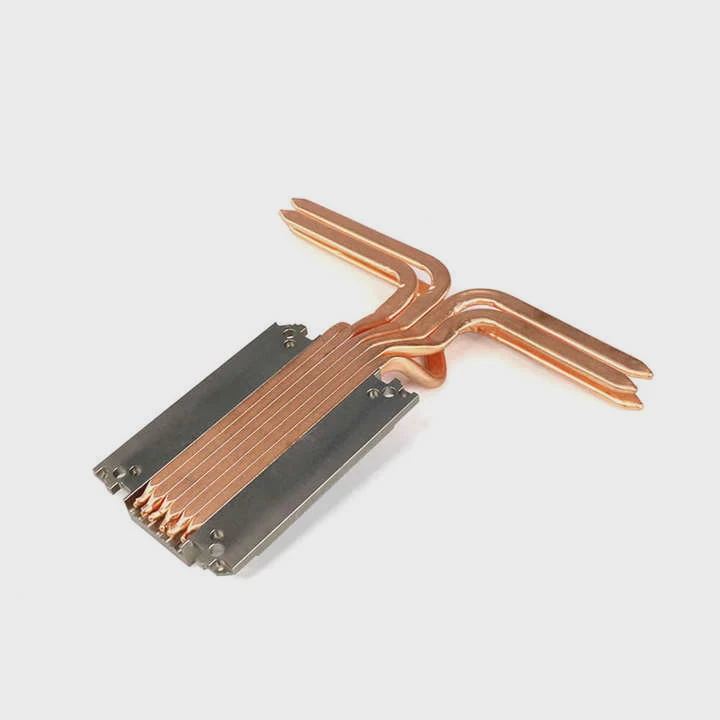
Liquid cooling systems are sealed, but small air pockets still exist. If the radiator sits below the pump, air can collect inside the pump chamber. This causes noise, vibration, and eventually pump damage. Keeping the pump below the radiator allows air to rise naturally into the radiator, where it causes no harm.
2. Heat dissipation efficiency
Placement affects how quickly heat leaves the radiator. Radiators placed in areas with poor airflow or blocked vents can trap hot air, reducing cooling power.
3. Case airflow direction
Hot air rises. Mounting the radiator at the top uses this natural flow to help push hot air out of the case. If mounted at the front, it can pull cool air in, which benefits CPU cooling but may raise GPU temperatures slightly.
4. Vibration and stability
Improper orientation can put stress on the pump or tubing. For example, long hanging tubes or tight bends may limit flow or shorten pump lifespan.
5. Acoustic impact
Radiator placement changes how sound travels. Front-mounted radiators often absorb fan noise better because they sit behind the case’s front panel. Top-mounted radiators expose fans more directly, making them slightly louder.
| Placement Type | Airflow Direction | Pros | Cons |
|---|---|---|---|
| Top Mount | Exhaust | Removes hot air efficiently | Slightly warmer intake |
| Front Mount | Intake | Cooler CPU temps | Warmer GPU temps |
| Side Mount | Intake/Exhaust | Flexible layout | Limited space |
| Bottom Mount | Intake | Rare but compact | Air trapped in pump |
6. Aesthetics and cable management
Many builders also consider appearance. Radiator and tube placement affect the overall look and ease of hiding cables. Clean routing not only improves airflow but also helps system maintenance later.
How to install it correctly?
Installing a liquid cooler can seem complex, but with a clear plan, it’s simple and safe. The goal is to mount the radiator where air moves freely and the pump sits lower than the top of the loop.
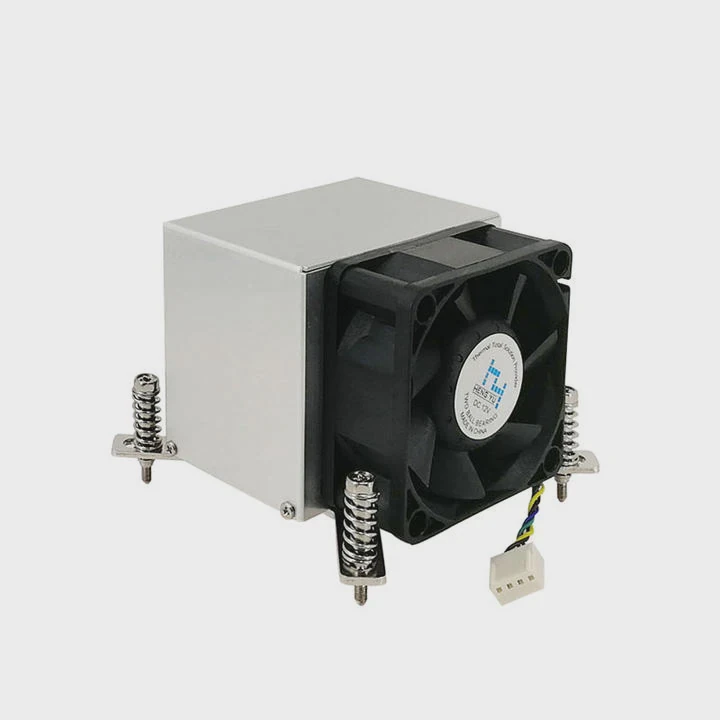
To install a liquid CPU cooler correctly, mount the radiator at the top or front of the case, ensure the pump is powered and below the radiator, and orient the tubes to avoid air bubbles.
1. Preparation
Before installation:
- Power off and unplug your PC.
- Remove old cooling hardware.
- Clean the CPU surface with isopropyl alcohol.
- Check your case for radiator size support (240mm, 280mm, or 360mm).
2. Radiator orientation
There are three main ways to mount your radiator:
Top Mount (Recommended for balanced airflow)
- Fans act as exhaust, pushing hot air out of the case.
- The pump remains lower than the highest point, preventing trapped air.
- Ideal for cases with mesh or vented top panels.
Front Mount (For maximum CPU cooling)
- Fans pull cool air from outside through the radiator.
- Keeps CPU temps low but may increase internal case heat.
- Works best with a bottom-mounted GPU or strong exhaust fans at the top.
Side Mount (Less common)
- Useful for custom or compact builds.
- Airflow direction depends on fan setup.
- Ensure enough space between side panel and radiator.
3. Step-by-step installation guide
| Step | Action | Purpose |
|---|---|---|
| 1 | Mount radiator and fans | Decide push or pull airflow |
| 2 | Apply thermal paste | Improves heat transfer |
| 3 | Attach water block to CPU | Secure evenly to avoid tilt |
| 4 | Connect pump power | Use dedicated AIO_PUMP or CPU_FAN header |
| 5 | Manage tubing and cables | Prevent kinks and ensure tidy airflow |
| 6 | Boot system and test temps | Confirm pump and fans work properly |
4. Avoiding common mistakes
- Don’t mount the radiator with tubes at the top. This traps air in the pump.
- Don’t overtighten the block screws; uneven pressure reduces thermal contact.
- Ensure the pump cable is connected to a powered header — not a case fan port.
- Keep the radiator clear of dust and obstruction.
5. Checking after installation
After powering on, check:
- The pump makes a soft humming sound.
- CPU idle temperature remains below 45°C.
- Radiator fans increase speed under load.
- No rattling or bubbling noises.
6. Maintenance tips
- Clean radiator fins every few months with compressed air.
- Verify pump RPM and fan speeds in BIOS or monitoring software.
- Replace thermal paste every 2 years for best performance.
What are the trends in cooler placement design?
As PC designs evolve, cooler placement strategies are changing too. Modern cases and coolers are now designed with airflow efficiency, compact size, and ease of installation in mind.
New trends in cooler placement focus on modular case design, vertical mounting, hybrid cooling layouts, and smart airflow management systems.
1. Vertical and side mounting
More cases now support vertical radiator installation alongside the motherboard tray. This helps maximize airflow from front to back and allows creative cable routing.
2. Dual-chamber cases
Modern high-end cases separate the motherboard area from the PSU and storage zone. This design keeps heat sources isolated and offers more freedom to mount radiators in optimal airflow zones.
3. Integrated AIO brackets
Manufacturers now include built-in radiator brackets, making installation faster and more secure. These allow tool-free removal and repositioning, ideal for testing different placements.
4. Compact small form factor (SFF) cooling
Mini-ITX builds are driving innovation in cooler placement. Slim radiators, flexible tubing, and top-down pump integration allow efficient cooling even in tight spaces.
5. Hybrid air-liquid layouts
Some systems combine front-mounted liquid cooling for the CPU with top-mounted air cooling for VRMs and GPU. This dual approach improves balance between silence and airflow.
| Design Trend | Description | Advantage |
|---|---|---|
| Vertical Radiator | Mounted beside motherboard | Improves side airflow |
| Dual-Chamber Case | Split cooling zones | Better thermal isolation |
| Smart Airflow Routing | Directed fan placement | Balanced temperature |
| Modular Mounts | Removable radiator frames | Easier upgrades |
| Hybrid Layout | Mix of air and liquid | More efficient system cooling |
6. Smart placement optimization
AI-based software now predicts the most efficient fan and radiator positions based on temperature sensors inside the case. This automation helps achieve stable thermal performance with minimal noise.
7. Hidden pump integration
Some new coolers place the pump inside the radiator or tubing junction. This simplifies placement and removes height clearance issues around the CPU socket.
8. Aesthetic and lighting trends
Manufacturers are designing cooler placements that complement case lighting. Radiator placement now plays a role in the overall visual balance of RGB setups.
9. Future direction
Future PC cases may come with pre-mapped airflow zones and embedded temperature sensors. These will guide users during installation, ensuring perfect placement every time without trial and error.
Conclusion
Installing a liquid CPU cooler in the right position ensures efficient heat removal, longer lifespan, and quieter performance. The best locations are usually the front or top of the case, with the pump below the radiator. As new designs evolve, smarter placement options and modular case layouts are making cooling both easier and more effective.
TAGS
Latest Articles

Volume discount levels for heat sink orders?
Buyers often ask when heat sink prices start to drop with volume. Many worry they’re overpaying for small orders. This guide explains how B2B volume pricing works for thermal components. Heat sink
21 Dec,2025
Heat sink long-term supply contract options?
Many buyers want stable pricing and reliable delivery for heat sinks. But without a clear contract, risks grow over time. This article explores how to secure better long-term supply deals. Long-term
21 Dec,2025
Tooling cost for new heat sink profiles?
Many engineers struggle to understand why tooling for custom heat sinks costs so much. They worry about budgeting and production timelines. This article breaks down the cost drivers behind tooling.
21 Dec,2025
Heat sink custom sample process steps?
Sometimes, starting a custom heat sink project feels overwhelming—too many steps, too many unknowns, and too many risks. You want a sample, but not endless delays. The process for requesting and
20 Dec,2025
Standard B2B terms for heat sink payments?
When buyers and sellers in B2B heat sink markets talk about payment, many don’t fully understand what’s standard. This can lead to delayed orders, miscommunication, and even lost business
20 Dec,2025
Heat sink pricing factors for large orders?
Heat sinks are vital for many systems. When prices rise, projects stall and budgets break. This problem can hit teams hard without warning. Large order heat sink pricing depends on many factors. You
20 Dec,2025Related Articles
- Does liquid cooling increase performance?
- What is liquid cooling for computers?
- Is liquid cooling quieter?
- What Is All-in-One Liquid Cooling?
- How to know if my liquid cooler is working?
- Does Ryzen 9 5900X need liquid cooling?
- How Hard Is It to Install Liquid Cooling?
- How to setup liquid CPU cooler?
- Is air cooling better than liquid cooling?
- How to liquid cool?
- How to set up a liquid cooler?
- How Expensive Is Liquid Cooling?
Author
Dr. Emily Chen
Chief AI Researcher
Leading expert in thermal dynamics and AI optimization with over 15 years of experience in data center efficiency research.
Categories
Latest Products






Recommend Categories
- Liquid cooling plate Manufacturer
- Industrial Heat Sink Manufacturer
- Standard Heat Sink Manufacturer
- Aluminum Heat Sink Manufacturer
- Copper Heat Sink Manufacturer
- Anodized Heatsink Manufacturer
- Stamping heat sink Manufacturer
- Die Casting Heatsink Manufacturer
- Soldering heat sink Manufacturer
- CNC Parts Manufacturer
Latest Products
- Wholesale Aluminum Radiator
- Water Cooling Plate Kit
- Water Cooling Heat Sink
- Water Cooling Heat Sink Kit
- Stainless Steel Water Distributor
- Server Water Cooling Plate Kit
- Server Liquid Cooling System
- Server Aluminum Cooling Kit
- S19 Full Cover Cooling Plate
- S19 Cooling Plate Kit
- S19 Aluminum Cooling Plate
Contact Expert
Have questions about this article? Reach out to our experts directly.