Does liquid cooling increase performance?
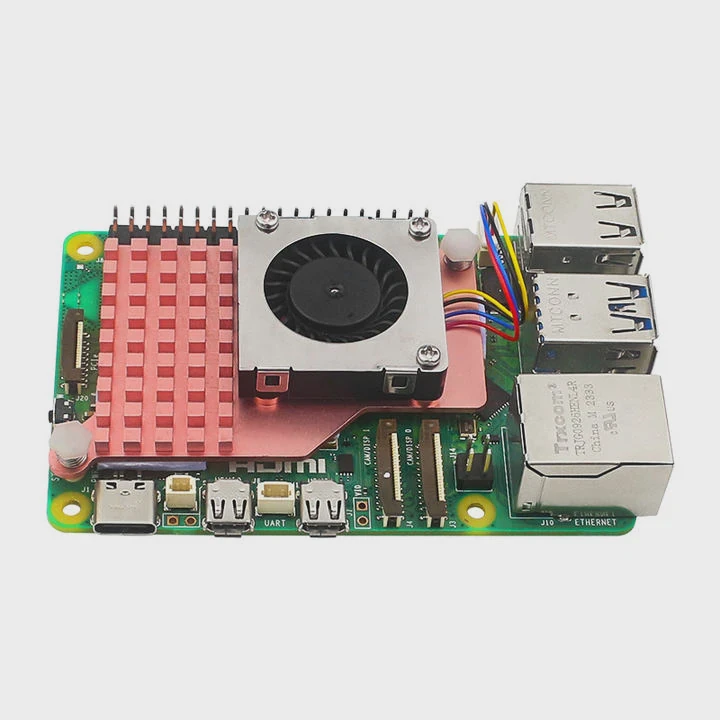
Modern electronics are getting hotter, and air cooling can no longer keep up. Many people are switching to liquid cooling to boost performance and extend hardware lifespan.
Yes, liquid cooling increases performance by keeping CPUs and GPUs at lower temperatures, allowing them to sustain higher clock speeds and avoid thermal throttling.
As temperatures rise, processors slow down to protect themselves. Liquid cooling prevents this by improving heat transfer and maintaining stability. Let’s explore how this affects performance and how to optimize it.
What is the relationship between cooling and performance?
When your computer heats up, it slows down to stay safe. Better cooling lets it run faster and longer.
Cooling directly affects performance because stable thermal conditions allow components to sustain their designed speeds without throttling or damage.
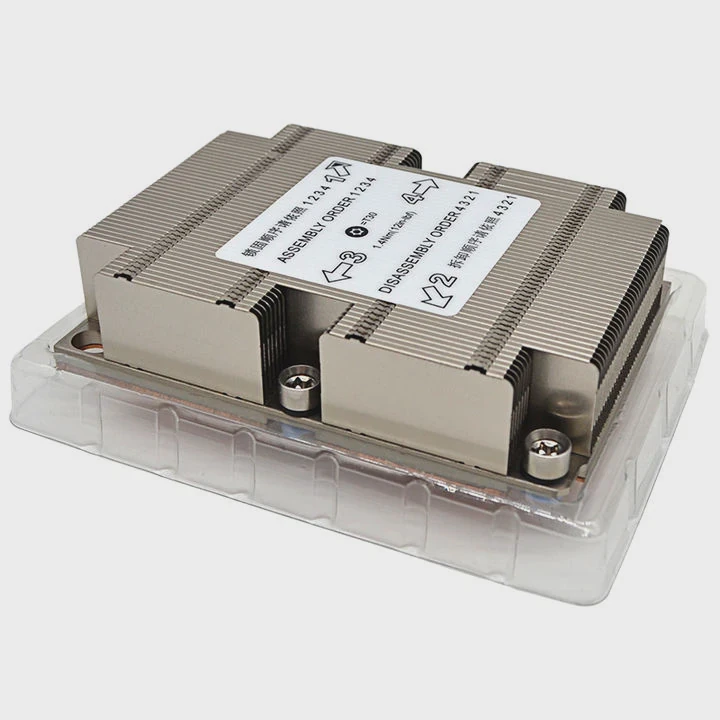
Every CPU and GPU has a built-in temperature threshold. Once that limit is reached, the system reduces power and frequency to cool down. This is called thermal throttling. For example, a CPU might run at 5.0 GHz when cool but drop to 4.0 GHz under heat. That 20% drop can heavily impact gaming, rendering, or data processing.
How heat affects clock speed
| Temperature (°C) | CPU Frequency (GHz) | Performance Impact |
|---|---|---|
| 40 | 5.0 | 100% |
| 70 | 4.6 | 92% |
| 90 | 4.0 | 80% |
| 100 | 3.6 | 72% |
From the table, you can see that when the temperature rises, the CPU automatically slows down. Good cooling minimizes this effect, keeping performance close to 100%.
Thermal equilibrium in real systems
In real-world applications, thermal equilibrium matters more than peak temperature. When the cooling system is strong enough, the CPU or GPU can remain at a consistent high frequency for long workloads. That means smoother gaming, faster rendering, and fewer crashes.
Liquid cooling achieves this by transferring heat through a liquid loop—using water blocks, pumps, and radiators. This loop removes heat much faster than air and stabilizes the temperature curve.
What benefits come from lower CPU/GPU temps?
High temperatures not only affect speed but also impact hardware reliability and lifespan.
Lower CPU/GPU temperatures reduce thermal throttling, extend component life, and improve energy efficiency.
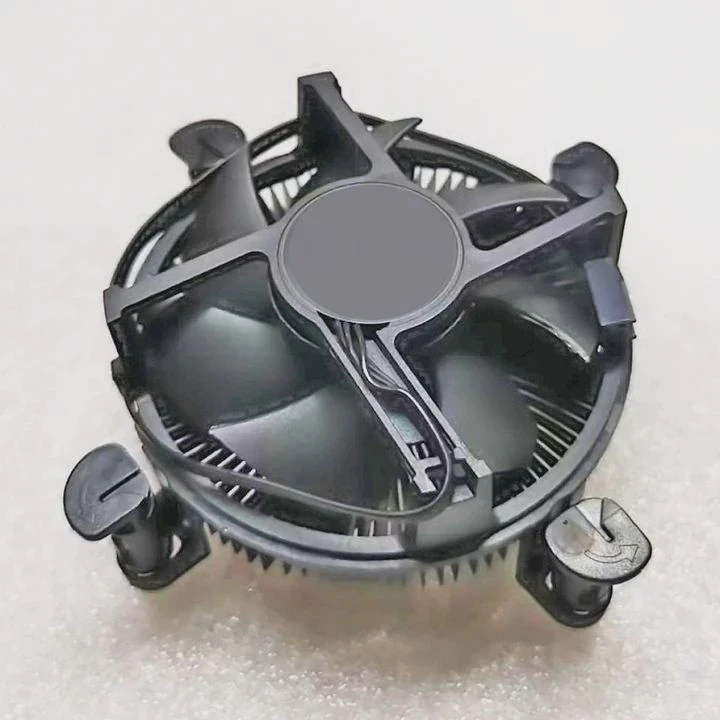
Lowering temperature does not only improve performance at the moment. It protects the hardware over time. When silicon chips run cooler, they face less thermal stress and less material fatigue. This slows down the aging process of the processor and solder joints.
Key advantages of cooler hardware
| Benefit | Description |
|---|---|
| Higher performance stability | Sustains higher frequencies without throttling |
| Longer lifespan | Reduces wear caused by heat cycles |
| Lower noise | Fans spin slower since liquid absorbs heat efficiently |
| Energy efficiency | Cooler components draw less power |
| System reliability | Prevents overheating and sudden shutdowns |
Real-world effects of lower temps
When I first installed a custom liquid cooling loop, I saw CPU temperatures drop from 90°C to 55°C under full load. The boost clock frequency remained stable during long rendering sessions. The noise also decreased significantly. I could now work or play in silence while maintaining high performance.
Cooling is not just about performance bursts. It’s about keeping performance consistent. This consistency is what professionals in 3D modeling, AI computing, and video production value most. They need stability for hours or even days of processing.
How to optimize performance with liquid cooling?
Installing liquid cooling is only the first step. The real optimization happens when the whole thermal system is tuned for efficiency.
To optimize performance with liquid cooling, balance radiator size, pump speed, and fan airflow for maximum heat dissipation with minimal noise.
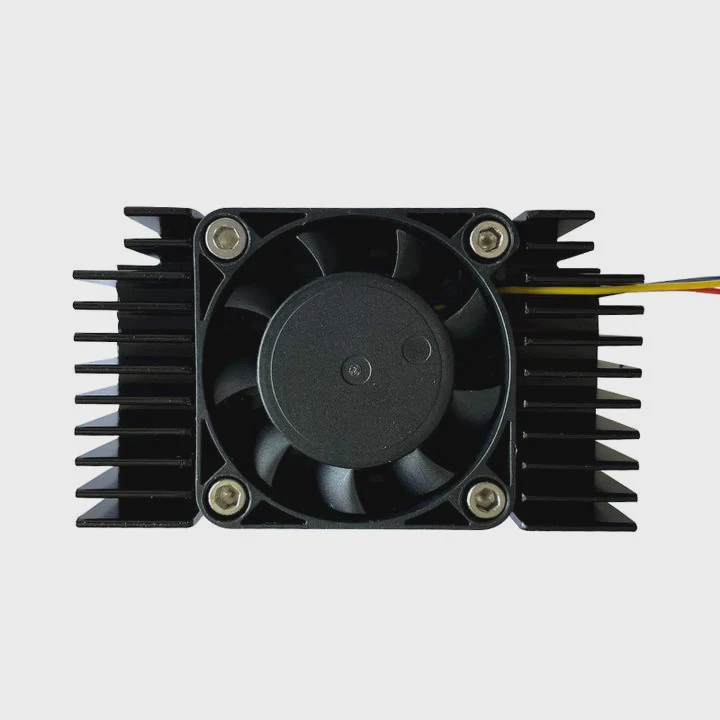
A liquid cooling system has several key parts: the pump, water blocks, radiator, fans, and coolant. Each one plays a role in how effectively heat is moved away from your components. Optimization is about finding the best balance between flow rate, surface area, and ambient conditions.
Key optimization steps
Choose a large enough radiator.
A larger radiator offers more surface area to release heat. For example, a 360mm radiator can handle both CPU and GPU loads better than a 240mm one.Adjust pump speed.
The pump must circulate coolant fast enough to transfer heat efficiently but not too fast to cause turbulence.Balance fan curves.
Use fan control software to create smooth speed curves. Fans should ramp up under load and slow down at idle.Maintain coolant quality.
Replace coolant every 6–12 months to prevent blockages and corrosion. Always check for leaks and clean the loop.Monitor with software.
Use tools like HWMonitor or MSI Afterburner to watch temperature and pump speed. Adjust based on real-time feedback.
Example performance optimization
Before optimization, my CPU temperature under load was 70°C with a fan noise of 50 dB.
After tuning pump and fan speeds, temperatures dropped to 58°C, and noise went down to 40 dB. The CPU also stayed at its full boost frequency longer, improving rendering time by 8%.
The key is not just cooling capacity but thermal consistency. You want the system to maintain stable temperature and pressure, which leads to predictable performance.
What are the performance trends in cooling systems?
The cooling industry is evolving quickly as performance demands increase.
Future trends in cooling focus on higher heat density management, integration with AI-based controls, and eco-friendly materials.
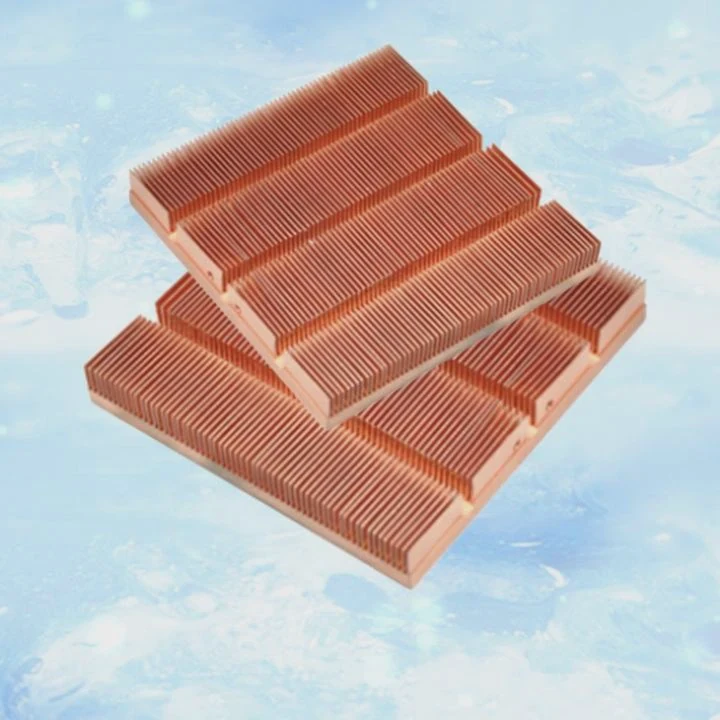
The next generation of processors and GPUs generates more heat in smaller areas. This requires new solutions beyond traditional air and simple liquid cooling. Manufacturers are investing in phase-change systems, vapor chambers, and direct-to-chip liquid cooling.
Emerging technologies
| Cooling Type | Description | Typical Application |
|---|---|---|
| Direct liquid cooling (DLC) | Coolant flows directly over chips | Data centers, HPC |
| Vapor chamber cooling | Uses phase change for heat spreading | Laptops, GPUs |
| Two-phase immersion cooling | Components submerged in dielectric fluid | Servers, crypto mining |
| AI thermal control | Predicts and adjusts cooling dynamically | Smart PCs, industrial systems |
The shift toward intelligent thermal management
Modern cooling systems are becoming smarter. Using sensors and AI algorithms, they can predict thermal loads and adjust pump and fan speeds automatically. This reduces energy use while keeping components within safe limits.
Sustainability is also a growing focus. New coolants use biodegradable or non-toxic compounds. Radiator materials are shifting to lightweight aluminum and composite alloys, improving efficiency while reducing environmental impact.
As technology moves forward, the line between performance and cooling becomes even thinner. For next-generation electronics, thermal design will not just support performance—it will define it.
Conclusion
Liquid cooling boosts performance by controlling temperature and preventing throttling. It improves speed, stability, and system life. As cooling technology evolves, performance gains will continue to grow with smarter, more efficient designs.
TAGS
Latest Articles

Volume discount levels for heat sink orders?
Buyers often ask when heat sink prices start to drop with volume. Many worry they’re overpaying for small orders. This guide explains how B2B volume pricing works for thermal components. Heat sink
21 Dec,2025
Heat sink long-term supply contract options?
Many buyers want stable pricing and reliable delivery for heat sinks. But without a clear contract, risks grow over time. This article explores how to secure better long-term supply deals. Long-term
21 Dec,2025
Tooling cost for new heat sink profiles?
Many engineers struggle to understand why tooling for custom heat sinks costs so much. They worry about budgeting and production timelines. This article breaks down the cost drivers behind tooling.
21 Dec,2025
Heat sink custom sample process steps?
Sometimes, starting a custom heat sink project feels overwhelming—too many steps, too many unknowns, and too many risks. You want a sample, but not endless delays. The process for requesting and
20 Dec,2025
Standard B2B terms for heat sink payments?
When buyers and sellers in B2B heat sink markets talk about payment, many don’t fully understand what’s standard. This can lead to delayed orders, miscommunication, and even lost business
20 Dec,2025
Heat sink pricing factors for large orders?
Heat sinks are vital for many systems. When prices rise, projects stall and budgets break. This problem can hit teams hard without warning. Large order heat sink pricing depends on many factors. You
20 Dec,2025Related Articles
- What is liquid cooling for computers?
- Is liquid cooling quieter?
- What Is All-in-One Liquid Cooling?
- How to know if my liquid cooler is working?
- Does Ryzen 9 5900X need liquid cooling?
- What is liquid cooling in data center?
- Where to install a liquid CPU cooler?
- How Hard Is It to Install Liquid Cooling?
- How to setup liquid CPU cooler?
- Is air cooling better than liquid cooling?
- How to liquid cool?
- How to set up a liquid cooler?
Author
Dr. Emily Chen
Chief AI Researcher
Leading expert in thermal dynamics and AI optimization with over 15 years of experience in data center efficiency research.
Categories
Latest Products






Recommend Categories
- Liquid cooling plate Manufacturer
- Industrial Heat Sink Manufacturer
- Standard Heat Sink Manufacturer
- Aluminum Heat Sink Manufacturer
- Copper Heat Sink Manufacturer
- Anodized Heatsink Manufacturer
- Stamping heat sink Manufacturer
- Die Casting Heatsink Manufacturer
- Soldering heat sink Manufacturer
- CNC Parts Manufacturer
Latest Products
- Wholesale Aluminum Radiator
- Water Cooling Plate Kit
- Water Cooling Heat Sink
- Water Cooling Heat Sink Kit
- Stainless Steel Water Distributor
- Server Water Cooling Plate Kit
- Server Liquid Cooling System
- Server Aluminum Cooling Kit
- S19 Full Cover Cooling Plate
- S19 Cooling Plate Kit
- S19 Aluminum Cooling Plate
Contact Expert
Have questions about this article? Reach out to our experts directly.