Does liquid cooling need thermal paste?
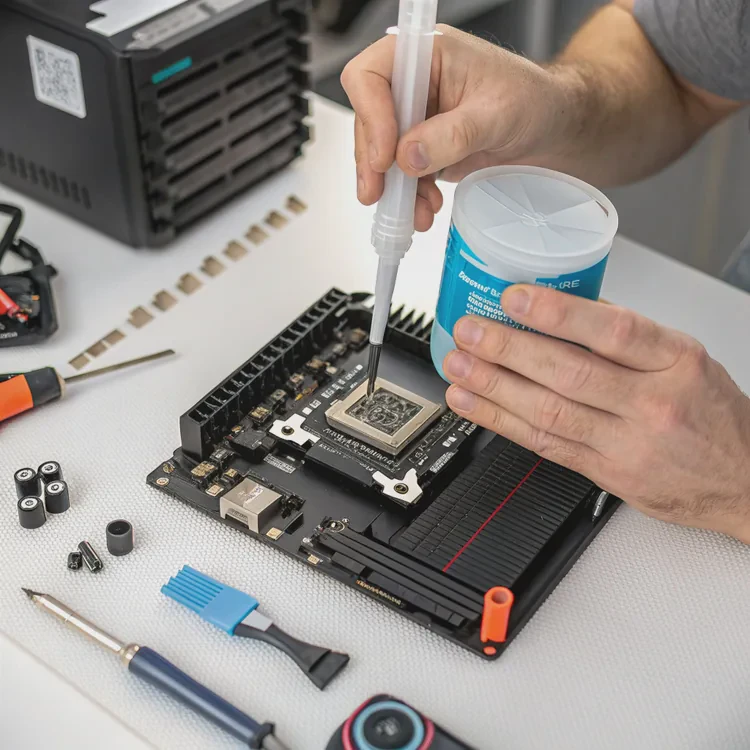
When I built my first liquid-cooled PC, I thought I could skip thermal paste — after all, liquid was already handling the cooling, right? I was wrong. Within seconds of starting the system, CPU temperatures spiked dangerously. That moment taught me a key lesson: even liquid cooling can’t work properly without thermal paste.
Yes, liquid cooling requires thermal paste to fill microscopic gaps between the CPU and the cooler’s water block, ensuring efficient heat transfer.
Thermal paste might seem like a tiny detail, but it’s essential to every cooling system. Let’s explore its purpose, why it’s so important, how to apply it correctly, and what new materials are improving heat transfer in the latest cooling technologies.
What is the role of thermal paste in liquid cooling?
No matter how smooth a CPU and a cooler look, their surfaces contain tiny imperfections. These microscopic gaps trap air — and air is one of the worst heat conductors. That’s where thermal paste steps in.
The role of thermal paste in liquid cooling is to eliminate air gaps and create a continuous thermal bridge between the CPU’s surface and the cooler’s base.
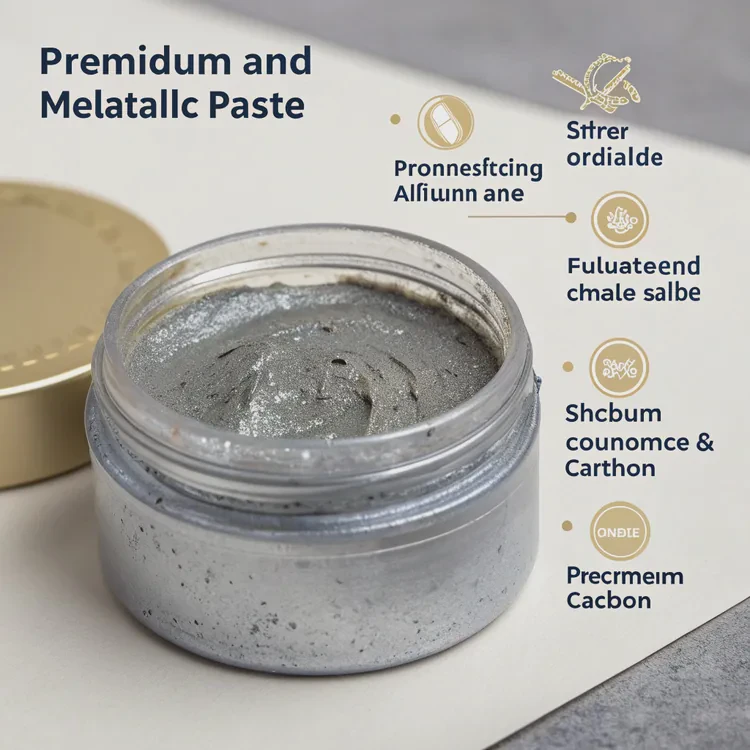
How it works
Thermal paste is applied in a thin layer between the CPU’s integrated heat spreader (IHS) and the cooler’s water block. When mounted, pressure spreads the paste evenly, allowing heat to flow smoothly from the CPU into the block — and then into the coolant.
In short, the paste ensures there’s no wasted energy or trapped heat between the two surfaces.
Why it matters more in liquid cooling
Liquid coolers are designed to move heat away quickly once it reaches the water block. But if the interface between the CPU and block is inefficient, heat transfer slows dramatically. The system can’t perform properly unless that connection is optimized — and that’s exactly what thermal paste does.
Common composition
Most thermal pastes contain:
- Thermal conductive fillers: such as aluminum oxide, silver, or carbon.
- Binders and silicone oils: to keep the paste spreadable.
Some premium pastes use liquid metal, offering extreme conductivity but requiring extra caution due to electrical conductivity.
Typical thermal conductivity range
| Type | Conductivity (W/m·K) | Safety | Notes |
|---|---|---|---|
| Silicone-based | 2–5 | Non-conductive | Basic performance |
| Ceramic-based | 4–8 | Non-conductive | Stable, long lifespan |
| Carbon-based | 8–12 | Non-conductive | Excellent performance |
| Metal-based | 20–80 | Conductive | Highest efficiency but risky |
| Liquid metal | 73–100+ | Conductive | Elite performance, advanced use only |
The higher the conductivity, the faster heat moves across the interface — but non-conductive compounds are safer for beginners and general users.
Why is paste necessary for heat transfer?
Even the most powerful cooler won’t work effectively if it can’t make good thermal contact with the CPU. The reason lies in the nature of heat transfer and the poor performance of air as an intermediary.
Thermal paste is necessary because it reduces thermal resistance between the CPU and cooler, allowing efficient heat conduction and preventing overheating.
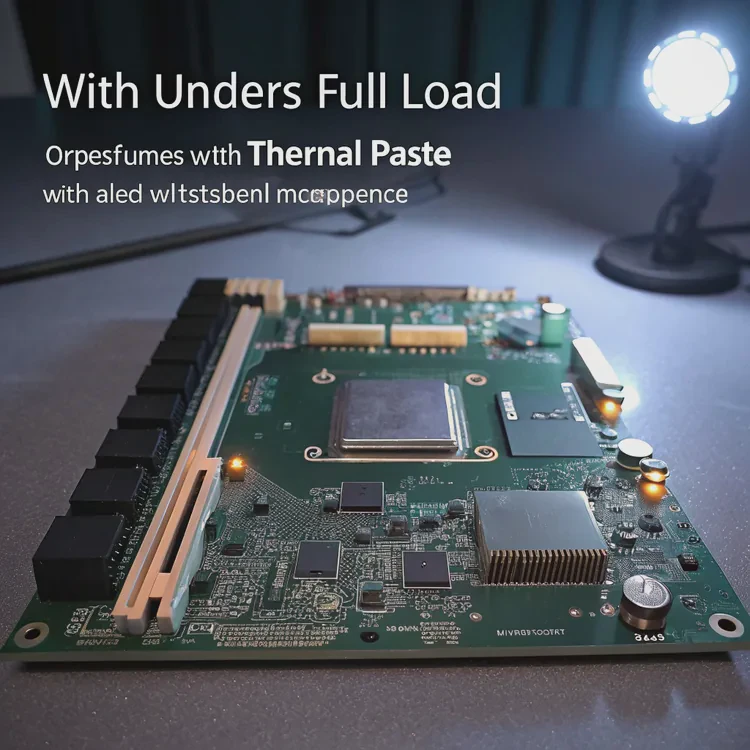
The science behind it
Heat moves from one surface to another by conduction — direct molecular contact. When two hard surfaces touch, only the highest points actually make contact, leaving tiny air gaps in between. Those gaps act as insulators, blocking heat flow.
Thermal paste fills these gaps with a substance that has high thermal conductivity. It replaces air pockets with a conductive bridge, dramatically reducing resistance to heat transfer.
Without thermal paste
If no paste is used:
- Air pockets remain between the CPU and cooler.
- Heat transfers unevenly.
- The CPU overheats, triggering throttling or shutdown.
I tested this once on purpose — my CPU reached 100°C in under a minute. After applying paste, temperatures stabilized around 60°C under full load. That’s a massive difference made by a thin, almost invisible layer.
With thermal paste
When paste is applied correctly:
- Heat flows efficiently from CPU to cooler.
- The system runs cooler and quieter.
- Components last longer due to stable operation.
| Scenario | Result | CPU Temperature (Full Load) |
|---|---|---|
| No thermal paste | Poor heat transfer | 95–100°C |
| Improperly applied paste | Uneven contact | 80–90°C |
| Proper paste application | Optimal contact | 55–65°C |
Even liquid-cooled systems depend on this principle — the coolant can only remove the heat that successfully reaches the water block.
How to apply paste correctly in liquid systems?
Applying thermal paste correctly is simple but critical. Too much can insulate, and too little can leave gaps. The goal is even, thin coverage for maximum thermal contact.
To apply thermal paste for liquid coolers, clean the surfaces, apply a pea-sized drop in the center of the CPU, and mount the water block evenly to spread it under pressure.
Step-by-step application guide
1. Clean the surfaces
Use isopropyl alcohol (90% or higher) and a lint-free cloth to remove old paste from both the CPU and water block. Ensure both surfaces are smooth, clean, and dry before applying new paste.
2. Apply the paste
Place a small pea-sized drop (about 4–5mm) in the center of the CPU. Don’t spread it manually; the pressure from the block will do this automatically.
3. Mount the cooler
Lower the water block straight down onto the CPU. Tighten screws gradually in a diagonal (cross) pattern to ensure even pressure. This prevents air bubbles and guarantees smooth coverage.
4. Inspect results (optional)
If you’re curious, remove the block after initial mounting to check the spread. You should see complete, even coverage with no excess leaking over the sides.
5. Reapply when needed
Thermal paste can dry out over time. Replace it every 2–3 years, or whenever you remove the cooler for maintenance.
Common mistakes to avoid
| Mistake | Effect | Fix |
|---|---|---|
| Applying too much | Acts as insulator | Use smaller amount |
| Spreading manually | Uneven layer | Let pressure spread it |
| Using old paste | Poor performance | Always clean and reapply |
| Forgetting paste | Overheating risk | Never skip it |
My personal tip
When I used to reapply paste often, I found that using a slightly thicker dot (like a small pea) worked best for larger CPUs. It spreads evenly under pressure without oozing over the edges. Remember — the paste’s job is to fill gaps, not form a thick layer.
What are the improvements in paste materials?
Thermal paste technology has advanced significantly in the last decade. As processors produce more heat, manufacturers are pushing the limits of heat conduction with new materials and chemical structures.
Modern thermal pastes use advanced compounds like graphene, nanodiamonds, and liquid metals to improve heat conductivity, durability, and safety.
1. Graphene-based compounds
Graphene, known for its exceptional conductivity, has become a major innovation in thermal pastes. Its single-atom-thick structure allows heat to spread evenly across the surface, reducing hotspots.
Advantages:
- Extremely high thermal conductivity (~15–20 W/m·K)
- Non-conductive and safe
- Long-lasting stability
2. Nanodiamond and ceramic blends
Manufacturers are now mixing nano-sized diamonds or ceramics into silicone compounds. These particles create more consistent contact between surfaces and resist thermal degradation.
Advantages:
- Consistent performance under high pressure
- Non-electrically conductive
- Longer operational lifespan
3. Liquid metal pastes
Liquid metals like gallium and indium alloys offer unparalleled conductivity — up to 80–100 W/m·K. However, they can corrode aluminum and conduct electricity, so they must be used only with compatible materials and great care.
Advantages:
- Highest possible heat transfer rate
Disadvantages:
- Risky for inexperienced users
- Requires strict material compatibility
4. Phase-change thermal materials
Some new compounds solidify at room temperature but soften when heated, automatically adjusting to surface imperfections. These materials don’t dry out or need reapplication for many years.
Advantages:
- Self-adjusting and long-lasting
- Excellent contact over time
5. Eco-friendly and non-toxic pastes
To meet environmental standards, companies are now creating biodegradable, non-toxic pastes that maintain strong performance without harmful chemicals.
Advantages:
- Safe for users and the environment
- Recyclable and clean to remove
Future directions
The next wave of innovation in thermal interfaces may come from solid-state thermal pads that require no paste at all. These pads could use flexible carbon-based materials to maintain permanent contact between surfaces, eliminating the need for reapplication.
Material innovation summary
| Material Type | Thermal Conductivity | Safety | Longevity | Innovation Level |
|---|---|---|---|---|
| Graphene-based | High | Safe | Long | Advanced |
| Nanodiamond/Ceramic | Medium-High | Safe | Very Long | Modern |
| Liquid Metal | Extremely High | Risky | Moderate | Cutting-edge |
| Phase-change Material | High | Safe | Very Long | Emerging |
| Eco-friendly Compound | Medium | Safe | Long | Sustainable |
Conclusion
Liquid coolers absolutely require thermal paste to work effectively. The paste forms the essential bridge between the CPU and the cooler’s base, allowing heat to flow smoothly into the liquid cooling system.
With innovations like graphene, nanodiamond, and phase-change materials, thermal pastes are becoming more efficient, durable, and environmentally friendly. Even as cooling systems evolve, one thing remains constant — that tiny layer of paste is still the key to keeping our machines cool, quiet, and powerful.
TAGS
Latest Articles

Volume discount levels for heat sink orders?
Buyers often ask when heat sink prices start to drop with volume. Many worry they’re overpaying for small orders. This guide explains how B2B volume pricing works for thermal components. Heat sink
21 Dec,2025
Heat sink long-term supply contract options?
Many buyers want stable pricing and reliable delivery for heat sinks. But without a clear contract, risks grow over time. This article explores how to secure better long-term supply deals. Long-term
21 Dec,2025
Tooling cost for new heat sink profiles?
Many engineers struggle to understand why tooling for custom heat sinks costs so much. They worry about budgeting and production timelines. This article breaks down the cost drivers behind tooling.
21 Dec,2025
Heat sink custom sample process steps?
Sometimes, starting a custom heat sink project feels overwhelming—too many steps, too many unknowns, and too many risks. You want a sample, but not endless delays. The process for requesting and
20 Dec,2025
Standard B2B terms for heat sink payments?
When buyers and sellers in B2B heat sink markets talk about payment, many don’t fully understand what’s standard. This can lead to delayed orders, miscommunication, and even lost business
20 Dec,2025
Heat sink pricing factors for large orders?
Heat sinks are vital for many systems. When prices rise, projects stall and budgets break. This problem can hit teams hard without warning. Large order heat sink pricing depends on many factors. You
20 Dec,2025Related Articles
- Does stirring cool down liquid?
- Is liquid cooler better than air cooler?
- Does liquid cooler need thermal paste?
- Is liquid cooling better than air?
- How does liquid CPU cooler work?
- How to liquid cool a GPU?
- Is liquid cooling more expensive?
- How to change water cooling liquid?
- Where to put liquid cooling radiator?
- Which EVs have liquid cooled batteries?
- Does the Ryzen 7 7800X3D need liquid cooling?
- How liquid CPU cooler works?
Author
Dr. Emily Chen
Chief AI Researcher
Leading expert in thermal dynamics and AI optimization with over 15 years of experience in data center efficiency research.
Categories
Latest Products






Recommend Categories
- Liquid cooling plate Manufacturer
- Industrial Heat Sink Manufacturer
- Standard Heat Sink Manufacturer
- Aluminum Heat Sink Manufacturer
- Copper Heat Sink Manufacturer
- Anodized Heatsink Manufacturer
- Stamping heat sink Manufacturer
- Die Casting Heatsink Manufacturer
- Soldering heat sink Manufacturer
- CNC Parts Manufacturer
Latest Products
- Wholesale Aluminum Radiator
- Water Cooling Plate Kit
- Water Cooling Heat Sink
- Water Cooling Heat Sink Kit
- Stainless Steel Water Distributor
- Server Water Cooling Plate Kit
- Server Liquid Cooling System
- Server Aluminum Cooling Kit
- S19 Full Cover Cooling Plate
- S19 Cooling Plate Kit
- S19 Aluminum Cooling Plate
Contact Expert
Have questions about this article? Reach out to our experts directly.