How to mount a liquid cooler?
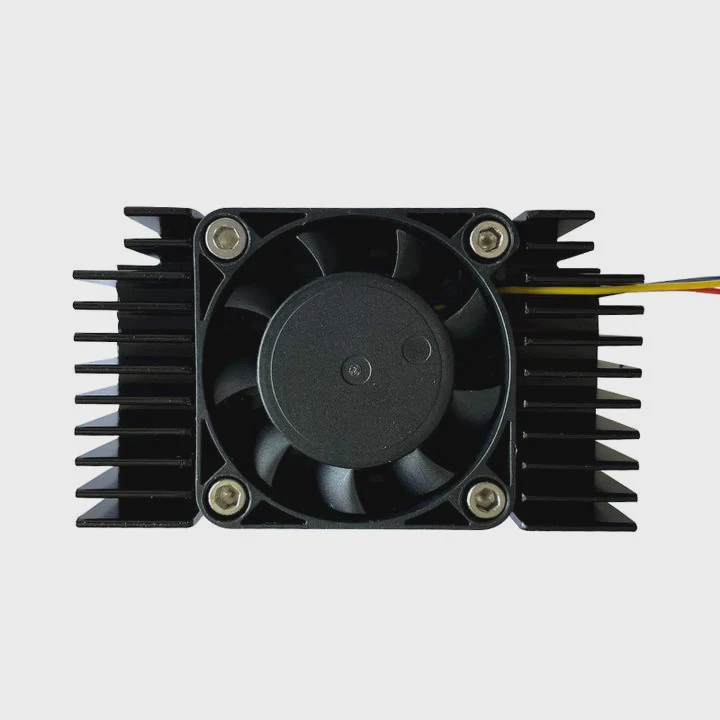
Many people worry about installing a liquid cooler because they fear leaks or damage. But with the right steps and care, it’s simple and safe to do.
To mount a liquid cooler, attach the radiator, install the pump block on the CPU or GPU, connect the tubes, and secure all parts using proper brackets and screws.
Mounting it correctly ensures efficient cooling, low noise, and long system life.
What mounting parts are required?
Installing a liquid cooler involves several key parts that work together to hold it firmly in place and ensure proper contact with the heat source.
You need a backplate, standoffs, brackets, screws, and thermal paste to complete the mounting process.
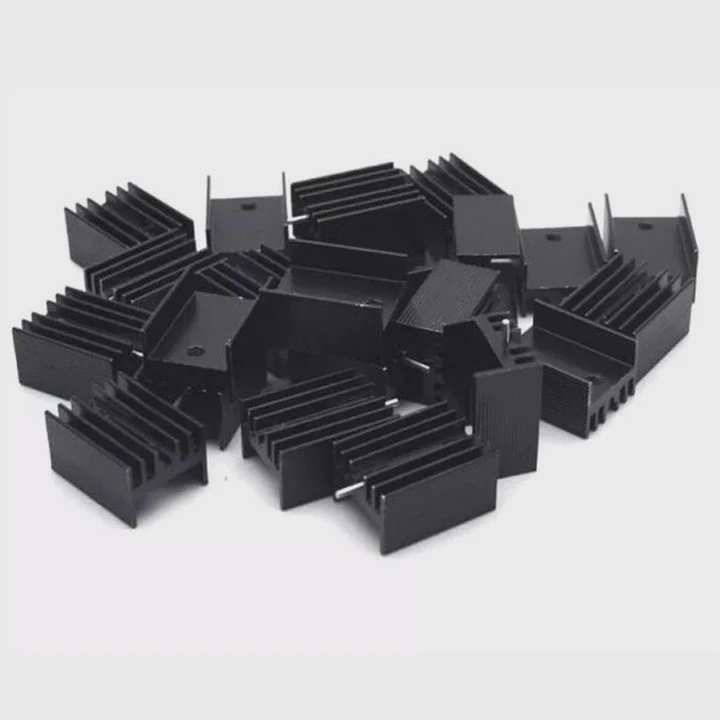
Common mounting parts list
| Part Name | Function | Notes |
|---|---|---|
| Backplate | Provides support behind the motherboard | Prevents bending |
| Standoffs | Create space for mounting bracket | Must match socket type |
| Mounting Bracket | Holds pump or block securely | Varies by cooler brand |
| Screws | Fasten components | Avoid overtightening |
| Thermal Paste | Ensures good heat transfer | Apply a thin layer only |
Key considerations
Most all-in-one (AIO) liquid coolers include universal mounting kits that fit popular sockets like Intel LGA1700 or AMD AM5. Always check compatibility before installation. If your system uses a custom loop, ensure that your mounting brackets match your water block type and the hardware orientation.
When I built my first workstation, I underestimated how much pressure the block needed to make good contact. Without a solid backplate, the cooler sat unevenly, and temperatures spiked by 10°C. Once I reinstalled it with the proper bracket, the system ran perfectly stable.
Why correct mounting is important?
Correct mounting is not just about appearance — it’s essential for performance, safety, and long-term stability.
Properly mounted coolers maintain even contact, prevent leaks, and ensure efficient heat transfer between the CPU or GPU and the liquid block.
Effects of improper mounting
| Problem | Cause | Result |
|---|---|---|
| High Temperatures | Poor block contact or missing thermal paste | Reduced performance |
| Pump Noise | Air trapped in loop or misaligned pump | System vibration |
| Leaks | Overtightened fittings or twisted tubing | Hardware damage |
| Bending or Cracks | Missing backplate or uneven pressure | Motherboard stress |
Why it matters
Liquid cooling relies on a perfect thermal bridge. Any small gap between the block and chip can reduce cooling efficiency dramatically. Uneven pressure might also cause micro-fractures in the solder or damage the CPU socket.
From my experience, even experienced builders sometimes forget to check the torque on mounting screws. Tightening them in a diagonal, cross-pattern ensures balanced pressure and avoids motherboard warping. The result is stable temperature and silent performance.
How to mount it securely and safely?
Mounting a liquid cooler is easy if you follow a clear process and stay patient.
To mount it securely, attach the backplate, position the radiator, fix the pump block, connect the tubes, and check for leaks or strain before powering on.
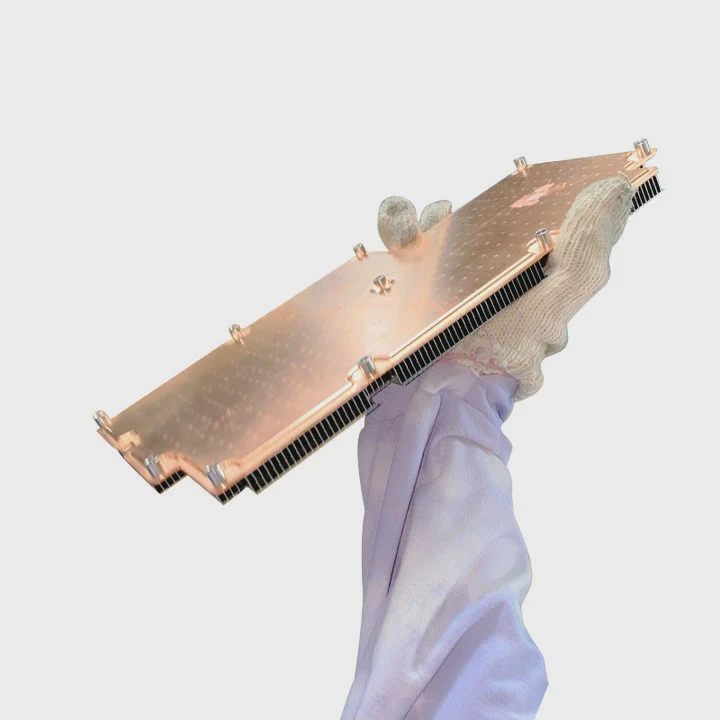
Step-by-step mounting process
| Step | Task | Description |
|---|---|---|
| 1 | Prepare the Case | Ensure enough space for the radiator and fans |
| 2 | Attach Backplate | Secure it behind the motherboard |
| 3 | Install Standoffs | Align with socket holes and screw gently |
| 4 | Apply Thermal Paste | Use a pea-sized dot or spread evenly |
| 5 | Mount Pump Block | Place it carefully and tighten screws crosswise |
| 6 | Mount Radiator | Fix it on top, front, or rear depending on layout |
| 7 | Connect Tubes | Avoid sharp bends and ensure full clearance |
| 8 | Wire Pump and Fans | Connect to the motherboard headers |
| 9 | Test for Leaks | Run the system briefly and check for moisture |
Safety tips
- Never power the system without coolant or pump connection.
- Keep tubes relaxed. Avoid twisting or stretching them.
- Tighten screws evenly. Uneven force can damage the block.
- Check fan direction. Ensure proper airflow through the radiator.
- Inspect for noise or vibration. It may indicate trapped air or loose fittings.
In my workshop, we always run new cooling systems for 24 hours before full operation. It’s a simple way to catch small leaks early and ensure that all seals and fittings are reliable.
What are the latest trends in mounting systems?
As cooling technology evolves, mounting systems are becoming easier, stronger, and smarter.
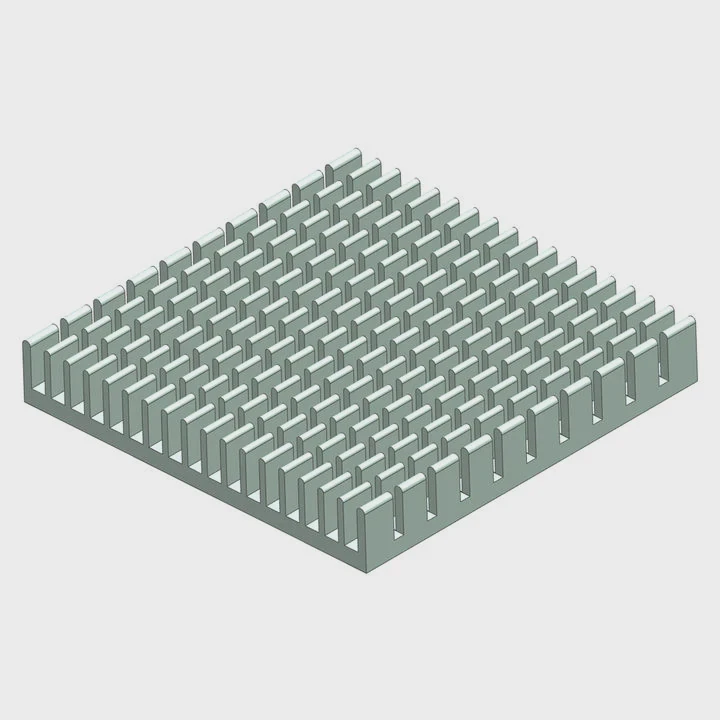
Modern liquid cooler mounts now feature tool-less designs, adjustable brackets, and smart sensors to optimize pressure and alignment.
New innovations
| Innovation | Description | Benefit |
|---|---|---|
| Tool-less Brackets | Snap-on mounts that don’t need screwdrivers | Faster installation |
| Magnetic Mounting Systems | Use magnets to hold blocks during alignment | Easy and precise |
| Spring-loaded Screws | Maintain constant pressure automatically | Prevent overtightening |
| Modular Radiator Mounts | Detachable rails for flexible placement | Better case compatibility |
| Integrated Sensors | Monitor temperature and block pressure | Real-time optimization |
Modern design direction
Manufacturers are focusing on ease and precision. Many AIO units now include magnet-assisted alignment, allowing quick installation without manual balancing. Others integrate ARGB cables directly into the bracket to reduce clutter.
Advanced systems even feature adaptive mounting pressure—springs or smart torque systems that adjust themselves over time to maintain consistent contact. This prevents thermal degradation and improves reliability.
Hybrid cooling systems, especially in high-performance workstations and EV applications, are using modular quick-connect couplings. These allow users to detach radiators or pump units without draining the whole loop, simplifying maintenance and reducing downtime.
The next generation of liquid cooler mounting will focus on automation and integration. Some prototypes already include sensors that alert users through software when mounting pressure drops or coolant flow slows down — turning mounting hardware into part of an intelligent monitoring network.
Conclusion
Mounting a liquid cooler is simple when done step by step with the right parts and pressure. Secure installation improves cooling efficiency, reduces risk, and keeps the system quiet. With new tool-less and smart mounting designs, installation is becoming faster and safer than ever before.
TAGS
Latest Articles

Volume discount levels for heat sink orders?
Buyers often ask when heat sink prices start to drop with volume. Many worry they’re overpaying for small orders. This guide explains how B2B volume pricing works for thermal components. Heat sink
21 Dec,2025
Heat sink long-term supply contract options?
Many buyers want stable pricing and reliable delivery for heat sinks. But without a clear contract, risks grow over time. This article explores how to secure better long-term supply deals. Long-term
21 Dec,2025
Tooling cost for new heat sink profiles?
Many engineers struggle to understand why tooling for custom heat sinks costs so much. They worry about budgeting and production timelines. This article breaks down the cost drivers behind tooling.
21 Dec,2025
Heat sink custom sample process steps?
Sometimes, starting a custom heat sink project feels overwhelming—too many steps, too many unknowns, and too many risks. You want a sample, but not endless delays. The process for requesting and
20 Dec,2025
Standard B2B terms for heat sink payments?
When buyers and sellers in B2B heat sink markets talk about payment, many don’t fully understand what’s standard. This can lead to delayed orders, miscommunication, and even lost business
20 Dec,2025
Heat sink pricing factors for large orders?
Heat sinks are vital for many systems. When prices rise, projects stall and budgets break. This problem can hit teams hard without warning. Large order heat sink pricing depends on many factors. You
20 Dec,2025Related Articles
- What liquid is used for CPU cooling?
- Why is glass considered a super-cooled liquid?
- How to install NZXT liquid cooler?
- Does i7 need liquid cooling?
- How does AIO liquid cooling work?
- How to know if your liquid cooler is working?
- What is better, liquid cooling or air cooling?
- What CPUs need liquid cooling?
- What does liquid cooling do?
- Is the Milwaukee 8 liquid cooled?
- What should my CPU temp be with liquid cooling?
- What happens when you cool a liquid?
Author
Dr. Emily Chen
Chief AI Researcher
Leading expert in thermal dynamics and AI optimization with over 15 years of experience in data center efficiency research.
Categories
Latest Products






Recommend Categories
- Liquid cooling plate Manufacturer
- Industrial Heat Sink Manufacturer
- Standard Heat Sink Manufacturer
- Aluminum Heat Sink Manufacturer
- Copper Heat Sink Manufacturer
- Anodized Heatsink Manufacturer
- Stamping heat sink Manufacturer
- Die Casting Heatsink Manufacturer
- Soldering heat sink Manufacturer
- CNC Parts Manufacturer
Latest Products
- Wholesale Aluminum Radiator
- Water Cooling Plate Kit
- Water Cooling Heat Sink
- Water Cooling Heat Sink Kit
- Stainless Steel Water Distributor
- Server Water Cooling Plate Kit
- Server Liquid Cooling System
- Server Aluminum Cooling Kit
- S19 Full Cover Cooling Plate
- S19 Cooling Plate Kit
- S19 Aluminum Cooling Plate
Contact Expert
Have questions about this article? Reach out to our experts directly.