What should my CPU temp be with liquid cooling?
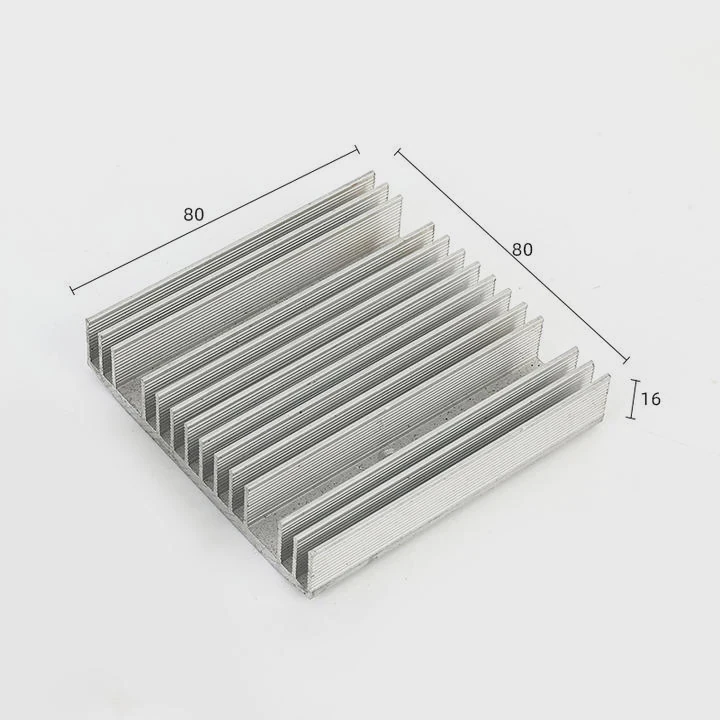
When I built my first liquid-cooled PC, I stared at the temperature numbers like a hawk. I kept asking myself, is this normal? The truth is, most people don’t know what “good” temperatures really are until something goes wrong.
With a liquid cooling system, a healthy CPU temperature usually ranges between 30°C and 60°C for normal use, and up to 80°C under full load.
Knowing these numbers—and what influences them—helps you tune performance and avoid damage.
What is a normal CPU temperature range?
When your PC runs, heat is a natural byproduct of processing power. The cooling system’s job is to move that heat away from the CPU efficiently.
Normal CPU temperature under liquid cooling sits around 30–40°C when idle and 60–80°C under heavy load, depending on ambient conditions and workload.
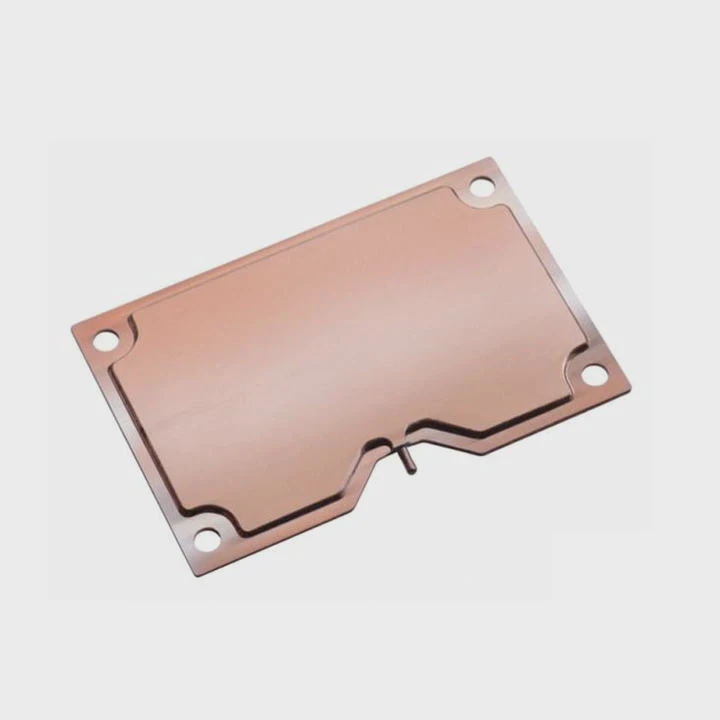
Typical ranges
| Usage Type | Expected Temp Range (°C) | Description |
|---|---|---|
| Idle / light work | 30–40 | System is stable, coolant keeps heat low |
| Gaming / moderate load | 50–70 | Fans spin faster, coolant warms up |
| Rendering / heavy load | 70–80 | High but safe if stable |
| Overclocking | 80–90 | Needs careful control and monitoring |
Liquid cooling systems are designed to keep the CPU temperature steady, not icy cold. That’s a common misunderstanding. The goal is consistent heat transfer—not freezing the processor. Short spikes above 80°C are fine, but staying there for long hours can shorten lifespan or trigger throttling.
How it compares to air cooling
A good air cooler might keep idle temps around 35–45°C, but under heavy load, it may climb past 85°C. A proper liquid cooler, especially a 240mm or 360mm radiator, usually handles that load more efficiently. You’ll often see lower average temps and slower ramp-up times because the liquid absorbs and spreads heat better.
What affects CPU temps with liquid cooling?
I learned this the hard way after accidentally mounting my pump slightly off-center once. My temps were way higher than expected, even with premium parts. It showed me how many small details affect performance.
CPU temperatures depend on cooler size, pump speed, fan airflow, ambient temperature, thermal paste quality, and even case layout.
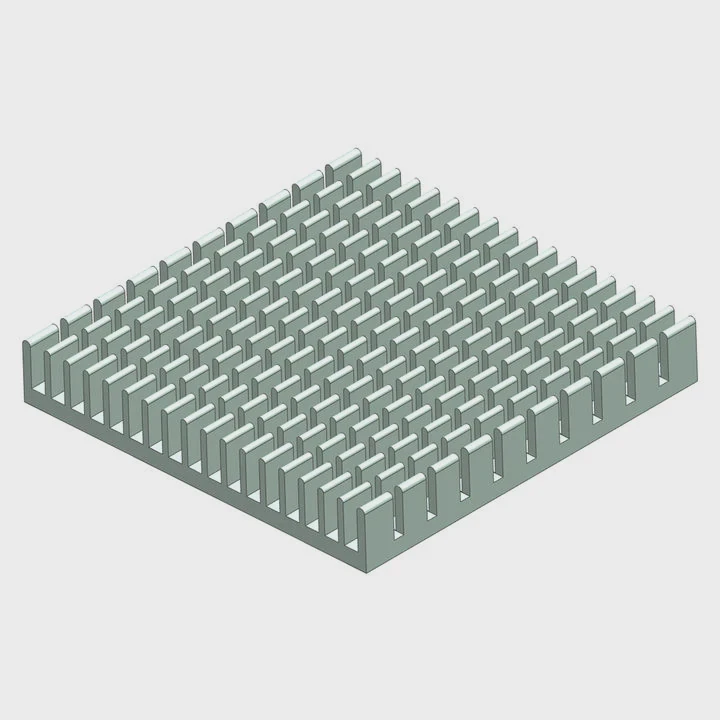
Key factors and how they interact
| Factor | Description | Impact on Temp |
|---|---|---|
| Radiator size | Larger radiators dissipate more heat | Lower temps |
| Fan speed and airflow | Moves heat off radiator fins | Moderate to high |
| Pump speed | Controls coolant circulation rate | Moderate |
| Thermal paste | Affects contact between CPU and block | High |
| Ambient room temp | Sets the cooling baseline | High |
| Case ventilation | Helps or traps warm air | High |
| CPU workload | Determines total heat produced | Very high |
Dive deeper into these factors
H3: Radiator and fan configuration
A 120mm single-fan radiator can handle mid-range CPUs, but high-end chips need at least a 240mm or 360mm radiator for steady temps. The radiator’s surface area defines how fast heat transfers to air. Push–pull fan setups (one set pushing air in, one pulling it out) improve that efficiency.
H3: Pump speed and loop design
If the pump runs too slow, coolant doesn’t circulate fast enough. If it runs too fast, it can cause turbulence that reduces thermal contact time. Most modern pumps adjust speed automatically based on temperature sensors. In custom loops, tube length and layout also matter—shorter and smoother paths reduce flow resistance.
H3: Ambient and case airflow
Liquid cooling still relies on air to remove heat from the radiator. If your case traps warm air, the system’s efficiency drops. I once fixed a 10°C difference by simply reorienting the top fans for exhaust. Even the best liquid loop fails if airflow through the case is poor.
H3: Thermal paste and mounting pressure
Thermal paste fills microscopic gaps between the CPU and cooling block. Too little or too much can hurt performance. Uneven mounting pressure also causes hotspots. Always tighten crosswise and use the recommended amount—usually a pea-sized dot.
How to monitor and optimize temperatures?
When I first started tweaking settings, I relied on BIOS readings. But I soon learned that real-time monitoring tools tell a fuller story. Tracking trends under real workloads shows whether your cooling system is really doing its job.
Monitor your CPU temperature using tools like HWMonitor, NZXT CAM, or HWiNFO; optimize by adjusting fan curves, pump speed, and case airflow for balance between cooling and noise.
Recommended monitoring tools
| Tool | Features | Platform |
|---|---|---|
| HWMonitor | Real-time temp, voltage, fan speed | Windows |
| HWiNFO | Advanced sensors, logging | Windows |
| NZXT CAM | Easy interface, fan control | Windows |
| MSI Afterburner | GPU + CPU temp overlay | Windows |
| iStat Menus | System-wide monitoring | macOS |
| Open Hardware Monitor | Free, open-source | Windows/Linux |
Optimization steps I follow
H3: Step 1 — Check your baseline
Run your PC idle for 10 minutes. Note the CPU temperature. Then run a stress test like Cinebench or Prime95 for 15 minutes. Watch the peak and average temperatures. This shows if cooling is keeping up with load.
H3: Step 2 — Adjust fan and pump curves
Use your motherboard’s BIOS or your cooler’s software to change fan speed curves. Increase fan speeds slightly at mid-load levels (around 60°C). Keep pump speed fixed at medium–high for steady flow. Too aggressive fan curves cause noise without much benefit.
H3: Step 3 — Improve case airflow
Check intake and exhaust balance. Ideally, have slightly more intake than exhaust to maintain positive pressure (keeps dust out). Clean filters regularly. Add or reposition fans if airflow looks weak near the radiator.
H3: Step 4 — Reapply thermal paste if needed
If temperatures stay high after all tweaks, remove the cooler and check paste coverage. Clean both surfaces with isopropyl alcohol and reapply a thin, even layer. It often lowers temps by 3–5°C.
H3: Step 5 — Watch long-term behavior
Record idle and load temps weekly. If temperatures slowly rise, dust buildup or pump aging might be the cause. Preventive cleaning saves a lot of hassle later.
What are the trends in thermal control software?
Modern cooling is not just about hardware anymore. I’ve seen a huge leap in how software manages temperature, predicting heat spikes and adapting before they happen.
New thermal control software uses AI-driven fan curves, predictive algorithms, and motherboard integration to balance cooling efficiency, acoustics, and performance in real time.
Key innovations shaping the field
H3: AI-assisted cooling control
AI-based software like ASUS AI Suite or Corsair iCUE now learns your system’s thermal behavior. It adjusts pump and fan speeds dynamically based on workload and ambient temperature. Instead of fixed thresholds, the system predicts when heat will rise and responds early. This reduces noise and avoids sudden temperature spikes.
H3: Unified ecosystem control
Manufacturers are merging control systems for CPU, GPU, and case fans into one dashboard. It’s now easier to coordinate all cooling elements instead of managing each manually. For example, NZXT CAM and MSI Center let you sync radiator fans with GPU temperature instead of CPU load—useful during gaming sessions.
H3: Real-time performance feedback
New dashboards visualize heat flow, showing where the system is losing efficiency. They track pump RPM, fan curves, and coolant temperature, helping detect issues like air bubbles or clogged radiators early. I once caught a faulty pump this way before it caused any damage.
H3: Smart coolant and predictive maintenance
Some closed-loop coolers now use temperature and conductivity sensors inside the pump unit to detect fluid degradation. The software then alerts users when coolant replacement or system maintenance is due—something enthusiasts used to guess manually.
H3: Cloud and cross-platform analytics
Top-tier software increasingly syncs with cloud services to log temperature data. Over time, it builds a profile of your system’s thermal performance. These insights help predict when thermal paste might dry out or when fan bearings might fail. This predictive approach shifts from reactive to preventive maintenance.
The future outlook
In the next few years, I expect integration between liquid cooling, fan control, and even motherboard VRM temperatures to grow closer. Cooling systems will respond not only to CPU sensors but to power delivery and ambient sensors, making the entire system thermally aware. Smarter AI tuning will make cooling quieter, faster, and nearly invisible to users.
Conclusion
For most systems, liquid cooling keeps CPU temperatures between 30°C and 80°C, depending on workload. The key is balance—steady flow, clean airflow, and smart control. With new AI-driven thermal software, managing heat is becoming easier, more efficient, and almost effortless.
TAGS
Latest Articles

Volume discount levels for heat sink orders?
Buyers often ask when heat sink prices start to drop with volume. Many worry they’re overpaying for small orders. This guide explains how B2B volume pricing works for thermal components. Heat sink
21 Dec,2025
Heat sink long-term supply contract options?
Many buyers want stable pricing and reliable delivery for heat sinks. But without a clear contract, risks grow over time. This article explores how to secure better long-term supply deals. Long-term
21 Dec,2025
Tooling cost for new heat sink profiles?
Many engineers struggle to understand why tooling for custom heat sinks costs so much. They worry about budgeting and production timelines. This article breaks down the cost drivers behind tooling.
21 Dec,2025
Heat sink custom sample process steps?
Sometimes, starting a custom heat sink project feels overwhelming—too many steps, too many unknowns, and too many risks. You want a sample, but not endless delays. The process for requesting and
20 Dec,2025
Standard B2B terms for heat sink payments?
When buyers and sellers in B2B heat sink markets talk about payment, many don’t fully understand what’s standard. This can lead to delayed orders, miscommunication, and even lost business
20 Dec,2025
Heat sink pricing factors for large orders?
Heat sinks are vital for many systems. When prices rise, projects stall and budgets break. This problem can hit teams hard without warning. Large order heat sink pricing depends on many factors. You
20 Dec,2025Related Articles
- Is the Milwaukee 8 liquid cooled?
- What does liquid cooling do?
- What CPUs need liquid cooling?
- What is better, liquid cooling or air cooling?
- How to mount a liquid cooler?
- What liquid is used for CPU cooling?
- What happens when you cool a liquid?
- What is liquid immersion cooling?
- How does the liquid cooling system work?
- What does liquid cooled mean?
- How to install GPU liquid cooling?
- How does CPU liquid cooling work?
Author
Dr. Emily Chen
Chief AI Researcher
Leading expert in thermal dynamics and AI optimization with over 15 years of experience in data center efficiency research.
Categories
Latest Products






Recommend Categories
- Liquid cooling plate Manufacturer
- Industrial Heat Sink Manufacturer
- Standard Heat Sink Manufacturer
- Aluminum Heat Sink Manufacturer
- Copper Heat Sink Manufacturer
- Anodized Heatsink Manufacturer
- Stamping heat sink Manufacturer
- Die Casting Heatsink Manufacturer
- Soldering heat sink Manufacturer
- CNC Parts Manufacturer
Latest Products
- Wholesale Aluminum Radiator
- Water Cooling Plate Kit
- Water Cooling Heat Sink
- Water Cooling Heat Sink Kit
- Stainless Steel Water Distributor
- Server Water Cooling Plate Kit
- Server Liquid Cooling System
- Server Aluminum Cooling Kit
- S19 Full Cover Cooling Plate
- S19 Cooling Plate Kit
- S19 Aluminum Cooling Plate
Contact Expert
Have questions about this article? Reach out to our experts directly.