How to use a liquid CPU cooler?
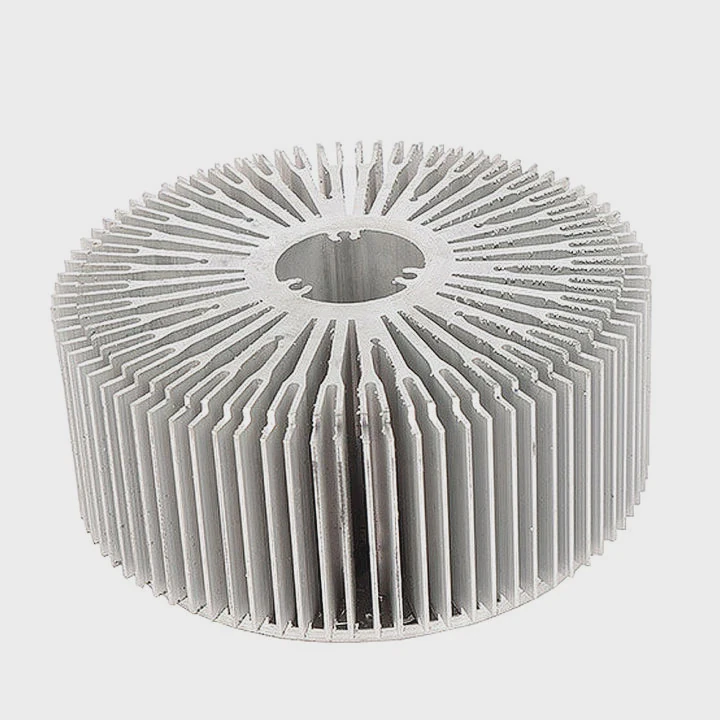
When I installed my first liquid CPU cooler, I thought it would be complicated—tubes, pumps, radiators—it looked intimidating. But once I understood the basics, I realized it was easier, cleaner, and much more effective than bulky air coolers.
Using a liquid CPU cooler involves installing a closed-loop cooling system that circulates coolant to remove heat from the CPU efficiently and quietly.
In this guide, I’ll explain what a liquid CPU cooler is, how it performs better than air cooling, how to install and use it properly, and what new trends are shaping the next generation of CPU cooling.
What is a liquid CPU cooler?
A CPU liquid cooler is essentially a miniature thermal management system. Instead of relying solely on air and metal fins, it uses fluid to absorb and transfer heat away from your processor.
A liquid CPU cooler is a sealed system consisting of a pump, cold plate, tubing, radiator, and fans that circulate coolant to keep the processor at stable operating temperatures.
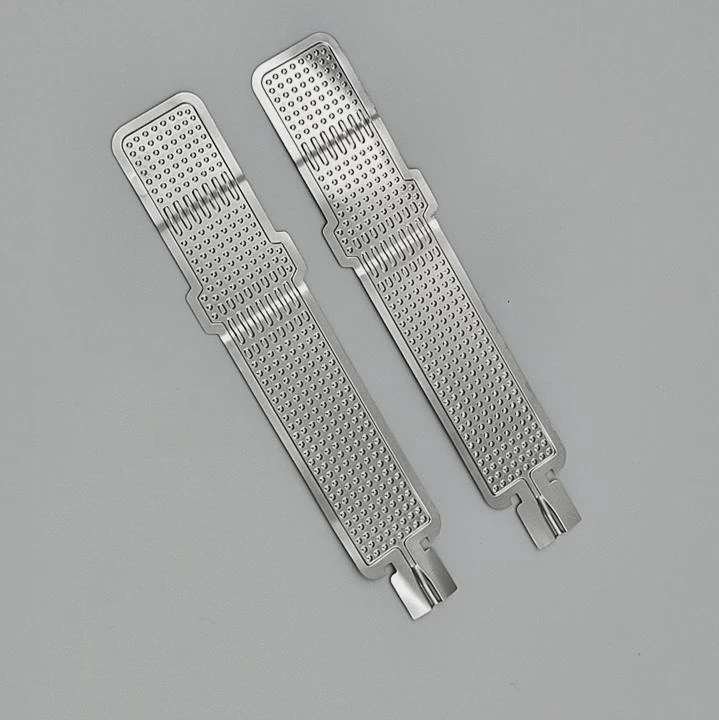
Main components
| Component | Function | Description |
|---|---|---|
| Cold plate (water block) | Transfers heat from CPU to coolant | Mounted directly on CPU with thermal paste |
| Pump | Circulates coolant through loop | Usually integrated with cold plate |
| Tubing | Moves coolant between components | Flexible, sealed hoses |
| Radiator | Releases heat into air | Equipped with one or more fans |
| Coolant | Absorbs and carries heat | Water, glycol, or dielectric fluid |
This “closed-loop” system works automatically. The pump pushes coolant through the CPU block to absorb heat, then moves it through the radiator where fans blow air across the fins to dissipate the energy.
What are its performance benefits?
After using both air and liquid cooling in high-performance systems, I can confirm one thing—liquid cooling consistently delivers better results under heavy load.
Liquid CPU coolers provide superior thermal performance, quieter operation, and higher overclocking headroom compared to traditional air coolers.
Key benefits
Better heat dissipation
Water conducts heat up to 25 times more efficiently than air. This means temperatures stay lower even during long gaming or rendering sessions.Quieter operation
Fans in liquid coolers run slower because the radiator handles most of the heat transfer, reducing noise dramatically.Stable performance and longevity
Lower CPU temperatures reduce thermal throttling and improve the processor’s lifespan.Compact design
Liquid coolers eliminate bulky heatsinks, freeing up space around RAM and motherboard components.Aesthetic appeal
With RGB lighting and sleek tubing, modern liquid coolers also enhance the visual design of high-end PCs.
| Advantage | Description | Typical Result |
|---|---|---|
| Higher efficiency | Faster heat transfer | 10–20 °C lower temps |
| Quieter system | Lower fan speeds | –10 dB average noise reduction |
| Overclocking potential | Stable temps under stress | +5–10% performance boost |
| Longer component life | Reduced thermal fatigue | +2–3 years lifespan |
| Compact layout | Frees case space | Easier cable management |
The balance of silence and performance makes liquid cooling ideal for gaming rigs, workstations, and industrial PCs alike.
How to install and use it properly?
Installing a liquid CPU cooler is much easier than it looks. I’ve installed dozens for clients and found that careful planning and slow, steady work always pay off.
To install a liquid CPU cooler, mount the radiator, attach the pump block to the CPU with thermal paste, connect the tubing, power the pump, and configure the fan curves for optimal performance.
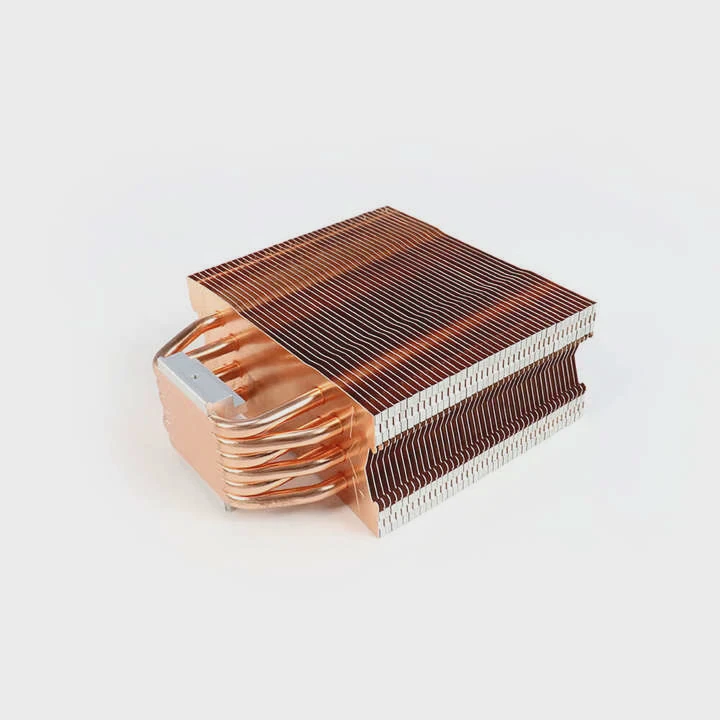
Step-by-step installation guide
Step 1: Prepare the system
- Turn off and unplug your PC.
- Remove the existing air cooler.
- Clean old thermal paste from the CPU using isopropyl alcohol and a lint-free cloth.
Step 2: Mount the radiator
- Choose a location (top, front, or side of case) with good airflow.
- Align the radiator holes and secure it with screws.
- Ensure fans are positioned to push or pull air through the radiator correctly.
Step 3: Attach the pump and cold plate
- Apply a pea-sized dot of new thermal paste on the CPU.
- Mount the pump block evenly and tighten crosswise for even pressure.
- Ensure tubing runs smoothly without sharp bends.
Step 4: Connect cables
- Plug the pump power cable into the motherboard’s CPU_FAN or PUMP header.
- Connect fan cables to fan headers or a controller for speed adjustment.
- If RGB is included, attach lighting connectors to the motherboard’s RGB port.
Step 5: Power on and test
- Boot into BIOS to confirm pump speed (usually around 2000–3000 RPM).
- Monitor temperatures under load; typical idle CPU temps range from 30–40 °C.
Step 6: Configure software control
- Use bundled software (like Corsair iCUE or NZXT CAM) to adjust fan curves, RGB, or performance profiles.
Pro tips for reliable use
- Run the pump at a constant speed—avoid frequent stop/start cycles.
- Keep the radiator slightly higher than the pump to prevent trapped air.
- Dust the radiator every few months to maintain airflow.
- Replace coolant every 2–3 years (if not sealed AIO).
| Common Mistake | Result | Fix |
|---|---|---|
| Air trapped in loop | Pump noise, poor cooling | Reposition radiator or tilt system |
| Overtightened screws | Warped block or CPU | Tighten gently in cross pattern |
| Wrong fan direction | Hot air recirculation | Set fans to exhaust through radiator |
| Ignored pump header | No coolant circulation | Ensure pump header supplies constant 12 V |
Once installed, the system runs automatically—no refilling or manual control required for sealed AIO units.
What are the trends in CPU cooling solutions?
Liquid cooling is advancing fast. What used to be a niche option for enthusiasts is now standard in gaming PCs, servers, and data centers.
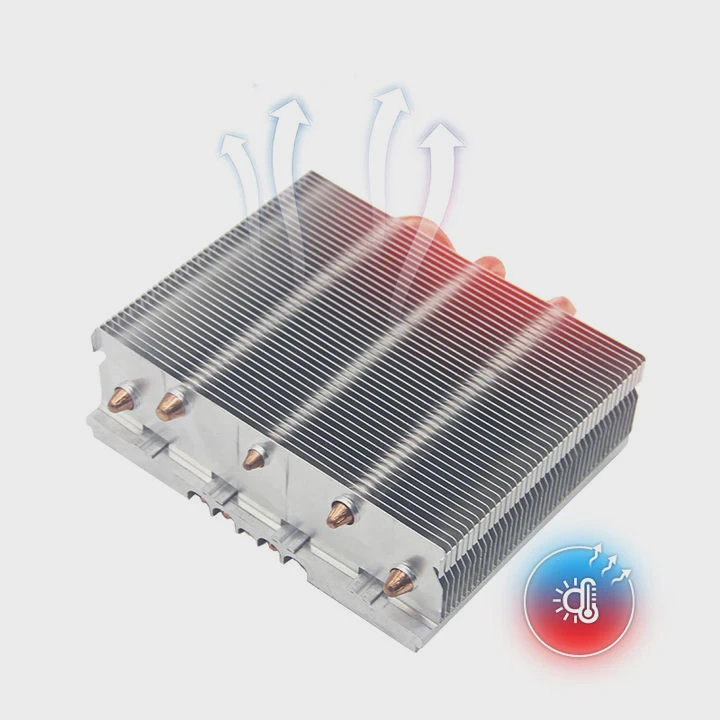
The latest CPU cooling trends include AI-based control, modular designs, eco-friendly coolants, direct-to-chip cooling, and hybrid air-liquid systems.
1. AI and smart control
Modern coolers now include sensors that monitor CPU load, temperature, and ambient conditions, automatically adjusting pump and fan speeds for optimal efficiency.
2. Modular and serviceable design
Next-generation systems feature quick-disconnect fittings and modular pumps, allowing users to upgrade or replace parts without rebuilding the entire loop.
3. Direct-to-chip cooling
This technique circulates coolant directly through microchannels in the CPU’s integrated heat spreader, improving efficiency by 30–40%. It’s being tested in high-end servers.
4. Eco-friendly coolants
Manufacturers are moving toward non-toxic, biodegradable, and dielectric fluids that prevent corrosion while being safer for the environment.
5. Hybrid air-liquid cooling
Some systems now use a combination of air and liquid cooling, dynamically switching based on workload to balance noise and power.
6. Integration with thermal storage
Phase-change modules and liquid reservoirs with thermal energy storage absorb sudden temperature spikes—useful in high-load computing or rendering farms.
| Trend | Description | Benefit |
|---|---|---|
| Smart AI pumps | Adaptive control and monitoring | Lower noise, longer lifespan |
| Modular systems | Easy upgrades and repairs | Reduced downtime |
| Direct-to-chip cooling | Removes heat at source | Higher efficiency |
| Green coolants | Safe and sustainable | Environmental safety |
| Hybrid designs | Mix of air and liquid | Best of both worlds |
Future direction
By 2030, CPU cooling will likely be self-regulating, maintenance-free, and carbon-neutral. Pumps will predict heat loads before they happen, adjusting flow automatically while using biodegradable coolants for sustainable performance.
Conclusion
Using a liquid CPU cooler is simple once you understand how it works. It’s quiet, efficient, and durable—perfect for high-performance computing. With smart pumps, modular designs, and eco-friendly fluids leading the way, liquid cooling is no longer just for enthusiasts—it’s becoming the new industry standard for stable, sustainable performance.
TAGS
Latest Articles

Volume discount levels for heat sink orders?
Buyers often ask when heat sink prices start to drop with volume. Many worry they’re overpaying for small orders. This guide explains how B2B volume pricing works for thermal components. Heat sink
21 Dec,2025
Heat sink long-term supply contract options?
Many buyers want stable pricing and reliable delivery for heat sinks. But without a clear contract, risks grow over time. This article explores how to secure better long-term supply deals. Long-term
21 Dec,2025
Tooling cost for new heat sink profiles?
Many engineers struggle to understand why tooling for custom heat sinks costs so much. They worry about budgeting and production timelines. This article breaks down the cost drivers behind tooling.
21 Dec,2025
Heat sink custom sample process steps?
Sometimes, starting a custom heat sink project feels overwhelming—too many steps, too many unknowns, and too many risks. You want a sample, but not endless delays. The process for requesting and
20 Dec,2025
Standard B2B terms for heat sink payments?
When buyers and sellers in B2B heat sink markets talk about payment, many don’t fully understand what’s standard. This can lead to delayed orders, miscommunication, and even lost business
20 Dec,2025
Heat sink pricing factors for large orders?
Heat sinks are vital for many systems. When prices rise, projects stall and budgets break. This problem can hit teams hard without warning. Large order heat sink pricing depends on many factors. You
20 Dec,2025Related Articles
- What liquid is used in immersion cooling?
- How to convert air-cooled engine to liquid-cooled engine?
- What Does Liquid Cooling Do in a Computer?
- How Do Liquid Cooling Systems Work?
- Is liquid cooling hard to maintain?
- What liquid is in liquid cooling?
- How to Liquid Cool a Graphics Card?
- What does liquid cooling look like?
- Is liquid cooling worth it Reddit?
- Where to connect a liquid cooler pump?
- How Much Does a Liquid Cooling System Cost?
- What liquid does liquid cooling use?
Author
Dr. Emily Chen
Chief AI Researcher
Leading expert in thermal dynamics and AI optimization with over 15 years of experience in data center efficiency research.
Categories
Latest Products






Recommend Categories
- Liquid cooling plate Manufacturer
- Industrial Heat Sink Manufacturer
- Standard Heat Sink Manufacturer
- Aluminum Heat Sink Manufacturer
- Copper Heat Sink Manufacturer
- Anodized Heatsink Manufacturer
- Stamping heat sink Manufacturer
- Die Casting Heatsink Manufacturer
- Soldering heat sink Manufacturer
- CNC Parts Manufacturer
Latest Products
- Wholesale Aluminum Radiator
- Water Cooling Plate Kit
- Water Cooling Heat Sink
- Water Cooling Heat Sink Kit
- Stainless Steel Water Distributor
- Server Water Cooling Plate Kit
- Server Liquid Cooling System
- Server Aluminum Cooling Kit
- S19 Full Cover Cooling Plate
- S19 Cooling Plate Kit
- S19 Aluminum Cooling Plate
Contact Expert
Have questions about this article? Reach out to our experts directly.