How to Liquid Cool a Graphics Card?
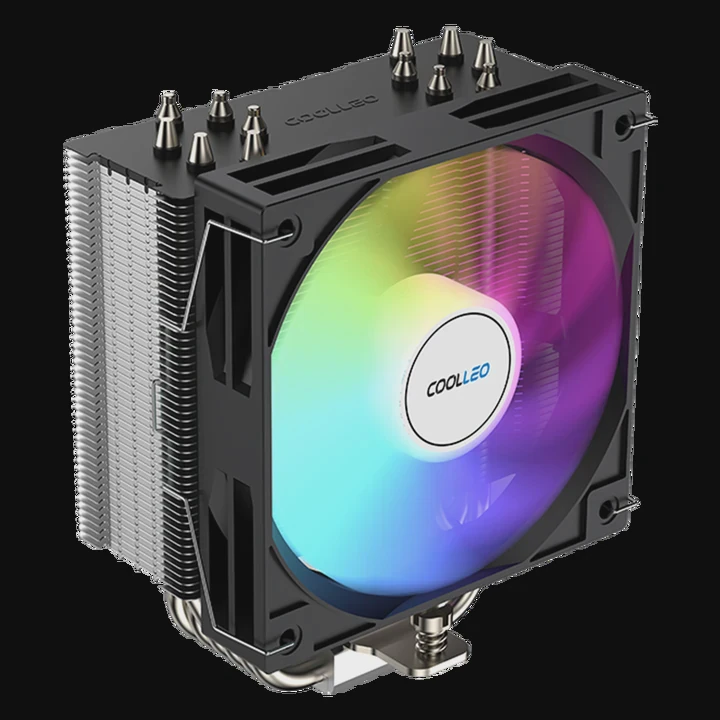
High-performance graphics cards generate intense heat, especially during gaming, rendering, or AI computation. When air cooling reaches its limits, liquid cooling becomes the ideal solution.
GPU liquid cooling removes heat by circulating coolant through a water block that contacts the GPU die, keeping temperatures stable and improving performance.
In this guide, I’ll explain what GPU liquid cooling is, why it outperforms air cooling, and how to install and optimize it effectively.
What Is GPU Liquid Cooling?
When a GPU runs under full load, its temperature can climb fast. Liquid cooling directly draws heat away from the GPU using a water block, coolant, pump, and radiator.
GPU liquid cooling works by transferring heat from the GPU chip to circulating liquid coolant, which is then cooled by a radiator before recirculating.
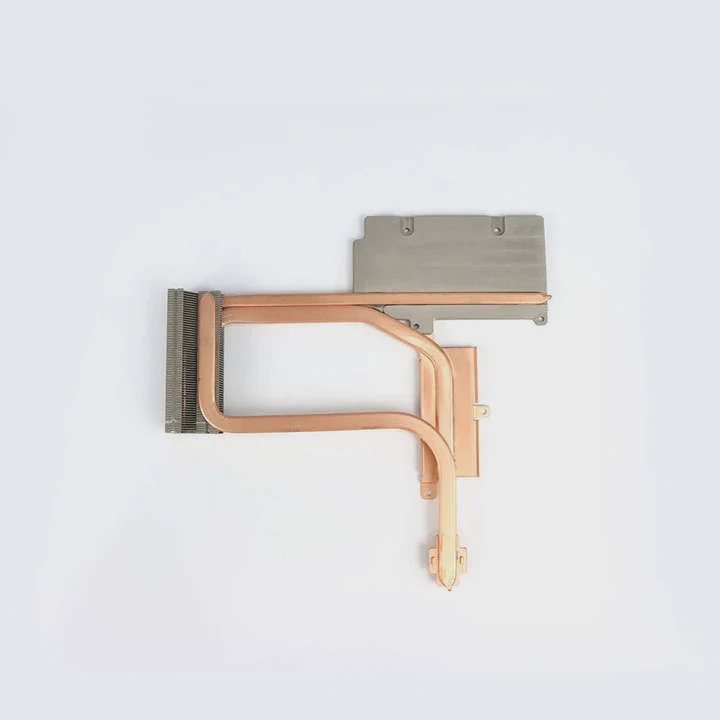
Core Components of a GPU Liquid Cooling System
| Component | Function |
|---|---|
| Water Block | Absorbs GPU heat directly from the chip |
| Pump | Circulates coolant through the loop |
| Radiator | Dissipates heat into air |
| Reservoir | Maintains coolant levels |
| Tubing | Connects components and carries coolant |
How It Works
- The water block sits on the GPU surface, where coolant flows through internal channels.
- The coolant absorbs the heat and travels to the radiator.
- Fans push air through the radiator fins, releasing the heat.
- The cooled liquid returns to the block, and the cycle repeats.
Why It’s Effective
Liquid cooling removes heat more evenly and efficiently than air. The temperature of the GPU remains consistent, which means better performance stability and lower fan noise.
What Are Its Benefits Over Air Cooling?
Air coolers rely on heat pipes and fans to push hot air away. That works for moderate loads, but liquid cooling steps up when power density increases.
The benefits of GPU liquid cooling include superior thermal performance, reduced noise, and improved overclocking headroom.
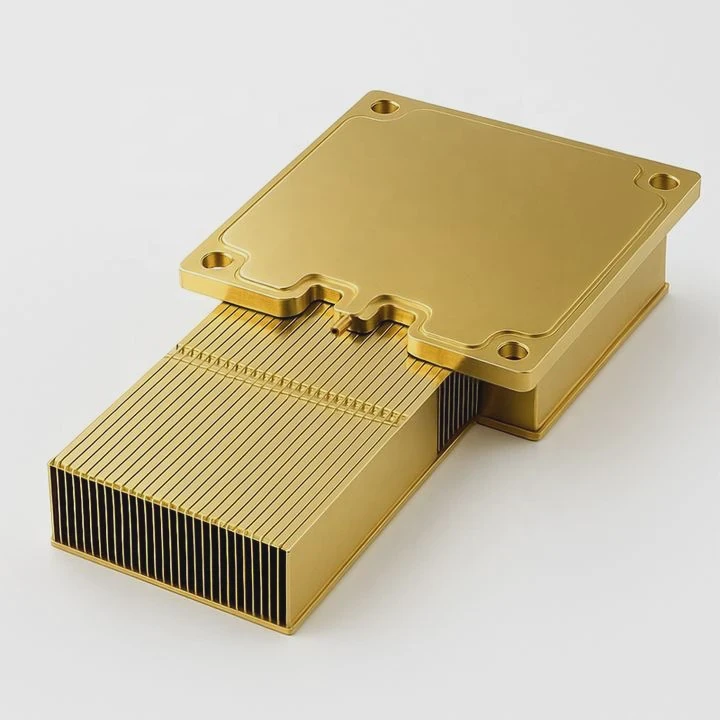
Comparison Between Air and Liquid Cooling
| Parameter | Air Cooling | Liquid Cooling |
|---|---|---|
| Cooling Capacity | Moderate | Very High |
| Noise Level | Higher | Quieter |
| Space Usage | Bulky heatsinks | Slim water blocks |
| Temperature Stability | Fluctuates | Consistent |
| Aesthetic Appeal | Standard look | Custom, sleek appearance |
Performance and Longevity Benefits
- Lower GPU Temperature: Can drop 15–25°C lower than air-cooled setups.
- Quieter Operation: Fans spin slower since coolant handles most of the heat.
- Higher Overclocking Potential: Cooler GPUs can safely run at higher clock speeds.
- Extended Lifespan: Reduced heat stress protects electronic components.
- Improved Efficiency: Lower power loss due to cooler electrical resistance.
Real Example
When I tested a high-end GPU with a custom liquid loop, core temperatures stayed under 50°C, even under full rendering load. The same card on air cooling reached 75°C. That 25°C difference not only improved frame stability but also reduced system noise by half.
How to Install a GPU Liquid Cooler?
Installing a GPU liquid cooler takes patience and precision. But the results are worth the effort.
To install GPU liquid cooling, mount the water block to the GPU, connect it to the loop with tubing, and ensure all components—pump, radiator, and reservoir—are properly sealed and filled.
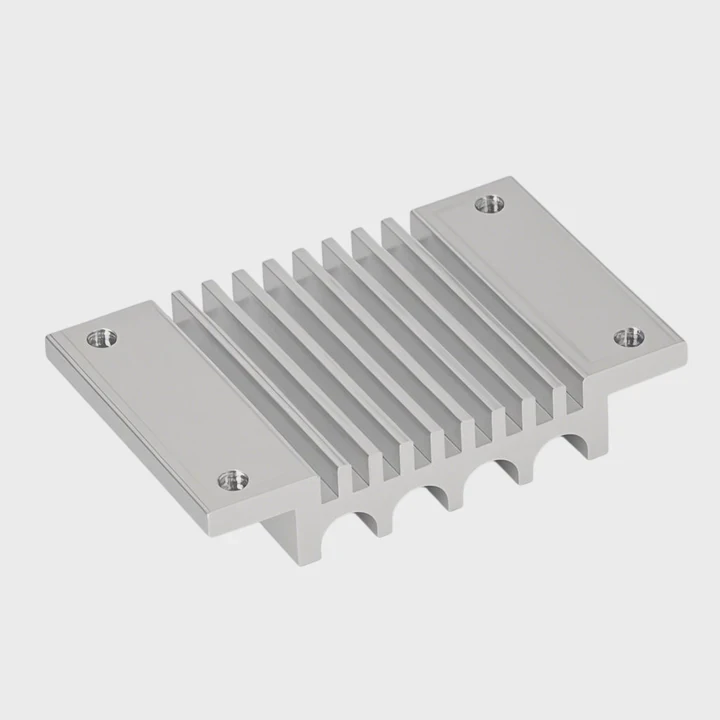
Step-by-Step Installation Guide
Step 1: Preparation
- Power off and unplug your PC.
- Ground yourself to prevent static damage.
- Remove the GPU carefully from the PCIe slot.
Step 2: Remove the Stock Cooler
- Unscrew the GPU shroud and heatsink.
- Gently disconnect fan and LED cables.
- Clean the GPU die with isopropyl alcohol.
Step 3: Install the Water Block
- Apply a small amount of thermal paste on the GPU die.
- Align and secure the water block to ensure firm contact.
- Attach backplate if included for structural support.
Step 4: Connect the Loop
- Connect inlet and outlet tubing to the GPU block.
- Attach to the pump, radiator, and reservoir according to loop design.
- Tighten fittings to prevent leaks.
Step 5: Fill and Test
- Fill the loop slowly with coolant using the reservoir.
- Run a leak test using only the pump for several hours.
- Power on the full system after confirming no leaks.
Safety Tips
- Always check compatibility between GPU model and water block.
- Use non-conductive coolant to prevent short circuits.
- Monitor coolant levels monthly to avoid air pockets.
A well-installed GPU cooling system not only performs better but also adds an impressive visual appeal to your build.
What Are the Innovations in GPU Cooling?
The GPU cooling landscape is evolving fast, driven by AI workloads, gaming demands, and compact PC designs.
The latest innovations in GPU cooling include hybrid cooling, direct-die liquid cooling, and advanced two-phase systems for extreme efficiency.

1. Hybrid GPU Cooling Systems
Hybrid coolers combine air and liquid systems. A small fan assists the liquid loop to keep VRAM and VRMs cool. This design offers the best of both worlds—efficient cooling and easy maintenance.
2. Direct-Die Liquid Cooling
Traditional water blocks have a baseplate between coolant and chip. Direct-die cooling removes that layer, allowing coolant to touch the silicon surface directly. It results in ultra-low thermal resistance and immediate heat transfer.
3. Two-Phase Cooling Systems
These systems use phase change materials or refrigerants. When heat is applied, the liquid evaporates, and the vapor condenses in a cooler section—creating a self-sustaining cooling cycle.
| Innovation | Description | Key Benefit |
|---|---|---|
| Hybrid Cooling | Combines liquid and air cooling | Balanced efficiency |
| Direct-Die Cooling | Coolant touches GPU die directly | Fastest heat transfer |
| Two-Phase Cooling | Uses evaporation-condensation cycle | Handles extreme heat |
| Smart Thermal Control | Uses AI sensors to adjust flow rates | Real-time optimization |
| Eco Coolants | Biodegradable and non-toxic fluids | Environmentally safe |
4. Smart Thermal Control
Modern GPUs integrate sensors to adjust pump speed, fan RPM, and coolant flow automatically. This self-optimizing control keeps the system balanced for performance and silence.
5. Eco-Friendly Coolants
With sustainability in focus, manufacturers are adopting non-toxic, biodegradable fluids that perform as well as glycol-based ones but are safer for the environment.
Future Outlook
In the near future, GPU cooling systems will integrate with motherboard-level AI controllers. These systems will predict thermal spikes and adjust cooling power preemptively. Liquid metal coolants and graphene-based radiators are also being researched for next-generation cooling systems.
Conclusion
Liquid cooling transforms GPU performance by keeping temperatures low and stable. It enables quiet operation, better overclocking, and longer hardware life. As technology advances, innovations like direct-die cooling and smart systems will redefine thermal management for powerful graphics hardware.
TAGS
Latest Articles

Volume discount levels for heat sink orders?
Buyers often ask when heat sink prices start to drop with volume. Many worry they’re overpaying for small orders. This guide explains how B2B volume pricing works for thermal components. Heat sink
21 Dec,2025
Heat sink long-term supply contract options?
Many buyers want stable pricing and reliable delivery for heat sinks. But without a clear contract, risks grow over time. This article explores how to secure better long-term supply deals. Long-term
21 Dec,2025
Tooling cost for new heat sink profiles?
Many engineers struggle to understand why tooling for custom heat sinks costs so much. They worry about budgeting and production timelines. This article breaks down the cost drivers behind tooling.
21 Dec,2025
Heat sink custom sample process steps?
Sometimes, starting a custom heat sink project feels overwhelming—too many steps, too many unknowns, and too many risks. You want a sample, but not endless delays. The process for requesting and
20 Dec,2025
Standard B2B terms for heat sink payments?
When buyers and sellers in B2B heat sink markets talk about payment, many don’t fully understand what’s standard. This can lead to delayed orders, miscommunication, and even lost business
20 Dec,2025
Heat sink pricing factors for large orders?
Heat sinks are vital for many systems. When prices rise, projects stall and budgets break. This problem can hit teams hard without warning. Large order heat sink pricing depends on many factors. You
20 Dec,2025Related Articles
- How to use a liquid CPU cooler?
- What liquid is used in immersion cooling?
- How to convert air-cooled engine to liquid-cooled engine?
- What Does Liquid Cooling Do in a Computer?
- How Do Liquid Cooling Systems Work?
- Is liquid cooling hard to maintain?
- What does liquid cooling look like?
- Is liquid cooling worth it Reddit?
- Where to connect a liquid cooler pump?
- How Much Does a Liquid Cooling System Cost?
- What liquid does liquid cooling use?
- How much is liquid cooling?
Author
Dr. Emily Chen
Chief AI Researcher
Leading expert in thermal dynamics and AI optimization with over 15 years of experience in data center efficiency research.
Categories
Latest Products






Recommend Categories
- Liquid cooling plate Manufacturer
- Industrial Heat Sink Manufacturer
- Standard Heat Sink Manufacturer
- Aluminum Heat Sink Manufacturer
- Copper Heat Sink Manufacturer
- Anodized Heatsink Manufacturer
- Stamping heat sink Manufacturer
- Die Casting Heatsink Manufacturer
- Soldering heat sink Manufacturer
- CNC Parts Manufacturer
Latest Products
- Wholesale Aluminum Radiator
- Water Cooling Plate Kit
- Water Cooling Heat Sink
- Water Cooling Heat Sink Kit
- Stainless Steel Water Distributor
- Server Water Cooling Plate Kit
- Server Liquid Cooling System
- Server Aluminum Cooling Kit
- S19 Full Cover Cooling Plate
- S19 Cooling Plate Kit
- S19 Aluminum Cooling Plate
Contact Expert
Have questions about this article? Reach out to our experts directly.