What Does Liquid Cooling Do in a Computer?
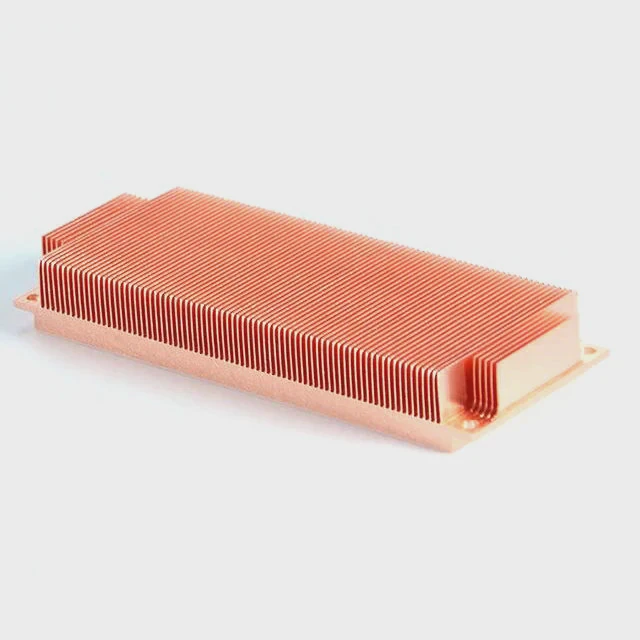
When computers overheat, their performance slows down. The CPU or GPU reduces speed to prevent damage. This is where liquid cooling steps in to solve the problem.
Liquid cooling transfers heat away from critical computer components more efficiently than air cooling, allowing the system to run faster, quieter, and at stable temperatures.
A well-designed liquid cooling setup ensures that every watt of energy spent on performance is not wasted as heat. It also helps to prolong component life and maintain system reliability for heavy workloads and gaming.
What Is the Function of Liquid Cooling in PCs?
When processors and graphics cards work hard, they create heat. Fans alone may not remove it fast enough. This leads to throttling and noise. That’s why liquid cooling exists.
The main function of liquid cooling in PCs is to transport heat from the CPU or GPU to a radiator, where it is efficiently released into the air.
How the System Works
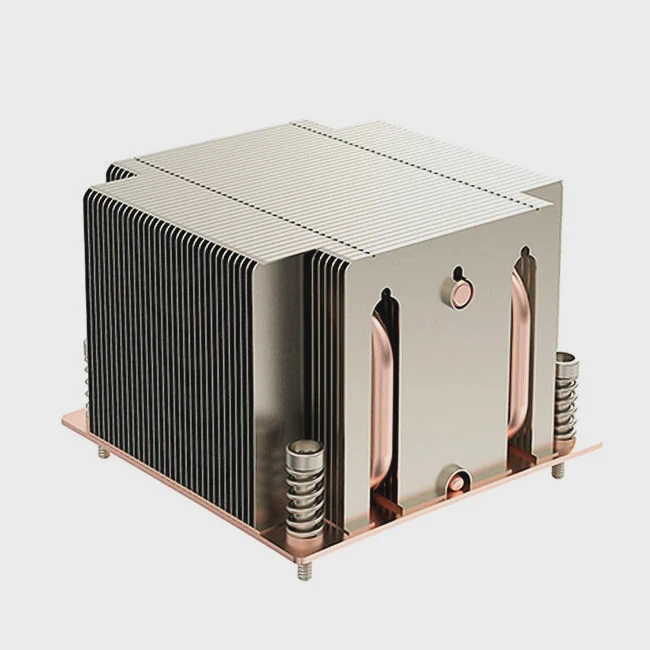
Liquid cooling uses a loop that includes a pump, tubing, water block, and radiator. The pump moves the coolant through the system. The water block absorbs heat from the processor, and the radiator releases it into the surrounding air.
| Component | Function |
|---|---|
| Water Block | Absorbs heat from CPU/GPU |
| Pump | Circulates coolant through the system |
| Radiator | Dissipates heat into the air |
| Fans | Push air through the radiator fins |
| Tubing | Connects all parts and guides coolant flow |
Liquid cooling provides constant temperature control. Unlike air cooling, it can handle overclocked systems and demanding rendering tasks more efficiently.
What Are Its Benefits for Performance?
When a PC runs cooler, it runs better. Heat is the biggest barrier to stable performance. Liquid cooling removes it quickly and evenly.
The key benefits of liquid cooling are higher clock speeds, quieter operation, longer component life, and better performance stability during heavy loads.
Key Advantages Explained
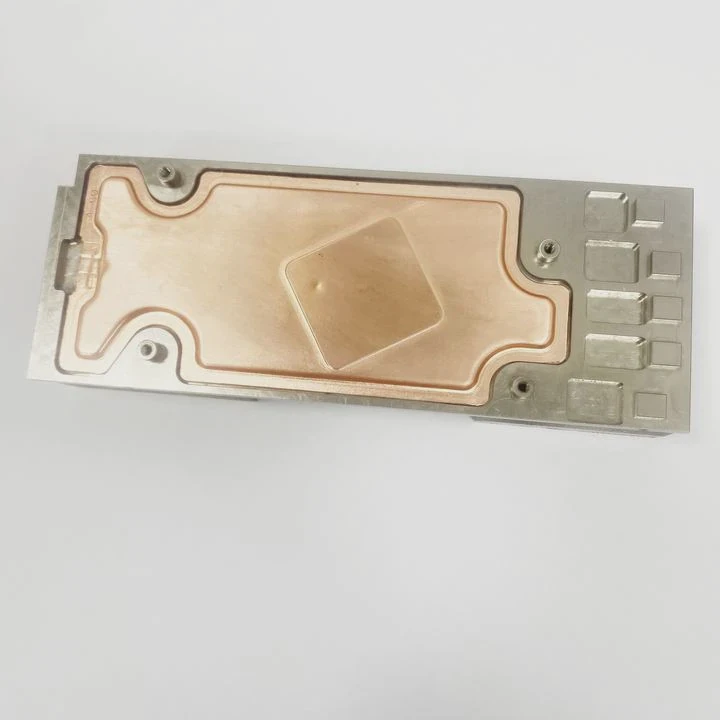
- Performance Boost: Cooler processors maintain higher frequencies for longer periods, improving gaming and workstation output.
- Noise Reduction: Fans do not need to run at full speed, making the PC quieter.
- Aesthetic Appeal: Custom loops and RGB fittings give a sleek, modern look.
- Durability: Reduced thermal stress means longer hardware life.
Here’s a comparison between air and liquid cooling systems:
| Feature | Air Cooling | Liquid Cooling |
|---|---|---|
| Heat Transfer | Moderate | Excellent |
| Noise Level | High | Low |
| Overclocking Support | Limited | Strong |
| Lifespan | Average | Longer |
| Maintenance | Low | Moderate |
Liquid cooling is not only for gamers. Professionals using CAD, AI simulation, or video rendering also rely on it for consistent high performance.
How to Implement It for Better Results?
Installing liquid cooling requires planning. It’s not just about buying parts. It’s about creating a balance between heat load, flow rate, and radiator surface area.
To implement liquid cooling effectively, users must choose compatible components, ensure proper loop design, and maintain the system regularly for optimal performance.
Step-by-Step Implementation
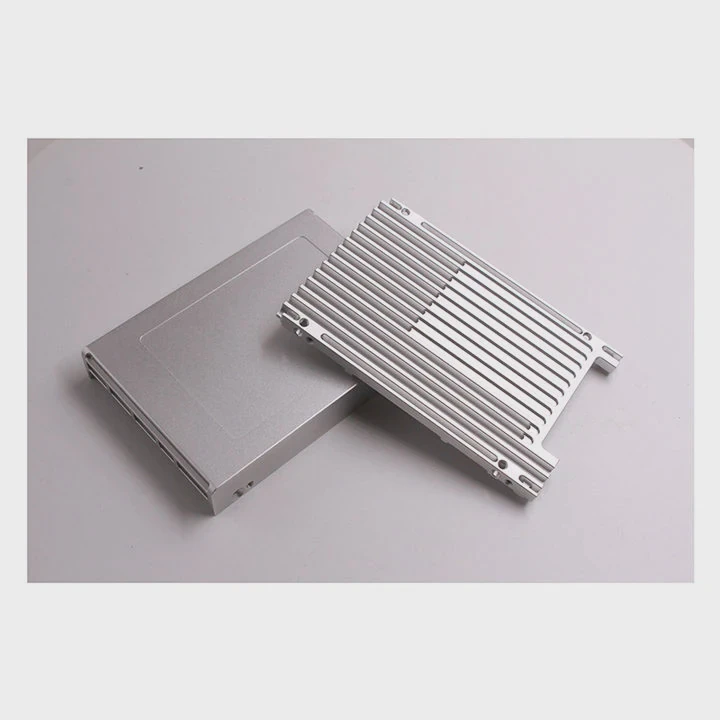
Choose the Right Cooling Type: Decide between All-in-One (AIO) or custom loop.
- AIO Systems: Pre-built and easy to install.
- Custom Loops: Offer higher performance and flexibility.
- AIO Systems: Pre-built and easy to install.
Plan the Layout: Determine radiator placement, pump location, and tubing path. Keep the loop simple and efficient.
Install Carefully: Mount the water block tightly on the CPU, avoiding air bubbles in the loop.
Fill and Test: Fill the coolant slowly, check for leaks, and run the system for a few hours under load.
Maintain Regularly: Clean radiators and replace coolant every 6–12 months to ensure consistent thermal efficiency.
Common Mistakes to Avoid
- Using mixed metals (causes corrosion).
- Ignoring pump noise or vibration.
- Over-tightening fittings, which can damage seals.
- Using poor-quality coolant that leaves residue.
By avoiding these errors, users can achieve stable and long-term performance gains.
What Are the Innovations in PC Cooling Design?
In recent years, PC cooling technology has evolved fast. Engineers have combined materials science, AI control, and design to create smarter, smaller, and more efficient systems.
New PC cooling innovations include advanced microchannel water blocks, smart pump controllers, phase-change materials, and hybrid air-liquid systems for ultra-efficient cooling.
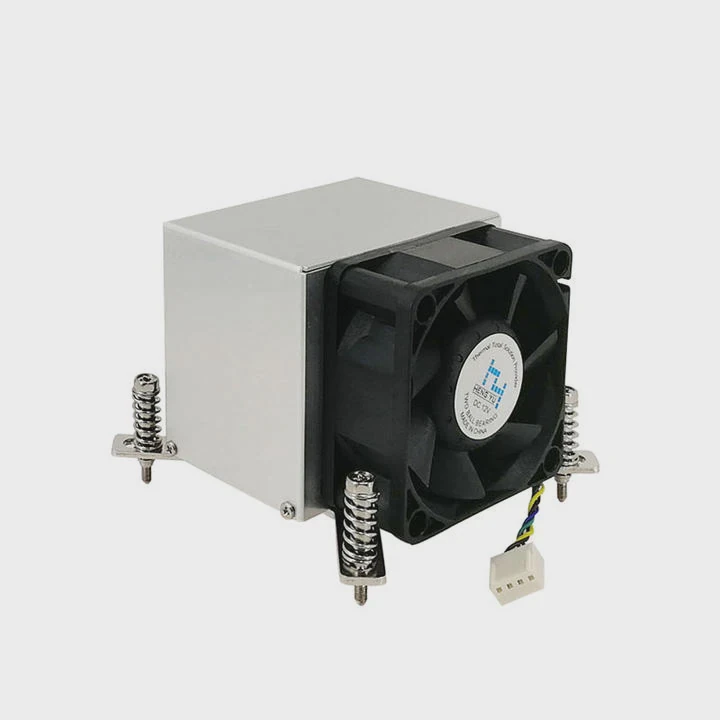
The Future of Cooling
1. Microchannel and Vapor Chamber Technology
Modern water blocks now use microchannels that improve surface contact between coolant and metal, speeding up heat transfer. Some high-end GPUs and CPUs integrate vapor chambers, spreading heat evenly before the coolant absorbs it.
2. Smart Control Systems
Manufacturers now use AI-based temperature control. These systems adjust pump and fan speeds dynamically to maintain performance while reducing power consumption.
3. Phase-Change Cooling
Phase-change systems use materials that change from liquid to gas to absorb large amounts of heat. This is similar to technology used in aerospace or industrial thermal systems.
4. Hybrid Air-Liquid Systems
Some compact PCs now use combined air-liquid cooling, which integrates a liquid loop with targeted airflow design. It offers the performance of liquid cooling with easier maintenance.
5. Sustainable and Non-Conductive Coolants
Eco-friendly coolants with non-conductive properties prevent short circuits and make systems safer. These new fluids are also biodegradable and last longer than traditional options.
What This Means for Users
These innovations bring performance and safety closer together. Users can now build smaller, quieter, and more powerful systems without worrying about overheating. As hardware grows stronger, the cooling design must keep pace.
Conclusion
Liquid cooling keeps modern PCs powerful and efficient. It removes heat quickly, runs quietly, and supports long-term stability. As innovations continue, liquid cooling will shape the next generation of high-performance computers.
TAGS
Latest Articles

Volume discount levels for heat sink orders?
Buyers often ask when heat sink prices start to drop with volume. Many worry they’re overpaying for small orders. This guide explains how B2B volume pricing works for thermal components. Heat sink
21 Dec,2025
Heat sink long-term supply contract options?
Many buyers want stable pricing and reliable delivery for heat sinks. But without a clear contract, risks grow over time. This article explores how to secure better long-term supply deals. Long-term
21 Dec,2025
Tooling cost for new heat sink profiles?
Many engineers struggle to understand why tooling for custom heat sinks costs so much. They worry about budgeting and production timelines. This article breaks down the cost drivers behind tooling.
21 Dec,2025
Heat sink custom sample process steps?
Sometimes, starting a custom heat sink project feels overwhelming—too many steps, too many unknowns, and too many risks. You want a sample, but not endless delays. The process for requesting and
20 Dec,2025
Standard B2B terms for heat sink payments?
When buyers and sellers in B2B heat sink markets talk about payment, many don’t fully understand what’s standard. This can lead to delayed orders, miscommunication, and even lost business
20 Dec,2025
Heat sink pricing factors for large orders?
Heat sinks are vital for many systems. When prices rise, projects stall and budgets break. This problem can hit teams hard without warning. Large order heat sink pricing depends on many factors. You
20 Dec,2025Related Articles
- How Do Liquid Cooling Systems Work?
- Is liquid cooling hard to maintain?
- What liquid is in liquid cooling?
- Which CPU liquid cooler is best?
- Why is liquid cooling better?
- How to cool liquid quickly?
- How to convert air-cooled engine to liquid-cooled engine?
- What liquid is used in immersion cooling?
- How to use a liquid CPU cooler?
- How to Liquid Cool a Graphics Card?
- What does liquid cooling look like?
- Is liquid cooling worth it Reddit?
Author
Dr. Emily Chen
Chief AI Researcher
Leading expert in thermal dynamics and AI optimization with over 15 years of experience in data center efficiency research.
Categories
Latest Products






Recommend Categories
- Liquid cooling plate Manufacturer
- Industrial Heat Sink Manufacturer
- Standard Heat Sink Manufacturer
- Aluminum Heat Sink Manufacturer
- Copper Heat Sink Manufacturer
- Anodized Heatsink Manufacturer
- Stamping heat sink Manufacturer
- Die Casting Heatsink Manufacturer
- Soldering heat sink Manufacturer
- CNC Parts Manufacturer
Latest Products
- Wholesale Aluminum Radiator
- Water Cooling Plate Kit
- Water Cooling Heat Sink
- Water Cooling Heat Sink Kit
- Stainless Steel Water Distributor
- Server Water Cooling Plate Kit
- Server Liquid Cooling System
- Server Aluminum Cooling Kit
- S19 Full Cover Cooling Plate
- S19 Cooling Plate Kit
- S19 Aluminum Cooling Plate
Contact Expert
Have questions about this article? Reach out to our experts directly.