Is liquid or fan cooling better?
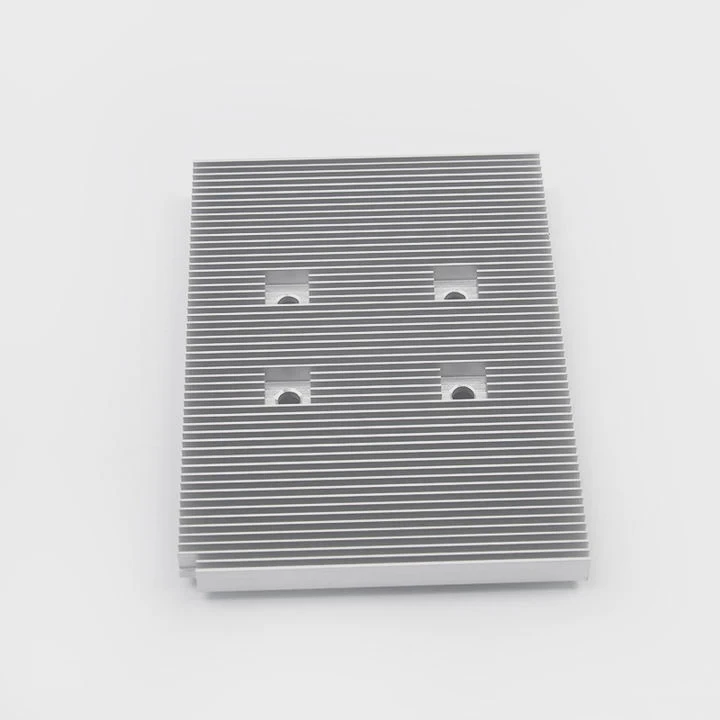
When your computer gets hot, performance drops and components can fail. The real question is—should you cool it with liquid or with fans?
Liquid cooling provides higher heat transfer efficiency, while fan cooling offers simplicity and reliability. The best choice depends on performance needs, budget, and maintenance comfort.
Both systems aim to keep temperatures stable, but they work differently and suit different users. Let’s explore how each works, their pros and cons, and what’s shaping the future of cooling in 2025.
What defines liquid and fan cooling?
When we talk about cooling systems, we usually refer to how heat moves away from critical parts like the CPU and GPU. Both fan and liquid systems do this, but with different methods and materials.
Liquid cooling uses a closed loop filled with coolant to move heat away from components more efficiently than air. Fan (air) cooling relies on metal heat sinks and air circulation to dissipate heat.
How liquid cooling works
Liquid cooling includes a pump, radiator, coolant, and tubing. The coolant absorbs heat from a water block attached to the CPU or GPU. It then moves through tubes to a radiator, where fans push air through fins to release heat. The cooled liquid cycles back, creating a continuous loop.
This system can maintain a steady temperature, even under heavy load, and it’s popular for overclocked or high-end builds.
How fan cooling works
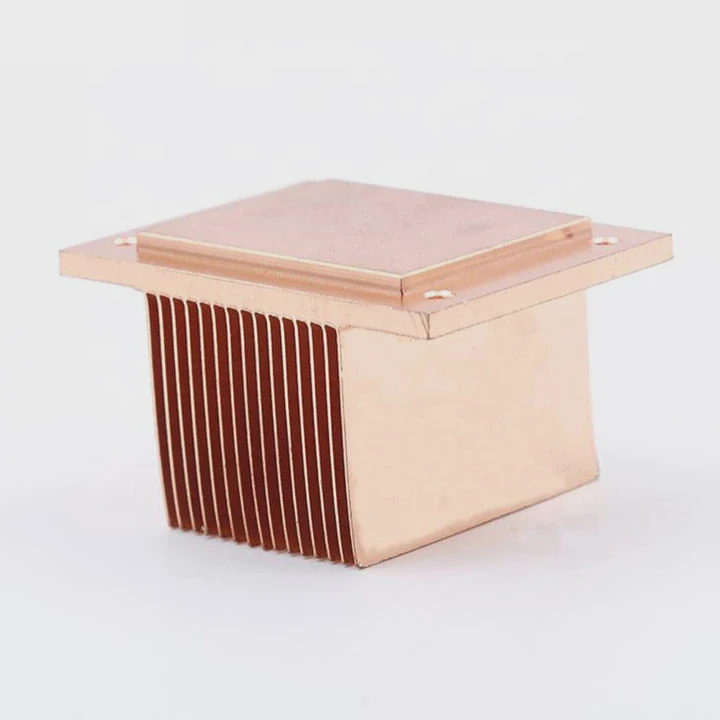
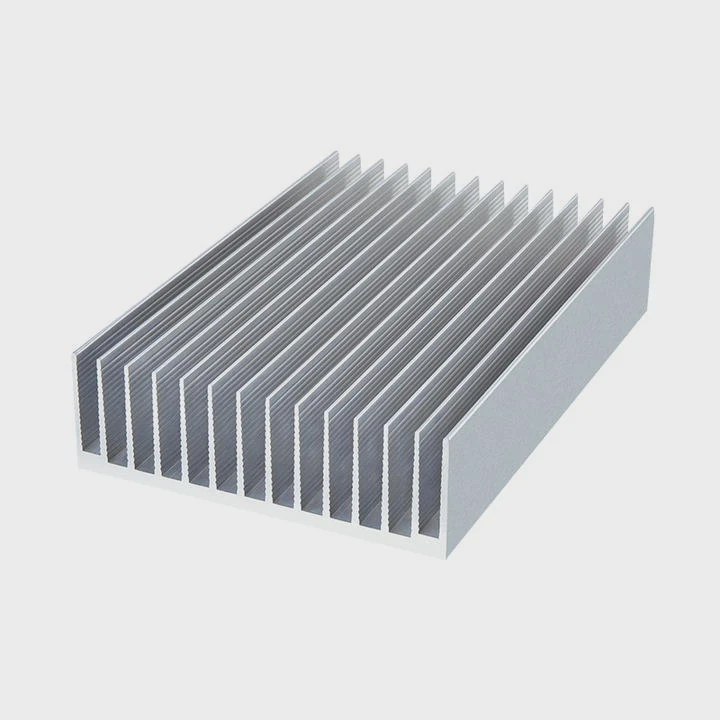
Fan cooling, or air cooling, uses a heat sink and one or more fans. The heat sink, usually made from aluminum or copper, sits directly on the CPU or GPU. It draws heat from the component, and fans move cool air across the fins, carrying heat away from the system.
It’s simple, cost-effective, and easier to install or replace.
Comparison Table
| Feature | Liquid Cooling | Fan Cooling |
|---|---|---|
| Cooling Efficiency | Very high | Moderate |
| Noise Level | Quieter under load | Louder under load |
| Maintenance | Needs occasional checks | Low maintenance |
| Installation Difficulty | More complex | Easier |
| Aesthetic Appeal | Sleek, modern | Functional, simple |
| Price Range | Higher cost | Lower cost |
Both systems have evolved rapidly. Modern air coolers are much more efficient than before, while liquid coolers have become more user-friendly with all-in-one (AIO) kits. The decision often comes down to how much performance you need and how much time you want to spend maintaining your setup.
What are their strengths and weaknesses?
Choosing between liquid and fan cooling means balancing performance, budget, and reliability. Both have clear benefits—and limits.
Liquid cooling delivers the best heat performance but needs more care, while fan cooling is easier to manage but less powerful for heavy workloads.
Strengths of liquid cooling
Liquid cooling shines when dealing with high-performance CPUs and GPUs. Since water has a higher heat capacity than air, it can move heat faster and more efficiently.
This leads to lower temperatures and quieter operation, especially under gaming or rendering loads. It’s also ideal for small cases, as tubes can be arranged to save space.
Aesthetically, liquid systems look impressive, often with RGB lighting and visible tubing, giving a professional or futuristic style.
Weaknesses of liquid cooling
However, liquid systems can leak if not sealed or maintained properly. Although modern AIO coolers reduce this risk, it still exists.
They also require more setup time, and replacing or refilling coolant may be needed after a few years. The pump can also fail, leading to overheating.
Finally, they are more expensive, both in parts and in long-term maintenance.
Strengths of fan cooling
Fan cooling is reliable and straightforward. You can install it quickly, and most systems run for years with little or no maintenance.
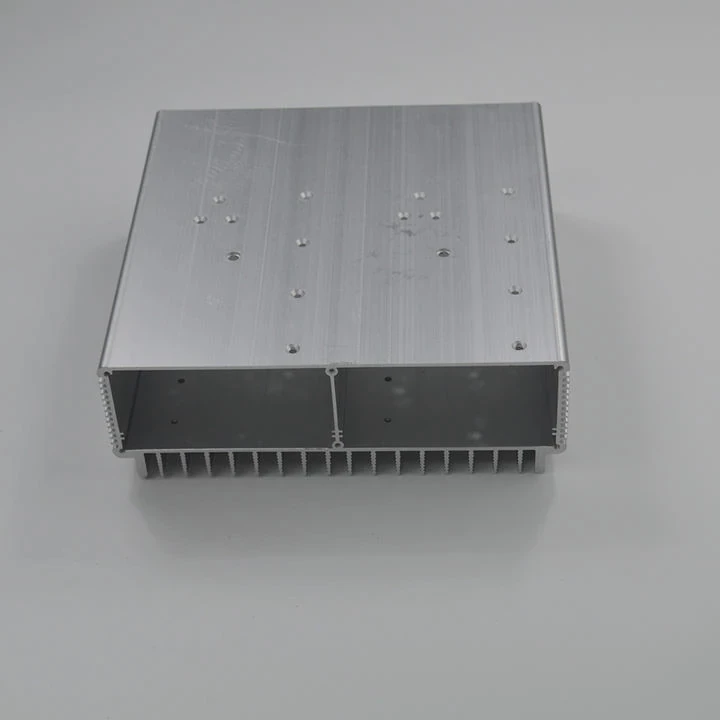
Fans are cheaper, and modern air coolers with heat pipes and large aluminum fins deliver impressive results even on powerful CPUs.
They also have fewer moving parts that can fail and don’t risk leaks.
Weaknesses of fan cooling
However, air coolers can get loud, especially under heavy workloads. Larger heat sinks may not fit smaller cases, and dust buildup can reduce airflow efficiency.
Air also has lower heat capacity than liquid, so it reaches thermal limits faster when the CPU or GPU generates more heat than the fans can move away.
Strengths vs Weaknesses Overview
| Category | Liquid Cooling Strength | Liquid Cooling Weakness | Fan Cooling Strength | Fan Cooling Weakness |
|---|---|---|---|---|
| Temperature | Excellent | Risk of leak | Good | Limited for high load |
| Noise | Quiet | Pump noise possible | Low-cost fans noisy | High fan noise |
| Durability | Moderate | Component wear | High reliability | Dust accumulation |
| Price | Premium | Expensive | Affordable | May limit upgrades |
For me, when I built my workstation, I chose a 240mm AIO liquid cooler because I often render 3D models. The temperature stayed under 70°C even after hours of load. But for my small office PC, I went with a simple dual-fan air cooler, and it works perfectly for light tasks. The key is choosing the right tool for the job.
How to pick the right one for your build?
Choosing the right cooling system depends on your use case, budget, and comfort with installation.
If you aim for top performance and quiet operation, go for liquid cooling. If you prefer simplicity and low cost, fan cooling is the smarter option.
Step 1: Identify your performance needs
Ask yourself: What do you use your PC for?
- If it’s for gaming, video editing, or 3D design, liquid cooling keeps your CPU stable under high loads.
- If it’s for browsing or office work, air cooling is enough.
Step 2: Check your case space
Some cases can’t fit large radiators or big heat sinks.
Measure the clearance for your CPU cooler height and the space available for radiator fans.
Mid-tower cases often support 120mm or 240mm radiators, while smaller ITX cases may only handle compact air coolers.
Step 3: Budget and maintenance
Air coolers are generally cheaper. You can find great models for \(30–\)80, while AIO liquid coolers range from \(80–\)200.
Also, consider maintenance. If you don’t want to check or replace coolant, go with air cooling.
If you enjoy customizing and optimizing your PC, liquid systems are more satisfying.
Step 4: Noise and aesthetics
If silence matters, liquid cooling is often quieter, though not always.
If you want your PC to look simple and clean, air coolers with hidden cables are great.
For show builds with RGB lighting or transparent panels, liquid cooling creates a modern and premium feel.
Step 5: Environmental conditions
If you live in a hot and humid region, liquid cooling may perform better since air systems depend heavily on ambient temperature.
In cooler climates, fan cooling performs just fine.
My recommendation
For beginners, high-quality air coolers like Noctua NH-D15 are excellent.
For advanced users or overclockers, AIO liquid coolers from Corsair or NZXT provide better thermal headroom and quieter operation.
When I built a high-end gaming PC for a client last year, he insisted on liquid cooling for style. But after two years, one pump failed. For his next system, we switched to a high-performance air cooler—simpler, quieter, and easier to maintain. Sometimes, practicality beats performance.
What are the PC cooling trends in 2025?
Cooling technology keeps advancing, especially as CPUs and GPUs become more powerful and compact. The year 2025 brings a mix of innovation, AI integration, and sustainable materials.
The top trends in 2025 include AI-controlled cooling, hybrid cooling systems, eco-friendly materials, and improved thermal interface technology.
1. AI-driven cooling control
Many modern motherboards and coolers now use AI algorithms to adjust fan speeds and pump rates in real time.
These smart systems analyze CPU load, ambient temperature, and even humidity to find the most efficient cooling curve.
This means less noise and more energy savings without manual tuning.
2. Hybrid cooling designs
Manufacturers are combining liquid and air cooling elements. For example, some systems have a small liquid loop for the CPU but rely on large air fans for case ventilation.
This balance provides the efficiency of liquid with the reliability of air, reducing cost and complexity.
3. Sustainable cooling materials
In 2025, there’s growing interest in biodegradable coolants and recyclable aluminum radiators.
Companies are shifting toward low-carbon production for heat sinks and cases.
This trend aligns with global sustainability goals and reduces the environmental footprint of PC manufacturing.
4. Phase-change and vapor chamber systems
High-end gaming laptops and compact PCs are now adopting vapor chamber plates, similar to those used in smartphones.
These systems spread heat evenly across a thin metal plate, improving performance in small spaces.
It’s likely that future desktop coolers will also include phase-change modules, offering new efficiency levels.
5. Integrated system monitoring
Coolers now come with built-in sensors and RGB displays showing live temperature and coolant flow.
Some even sync with software dashboards, giving full control over every fan curve and light effect.
6. Quiet design evolution
Noise reduction has become a key goal. In 2025, fan blades use new aerodynamic shapes and magnetic bearings for silent performance.
Liquid coolers also adopt pump isolation systems that reduce vibration.
The impact of these trends
These innovations make PCs more intelligent, efficient, and eco-friendly.
As a builder, I’ve seen AI-based cooling drastically reduce fan noise while keeping systems cooler than manual setups.
We are entering an era where your PC cooling will learn and adapt automatically, making maintenance easier and performance more stable.
Conclusion
Liquid and fan cooling both have clear roles. Liquid cooling is best for top performance and quiet systems, while fan cooling is ideal for budget and simplicity.
In 2025, with AI and hybrid solutions on the rise, the future of PC cooling will be smarter, cleaner, and more efficient than ever.
TAGS
Latest Articles

Volume discount levels for heat sink orders?
Buyers often ask when heat sink prices start to drop with volume. Many worry they’re overpaying for small orders. This guide explains how B2B volume pricing works for thermal components. Heat sink
21 Dec,2025
Heat sink long-term supply contract options?
Many buyers want stable pricing and reliable delivery for heat sinks. But without a clear contract, risks grow over time. This article explores how to secure better long-term supply deals. Long-term
21 Dec,2025
Tooling cost for new heat sink profiles?
Many engineers struggle to understand why tooling for custom heat sinks costs so much. They worry about budgeting and production timelines. This article breaks down the cost drivers behind tooling.
21 Dec,2025
Heat sink custom sample process steps?
Sometimes, starting a custom heat sink project feels overwhelming—too many steps, too many unknowns, and too many risks. You want a sample, but not endless delays. The process for requesting and
20 Dec,2025
Standard B2B terms for heat sink payments?
When buyers and sellers in B2B heat sink markets talk about payment, many don’t fully understand what’s standard. This can lead to delayed orders, miscommunication, and even lost business
20 Dec,2025
Heat sink pricing factors for large orders?
Heat sinks are vital for many systems. When prices rise, projects stall and budgets break. This problem can hit teams hard without warning. Large order heat sink pricing depends on many factors. You
20 Dec,2025Related Articles
- What liquid is used in water cooling?
- How to do liquid cooling?
- Is liquid cooling quiet?
- Does Ryzen 7 7700X Need Liquid Cooling?
- Is liquid cooling hard to install?
- Does Ryzen 9 5950X need liquid cooling?
- Is liquid cooling safe?
- How to check if my liquid cooling is working?
- How to replace liquid cooling?
- Which is better, oil-cooled or liquid-cooled engine?
- Is liquid cooling quieter than fans?
- Is a Liquid CPU Cooler Worth It?
Author
Dr. Emily Chen
Chief AI Researcher
Leading expert in thermal dynamics and AI optimization with over 15 years of experience in data center efficiency research.
Categories
Latest Products






Recommend Categories
- Liquid cooling plate Manufacturer
- Industrial Heat Sink Manufacturer
- Standard Heat Sink Manufacturer
- Aluminum Heat Sink Manufacturer
- Copper Heat Sink Manufacturer
- Anodized Heatsink Manufacturer
- Stamping heat sink Manufacturer
- Die Casting Heatsink Manufacturer
- Soldering heat sink Manufacturer
- CNC Parts Manufacturer
Latest Products
- Wholesale Aluminum Radiator
- Water Cooling Plate Kit
- Water Cooling Heat Sink
- Water Cooling Heat Sink Kit
- Stainless Steel Water Distributor
- Server Water Cooling Plate Kit
- Server Liquid Cooling System
- Server Aluminum Cooling Kit
- S19 Full Cover Cooling Plate
- S19 Cooling Plate Kit
- S19 Aluminum Cooling Plate
Contact Expert
Have questions about this article? Reach out to our experts directly.